Top 10 Ways People Are Using AI Project Management Apps for Personal Use (2026)
AI project management apps aren’t just “to-do lists with a chatbot” anymore. For personal use, they’re becoming a planning + execution + review loop.

Information about task and project management tools, productivity, and how to actually get more done — without burning out.
AI project management apps aren’t just “to-do lists with a chatbot” anymore. For personal use, they’re becoming a planning + execution + review loop.
People don’t just use task managers as to-do lists anymore. In 2026, the best users run daily planning, weekly reviews, personal ops, and even AI-assisted summaries inside one system. Here are the top 10 real-world ways people use a task manager — with examples and how SelfManager.ai fits.
Most people use a task manager like a digital sticky note. Productive people use it like a system. Here are the 10 highest-leverage ways to use one.
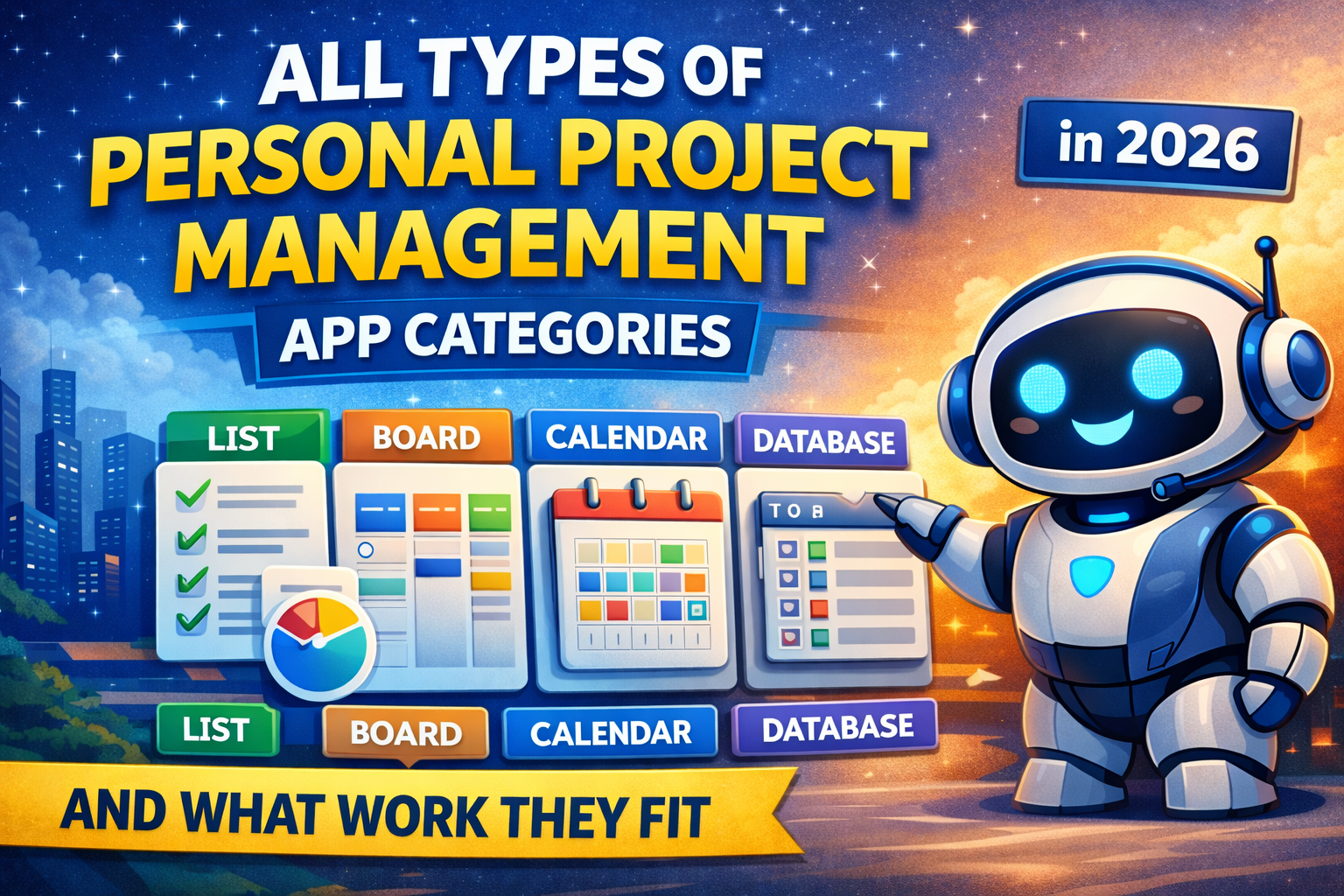
Personal project management apps are not one category. Some are list-first, some are calendar-first, some are docs-first, and some are database-first. Here are the main categories in 2026, what each one fits best, and how to choose.
Productive people do not use project management apps as fancy to-do lists. They use them as systems for clarity, daily execution, and weekly review. Here is how they set them up and why it works.
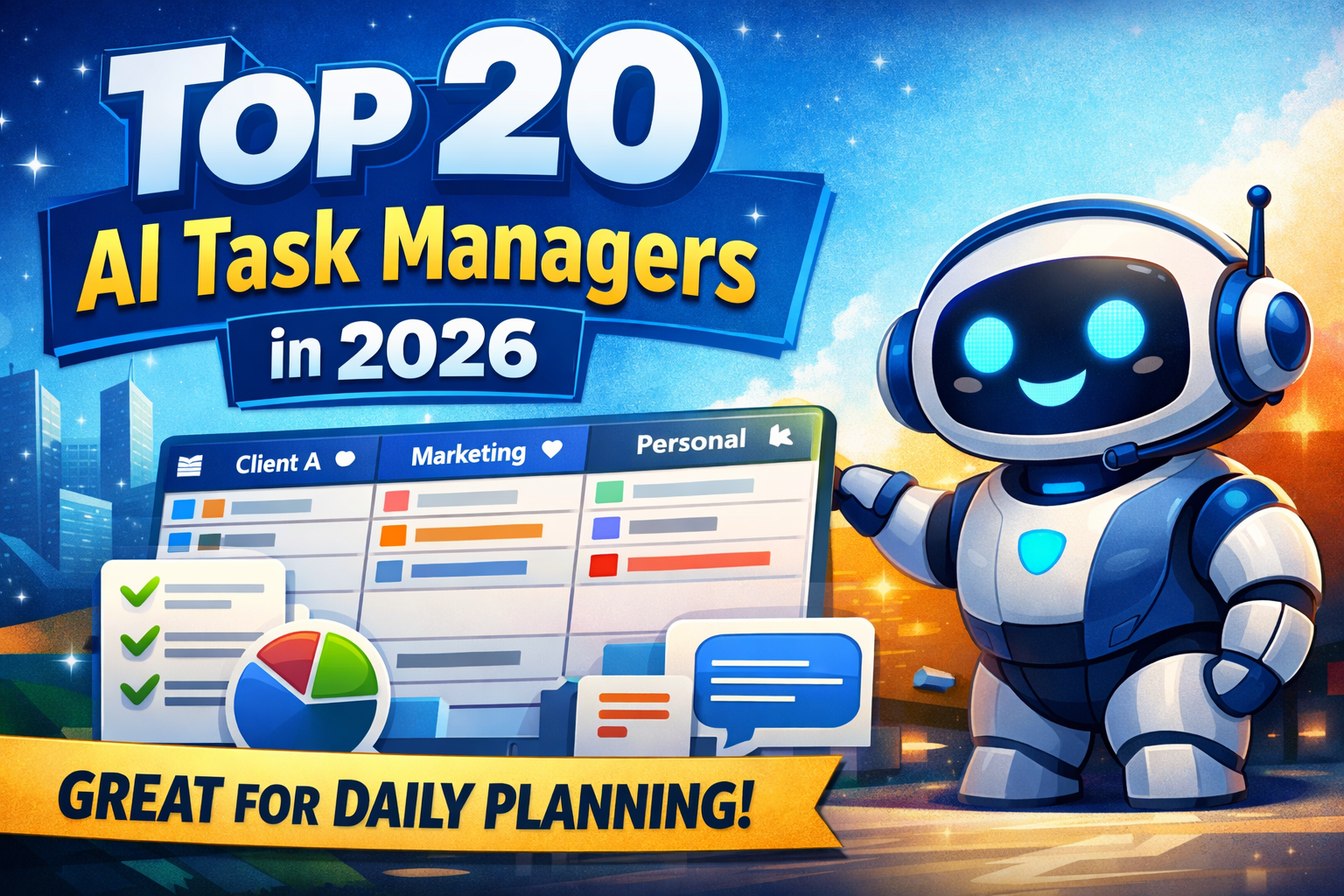
Here are 20 AI-powered task and project managers worth knowing in 2026 — with the unique strengths that actually matter: daily planning, summaries, automation, scheduling, and AI agents.
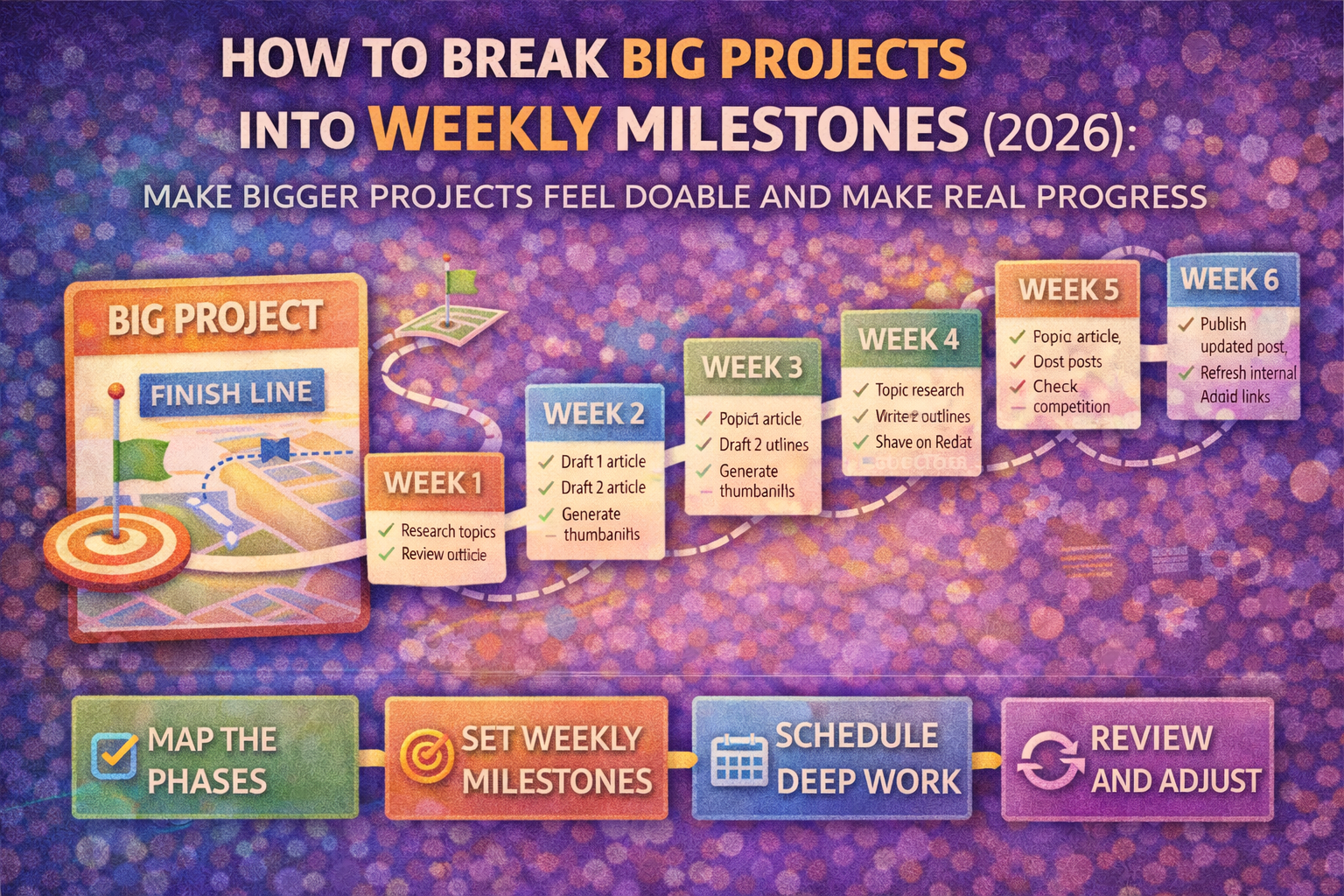
Big projects fail when they stay too big. Learn the simple method to define a finish line, map phases, set weekly milestones, schedule deep work blocks, and review weekly so progress compounds.
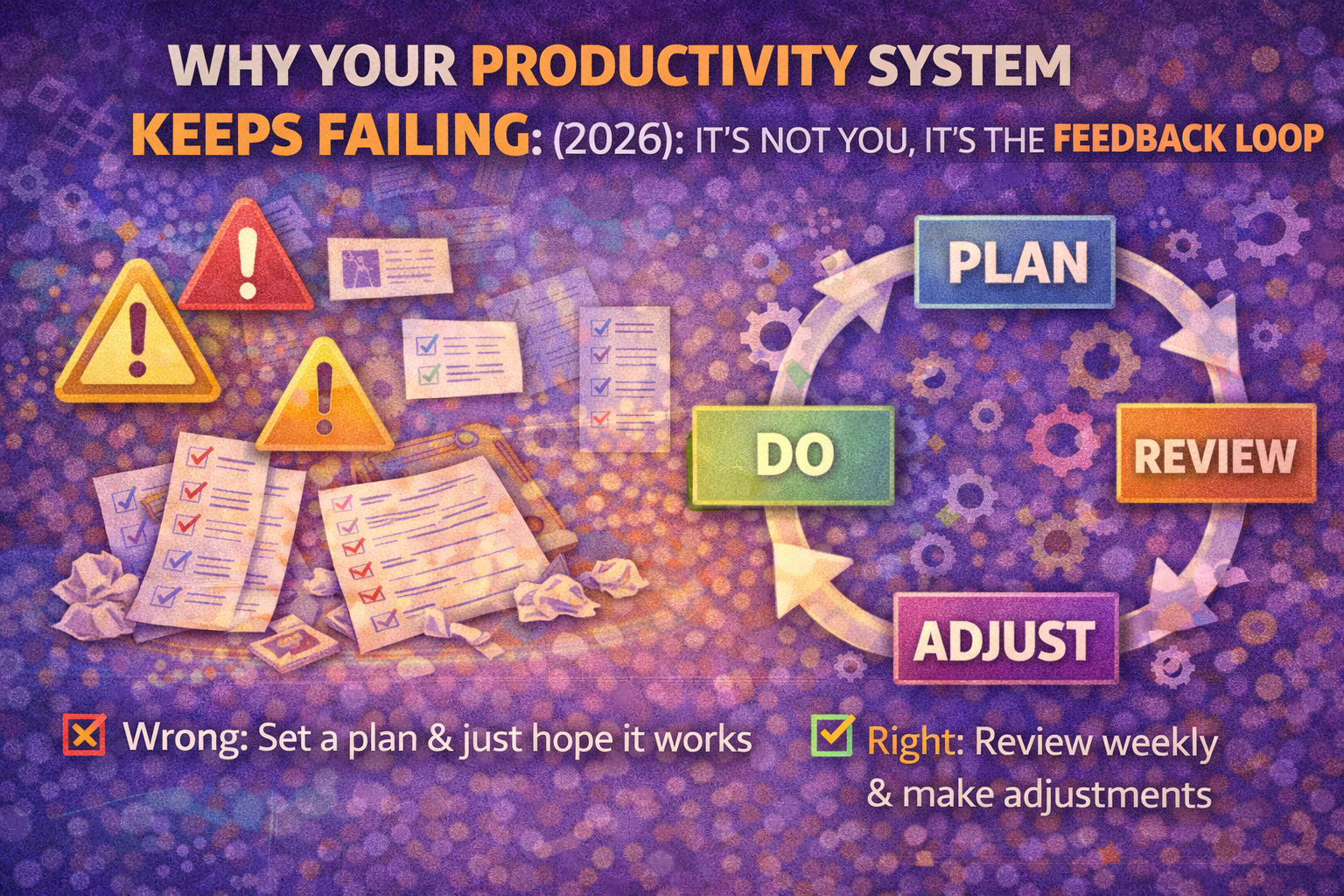
Most productivity systems fail because they don’t adapt. Learn the simple feedback loop - Plan → Do → Review → Adjust - and a 15-minute weekly review that makes productivity compound.
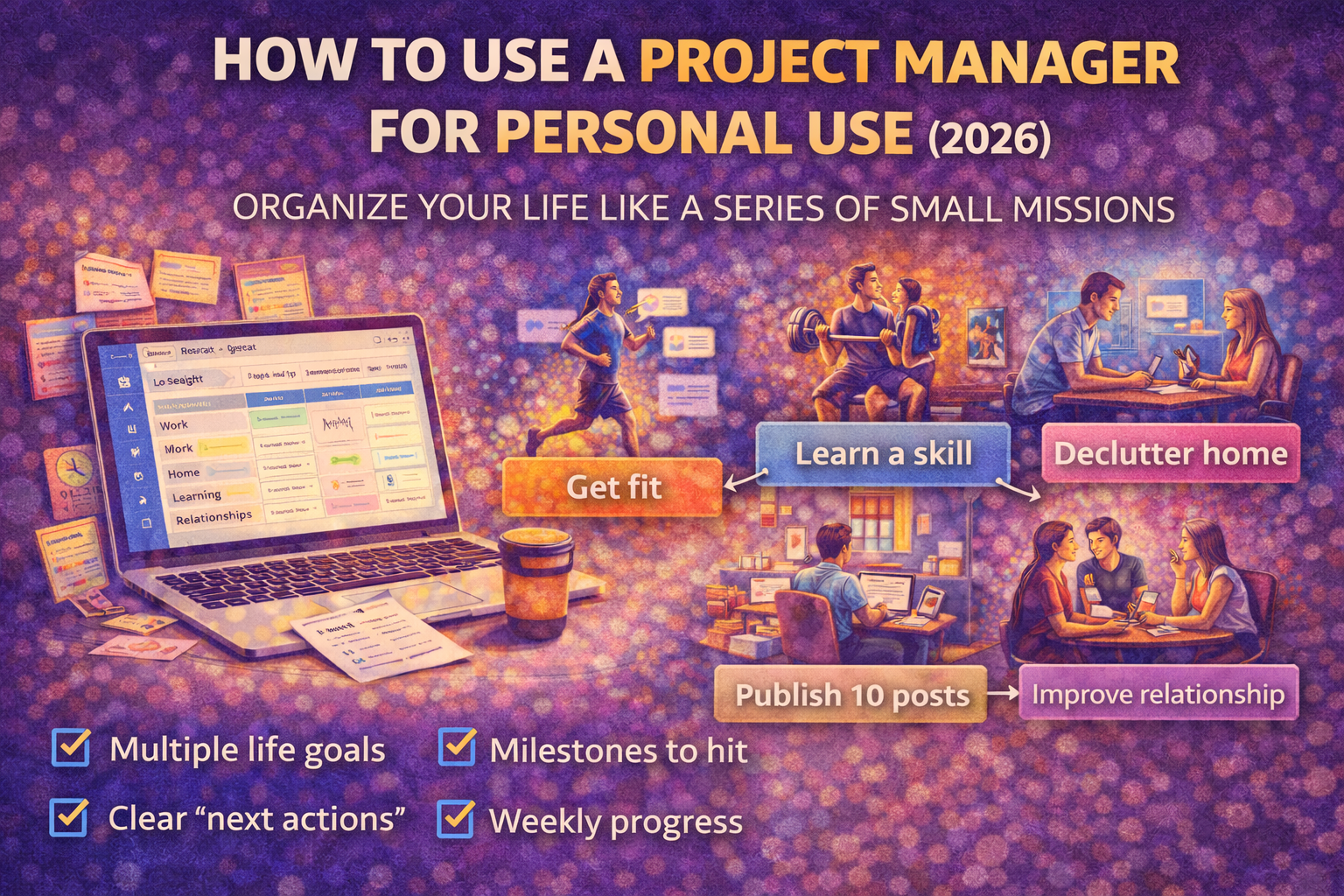
Learn how to use a project manager for personal use in 2026. A simple Areas, Projects, milestones, and weekly execution system to move your life forward with less chaos.
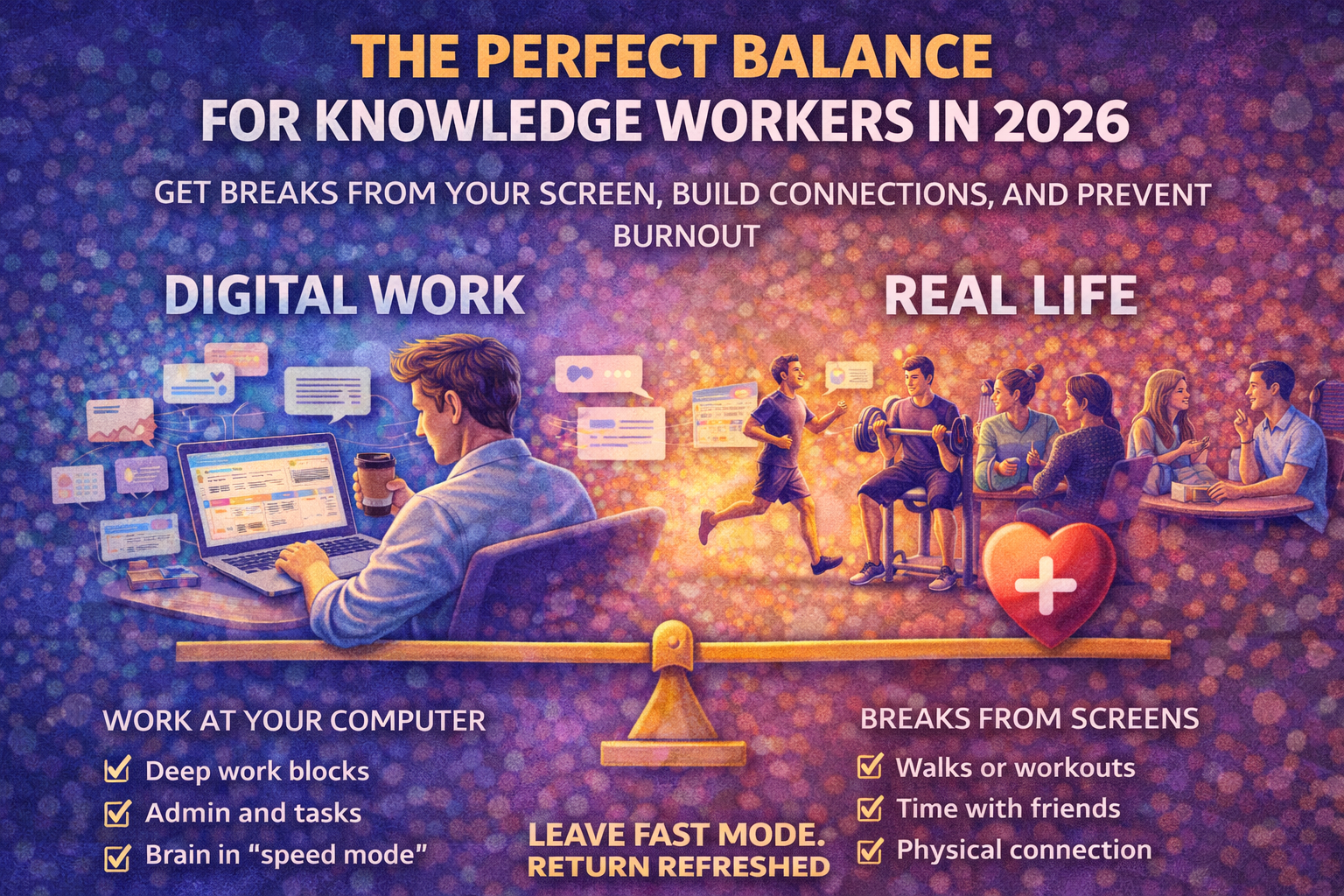
If you work on a computer all day, stepping away from devices is essential. Learn how walks, gym, social connection, and device-free time improve focus, reduce burnout, and increase productivity.