
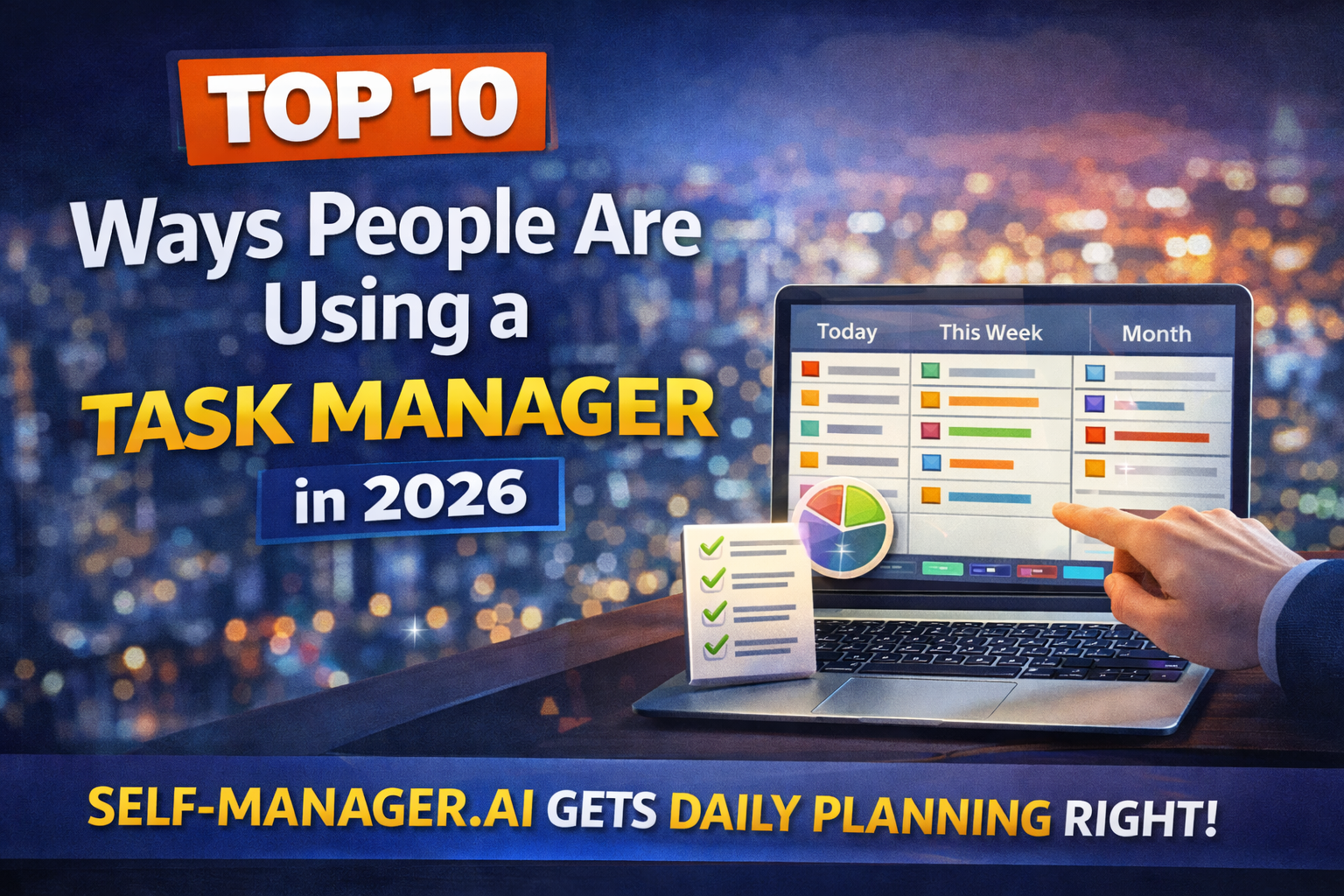
Top 10 Ways People Are Using a Task Manager in 2026 (And Why It Works)
Most task managers fail for one simple reason: people treat them like storage.
Productive people treat a task manager like a control center — for deciding what matters, executing daily, and reviewing weekly.
Here are the 10 most common (and highest-leverage) ways people are actually using task managers in 2026.
1) Daily planning (today is the main screen)
What people do: They plan the day on purpose instead of reacting all day.
How it looks:
- pick 1 main outcome
- add 2–3 supporting tasks
- ignore everything else until tomorrow
Why SelfManager.ai stands out: It’s built for date-centric daily planning — your work lives on the day, not in an endless backlog.
2) Weekly review and “reset”
What people do: They run a weekly check-in to prevent chaos from accumulating.
Typical weekly review:
- what shipped?
- what slipped?
- what’s next week’s top 3?
- what gets deleted or deferred?
Why it works: weekly review is how a system stays alive.
3) Turning notes into actions (capture → tasks)
What people do: They dump messy notes, then convert them into clear next steps.
Examples:
- meeting notes → tasks + owners + deadlines
- email threads → action items
- voice notes → follow-ups
2026 twist: AI makes the “turn text into tasks” step fast.
4) Managing “life admin” so it stops stealing attention
What people do: They centralize annoying but important stuff:
- taxes / invoices
- renewals
- appointments
- home maintenance
- paperwork
Why it works: life admin becomes a controlled list, not background stress.
5) Running personal projects like real projects
What people do: They stop “hoping” and start running projects with steps.
Examples:
- “Launch portfolio” → tasks, milestones, deadlines
- “Get in shape” → plan, weekly schedule, tracking
- “Build side product” → roadmap + daily execution
6) Content production pipelines (ideas → publish)
What people do: Creators and founders run their content like a factory:
- ideas
- drafts
- edits
- publish
- repurpose
Why it works: consistency is easier when the pipeline is visible.
7) Timeboxing and realism (tasks that fit the day)
What people do: They plan based on capacity, not ambition.
Simple method:
- 1 big task + 2 mediums + a few smalls
- everything else goes to later
Why SelfManager.ai helps: the date-first structure makes “what fits today?” the default question.
8) Habit + routine support (maintenance mode)
What people do: They track the boring repeatables that create results:
- workouts
- writing
- language study
- outreach
- weekly cleanup
Why it works: routines reduce decision fatigue.
9) Keeping context attached (no more searching)
What people do: They attach the work to the task:
- links
- docs
- files/images
- decisions
- checklists
Why it works: when you open a task, you can act immediately.
10) AI-powered summaries and “next step” suggestions
What people do: They use AI to reduce the friction of reflection:
- summarize the week/month
- pull out wins, misses, blockers
- generate a prioritized next-week plan
Why it works: most people skip reviews because summarizing is annoying — AI makes it easy.
Where SelfManager.ai fits: It’s naturally built around day/week/month/quarter periods, which makes review summaries feel “native,” not bolted on.
Quick takeaway
People in 2026 aren’t using task managers as lists. They’re using them as a loop:
Plan (daily) → Execute → Review (weekly) → Improve
Date-based AI Task Manager
Plan smarter, execute faster, achieve more
Create tasks in seconds, generate AI-powered plans, and review progress with intelligent summaries. Perfect for individuals and teams who want to stay organized without complexity.
Get started with your preferred account