Modern
Built on a current technology stack, with a UI that stays out of the user's way. Not a clone of what came before.

SelfManager.ai is a date-centric task manager developed by software engineer Marian Sorca. He came at it as a freelancer who had already figured out how to ship high quality results consistently for clients. The app was built from two angles at once: codifying the methodology that had carried his highly successful freelance client work into a system he could rely on - and share - and learning Angular, Google's then-new framework. Both shaped what SelfManager became.
The web app launched at the end of 2022. The development started in the middle of 2016.
SelfManager was launched after six years of quiet development, almost entirely in the engineer's free time. Long before a single user signed up, the app was already running locally on its creator's own device - tested, broken, rebuilt, and tested again against the realities of a working life.
The engineer has been a daily user from the very beginning. Every feature on the public product has first survived months - sometimes years - of personal use. That single constraint, more than any roadmap, has shaped what shipped and what didn't.
Updates are made frequently and the app is improved continuously. Many more capabilities are planned.
Four guardrails were set at the start of the project. Every product decision since has had to clear them.
Built on a current technology stack, with a UI that stays out of the user's way. Not a clone of what came before.
Sub-100ms in-app actions, instant table loads, real-time sync across devices. Speed is a feature, not a side effect.
If a feature does not solve a real problem the maker has personally felt, it does not ship. No filler.
Leverage the latest and best technology available to deliver enterprise-grade technology like the top Software companies are doing.
A year-by-year record of what was built, what was learned, and what the product became. The most recent year is expanded by default.
Tables that repeat, without you rebuilding them.
Some tables come back. A morning routine, a Friday review, invoices on the first of the month. Until now you either rebuilt them by hand or duplicated last week's and edited out the parts that had moved on. Any table can now repeat: open Add Table or edit a table you already have, and set Repeat - every day, weekdays, weekends, days you choose, every few days, or a date each month. Before you save it, a strip of the next fortnight shows the days it will actually land on, so a repeat is something you can check rather than something you hope you set up correctly.
The table you set it on stays an ordinary table.
Setting a repeat creates a blueprint - a copy of that table with no date of its own. Every day the schedule lands on gets its own copy of the blueprint, made the first time you open that day. The table you started from keeps its own day and its own contents, exactly as it was. There is no special "master" table sitting on some date, because a master table on a date raises questions nobody should have to answer: what happens when you delete it, does its own day count, is editing it different from editing any other copy.
Nothing is ever added to a day that has already passed.
A repeat only ever fills in today and the days ahead. Switching one on this morning does not go back and rewrite what you did in March - which is what lets an AI Review of last month give the same answer however many times you ask for it.
Editing a copy changes that day. Editing the blueprint changes what comes next.
A copy is just a table: tick things off, add a task, rename one, and only that day changes. When you want to change what every future copy starts with, you edit the blueprint - and because a blueprint is a real table, it opens in the ordinary table editor, with the same rows, priorities, drag-to-reorder and notes as anywhere else. Copies already made keep what they have; if some of them are still untouched, the editor offers to bring those in line and tells you how many it left alone because you had already worked in them.
Tasks and notes carry forward. Images and comments stay where they are.
Notes are instructions - "check the staging build first" - and that is exactly the kind of thing worth repeating. An image is evidence from a particular day, and a comment is part of a conversation that happened on one; copying either forward would put things on tomorrow that never happened there. So the blueprint carries the name, the tasks and the notes, and says so plainly when you open it.
Everything in one place, with a way to stop it.
All › Repeats lists every repeat you have, what it does in plain words, and the next day it lands on. Pause one, delete one, or edit its schedule from there. Deleting a repeat keeps every table it already made, including anything you have added to them. And there is a single switch for the whole account: turn it off and your repeats are kept, but nothing new is created until you turn it back on.
Deleting one day's copy sticks, too - it does not reappear the next time you open that date.
Pick the table you land on.
Opening the app has always put you on today. That is the right answer for a daily to-do list and the wrong one if the table you actually live in is a set of goals for the year, a project plan, or a habit tracker you started in January - every visit began with a day you did not want, and you navigated back to the same table by hand. Any table can now be your homepage. Open a table's settings, tick Set as homepage, and from then on the app opens straight to it. The checkbox is on the new-table screen too, for the ones you know are keepers the moment you create them.
It is your setting, not the table's.
On a table shared with other people, each person chooses their own homepage - yours does not become theirs. It also asks nothing of your access: a viewer on someone else's table can set it as their homepage without any say over the table itself.
The logo means the same thing everywhere, and today keeps its own button.
The logo goes where the front door goes, so with a homepage table set it opens that table rather than today. Today does not lose out: a Today button appears in the date switcher - in the sidebar on desktop, on the greeting card on your phone - and it only shows up when you have a homepage table set and are not already on today. Nothing changes for anyone who never sets one.
You are told why you are there.
Every time the app opens your homepage table it says so, and names the table. An app that quietly opens on a date in January looks broken; one that tells you it opened your homepage table, and where the way back to today is, does not.
It keeps up with the table, too. Transfer that table to another day and your homepage follows it there. Delete it and the setting clears itself rather than leaving you pointed at something that no longer exists.
Four roles, so sharing a table is no longer all-or-nothing.
Until now, sharing a table handed over everything. Whoever you invited could edit every row, change the table's settings, clear its activity log and invite other people - the same reach you have as the owner. That is fine for a co-founder and far too much for a client you want to keep in the loop. There are now four roles: Owner, Admin, Member and Viewer, and you pick one when you send the invitation.
What each one can do.
You can change someone's role without starting over.
Open the sharing panel and each person's role is a dropdown next to their name. Pick a new one, confirm, done - no removing and re-inviting to correct a choice you made weeks ago. Admins can adjust members and viewers; only the owner changes an admin. That last line is deliberate: if an admin could demote another admin, they could then remove them as a viewer, and "only the owner manages admins" would be a speed bump rather than a rule.
Invitations now say what they are actually offering.
The email and the invitation page both name the role and describe it in a sentence, before you accept rather than after. Previously you found out you were a Viewer the first time something refused you.
A note on AI credits, if you are on Team.
Your plan's AI credits are shared with the people you invite, which was previously decided purely by whether someone had access to any of your tables. It now follows the role: Admins and Members can spend from your pool, Viewers cannot. Read-only access should not be able to spend your money.
Your hero photo, cropped where you want it.
The top hero image used to be locked to dead centre, which is fine for a landscape and wrong for almost everything else - faces ended up cut off, the subject sat out of frame. There is now a crosshair in the hero controls: press it, drag the ring onto the part of the photo that actually matters, and the crop follows your finger. It saves to your account, so it survives a reload and applies wherever that hero appears.
It re-crops itself when the hero changes size.
The focal point is stored as a position in the photo rather than a fixed offset, so dragging the hero taller or shorter re-resolves the crop on its own - nothing to set twice. It is on the phone too, where the hero is much shorter and crops hardest, which is exactly where picking the right part matters most.
Parallax is now yours to switch off.
The hero background drifts a little as you scroll. That is now a switch in the same panel, on by default. If your focal point sits near the bottom of the photo the switch tells you it has no effect - there is nothing below the bottom edge left to reveal - and it says the same for a photo too wide to have any vertical room to move, instead of offering you a control that quietly does nothing.
While you are choosing, the rest gets out of the way.
The navigation pill and your self message fade out so you can judge the photo on its own, and the hero holds its exact height so you are never aiming at a box you do not get back. Cancel restores what you had before you opened it; Done keeps what you set.
One thing you may notice even if you never touch this: the hero background never actually rested where it claimed to. It sat about a third of the way further down the photo than "centre" implied, which nothing pointed out because nothing had promised otherwise. Heroes left on the default now rest genuinely centred.
Now the AI reads back to you.
Every AI response has a speaker icon next to the copy button - your AI Review, your AI Plan, table chat, pinned-tables chat, and saved conversations. Press it and the response is read out loud, so a long review can happen while you are walking, driving, or doing the washing up instead of sitting and reading it.
A real player, not a play button.
Playback speed up to 2x, jump 15 seconds back or forward, scrub anywhere on the bar, and download the audio. Every one of those also landed on your existing voice-note players, so comments, notes and the All Recordings page got them at the same time.
Keep the ones worth keeping.
Read-aloud audio is not stored by default - it is generated, played, and forgotten. When a take is worth keeping there is a save button in the player, and saving costs nothing extra because the audio already exists. Saved audio joins the All Recordings page with a "Read aloud" badge so it is never confused with your own voice, and it is included in "Download my recordings" with the text it was read from alongside it.
And it comes back with the response.
Once a take is saved it belongs to that AI response, not just to your recordings list. Reopen the AI Review, the plan or the saved conversation a week later and the player is already there, ready to play, for free - you never pay twice for audio you have already kept.
What it costs, before you spend it.
Read aloud is 1 AI credit per 2 minutes of audio, and the button tells you the price before you press it. Anything long enough to matter asks for confirmation first, and replaying audio you already generated is free. Voice-to-text is now 1 credit up to 5 minutes and 2 above it, rather than a flat charge regardless of length. Both are written out in a new pricing section on your Subscription page.
So SelfManager.ai can now listen to you and talk back. And unlike ChatGPT, ours works.
Didn't like that answer? Ask again.
Every AI response now has a regenerate button next to copy and read aloud - your AI Review, AI Plan, table summaries, every chat and follow-up, and saved conversations in AI History. It re-runs the same request and replaces the answer with a fresh one.
It asks first, and tells you what it costs.
Regenerating costs the same as the original, so the confirmation says how many credits before anything happens. If you had generated read-aloud audio for that response, it also warns you the audio will be discarded and reminds you that you can save it first - and it stays quiet when the audio is already saved, because then there is nothing to lose.
And when something fails, you can see it.
A failed AI Review used to show a toast that faded and left an empty panel. Now the failure stays on screen with a "Try again" button right there. Errors also no longer offer to be read aloud, which was a way to spend a credit hearing an apology.
One fix that came out of this: while the AI was still writing, the response card briefly showed its action buttons over an empty box. It now waits until there is something to act on.
Team plan: what did my team work on?
AI Review now has a scope switch for Team accounts: Mine, Shared + mine, or My team. "My team" narrows the review to the tables you own and shared with your members, so a weekly "what did the team do" is one click on any period - week, month, quarter or a custom range.
Written for the group, not for you.
A team review is written in the third person rather than addressing you about work you may not have done. It is organised by table and by theme - deliberately not a per-person breakdown, a ranking, or a count of tasks per head. This is a status digest your team could read together, not a performance review.
Tasks now remember who finished them.
Completing a task records who completed it, and adding one records who added it. On a shared table that is the difference between "this got done" and knowing who to ask about it. Comments already carried their author, so a team review can name who raised a blocker as well as what moved. Tasks completed before this update have no name attached and the AI is told never to guess one.
Your choice of scope is remembered, so if you review the team every Monday it stays selected. And "Period Summary" is now called AI Review everywhere - same feature, the name it should always have had.
Take any recording with you.
Every stored recording now has a download button next to its player - under the comment, under the note, and on the All Recordings page. One click saves that single audio file to your device, named by its date and the opening words of its transcript so you can still tell what it is months later.
Or take all of them at once.
"Download my recordings" now sits with the other exports at the bottom of your profile. It bundles your voice recordings as playable audio with a transcript index - every recording on tables you own, plus your own recordings on tables shared with you. It is its own bundle rather than being folded into the images ZIP, so audio and images stay separate.
Like every export, it is deleted after 3 days - generate a new one whenever you want.
Say it instead of typing it.
The fastest thought is the one you never have to type. There is now a microphone everywhere you would normally write: table comments, table notes, and every AI prompt box - AI Plan, AI Review, table chat, pinned-tables chat, task generation. Tap it, talk, and AI puts the text in the box on its own line, ready to edit.
Your voice, only if you want it kept.
After a comment or a note is transcribed, SelfManager asks whether to keep the audio. Keep it and you get a player right there under the comment. Delete it and only the transcript remains. In AI prompt boxes nothing is stored at all - a prompt is something you send, not something you keep.
All Recordings.
Every recording you chose to keep, newest first, each with its transcript and a link straight back to the table it came from. Recordings are converted after upload so they play in any browser, and you can delete any of them at any time without touching the text they produced.
Recordings run up to ten minutes, with the time remaining always on screen, and cost one AI credit per transcription. That makes twelve AI features in total.
Everything you have written, in one place.
Your comments, your notes and your Self Messages have always lived inside the day they were written. That is the right place for them while you are working, but it makes them almost impossible to look back on. Three new pages fix that.
All Comments.
Every comment you have written, newest first, across every table and every date. Comments render exactly as they do inside a table - YouTube videos play inline, links stay links, mentions stay mentions - so you are reading the real thing, not a stripped-down preview. Each one shows which table it came from, and opens that table in place so you never lose your spot in the timeline.
All Notes.
Every note you have written on a table, ordered by the table's own date so the timeline reads like your calendar rather than your edit history. Notes keep their formatting, long ones stay collapsed until you open them, and the table each note belongs to is one click away.
All Self Messages.
The messages you leave yourself, day by day, grouped by month and going back as far as you have been writing them. Jump to any day from the entry.
All three live under the new All menu in the top navigation, which now also holds Dates and Images - every "show me everything across all my tables" page in one place. On mobile the same group sits in the menu and opens where you already are.
The first features built on the v5 booster are here.
v5 was the booster - almost invisible, but the thing that gets everything off the ground. This is what it was for. Over the last two months we shipped the first wave of features it makes possible: real table sharing, full data export, and AI you can account for.
Share tables with anyone, on their terms.
Table sharing is now a proper invitation system instead of instant, silent access. Invite people by email or phone, and they get a link that works whether they are signed in or not. They accept, decline, or leave - nothing lands in their account without consent.
Download your data. All of it.
You can now export your entire account from your profile. Take a JSON file of your tables, rows, comments, and notes, or a full ZIP that includes every image, split into parts for large accounts. It is your work - keep a copy, move it, or archive it whenever you want.
See exactly what your AI credits do.
The new AI Usage page lists every AI action you have taken - task generation, table chat, AI Plan, AI Review - so you can see what used credits and when. Team owners can switch between their own usage and the whole team's, to keep an eye on shared budget.
AI Reviews now see the shared picture.
When you generate a period summary for a week, month, or quarter, AI Reviews now include the tables others have shared with you, not just your own. For teams, that means reviews reflect the full scope of collaborative work.
Your messages to the AI now keep their line breaks, so multi-line instructions read the way you wrote them instead of collapsing into one block.
The booster did its job. This is what it was carrying.
SelfManager.ai v5 is live. Codename: BFR Booster.
Our previous major release, v4, was the visible one - full redesign, UI and UX improvements, AI Plan, deeper personalization. You could see the upgrade the second you opened the app.
v5 is the opposite. Almost nothing visual changes. We migrated the entire backend off our previous foundation and onto an enterprise database. Every piece of data was re-modelled and moved over - tables, tasks, comments, notes, AI artifacts, the sharing model. The most important release we have ever shipped, and you can barely see it.
The codename BFR Booster fits. A booster does not look like much from the outside, but it is what gets the rocket off the ground. v5 is the booster for everything coming next.
What you get:
What we get: features that took two weeks now take a few days. We need that speed - tech and AI are moving at rocket speed pace, and v5 is our booster.
Migrations are not glamorous. No screenshots, no flashy demo. But v4 made the app feel new, and BFR Booster makes it possible to keep making it better and serve more people at a higher standard.
Just watch what comes next.
Customization layer on top of v4. The first batch of personalization features built on the redesigned base:
Version 4 - the biggest design update since launch. A ground-up redesign of the entire logged-in experience - desktop, mobile, light mode, dark mode, every modal, every dialog.
Mobile feels native. A proper gesture layer replaces the old responsive layout:
Tracks your finger 1:1, with a haptic pulse at the commit point. Gets out of the way when you're scrolling or selecting text.
Notes are actual notes. The plain textarea is gone. The new editor supports bold, italic, headings, bullet and numbered lists, links, and inline code. Paste from Word or Google Docs and formatting gets cleaned automatically. Auto-save toggle syncs across devices. Version history is two clicks away.
The editor only loads when you open a note, so it never slows the rest of the app down.
Light mode everywhere. Light mode previously stopped at the homepage. Every authenticated surface now respects the theme - modals, dialogs, settings, subscription, AI views.
What changes for existing users. Nothing. Log in and everything feels tighter. All data, tables, notes, and subscriptions are unchanged.
9 years. 4,000+ commits. The version SelfManager always wanted to be.
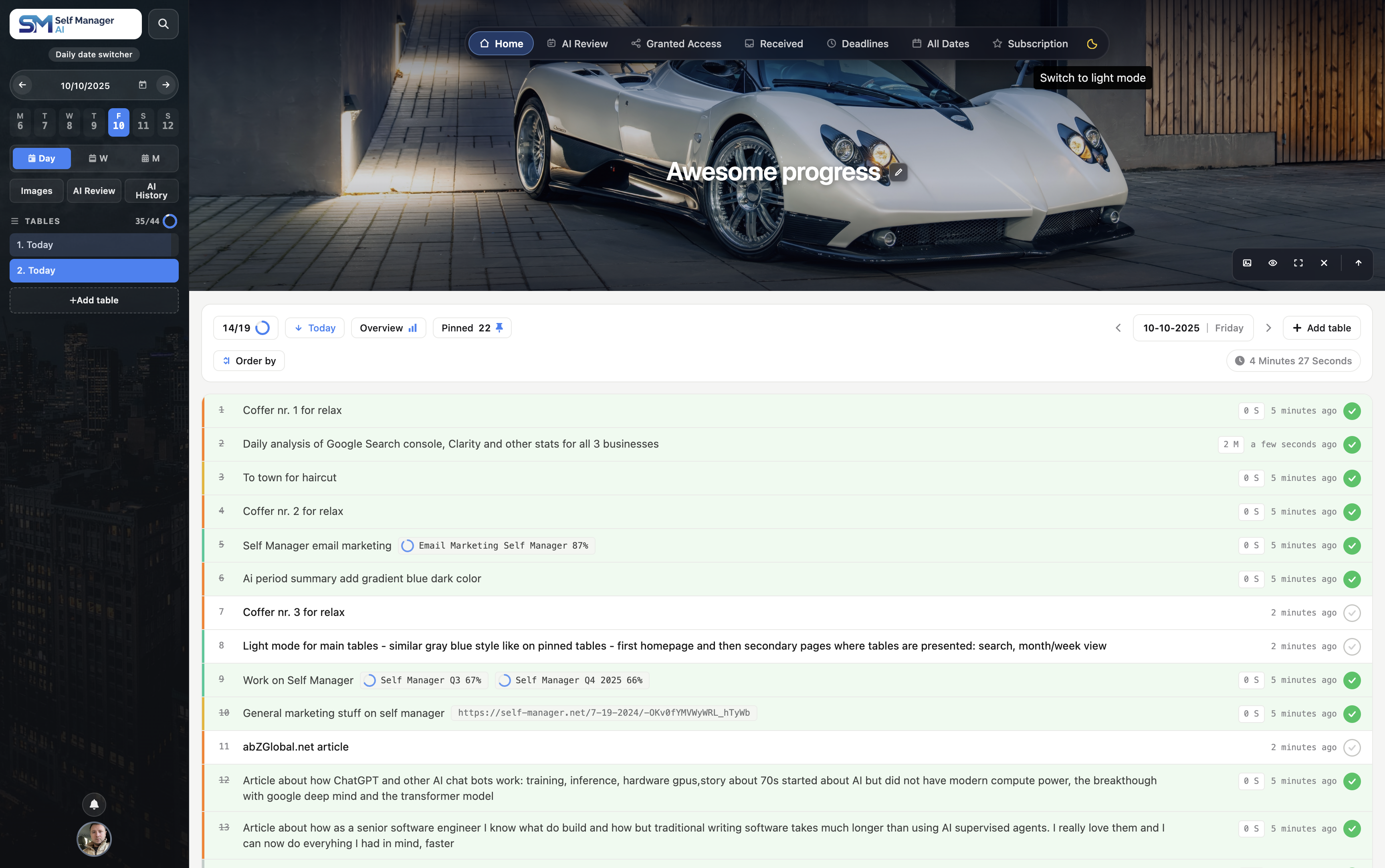
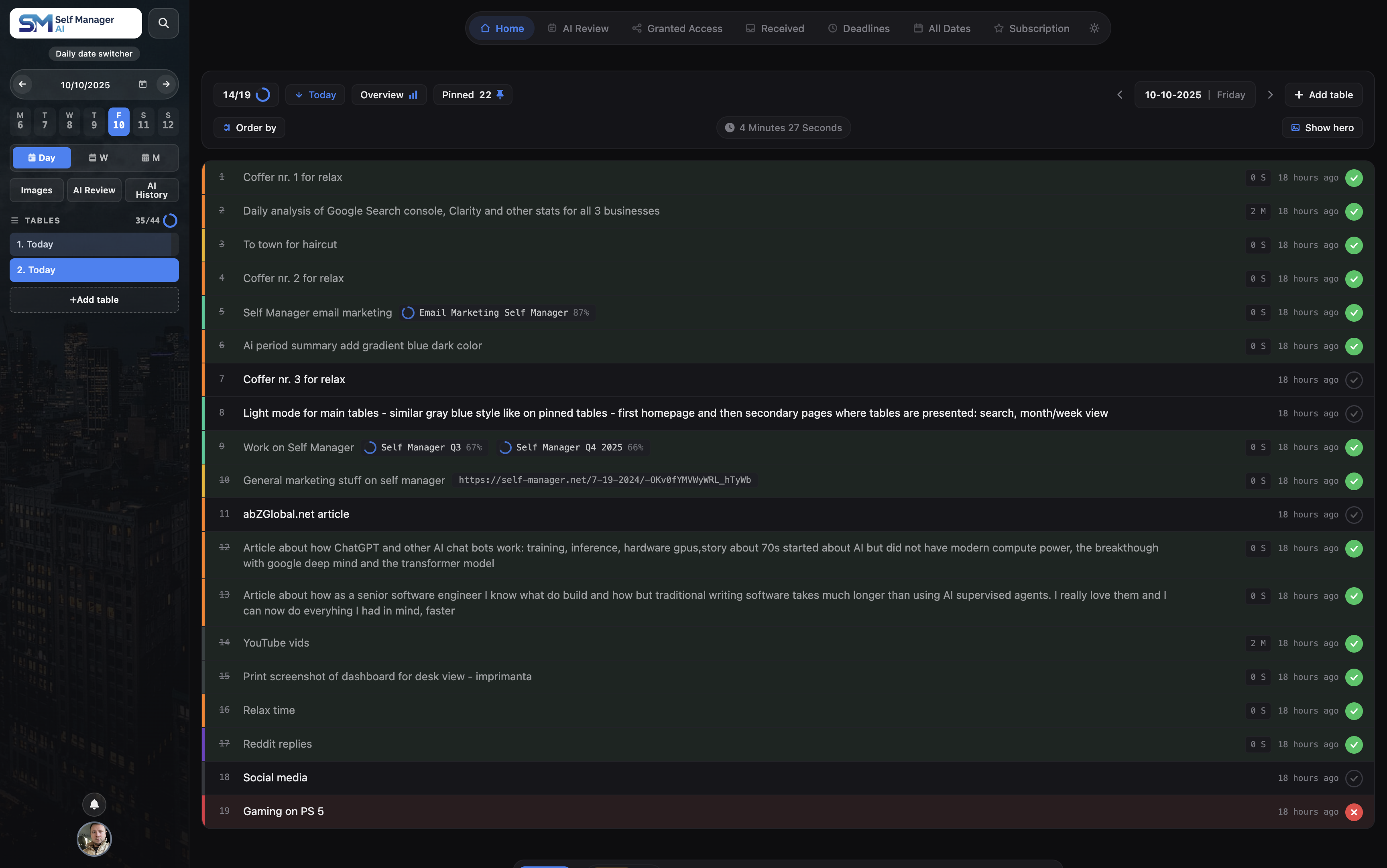
Dark Mode: Dark mode is now fully available across all components on the homepage. Every section - tables, comments, notes, images, AI chat, and all supporting UI elements - now renders consistently in dark mode.
Empty Day Content Component: When you open a day with no tables, instead of a blank page you now see an educational, inspirational, and motivational section featuring:
Works in both dark and light mode. The goal is to make empty days feel like a launchpad, not a dead end.
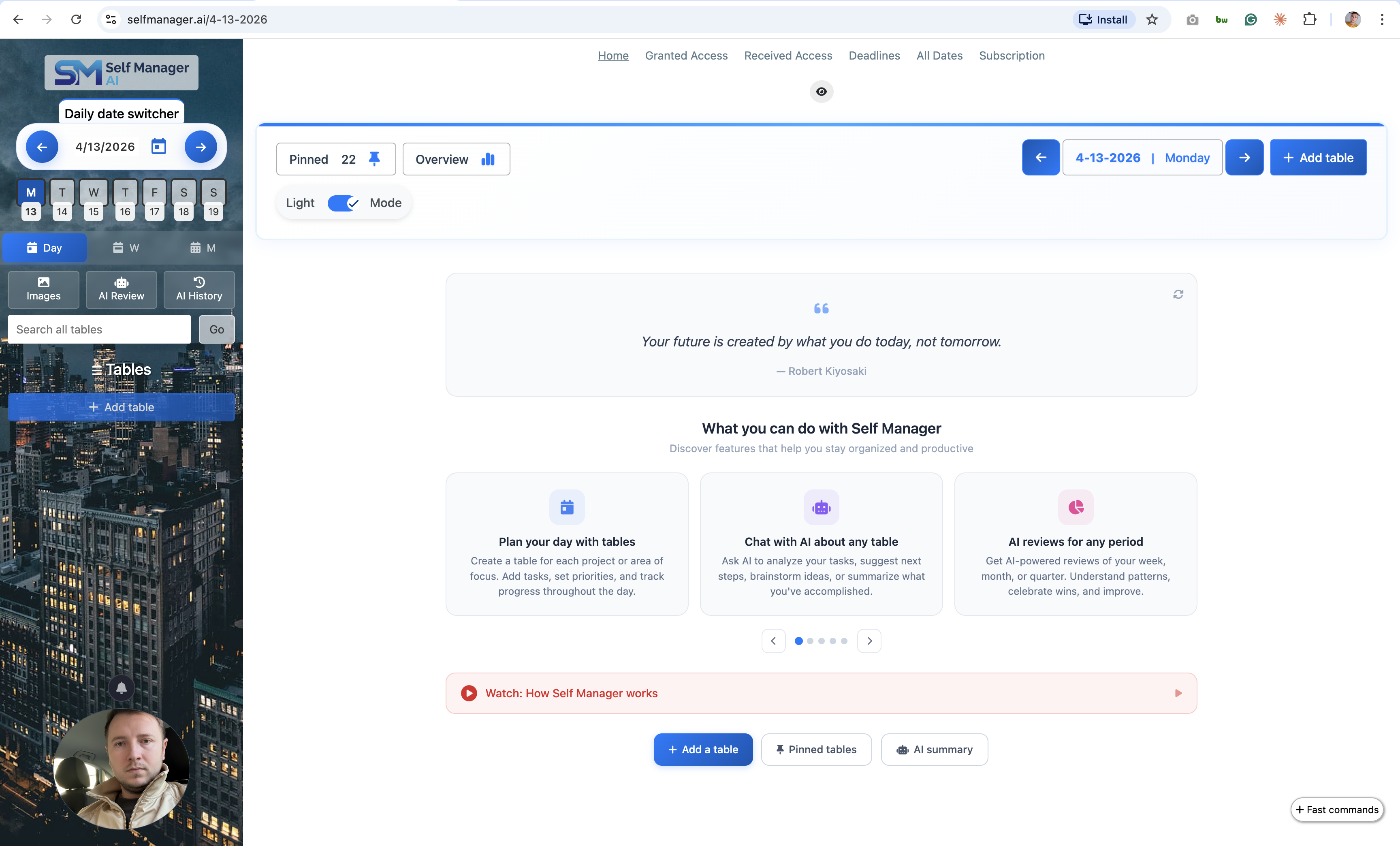
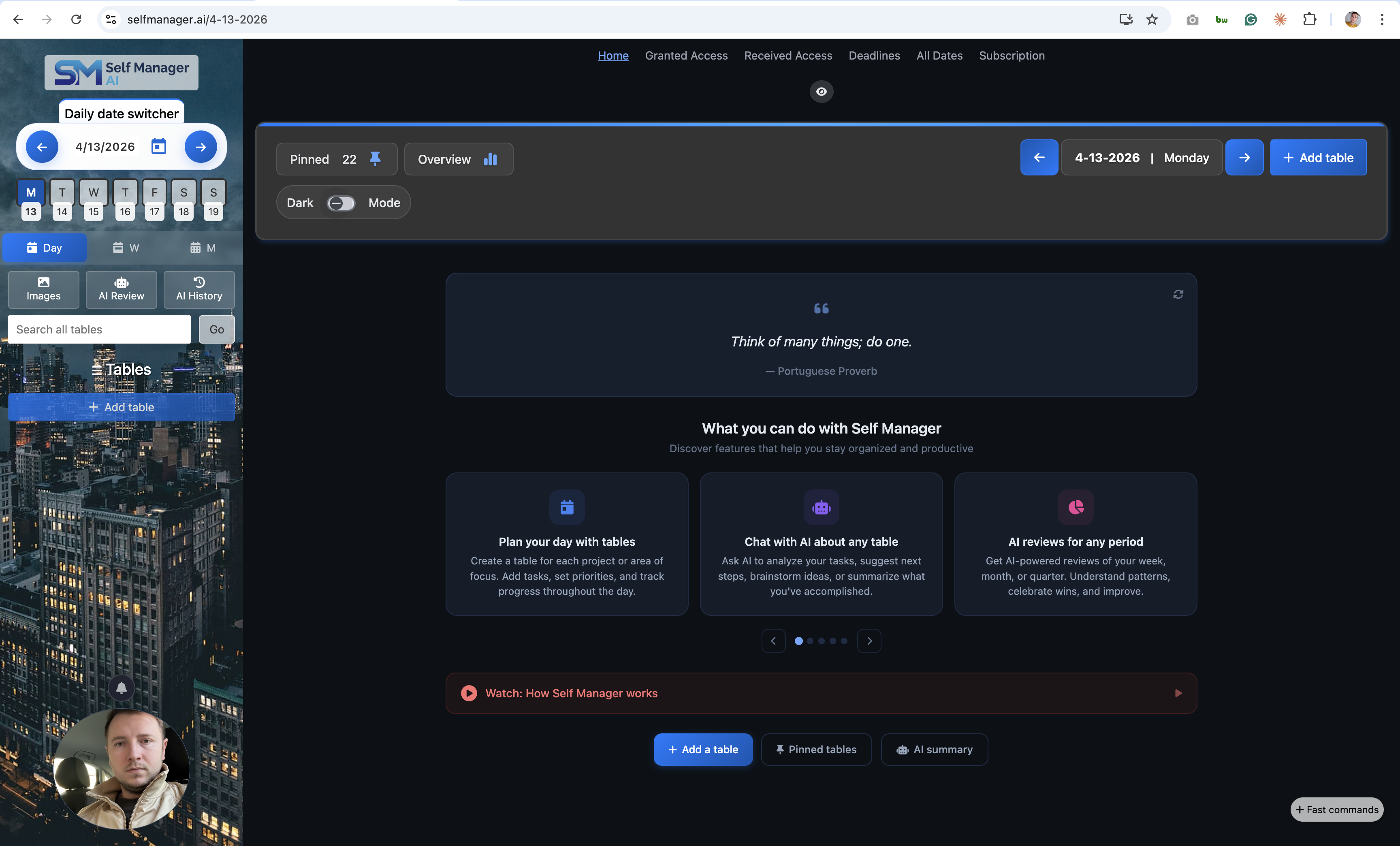
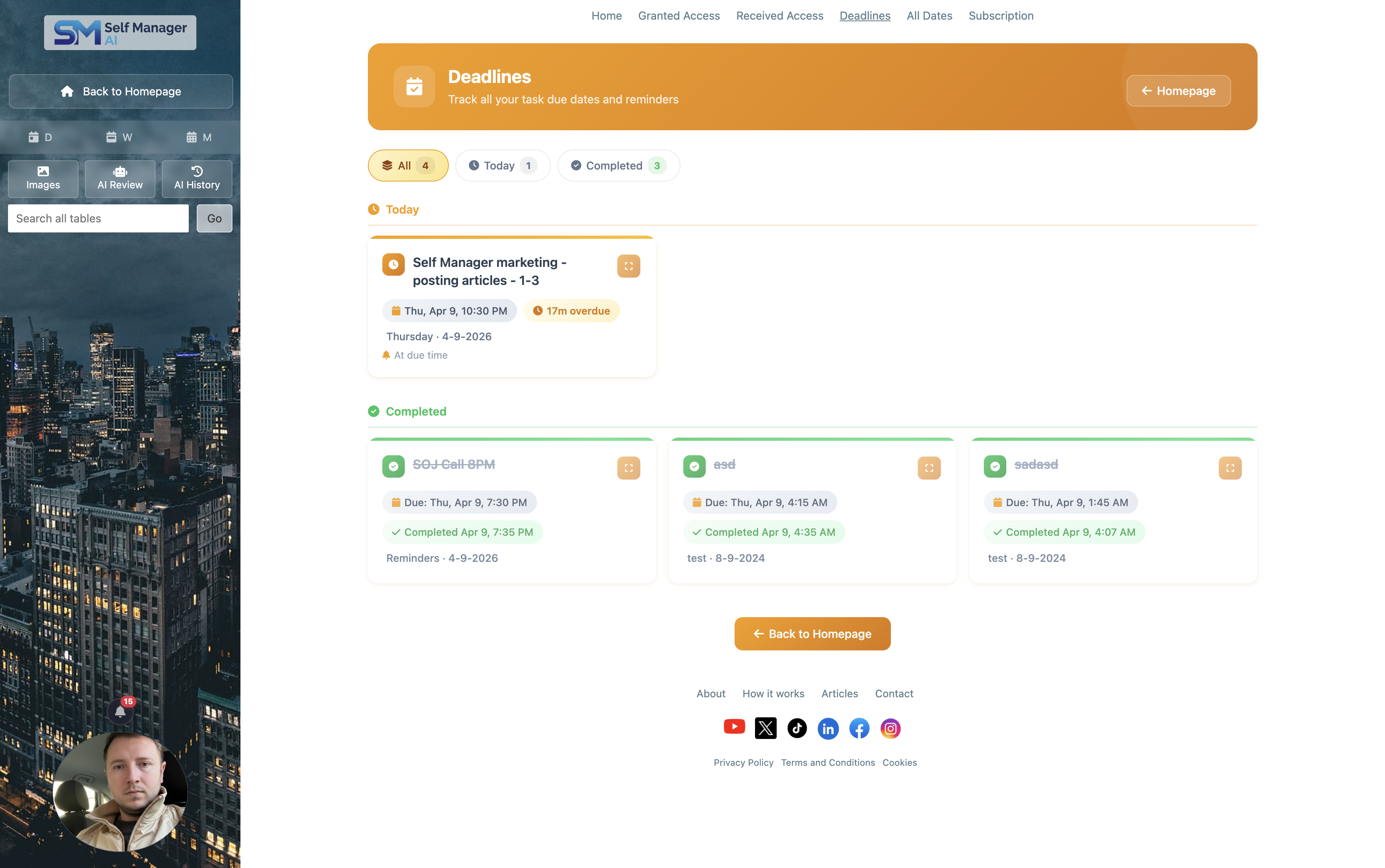
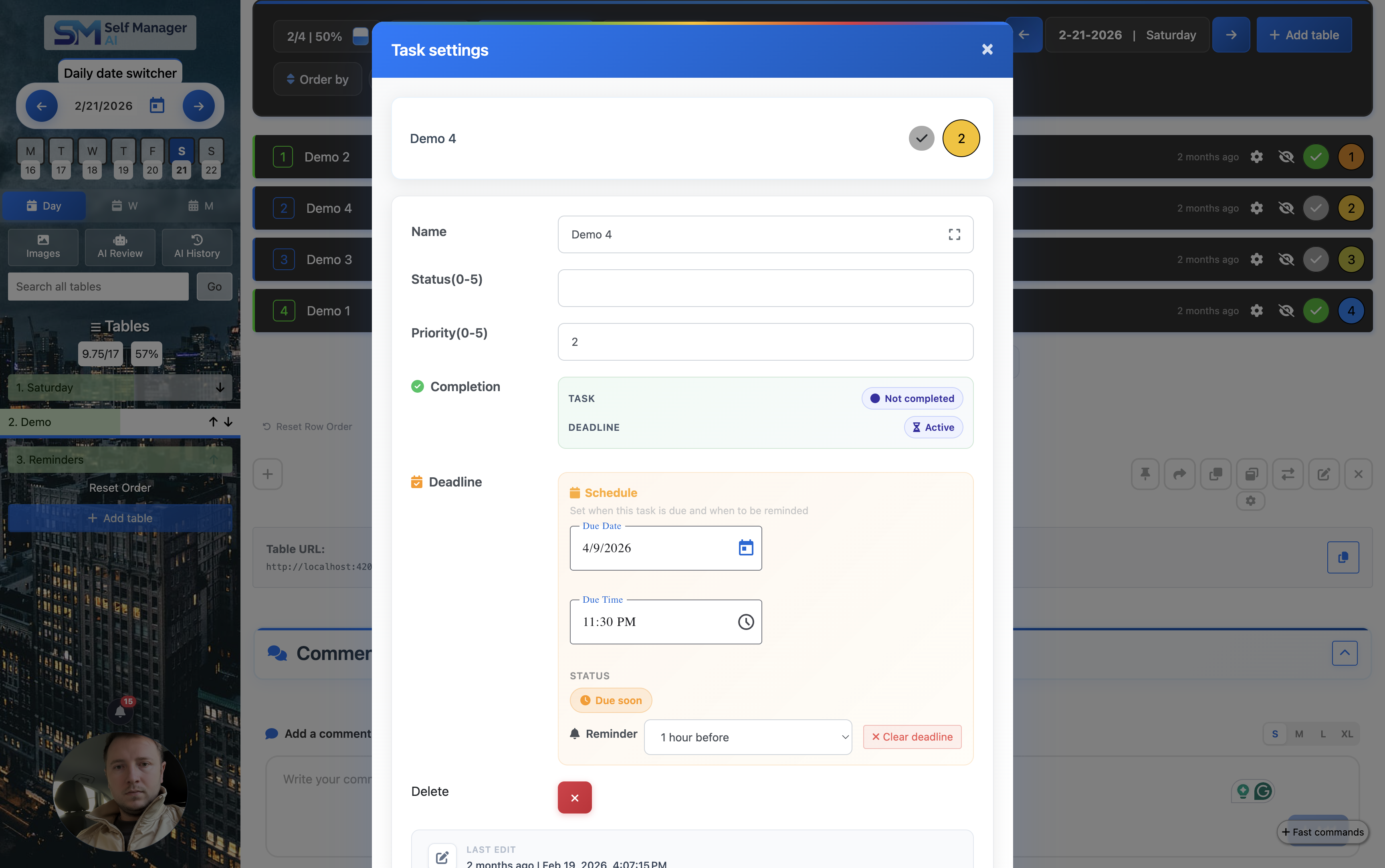
Deadlines: Tasks now support due dates and times. A dedicated Deadlines page was added where you can see all your upcoming deadlines across all tables in one place, making it easy to stay on top of what's due.
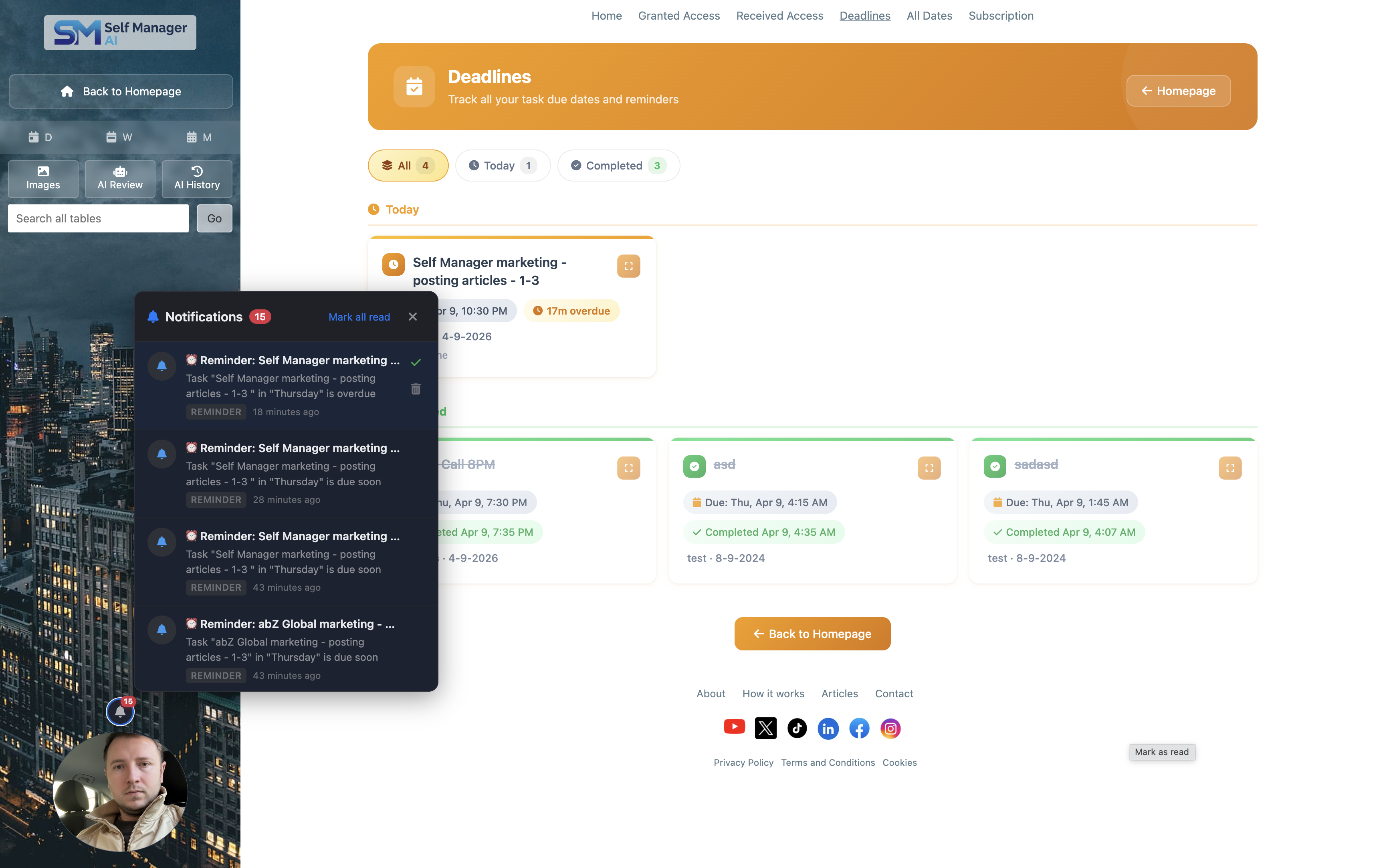
Notifications - In-App, Push & Email: A full notification system was introduced with three channels:
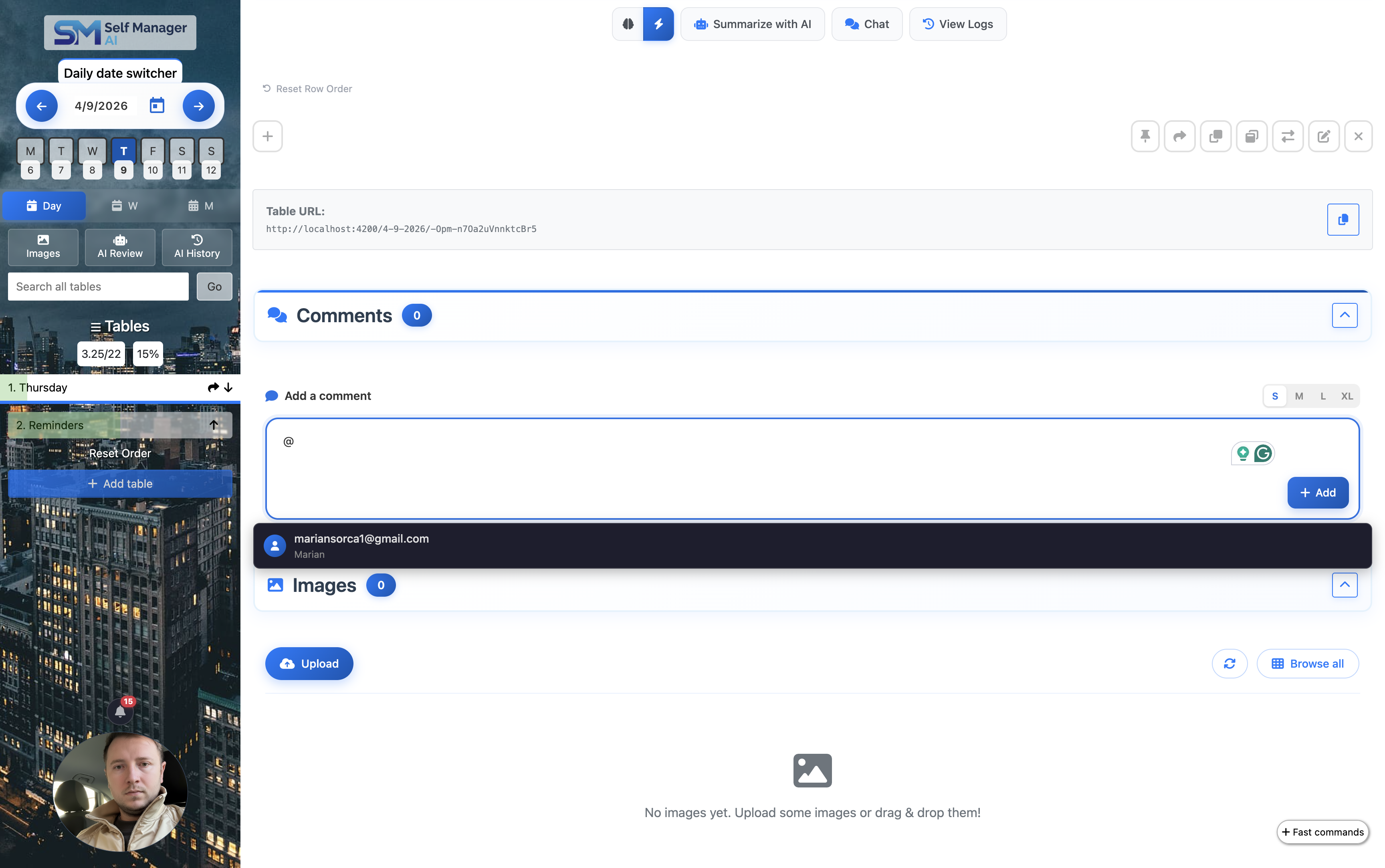
Mention People in Comments: You can now mention collaborators in table comments using @. The mentioned person receives an in-app notification, a push notification, and an email, so they are always in the loop.
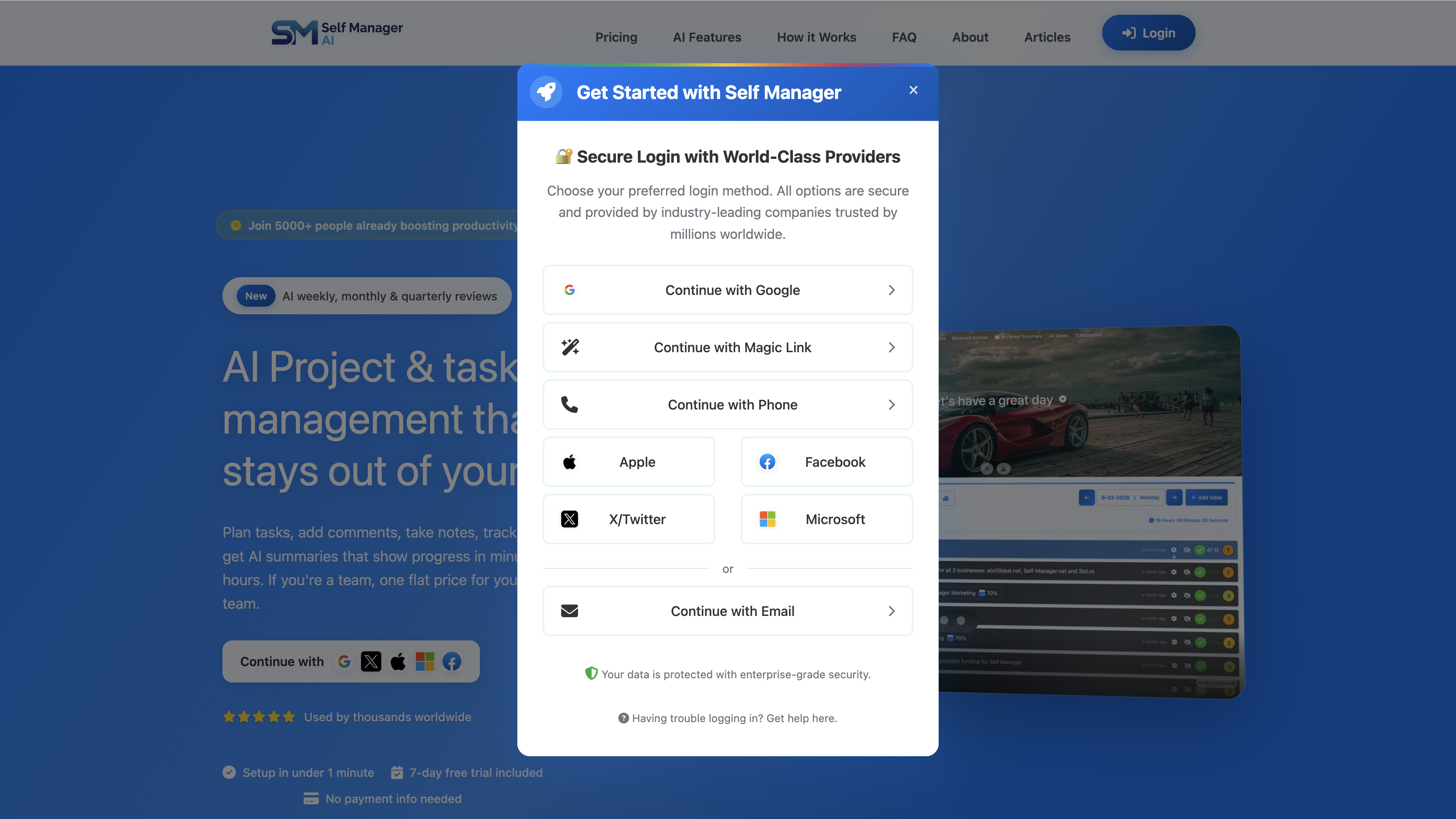
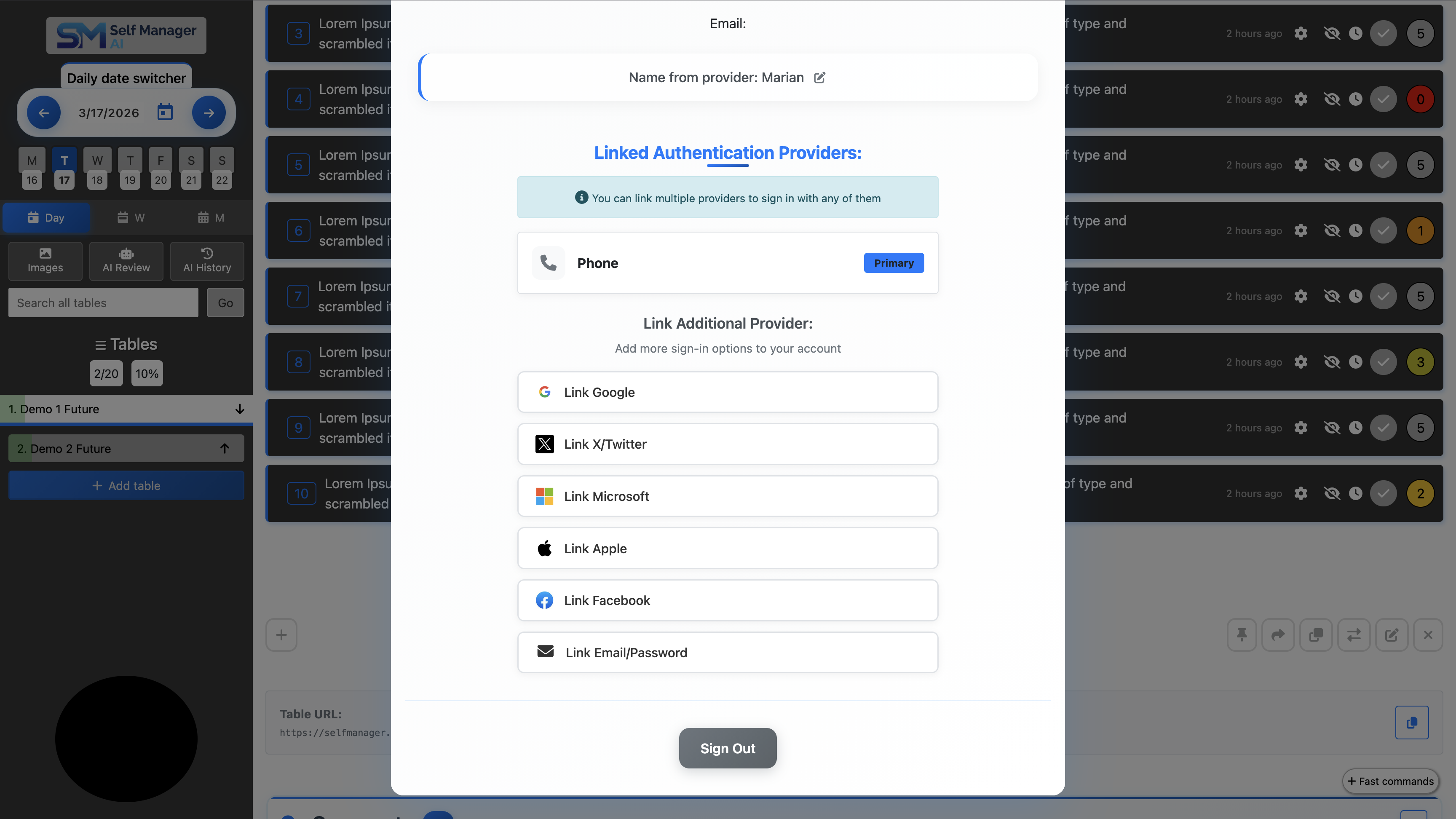
4 Additional Login Providers: We added four new ways to sign in:
The goal is to offer many options for different preferences.
Link All Providers to One Account: If you sign in with any option, you can link all the other providers to your account! So if you're on mobile and created an account with your Phone number, you can link your Google account to it and log in to the same account with Google from desktop.
Pricing Update: We slightly increased our prices to invest more in marketing and growth. Existing customers keep their current price. Read the full explanation here.
Custom Range for AI Review: You can now select a custom date range of up to 3 months (1 quarter) for AI-powered period reviews, giving you much more flexibility when analyzing your productivity.
Search by Comments: You can now search your comments and the associated tables will appear in the results as well.
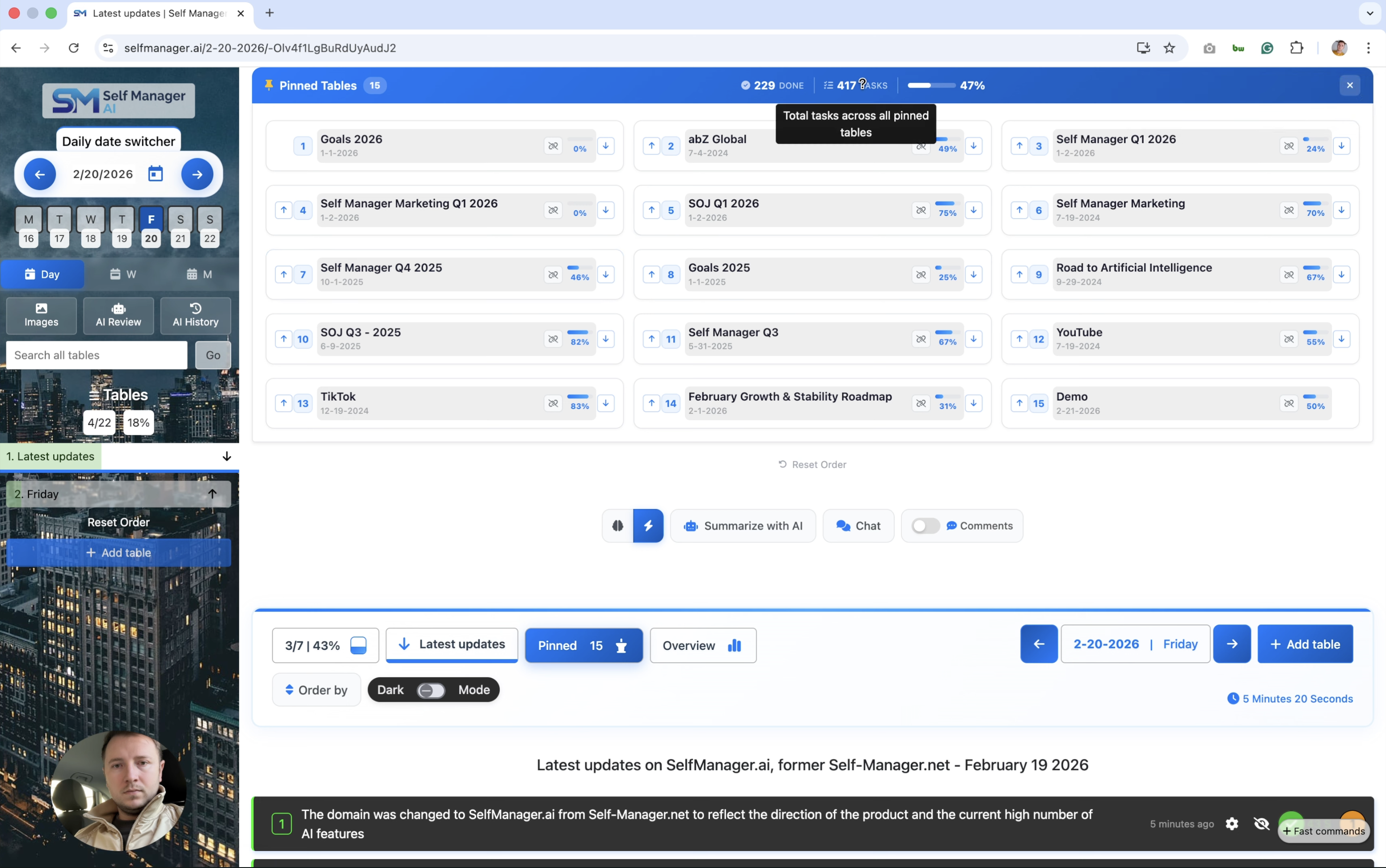
Domain change: The domain was changed to SelfManager.ai from Self-Manager.net to reflect the direction of the product and the current high number of AI features.
AI Features - Save & History: The AI Chat, Summaries and Follow-ups now have a save button and they appear afterwards on the page AI History. We believe that you should choose if you want your AI data to be saved and not be saved by default. Also, our AI Provider, Google Cloud, doesn't store your conversations or train based on your data and prompts.
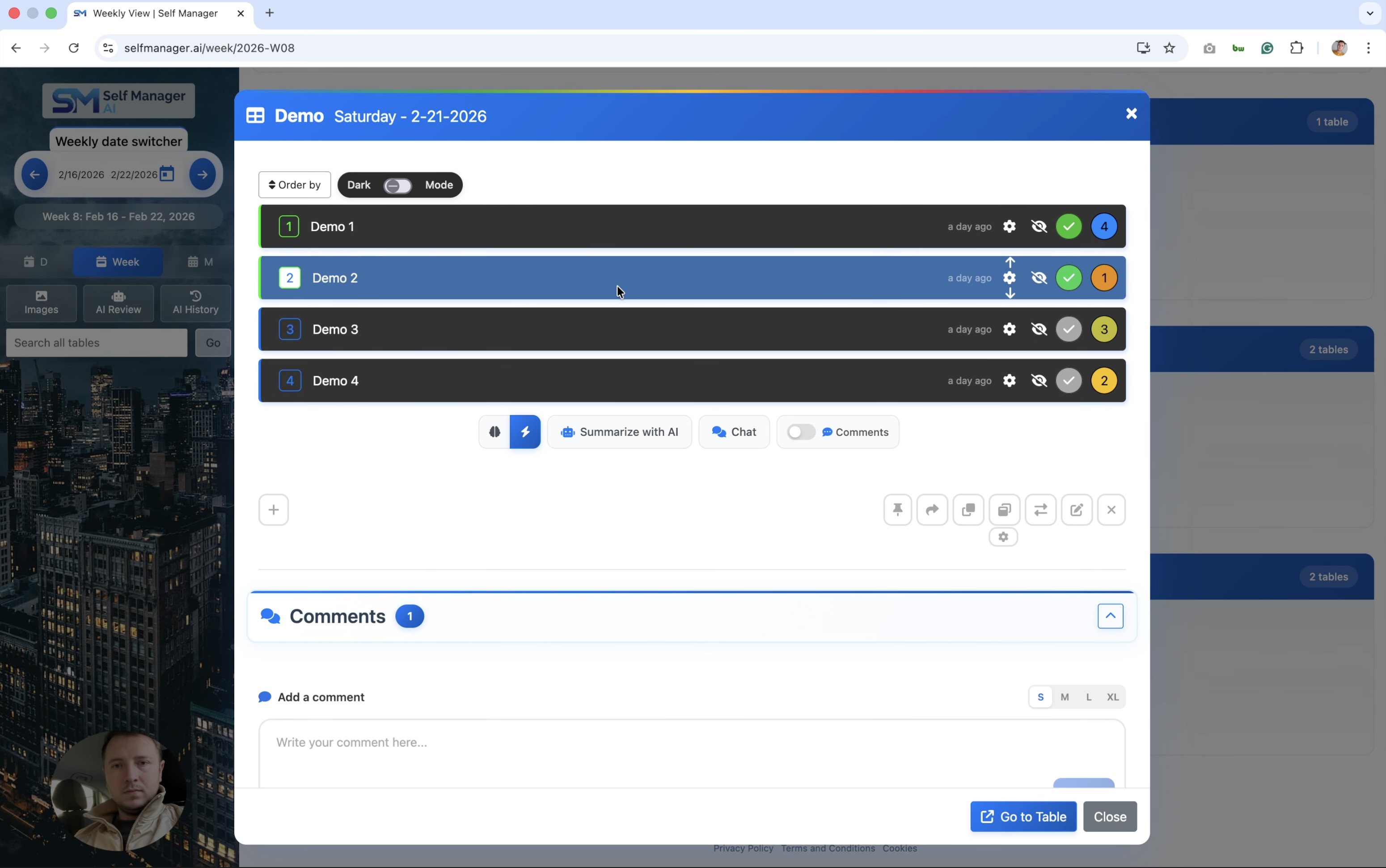
Week and Month pages - Full Table Control: Instead of just seeing a preview of tables and their tasks, you now have full control over the tables from a period on those pages. With 1 click the table opens in a modal with full control that you have on the homepage/main page (daily view).
Pinned Tables - Improved Functionality & Design: Now when you click on one of your pinned tables, a pop-up opens with the table's data and you have full control over it.
Linked Tables in Modal: Linked tables inside other tables now also open in a modal (pop-up), similar to updates 3 and 4.
Mobile UI Improvements: The mobile User Interface was improved on the top part of the daily view.
UI Improvements: The User Interface on the page All Dates and some secondary components were also improved.

SelfManager.ai was developed by Marian Sorca, a software engineer who set out to learn a then-new framework from Google and, in the process, discover what allows a single person to plan, work, and reflect with clarity. Read the full origin story in his article on the date-based system behind the product.
The engineer behind SelfManager.ai also runs abz.global, a software development and design company, and 2lol.ro, a directory of funny content. The work across all three projects is coordinated, planned and reviewed inside SelfManager itself.
From the very first commit, the priority has been to build a tool the maker would actually rely on. A decade later, that constraint still runs the roadmap: every feature ships only after surviving daily use.
The full origin story - how a date-based system was created to understand work-life progress - is told in Marian Sorca's article.
Free to start. No credit card required. Sync across every device, with AI built in from day one.