
How to Use a Project Manager for Personal Use (2026)
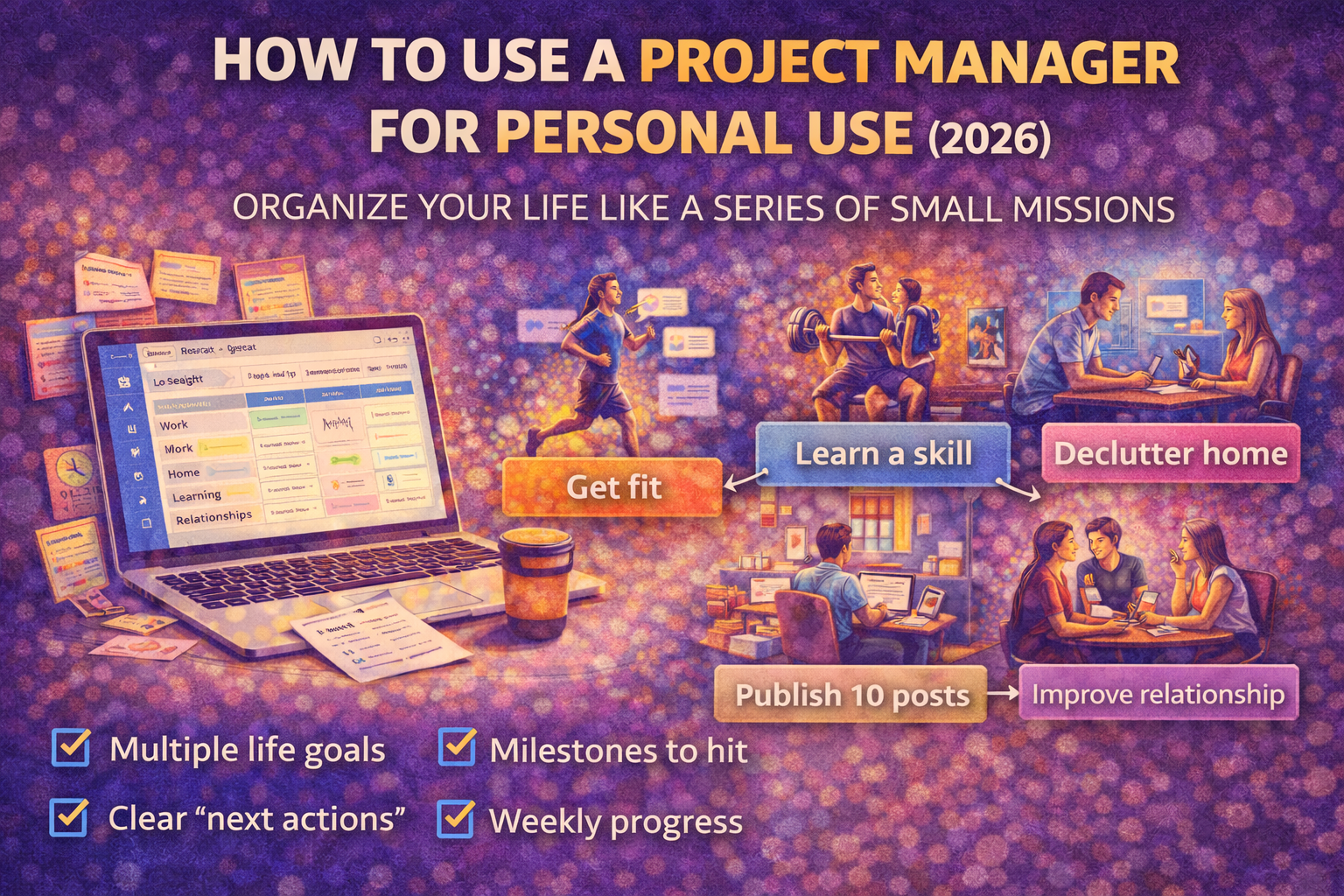
A simple system to run your life with less chaos and more progress
Most people hear "project manager" and think:
- teams
- corporate workflows
- deadlines
- meetings
But in 2026, a project manager is one of the best personal productivity tools you can use — especially if you're a knowledge worker with:
- multiple goals
- multiple responsibilities
- lots of open loops
- and not enough attention
A to-do list helps you remember tasks.
A personal project manager helps you move your life forward.
Here's how to use one without turning your life into a spreadsheet.
What counts as a "personal project"?
A personal project is anything that has:
- a start
- an end
- multiple steps
- a meaningful outcome
Examples:
- lose 8kg
- build a portfolio site
- publish 10 blog posts
- improve sleep routine
- move apartments
- learn a skill (Angular, design, language)
- start a side business
- reorganize finances
If it's bigger than one action, it's a project.
If you don't manage it like a project, it stays stuck.
The core personal setup (simple and powerful)
Step 1) Create your Areas (ongoing life categories)
Areas are responsibilities that never end.
Keep it 6–10:
- Health
- Work / Business
- Finance
- Home / Admin
- Learning
- Relationships
- Personal Projects
- Fun / Social (optional)
Areas prevent your tasks from becoming one big messy list.
Step 2) Add Projects inside each Area
Projects are temporary missions that end.
Examples:
Health
- "12-week training plan"
- "Fix nutrition weekdays"
Business
- "Publish SEO cluster (10 posts)"
- "Improve onboarding flow"
Home
- "Declutter office"
- "Upgrade desk setup"
Rule: keep 3–5 active projects total if you want calm.
Park the rest.
Step 3) Break projects into milestones (weekly chunks)
A project needs a path, not just tasks.
Example: "Publish 10 posts"
- Week 1: pick topics + outlines
- Week 2: publish 2 posts
- Week 3: publish 2 posts
- Week 4: publish 2 posts
- Week 5: publish 2 posts
- Week 6: publish 2 posts + refresh internal links
Milestones make projects feel doable.
Step 4) Convert milestones into clear "next actions"
Tasks must be executable.
Bad:
- "Marketing"
- "Website"
- "Fitness"
Good:
- "Write outline for article X (45 min)"
- "Create thumbnail for post X"
- "Book gym for Tue/Thu"
Clear tasks remove procrastination.
How to run it weekly (the real secret)
Personal project management works when your week has structure.
Weekly planning (20–30 minutes)
- Pick 3 outcomes for the week
- Choose which projects move forward
- Schedule 2–4 deep work blocks (60–90 min)
- Leave 30–40% buffer for reality
Daily execution (5 minutes)
- 1 must-win task
- 2 support tasks
Weekly review (15 minutes)
- What shipped?
- What got stuck?
- Why?
- What changes next week?
This loop is how progress compounds.
Why this works better than a to-do list
A to-do list is a flat pile.
Projects create a ladder:
- goal → project → milestone → next action
That's why you feel less overwhelmed:
You always know what matters and what's next.
Where SelfManager.ai fits for personal use
SelfManager.ai (formerly Self-Manager.net) is designed around this exact workflow:
- planning by day/week/month (time periods)
- projects can be organized cleanly (tables/projects)
- weekly/monthly reviews are natural
- optional AI summaries can speed up reflection and highlight patterns
It helps you keep everything outside your head and still stay oriented around outcomes.
Copy/paste: personal project manager template (2026)
Areas (6–10):
- _______________________
- _______________________
Active Projects (max 5 total):
- _______________________
- _______________________
- _______________________
- _______________________
- _______________________
This week's 3 outcomes:
- _______________________
- _______________________
- _______________________
Deep work blocks (2–4):
- _______________________
- _______________________
Weekly review questions:
- What moved forward?
- What didn't happen?
- Why?
- What changes next week?
Final thought
Using a project manager personally isn't about being "more organized."
It's about getting your life out of your head and into a system.
Because once your goals become projects — and projects become weekly execution — you stop drifting.
You start progressing.
Date-based AI Task Manager
Plan smarter, execute faster, achieve more
Create tasks in seconds, generate AI-powered plans, and review progress with intelligent summaries. Perfect for individuals and teams who want to stay organized without complexity.
Get started with your preferred account