
All Types of Personal Project Management App Categories (2026) — And What Work They Fit
Most people pick a "project management app" like it's one product category.
It's not.
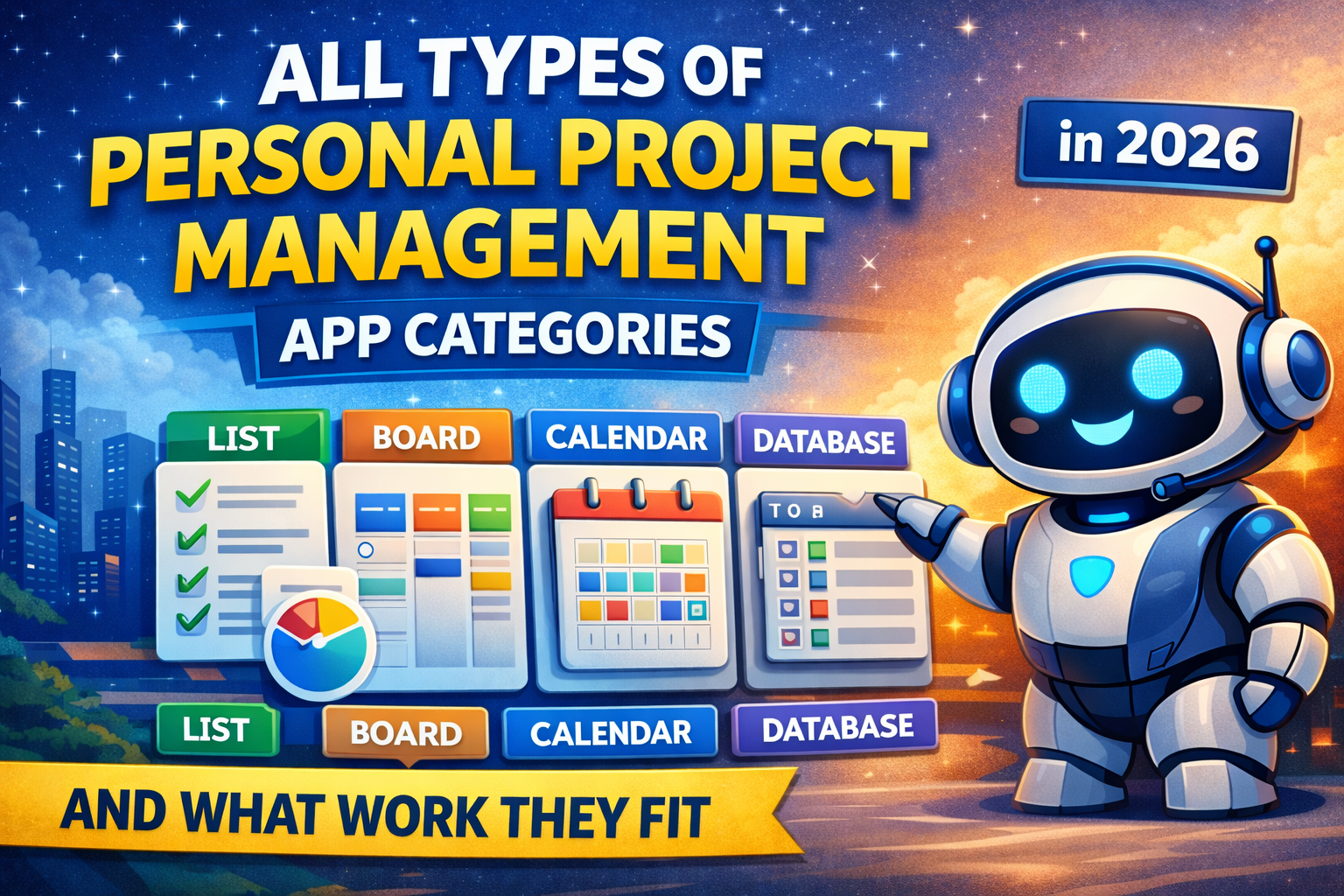
Personal PM apps fall into a few core "centers of gravity":
- List (tasks first)
- Board (workflow first)
- Calendar (time first)
- Docs/Notes (knowledge first)
- Database (structure first)
When you pick the wrong center, you end up with:
- a system you don't open daily
- a backlog that grows forever
- "busy but stuck" weeks
Below are the main categories and what work they fit.
1) Simple To-Do List Apps
Best for: daily personal errands, short tasks, "don't forget" life admin
Fits work like: shopping, reminders, quick follow-ups, small personal goals
Strengths
- fastest capture
- low friction daily use
- easy to keep clean
Weaknesses
- projects get messy fast
- limited weekly review and long-term planning
2) GTD-Style Task Managers (Inbox + Next Actions)
Best for: people who capture a lot and need a "processing" workflow
Fits work like: high volume emails, client follow-ups, admin, multi-step tasks
Strengths
- strong capture and processing loop
- great for "next action" clarity
- helps reduce mental load
Weaknesses
- can turn into an "inbox addiction"
- not always great for time planning
3) Kanban Board Apps (Workflow Visualization)
Best for: visual thinkers who like "To Do → Doing → Done"
Fits work like: content pipelines, side projects, personal routines, learning plans
Strengths
- great for momentum and progress visibility
- easy to manage multi-step work
- satisfying "flow" for ongoing projects
Weaknesses
- daily planning can be weak (boards don't equal time)
- can become a board graveyard without review
4) Calendar-First Daily Planners (Date-Centric Systems)
Best for: people who want clarity for today and realism for the week
Fits work like: freelancers, founders, knowledge workers, anyone juggling work + life
Strengths
- tasks live where life happens: on the date
- naturally supports daily planning
- review loops become easier because history is tied to days/weeks/months
Weaknesses
- not ideal if you hate planning and want pure backlog style
Where SelfManager.ai fits (and why it's different)
SelfManager.ai is a strong example of this category, because it's built around:
- daily planning first (work is tied to calendar days)
- multiple tables per date (separate Work, Personal, Content, Fitness, etc.)
- weekly/monthly review with AI summaries to close the loop
If your main pain is "my days feel random," date-centric apps are the upgrade.
5) Time-Blocking and Auto-Scheduling Apps
Best for: people who want the app to schedule tasks into time slots
Fits work like: deadline-driven work, deep work planning, busy calendars
Strengths
- turns tasks into an actual schedule
- reschedules automatically when plans change
- great for protecting focus time
Weaknesses
- can feel too rigid if your days are unpredictable
- depends heavily on good task estimates
6) Habit + Routine Apps (Consistency Systems)
Best for: building repeatable routines and behavior change
Fits work like: fitness, reading, sleep, daily writing, language learning
Strengths
- excellent for streaks and consistency
- easy to track "did it / didn't do it"
- very low cognitive load
Weaknesses
- not enough for real projects
- weak for complex multi-step outcomes
7) Notes-First Workspaces (Docs + Tasks Together)
Best for: people whose work starts as thinking/writing and becomes tasks later
Fits work like: studying, planning, strategy, content writing, product thinking
Strengths
- combines knowledge + action in one place
- great for planning and documentation
- good for long-term "life OS" setups
Weaknesses
- can become too customizable (you build more than you do)
- daily execution can get buried in pages
8) Database-First Systems (Tables, Properties, Views)
Best for: structured thinkers who want custom fields, filtering, reporting
Fits work like: tracking leads, tracking projects, tracking goals, personal analytics
Strengths
- highly flexible structure
- powerful views (list, calendar, board, timeline)
- good for people who want dashboards and reporting
Weaknesses
- setup overhead
- easy to over-engineer
9) Goal and OKR Trackers
Best for: outcome-focused people who plan by metrics and milestones
Fits work like: business goals, fitness targets, learning milestones, quarterly planning
Strengths
- keeps you focused on outcomes, not just tasks
- helps connect daily actions to bigger goals
- great for monthly/quarterly planning
Weaknesses
- not great as a daily task engine alone
- needs a task layer to execute
10) Personal CRM / Relationship Managers
Best for: networking and relationship maintenance
Fits work like: sales, client follow-ups, recruiting, partnerships, community building
Strengths
- reminders and history per person
- prevents relationships from going cold
- great for long-term leverage
Weaknesses
- not a full life/project system
- easy to ignore without routines
11) Content and Creative Pipeline Managers
Best for: creators who ship content consistently
Fits work like: YouTube planning, blog production, social media systems, design pipelines
Strengths
- pipeline clarity: ideas → drafts → publish
- easier batching and scheduling
- supports repeatable creative workflows
Weaknesses
- can ignore the rest of life/work unless integrated
- needs deadlines and review to stay alive
12) "Personal Jira" for Builders (Issue Trackers)
Best for: developers and technical founders managing personal products
Fits work like: shipping features, bug tracking, release planning, roadmap thinking
Strengths
- excellent for delivery and backlog organization
- clear prioritization and status tracking
- great when "projects" are literally product work
Weaknesses
- often heavy for personal life
- not ideal for daily life planning
How to choose the right category (fast)
Pick your center of gravity:
- If your problem is forgetting tasks → go List-first
- If your problem is unclear workflow → go Board-first
- If your problem is chaotic days and no plan → go Calendar-first (SelfManager.ai shines here)
- If your problem is ideas everywhere → go Notes-first
- If your problem is lack of structure and tracking → go Database-first
- If your problem is inconsistent habits → go Routine-first
- If your problem is big goals with no follow-through → add Goal/OKR layer
Most productive people end up with a hybrid, but one category should be the "home base."
The biggest mistake
Using a category that doesn't match your real work.
Example: if your real pain is daily chaos, a board app won't fix it. You need a calendar-first system where planning the day is the default behavior.
That's why date-centric tools like SelfManager.ai are powerful for personal productivity: they force clarity at the only place that matters — today.
Date-based AI Task Manager
Plan smarter, execute faster, achieve more
Create tasks in seconds, generate AI-powered plans, and review progress with intelligent summaries. Perfect for individuals and teams who want to stay organized without complexity.
Get started with your preferred account