
AI Team Retrospective: Review Shared Work, Blockers, and Decisions
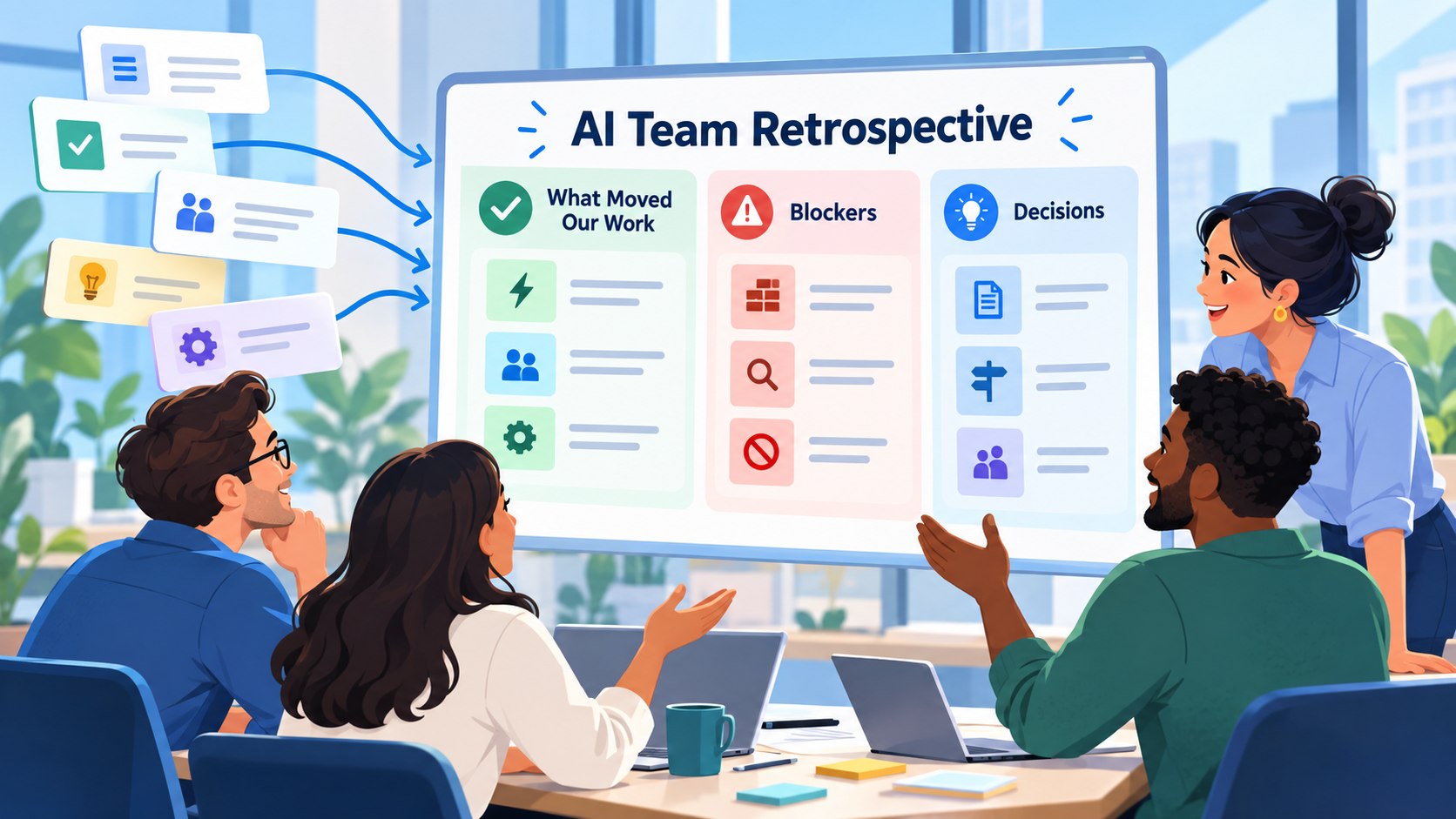
A useful team retrospective should start with what actually happened.
Not:
How did everyone feel the week went?
before anyone has looked at the work.
Start with evidence:
What moved?
What stayed open?
Where did the team get blocked?
Which decisions changed the work?
What should the team do differently next?
For a small team, the useful workflow is:
shared work → AI review → team discussion → human conclusions → next actions
AI can reduce the reconstruction work.
It can collect the tasks, statuses, recorded discussions, and potential blockers that already exist across shared work.
But the retrospective itself still belongs to the team.
The goal is not to have AI judge employees.
It is to give the group a clearer picture of what happened so people can make better decisions together.
What Is an AI Team Retrospective?
A team retrospective is a structured review of a completed period of work.
Most teams run retrospectives weekly, every two weeks, monthly, or at the end of a meaningful project phase.
A practical retrospective asks:
- What moved forward?
- What worked well?
- What stayed unfinished?
- What blocked progress?
- What decisions mattered?
- What patterns appeared?
- What should change during the next period?
AI can help with the first stage by summarizing the recorded work.
It should not be the final authority on:
- Why someone performed a certain way
- Whether a person worked hard enough
- Whether a blocker was someone's fault
- Whether a project decision was good or bad
- What the team should change without discussion
That distinction matters.
SelfManager.ai's current Team AI Review is deliberately structured as a shared status digest rather than a performance scorecard. Reviews are organized around tables and themes, not employee rankings or task counts per person.
Why Team Retrospectives Become Administrative Work
A retrospective sounds simple until someone has to prepare it.
Imagine a five-person team working across four projects.
During one week, they may have:
- 70 tasks
- 30 completed items
- Several partially completed tasks
- Comments across multiple projects
- Two blockers
- A design decision
- A delayed client dependency
- Several tasks moved into next week
Before discussing any of that, someone has to reconstruct it.
They open the project manager.
Check completed tasks.
Read comments.
Look at what is still open.
Ask people what happened.
Then write a summary.
By the time the retrospective starts, half of the work has already been spent simply assembling the evidence.
AI is useful here because much of that reconstruction is summarization.
The Retrospective Should Start With Shared Facts
A good retrospective has two layers.
Layer 1: What Happened?
This can often be supported directly by recorded project data:
- Tasks completed
- Work still in progress
- Recorded priorities
- Status changes
- Comments
- Blockers mentioned in discussions
- Tracked time where relevant
- People recorded as completing tasks
Layer 2: What Does It Mean?
This requires human interpretation:
- Why did this blocker keep appearing?
- Was the original plan unrealistic?
- Did priorities change for a good reason?
- Should the team change a process?
- Was something delayed because of external dependency or internal confusion?
- Which lesson should influence the next cycle?
AI can help frame those questions.
The team should answer them.
AI Team Retrospective Template
Here is a reusable structure for a weekly, biweekly, monthly, or project-phase retrospective.
Period
Team:
[Team or project group]
Period reviewed:
[Date range]
Projects included:
[Shared projects/tables]
1. What Moved
- [Meaningful completed outcome]
- [Meaningful completed outcome]
- [Important progress]
Focus on outcomes, not the raw number of checked boxes.
2. What Remains Open
- [Important unfinished work]
- [Work carried into the next period]
- [High-priority task still unresolved]
3. Blockers
Blocker:
[What prevented progress]
Affected work:
[Tasks/project]
Recorded context:
[What the project history says]
Current state:
[Resolved / unresolved / waiting]
4. Important Decisions
Decision:
[What changed]
Reason recorded:
[Why, if documented]
Affected work:
[Tasks/project]
Do not invent reasoning if it was never recorded.
5. What Worked Well
- [Process worth keeping]
- [Useful team behavior]
- [Approach that removed friction]
6. What Should Change
- [Specific adjustment]
- [Specific adjustment]
Keep this practical.
"Communicate better" is vague.
"Record external blockers in the project table as soon as they appear" is actionable.
7. Next Actions
- ☐ [Action]
- ☐ [Action]
- ☐ [Action]
Every retrospective should end with a small number of changes someone can actually execute.
Clearly Fictional Example: A Small Product Team
The following company, team, tasks, comments, decisions, blockers, and retrospective are completely fictional.
No real company data or product test is being represented.
Imagine a five-person product team at a fictional SaaS company called Northstar Metrics.
The team is preparing a new analytics dashboard.
During one week, its shared work contains the following project history.
Fictional Recorded Work
Dashboard Filters
Task: Build date-range filter
Status: Completed
Completed by: Elena
Task: Add account filter
Status: Completed
Completed by: Marco
Task: Test filter combinations
Status: In progress
Comment:
Found an edge case when account and custom date filters are both active. Need backend confirmation before changing the frontend behavior.
Export Feature
Task: CSV export endpoint
Status: Completed
Completed by: David
Task: Connect frontend export button
Status: Blocked
Comment from Mia:
Waiting for staging API access. Frontend integration is ready locally but cannot be verified against staging yet.
Dashboard Design
Task: Finalize empty-state design
Status: Completed
Completed by: Sofia
Comment:
Team agreed to keep one shared empty state rather than building separate versions for every chart before launch.
Mobile Dashboard
Task: Improve mobile chart layout
Status: In progress
Comment:
Two-column layout works on tablet but remains too compressed on smaller phones. Testing single-column layout.
Launch Checklist
Task: Full staging QA
Status: Not started
Comment:
Start after export integration and filter edge case are resolved.
That is enough information to run a useful retrospective.
What an AI Review Could Surface
A first review could identify several themes.
Progress
The team completed both primary filter controls, the CSV export endpoint, and the dashboard empty-state design.
Remaining Work
Filter-combination testing and mobile chart work remain in progress.
The frontend export integration is blocked.
Full staging QA has not started.
Potential Blockers
Two dependencies stand out:
- Filter-combination behavior requires backend clarification.
- Export integration is waiting for staging API access.
Recorded Decision
The team decided to use one shared dashboard empty state instead of building separate versions for every chart before launch.
That is useful preparation.
But it is not yet the retrospective.
Human-Reviewed Team Retrospective
The team then reviews the summary together.
They correct anything ambiguous and add context that was never written into the project record.
The final retrospective might look like this.
Northstar Metrics - Weekly Team Retrospective
What Moved
- Date-range filter completed.
- Account filter completed.
- CSV export backend completed.
- Shared empty-state design completed.
- Mobile layout moved into active testing.
What Remains Open
- Filter-combination edge case.
- Frontend export integration.
- Mobile chart layout.
- Full staging QA.
Blockers
Staging API access
The export frontend is ready for integration but cannot be verified until the team receives staging access.
Filter behavior clarification
Testing exposed an unclear interaction between account and custom date filters. Backend behavior needs confirmation before the frontend implementation is finalized.
Important Decision
Use one shared dashboard empty state for the launch rather than creating a separate version for every chart.
The recorded reason is to avoid expanding the pre-launch implementation unnecessarily.
What Worked Well
The team identified the filter edge case during testing rather than after launch.
The frontend export work was prepared before staging access arrived, so only integration and verification remain once access is available.
What Should Change
External or cross-team dependencies should be flagged earlier when they can block launch-critical work.
The team should confirm filter behavior before beginning full staging QA.
Next Actions
- ☐ Resolve staging API access.
- ☐ Confirm expected filter-combination behavior.
- ☐ Finish mobile chart layout.
- ☐ Connect and verify export functionality.
- ☐ Begin full staging QA when the two launch blockers are resolved.
This is the useful final output.
AI assembled the evidence.
The team interpreted it.
Then the retrospective created a small set of concrete next actions.
Do Not Turn the Retrospective Into a Task-Count Competition
A person who completed 14 tasks did not necessarily contribute more than someone who completed three.
One task might take ten minutes.
Another might require four days of difficult technical work.
One person may spend most of the week unblocking everybody else.
Another may be waiting on an external dependency.
Raw task counts are weak evidence for individual performance.
SelfManager's Team AI Review is deliberately not designed as a per-person ranking or a count of tasks completed per team member. It organizes the review around tables and themes instead.
That is the right framing for a retrospective.
Ask:
What happened to the work?
not:
Who won the week?
How Team AI Review Works in SelfManager.ai
SelfManager.ai's Team plan currently includes a My team scope inside AI Review.
The workflow is:
- Share relevant tables with team members.
- Open AI Review.
- Select My team.
- Choose the period.
- Optionally include comments.
- Generate the review.
- Continue with follow-up questions.
The My team scope focuses on tables you own and have shared with your team rather than treating every private table in your account as team work.
That distinction is useful for a small-team retrospective.
Your personal planning can remain personal.
The retrospective can concentrate on work that was deliberately shared.
Include Comments When the Discussion Matters
Tasks provide structure.
Comments often provide the reason something happened.
Compare:
Export integration - blocked
with:
Export integration - waiting for staging API access. Frontend work is ready locally.
The second version gives the team something to discuss.
SelfManager currently allows comments to be included as additional context in AI Review. Its documentation specifically says Team AI Review can use team discussions when comments are included.
For a retrospective, that can help expose:
- Blockers
- Decisions
- Clarifications
- Dependencies
- Context behind status changes
But comments are only as useful as what the team recorded.
AI Cannot Reconstruct a Decision That Nobody Documented
Suppose the project says:
Separate empty states removed.
AI can see that something changed.
It does not necessarily know why.
Maybe:
- The team wanted to launch faster.
- Design rejected the variants.
- Engineering found them expensive.
- The feature requirements changed.
- Someone simply forgot them.
If the rationale was never written down, the retrospective should not pretend the reason is known.
A useful follow-up prompt is:
List the important decisions visible in this period. For each one, separate the recorded reason from any information that is missing. Do not infer motives that are not documented.
For decisions important enough to preserve beyond one retrospective, use a dedicated decision record.
Related: Project Decision Log Template: Keep the Reason Behind Every Change.
Ask AI Questions That Lead to Discussion
The first generated review is a starting point.
Follow-up questions make it more useful.
For example:
Which important tasks remained open at the end of the period?
What blockers were explicitly mentioned in comments?
Which projects made meaningful progress?
Which work appears to depend on something outside the team?
What decisions were recorded this week?
Which high-priority items moved into the next period?
What unresolved issues should we discuss before planning next week?
These questions are better than:
Who performed best?
or:
Who was least productive?
A retrospective should improve the system, not manufacture a leaderboard.
Review AI's Claims Before Discussing Them as Facts
Before bringing the generated retrospective into a team conversation, check it.
Completion
Did AI correctly distinguish completed work from work still in progress?
Blockers
Is the blocker actually recorded, or did the model infer why something was unfinished?
Decisions
Does the project history contain the stated reason?
Ownership
If AI names a person, does the underlying record actually attribute that activity to them?
Time
If time data is discussed, was time tracking actually used consistently enough for the comparison to mean anything?
This is particularly important for older task history.
SelfManager now records who added and who completed tasks on shared tables, but its current documentation explicitly notes that older tasks created before this capability may not contain that attribution and that AI is instructed not to guess.
Separate the Retrospective From the Next Plan
The retrospective asks:
What did we learn from what happened?
Planning asks:
What will we do now?
Do the first before the second.
Otherwise teams often jump straight from:
We missed the export integration.
to:
Put it on next week's list.
without discussing why it was missed.
Perhaps the task did not need more time.
It needed staging access.
Moving it to another week without resolving the dependency changes nothing.
The retrospective identifies the problem.
Then the team changes the plan accordingly.
Team Retrospective vs Daily Standup
A standup is operational and immediate.
It usually asks:
- What is happening now?
- What am I doing next?
- Am I blocked?
A retrospective looks across a meaningful period.
It asks:
- What patterns emerged?
- What actually moved?
- Which blockers mattered?
- Which decisions changed the work?
- What should the team change?
The standup helps today.
The retrospective helps the next cycle.
They should not become duplicate meetings.
Team Retrospective vs Personal Weekly Review
SelfManager already supports personal AI reviews, and there are existing SelfManager articles about using AI to review your own week.
A personal weekly review might ask:
What did I accomplish?
What did I procrastinate on?
Where did my time go?
What should I prioritize next?
A team retrospective has different concerns.
The unit of analysis is shared work.
You care about:
- Project movement
- Dependencies
- Team discussions
- Shared blockers
- Recorded decisions
- Coordination changes
SelfManager's Team AI Review was explicitly designed around that distinction: the output is written for the group rather than addressing one person about work they may not have done.
For the personal version, see Best AI Task Managers That Write Your Weekly Review in 2026.
End Every Retrospective With Few Changes
One of the easiest ways to ruin a retrospective is to produce 14 improvement actions.
Now the team has another backlog.
Instead, pick the changes that could materially improve the next period.
For the fictional Northstar retrospective:
Change 1: Escalate launch-critical access dependencies earlier.
Change 2: Resolve expected system behavior before final QA begins.
That may be enough.
The goal is not to turn every observation into a process.
It is to learn something and actually use it.
Keep the Retrospective Connected to the Work
If the retrospective produces an action, put that action back into the work system.
For example:
Request staging credentials on the first day of integration work.
Or:
Add backend-behavior confirmation before frontend QA begins.
The retrospective should close the loop:
work → review → decision → changed work
Otherwise even a very good retrospective becomes another document everyone agrees with and nobody uses.
SelfManager's broader workflow already supports reviewing a week, month, quarter, or custom period and continuing the AI conversation with follow-up questions rather than treating the initial summary as a finished report.
A Simple 20-Minute AI Team Retrospective
For a small team, the process can stay lightweight.
Before the Meeting
Run AI Review on the relevant period using My team.
Include comments if important discussions and blockers are recorded there.
Ask AI to summarize:
- Meaningful progress
- Important unfinished work
- Explicit blockers
- Recorded decisions
- Issues worth discussing
Review the output for factual mistakes.
First 5 Minutes: What Happened?
Read the concise evidence summary.
Do not debate everything yet.
Agree on the basic project state.
Next 5 Minutes: Blockers
Ask:
- What genuinely prevented progress?
- Has it been resolved?
- Will it happen again?
Next 5 Minutes: Decisions and Lessons
Discuss:
- What did we intentionally change?
- Which choice helped?
- Which assumption turned out to be wrong?
- What should we do differently?
Final 5 Minutes: Actions
Pick one to three changes.
Assign the work where necessary.
Put the approved actions into the project system.
Then finish the retrospective.
Try It With One Week of Shared Work
Choose one real week where at least two people worked in shared tables.
Make sure task statuses reflect reality.
Include relevant comments if the discussion contains useful context.
Then open AI Review, select My team, and ask:
Create a retrospective draft for this period. Focus on meaningful progress, important unfinished work, blockers explicitly supported by the project context, and important recorded decisions. Do not rank people or infer reasons that are not documented. End with questions the team should discuss rather than deciding the answers for us.
Review the draft yourself.
Then use it in a short team conversation.
The useful test is not whether AI can produce a polished report.
It is whether your team can spend less time reconstructing the week and more time discussing what should change.
Task-specific CTA: Share one active project table with your team in SelfManager.ai, work from it for a real week, then run My team AI Review and use the recorded work and comments as the evidence for your next retrospective.
Frequently Asked Questions
What is an AI team retrospective?
An AI team retrospective uses AI to help assemble and summarize the work evidence from a completed period before the team discusses what it means.
The AI can reduce manual reconstruction, while the team remains responsible for interpreting causes, lessons, and next actions.
What should a team retrospective include?
A practical retrospective can include:
- Meaningful completed work
- Important unfinished work
- Blockers
- Decisions
- What worked well
- What should change
- A small number of next actions
Can AI identify team blockers?
AI can surface blockers that are supported by recorded statuses, notes, comments, or other project context.
It should not invent an explanation simply because a task remained unfinished.
Can SelfManager.ai review shared team work?
Yes.
The Team plan currently includes a My team scope in AI Review. It focuses the review on tables shared with the team and can summarize progress, priorities, discussions, and potential blockers across the selected period.
Can comments be included in Team AI Review?
Yes.
Comments are optional context. Including them allows the review to consider team discussions surrounding the tasks.
Does SelfManager rank employees in Team AI Review?
No.
Current product documentation explicitly describes the team review as organized by table and theme rather than as a per-person ranking, performance scorecard, or count of tasks per employee.
Can SelfManager identify who completed a task?
For tasks where that information was recorded, yes.
Current shared-task behavior records who completed a task and who added it. Older tasks from before this capability may not contain that information, and SelfManager's documentation says the AI is instructed not to guess missing attribution.
Is an AI team retrospective the same as a weekly status report?
Not exactly.
A status report mainly communicates the current state of work.
A retrospective uses the work history to discuss what happened, why relevant problems occurred, what the team learned, and what should change.
AI Review can provide the factual starting point for that discussion.
Should AI decide what the team needs to improve?
No.
AI can identify evidence and suggest questions or possible patterns.
The team should decide which interpretations are accurate and which changes are worth making.
How often should a small team run a retrospective?
It depends on the work cycle.
Weekly or biweekly reviews can suit fast-moving teams, while a monthly or project-phase retrospective may be sufficient for slower work.
The useful cadence is one where enough work has happened to reveal patterns without waiting so long that the context is forgotten.
Internal-Link Suggestions
Link Best AI Task Managers That Write Your Weekly Review in 2026 from the section explaining the difference between personal reviews and team retrospectives.
Link How to Use SelfManager.ai: 10 Real Workflows for Work, Life, Planning, and AI Review when introducing the broader AI Review workflow. (selfmanager.ai)
After article #5 is published, link Project Decision Log Template: Keep the Reason Behind Every Change from the section on important recorded decisions.
After article #6 is published, link Meeting Notes to Action Items With AI: Track What Happens After the Meeting when discussing turning retrospective decisions into work that is actually followed through.
Link Best Task Managers That Keep a History of Completed Work in 2026 from the section about having enough historical context to understand what actually happened.
Link the task-specific CTA to the SelfManager.ai AI Features page, specifically the Review your team's shared tables section. (selfmanager.ai)
Date-based AI Task Manager
Plan smarter, execute faster, achieve more
Create tasks in seconds, generate AI-powered plans, and review progress with intelligent summaries. Perfect for individuals and teams who want to stay organized without complexity.
Get started with your preferred account