
Weekly Status Report Template (For Your Manager)
Copy This Weekly Status Report Template
Weekly Status Report

Name: [Your name]
Week: [Start date–end date]
Focus: [Project, team or area of responsibility]
Overall status: [On track / At risk / Blocked]
Summary: [One sentence explaining the week's progress and main concern]

ACCOMPLISHMENTS
- [Completed result] — [Why it matters; evidence or link]
- [Completed result] — [Why it matters; evidence or link]

IN PROGRESS
- [Work item] — [Current state; next milestone; target date]
- [Work item] — [Current state; next milestone; target date]

BLOCKERS
- [Dependency or problem] — [Impact; owner; action taken]
- [Or: No current blockers]

NEXT WEEK
- [Priority 1] — [Intended outcome; target date]
- [Priority 2] — [Intended outcome; target date]

ASKS
- [Decision, approval or support needed] — [Who; by when; consequence]
- [Or: No decisions or support needed this week]
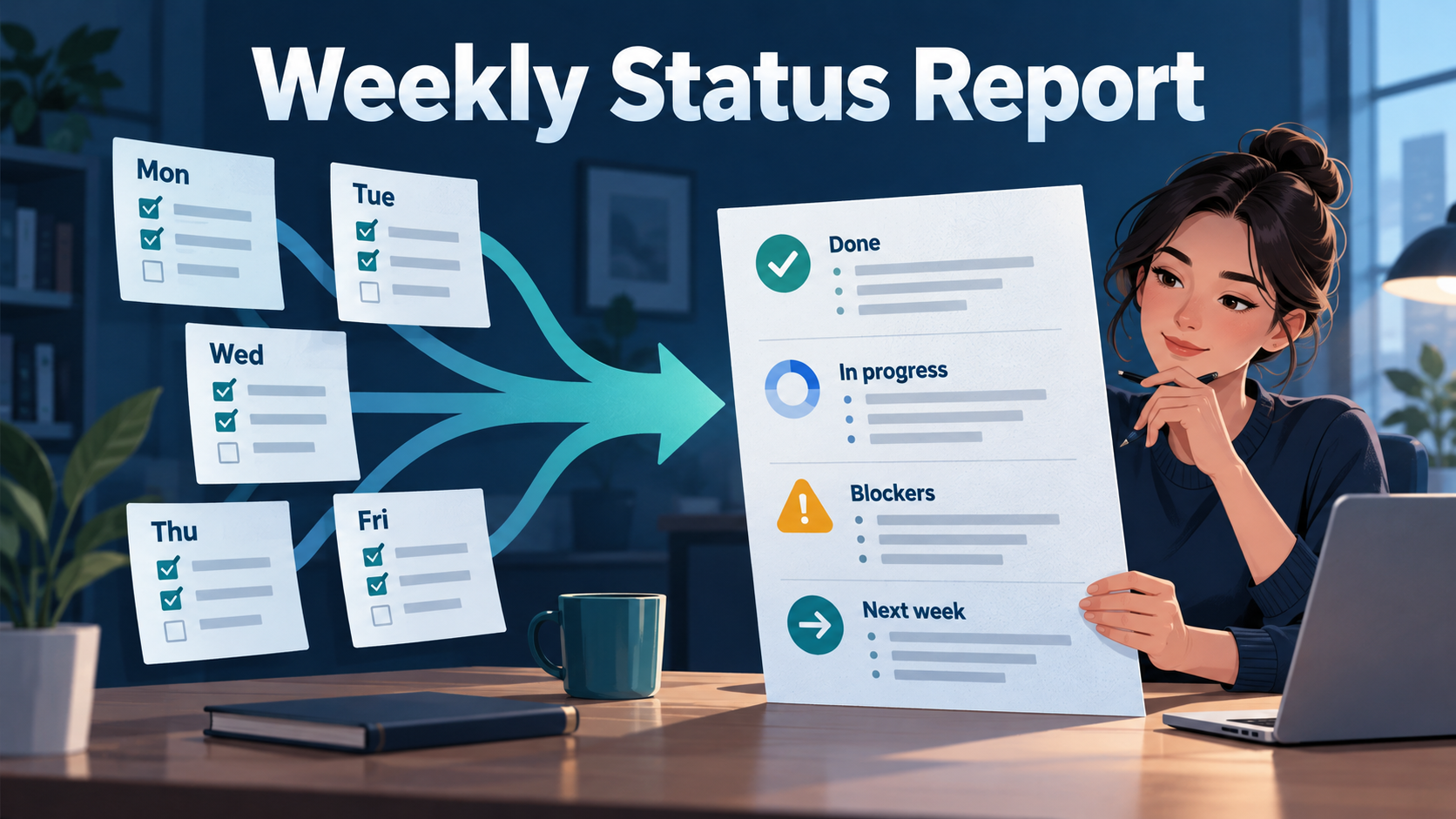
A weekly status report tells your manager what you accomplished, what remains in progress, what is blocked, what you plan next and where you need help. Use it to summarize the week's meaningful changes, rather than paste five daily task lists together.
You can copy this template into an email, document or team message. It works without SelfManager or any other reporting tool.
Completed Example: Entirely Fictional
Everything below is fictional, including the employee, work, dates, results and requested decisions. It demonstrates the format and does not describe a real SelfManager user or project.
Weekly Status Report

Name: Jordan Lee
Week: October 5–9, 2026
Focus: Internal help-center refresh
Overall status: At risk
Summary: The revised guide is ready for review, but missing access
permissions may delay validation planned for next week.

ACCOMPLISHMENTS
- Completed the first revision of six help-center articles and
  sent them to Support for review.
- Documented the account-access issues found during testing,
  giving IT a reproducible list to investigate.

IN PROGRESS
- Revising the remaining four articles. Two have draft text;
  two still need input from Operations. Target: October 14.
- Preparing the validation checklist. The draft is complete;
  running it depends on test-account access.

BLOCKERS
- Test-account permissions remain unavailable. This prevents
  validation of the revised access guide. IT owns the access
  request; follow-up sent October 8.

NEXT WEEK
- Finish the remaining article drafts by October 14.
- Validate the guide after access is restored, then prepare
  the review package for October 16.

ASKS
- Please confirm by October 12 whether to prioritize the
  access guide or the remaining articles if permissions
  are still unavailable.
- Please help escalate the IT access request by October 12
  so validation can begin.
The example makes two distinctions clear: drafted work is not approved work, and prepared testing is not completed testing.
It also gives the manager something to act on. “We need help” becomes a named decision with a date and a reason.
What Belongs in Each Section?
| Section | Question it answers | Useful detail |
|---|---|---|
| Accomplishments | What changed or finished? | Result, significance and evidence |
| In progress | What is moving but unfinished? | Current state and next milestone |
| Blockers | What prevents progress? | Impact, dependency and action taken |
| Next week | What will receive attention? | Ranked priorities and intended outcomes |
| Asks | What do you need from your manager? | Specific decision or support, with a deadline |
Accomplishments: report results
“Attended three meetings” describes activity.
“Agreed the rollout sequence with Operations and recorded the owners” explains an outcome.
Include routine work when it matters, such as resolving an urgent issue or keeping an essential process running. Avoid listing every small action just to make the report look busy.
In progress: name the remaining step
“Documentation is 90% done” can hide the important uncertainty.
“Draft complete; awaiting technical review before publication” tells your manager what remains.
Use a percentage only when there is a clear basis for it. Otherwise, describe the stage.
Blockers and asks: connect the problem to a decision
A blocker describes the obstacle. An ask explains the intervention.
For example:
- Blocker: Missing test access prevents validation.
- Ask: Please escalate the access request by Monday.
You can report a blocker without asking your manager to solve it. State the owner and next action so it does not look unattended.
Next week: show priorities and conditions
Separate a commitment from a plan that depends on something else.
“Validate the guide after access is restored” is more accurate than promising validation on a fixed date while access remains unresolved.
If priorities compete, make that tradeoff visible.
How This Differs from Other Updates
This template is for weekly upward reporting to your manager. It emphasizes priorities, dependencies, capacity and decisions that may need management support.
For a daily recap, use the end-of-day report template. For an external project update, use how to write a weekly client update from tasks.
Keep the cadence and audience clear. A manager's weekly report should explain what moved across the week and what needs attention next, rather than repeat every day's activity.
Build the Report from Your Week in SelfManager
The template is the output. The underlying work record makes it easier to fill accurately.
SelfManager organizes work in dated tables with tasks, statuses, notes and time tracking. Completed work remains connected to its date, and comments can preserve decisions as they happen. Its documentation describes this as a plan, track and review workflow.
1. Review the week's dated tables
Open the dates in your reporting period and identify the work relevant to your role.
Check what actually finished, what changed and what remains open. Look for progress across several days: a task started Monday and completed Thursday should become one accomplishment, rather than four repeated entries.
Use consistent, descriptive task names. “Investigate access failure” and “Fix access failure” represent different outcomes.
2. Check task statuses against the evidence
Before drafting, resolve ambiguous records.
A task marked complete may mean a draft is finished, while the wider deliverable still needs review. Make that distinction explicit in your report.
Do not rewrite the history to make the week look cleaner. Explain a changed priority or an unfinished outcome when it affects the next week.
3. Use the time tracker for relevant context
SelfManager documents per-task time tracking.
Tracked time can help explain a capacity tradeoff. For example, an urgent investigation may have displaced planned documentation work.
Include hours when they help your manager make a decision. A status report does not need a timesheet attached by default.
Treat untracked work as unknown. Do not turn recorded hours into a claim about every hour you worked.
4. Read comments for decisions and blockers
Comments can preserve the reason behind a task's status, while notes capture useful supporting context. These are part of SelfManager's documented work record.
An illustrative comment might say:
October 8: Validation paused until IT restores test permissions. Follow-up sent; no confirmed resolution date.
That gives you the dependency, action taken and uncertainty. Include only the context your manager needs.
Try it for one reporting week: keep tasks, time and short decision comments in your dated tables, then use that record to prepare Friday's report. Start a 7-day SelfManager trial, with no credit card required.
Use AI as the Drafting Layer
Start with the work record. Then use AI to organize the relevant evidence into the template.
SelfManager's AI Review works across a selected period and can use tasks, statuses, tracked time and logs, with comments optionally included. A table summary provides a recap of one table, with follow-up questions available to reshape the result.
For work spread across the week: AI Review
Select the reporting week. Include comments when they contain important decisions or blocker context.
Use this suggested prompt:
Draft a weekly status report for my manager for [date range].

Focus only on [work area or named projects].
Exclude personal and unrelated work.

Use these sections:
Accomplishments, In progress, Blockers, Next week, Asks.

Report completed outcomes accurately.
Distinguish drafts, reviews, testing and released work.
Do not invent results, deadlines, owners or tracked hours.
Mark missing information for me to check.
Treat proposed next steps as suggestions, not commitments.
Keep the draft under 300 words.
The prompt requests a format; it does not guarantee accuracy. Check that the draft covers the intended work and dates.
For one table: summarize, then reshape
If the relevant record is contained in one table, use its summary and ask a follow-up:
Turn this summary into a weekly status report for my manager
for [date range], using Accomplishments, In progress,
Blockers, Next week and Asks.

Only report this week's activity.
Flag anything whose timing or completion is unclear.
Do not treat the table's entire history as this week's work.
A table's current state is not automatically a record of what changed this week. When the available context cannot establish timing, check the source or use the period review.
Review the Draft Before Sending
Read the report alongside the underlying tasks, comments and time records.
| Check | What to verify |
|---|---|
| Reporting period | Every accomplishment belongs to this week |
| Completion | Drafted, reviewed and released remain distinct |
| Scope | Only relevant work appears |
| Attribution | Shared outcomes do not become sole personal achievements |
| Numbers | Hours and counts match the available record |
| Blockers | Dependencies, owners and impact are accurate |
| Next week | Proposed priorities are realistic and confirmed |
| Asks | Your manager can tell what action is needed and when |
Remove unsupported claims. Add important context the record missed. Confirm any new commitment yourself.
Then copy the final report into your normal communication channel.
You do not need a new planning system if your existing records already support this process. SelfManager fits when you want daily planning, task time tracking and reporting context together; the plain-text template remains usable independently.
Make Next Week's Report Easier
Keep one reporting habit during the week: record a short note when a decision, blocker or priority changes.
At the end of the week, select the meaningful outcomes, make the open issues clear and ask for specific support.
Try SelfManager free for 7 days to build your next manager update from dated tasks, tracked time and comments. Use AI for the first draft, then review the report before sharing it.
FAQ
What should a weekly status report include?
Include accomplishments, work in progress, blockers, next week's priorities and specific asks. Add your name and reporting dates so the scope is clear.
How long should a weekly status report be?
As a practical starting point, aim for roughly 200–300 words or one screen of text. Follow your manager's preferred format and add detail when an important decision requires it.
What if I have no blockers or asks?
Write “No current blockers” or “No decisions or support needed this week.” That makes the absence explicit.
Should I include every completed task?
No. Group related tasks into meaningful outcomes. Include the detail needed to understand progress, risk and decisions.
Can SelfManager help draft the report?
Yes. Its documented AI Review and table-summary workflows can help organize recorded work into a draft. Verify the scope, facts and commitments before sharing it.
Date-based AI Task Manager
Plan smarter, execute faster, achieve more
Create tasks in seconds, generate AI-powered plans, and review progress with intelligent summaries. Perfect for individuals and teams who want to stay organized without complexity.
Get started with your preferred account