
The Sunday AI Weekly Review Ritual
The Problem with Most Weekly Reviews
Most people agree that weekly reviews are a good idea. Almost nobody actually does them.
The reason is simple. A traditional weekly review asks you to remember everything you did over seven days, sort it into buckets, judge yourself, and then plan the next week — all at the end of a tired Sunday. It feels like homework. So you skip it. Then you skip the next one. Six months later you are flying blind and wondering why nothing feels like it is moving.
I have been running my own Sunday review for about nine months now. What finally made it stick was not discipline. It was getting AI to do the boring half of the work.
What the Ritual Actually Looks Like
It takes me around 20 minutes, start to finish. I do it on Sunday evening, usually with coffee, before I start thinking about Monday.
Here is the exact sequence I follow.
Step 1. Open the week in SelfManager. Because the app is date-centric, every day of the past week already has its own tables — tasks, notes, time tracked, comments, screenshots. There is nothing to gather. The raw material of the review is already sitting there in chronological order.
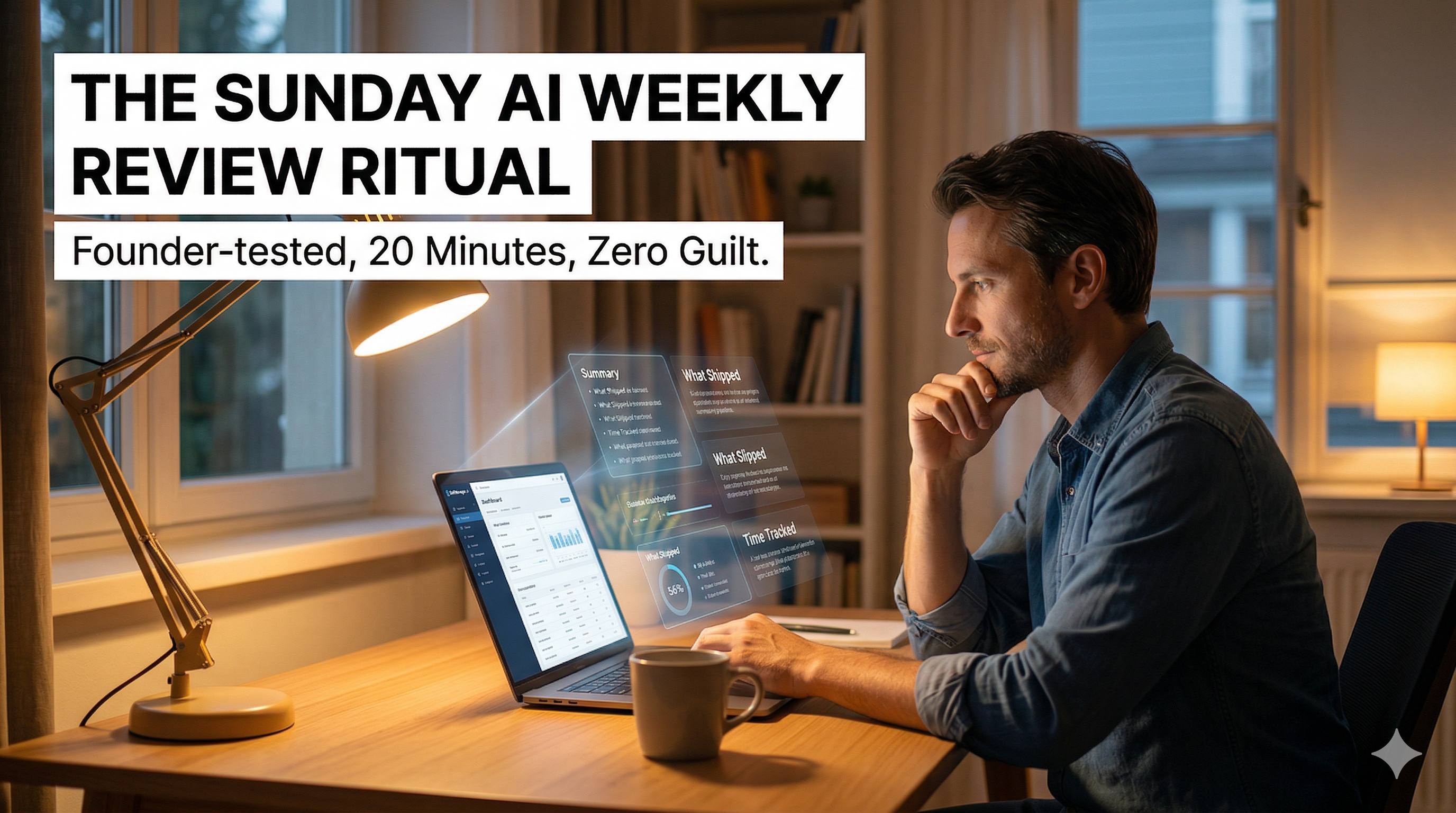
Step 2. Generate the AI weekly summary. One click. The AI reads every task, note, completion status, priority, and time log across all seven days and writes a narrative of my week. What I shipped. What slipped. Where my time went. Which projects moved and which stalled.
Step 3. Read it once without reacting. This part matters more than it sounds. The first read is just observation. No judgment, no “I should have done more.” Just noticing.
Step 4. Ask three follow-up questions. This is where the ritual becomes useful instead of just informative. I ask the AI the same three questions every week.
The Three Follow-Up Questions
These questions are the whole system. Everything else is scaffolding.
“What slipped this week and why?”
Not just which tasks missed their deadline — I can see that myself. The real question is the pattern. Did I keep deprioritizing the same project? Did one client eat my whole week? Did I plan too much on Monday and then give up by Wednesday? The AI is weirdly good at spotting these because it is not emotionally attached to my excuses.
“What did I spend the most time on, and was it worth it?”
Time tracked per task, rolled up per table, sorted by hours. This is where you find out that the “quick” client request actually ate 11 hours, or that the big scary project you kept avoiding only needed 40 minutes once you started it. Reality tends to be funnier than your memory of it.
“What should I prioritize next week based on what I just learned?”
Not a plan — a direction. I do not want the AI to build my Monday for me. I want it to tell me what the week I just finished is trying to teach me about the week I am about to start.
Step 5. Write One Sentence in My Journal
After the three follow-ups, I write exactly one sentence in a pinned “Weekly Notes” table. Something like: “Stopped context-switching mid-morning, finally shipped the landing page” or “Kept saying yes to calls, need to block Tuesday mornings.”
One sentence. Not a paragraph. The constraint is the feature — it forces you to find the actual lesson instead of writing a diary entry.
Step 6. Pin Next Week’s Three Priorities
Before I close the app, I open Monday’s table and write three priorities for the week ahead. Just three. Not a task list — three outcomes I want to be able to point at next Sunday.
Then I close the laptop.
Why This Works When Other Reviews Don’t
A few things, in order of importance.
The data is already there. Date-centric planning means the review is not a separate activity you have to prepare for. The week already exists as a structured object. You are not gathering, you are reading.
AI does the summarizing, not the thinking. The mistake I used to make was trying to use AI to tell me what to do. That never works — AI does not know your life. But AI is very good at summarizing raw activity into a readable narrative, which is the part of a review that usually kills your motivation. Delegate the summary, keep the judgment.
Three questions is the whole review. Most review templates have 15 questions. By the time you answer five you are done with Sunday. Three questions forces focus and makes the ritual small enough to actually repeat.
One sentence beats a journal entry. If I told myself to write a full weekly journal I would skip it. One sentence I can do even on a bad Sunday.
Three priorities beats a plan. Planning the whole next week on Sunday night is a fantasy. Naming three outcomes is honest.
What Changed After I Started Doing This Consistently
A few things I did not expect.
I started saying no more often during the week because I knew Sunday was going to ask me what I spent my time on.
I stopped feeling guilty about unfinished tasks. The review made it obvious that most “unfinished” tasks were actually things I had quietly decided were not important — I just had not admitted it. Deleting them felt better than carrying them forward.
I started catching patterns that would have taken me months to notice on my own. The AI would point out, casually, that I had rescheduled the same task four weeks in a row. That is usually a signal to either do it on Monday or kill it forever.
And the biggest one — Mondays got easier. Not because I had a perfect plan, but because I had closure on the previous week. The review is really a way of putting the week to bed so the next one can start clean.
The 20-Minute Template, Step by Step
If you want to steal this ritual exactly, here it is as a checklist.
- Open last week in your planner
- Generate the AI weekly summary
- Read it once without reacting
- Ask: what slipped this week and why
- Ask: what did I spend the most time on, and was it worth it
- Ask: what should I prioritize next week based on what I learned
- Write one sentence in your weekly notes
- Pin three priorities for next week
- Close the laptop
Twenty minutes. Once a week. That’s the whole thing.
A Note on the Tool
I use SelfManager.ai because the date-centric structure and the AI Period Summary feature make this ritual possible in under 20 minutes instead of over an hour. You could technically do a version of this with any tool that lets AI read your weekly activity, but every other setup I tried required me to gather the data first — and gathering is exactly the step that kills weekly reviews. If the review is not instant, it does not happen.
If you want to try the exact setup I use, SelfManager has a 7-day free trial with no card required. Build one week’s worth of tables, then run the Sunday ritual on it. You will know by the second Sunday whether it is going to stick.
Takeaways
- Weekly reviews fail because gathering the data is harder than reviewing it. Fix the gathering problem first.
- AI is for summarizing, not deciding. Keep the judgment yours.
- Three questions, one sentence, three priorities. That is the whole ritual.
- Closure on last week matters more than planning next week.
- If it takes more than 20 minutes, you will stop doing it.
Date-based AI Task Manager
Plan smarter, execute faster, achieve more
Create tasks in seconds, generate AI-powered plans, and review progress with intelligent summaries. Perfect for individuals and teams who want to stay organized without complexity.
Get started with your preferred account