
Deadlines, Notifications, and Mentions: SelfManager.ai April 2026 Update
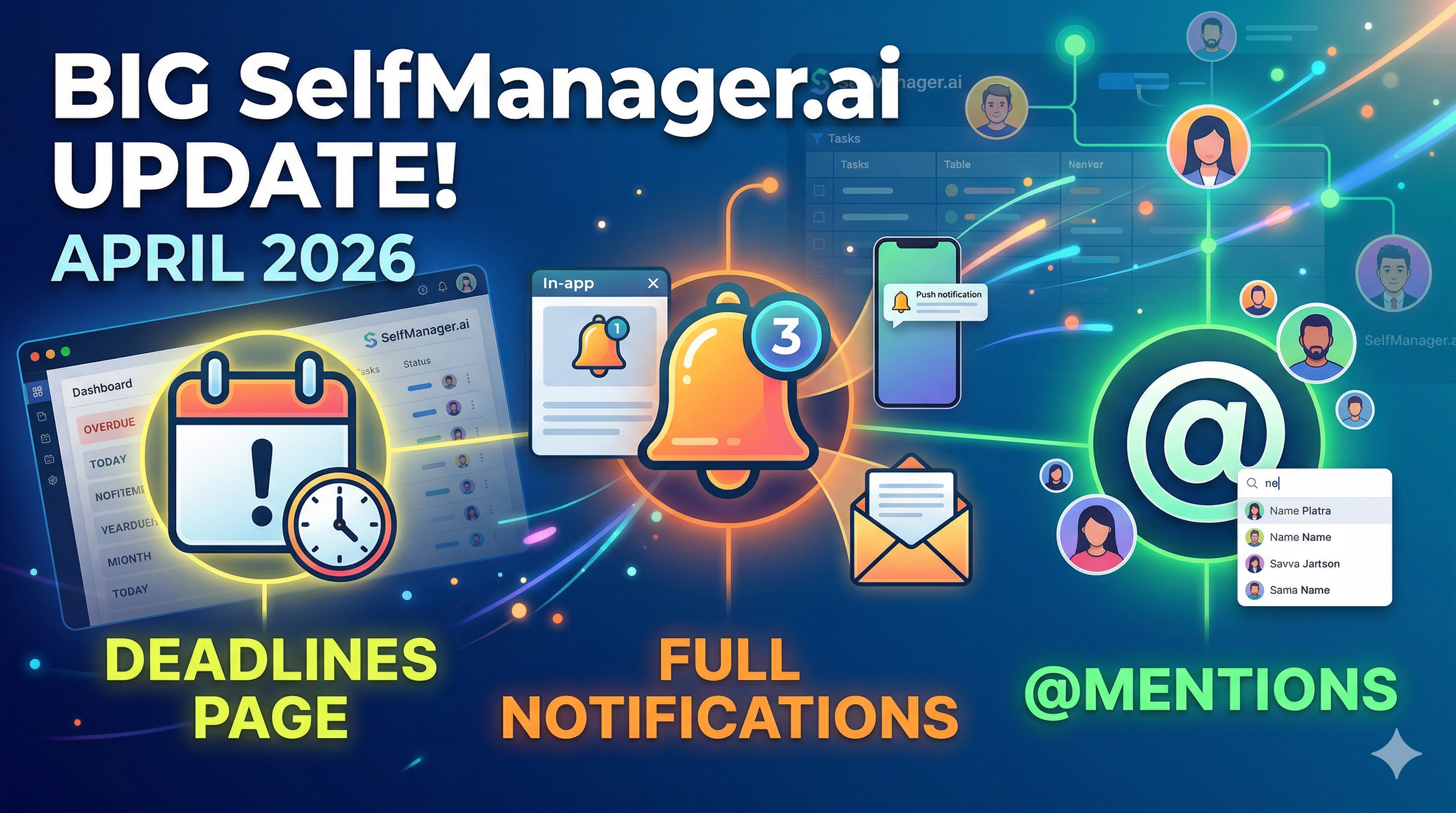
Three major features just went live on SelfManager.ai.
Tasks now support deadlines with a dedicated page to see everything that is due across all your tables. A full notification system was introduced with three channels: in-app, push, and email. And you can now mention collaborators in table comments using @, which triggers notifications across all three channels automatically.
Here is what each feature does, how it works, and how it fits into your daily workflow.
Deadlines
Tasks in SelfManager.ai now support due dates and times. You can set a specific date and time for when a task needs to be completed, turning your daily tables into a time-aware system.
But the real addition is the new Deadlines page.
Instead of checking each table individually to find what is due, the Deadlines page collects all your upcoming deadlines across every table into one place. This gives you a clear view of what needs attention now and what is coming up.
Smart Grouping
Deadlines are automatically grouped into categories so you can scan them quickly:
- Overdue — Tasks that are past their due date and still not completed.
- Today — Tasks due today.
- This Week — Tasks due within the current week.
- Later — Tasks with a due date further out.
- Completed — Tasks with a deadline that have been marked as done, with a timestamp of when they were completed.
You can filter between these categories using tabs at the top of the page.
Reminders
Each deadline can have a reminder attached to it. You choose how many minutes before the deadline you want to be reminded, and the system will send you a notification when the time comes. This works across all three notification channels described below.
Quick Actions
Each deadline card on the page shows the task name, the due date and how much time is remaining, the table it belongs to, and the reminder configuration if one is set. You can click any deadline card to open a preview of the task details, or remove a deadline directly from the page.
Notifications — In-App, Push & Email
SelfManager.ai now has a complete notification system with three independent channels. You control which channels are active and which event types trigger notifications.
In-App Notifications
A notification panel was added to the top navigation bar. It shows your latest notifications in real time with a badge indicating how many are unread.
Each notification includes a title, a preview of the content, and a timestamp. Clicking a notification takes you directly to the source — the specific table, comment, or task that triggered it. Notifications are automatically marked as read when you click them, and you can also mark all as read at once or delete individual notifications.
Push Notifications
You can now receive browser push notifications so you never miss an update, even when you are on another tab or have the browser minimized. Push notifications are powered by Firebase Cloud Messaging and work on desktop and mobile browsers that support the Web Push API.
When you enable push notifications, SelfManager.ai requests browser permission and registers your device. Notifications are sent per device, so you will receive them on every device where you have opted in. If you are actively using the app, foreground notifications are still shown at the OS level so they are not silently swallowed.
Email Notifications
For important events, you can also receive email notifications. These are clean, HTML-formatted emails that include the notification details and a direct link back to the source in SelfManager.ai.
Email notifications are sent from notifications@selfmanager.ai and are designed to be responsive and easy to read on any device.
Notification Types
The system currently supports these notification types:
- Mentions — When someone mentions you in a table comment.
- Reminders — When a deadline reminder time is reached.
- Deadlines — When a task deadline is approaching or has passed.
Preferences
You have full control over your notifications. In your settings, you can:
- Enable or disable push notifications independently.
- Enable or disable email notifications independently.
- Toggle specific event types: mentions, reminders, and deadlines — each can be turned on or off individually.
In-app notifications are always active so you do not miss anything while using the app, but push and email channels are fully optional and under your control.
Mention People in Comments
Table comments now support @mentions. When you type @ in a comment, an autocomplete dropdown appears with a list of collaborators who have access to that shared table.
Select a person and their name is inserted into your comment. When you post it, three things happen automatically:
- The mentioned person receives an in-app notification with a preview of your comment.
- If they have push notifications enabled, they get a push notification on their devices.
- If they have email notifications enabled, they receive an email with the comment preview and a link to the table.
Clicking any of these notifications takes the person directly to the comment in context, inside the table where it was posted.
A few details worth noting:
- The autocomplete only shows people who actually have access to the table, so you cannot accidentally mention someone who cannot see the content.
- If you mention yourself, no notification is sent — the system filters out self-mentions automatically.
- The notification includes the first part of your comment as a preview so the person knows what it is about before they click.
How These Features Work Together
These three features were designed to complement each other.
You set a deadline on a task. When the reminder time arrives, you get a notification through whichever channels you have enabled. If you need help from a collaborator on that task, you leave a comment and @mention them. They get notified instantly and can click through to see exactly what you are referring to.
The Deadlines page gives you the big picture of what is due. The notification system makes sure nothing slips through. And mentions close the communication loop without leaving the app.
Everything is connected through deep linking — clicking a notification, a deadline card, or a mention always takes you to the exact table, task, or comment that is relevant.
Try It Out
All three features are live now for all users. You can set your first deadline on any task, enable push notifications in your settings, and try mentioning a collaborator in a shared table comment.
If you have any questions or feedback, feel free to reach out through the contact page.
Date-based AI Task Manager
Plan smarter, execute faster, achieve more
Create tasks in seconds, generate AI-powered plans, and review progress with intelligent summaries. Perfect for individuals and teams who want to stay organized without complexity.
Get started with your preferred account