
Structured vs Todoist: Visual Day Planner or Task List? (2026)
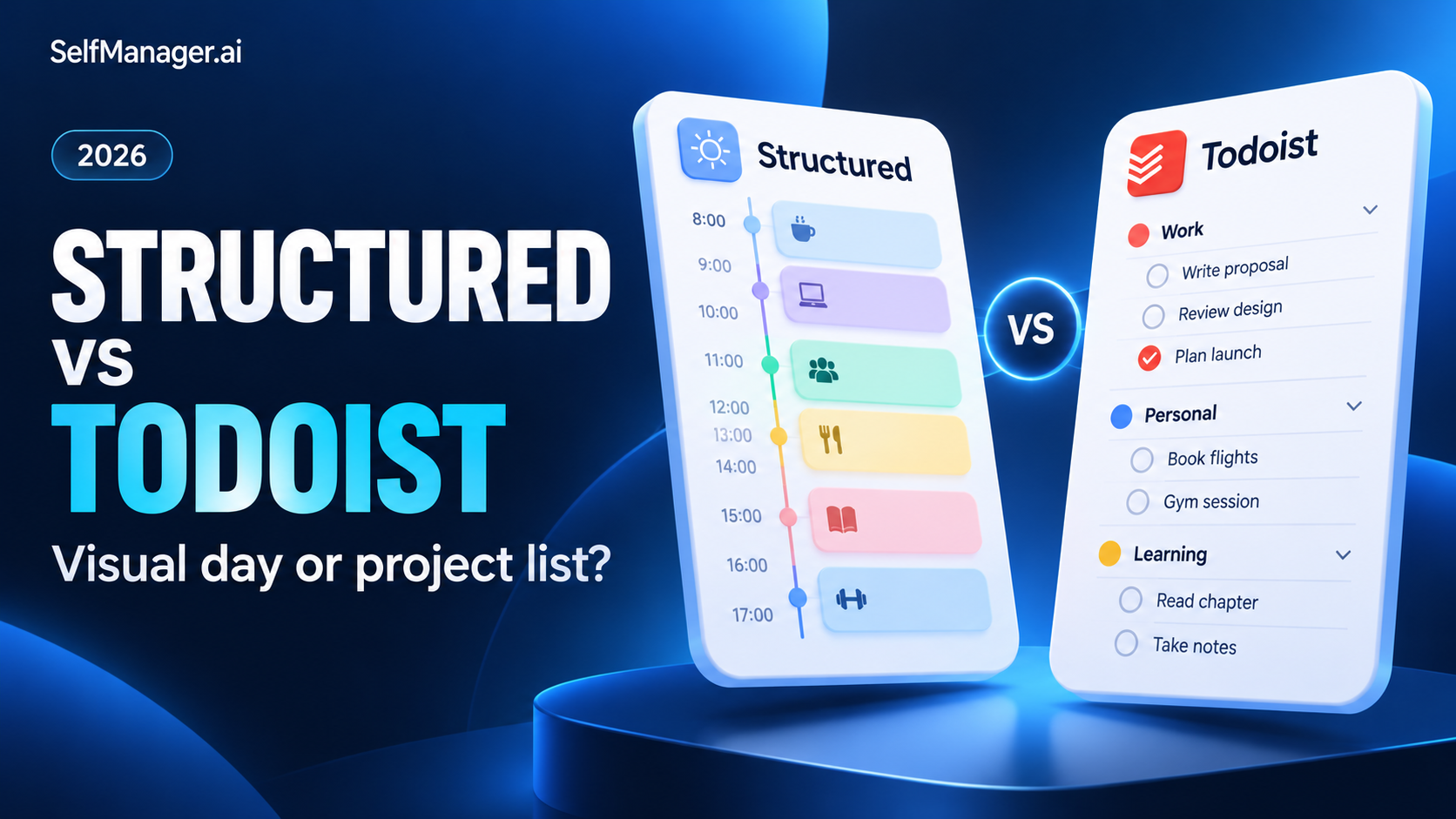
Choose Structured if a visible timeline helps you understand and follow your day. Choose Todoist if you need to capture and organize responsibilities across projects, then decide when to do them.
The distinction is less absolute than “calendar versus list.” Todoist also has a paid calendar layout and calendar integrations. The more useful comparison is between a day-planning experience and a broader task-management system.
SelfManager.ai is another option when you want dated workspaces, supporting context and a review of what actually happened, without building the whole workflow around hourly blocks.
Features checked October 30, 2026 using official documentation. Examples are illustrative; no hands-on testing is claimed. Published by SelfManager.ai.
Structured vs Todoist at a glance
| Question | Structured | Todoist | SelfManager.ai |
|---|---|---|---|
| What is the main organizing idea? | A visual daily timeline | Tasks organized into projects and views | Tables organized by date |
| What is the strongest fit? | Seeing how the day fits together | Managing a wider pool of responsibilities | Connecting the plan with context and review |
| How does it handle the day? | Tasks arranged through time | Today view; paid calendar layout available | One day's workspace with separate tables |
| What should you check? | Feature availability on your device | Plan limits and required views | Whether date-based tables match your habits |
| Mobile consideration | Android and Apple apps; platform differences | Android and Apple apps | Mobile browser, with home-screen access |
Start with the problem your current list does not solve
An overloaded day and an unorganized backlog can feel similar. They require different fixes.
If you know what needs doing but keep scheduling more than the day can hold, a visible timeline may help. You need to see the collision between a meeting, travel and the work you hoped to finish.
If tasks arrive from several directions and you keep losing the next step, you need reliable capture and organization first. Putting an incomplete inventory on a beautiful timeline does not make it complete.
If you finish each week unable to explain where the effort went, you need a better record of execution. Neither a long list nor a full calendar automatically supplies that explanation.
Where Structured is the better fit
Structured opens around a daily timeline. An inbox holds tasks that do not yet have a place in the schedule.
That combination suits someone who wants to make a day concrete. You can distinguish the morning commitment, the afternoon work session and the small errands that must fit around both.
For example, an illustrative Wednesday might contain:
- 9:00: attend a meeting.
- 10:00: work on a proposal.
- 12:00: take a lunch break.
- 13:00: handle two administrative tasks.
- 15:00: leave for an appointment.
The value is visibility. You can judge whether the proposed day makes sense before starting it.
Leave space for interruptions. A timeline filled edge to edge creates a fragile plan, even when the interface looks calm.
Structured's platform caveat
Structured now supports Apple devices, Android and the web, but the versions do not have identical capabilities. Its current getting-started guide says the weekly view is not yet available on Android and Structured AI is not yet available on the web.
Evaluate the device you use most rather than relying on a screenshot from another platform.
Where Todoist is the better fit
Todoist is well suited to a larger inventory of work. Projects hold related tasks; priorities and other views help you decide which deserve attention.
Imagine managing a move, a client project and professional study. Each can have its own unfinished work without forcing every item into today's schedule.
That separation matters when tasks need capturing long before they need doing. An inbox should be a trustworthy place to put a responsibility without pretending it belongs in the next free hour.
Todoist's strength becomes clearer when you regularly rearrange work across several projects. Your system needs to preserve the project while the planned workday changes.
Todoist also supports calendar planning
It would be misleading to describe Todoist as only a list app. Its Google and Outlook Calendar integration can display events alongside tasks and sync scheduled tasks. The calendar layout used for visual time-blocking is available on Pro and Business.
Choose between the products by how you want to plan, not by assuming one has no scheduling capabilities.
Where SelfManager.ai fits
SelfManager.ai is a different route: separate tables for the work that belongs to each date, with notes and comments beside it. Task time tracking and AI Review help connect execution with reflection.
That can suit a consultant whose day includes a client deliverable, administration and internal product work. The review question is not merely whether the calendar was full. It is what moved and what still needs attention.
Its limitation: a dated table is not Structured's hourly timeline. Choose a timeline-centered app when seeing every activity against the clock is essential.
Try a workday you already have
Use SelfManager.ai's seven-day trial for a current project. Keep the task list, a short decision note and the recorded effort together, then see whether the weekly review is useful. No card is required.
The same task, handled three ways
Take “prepare the client proposal.”
| Workflow | How you might handle it |
|---|---|
| Structured | Reserve a visible session between fixed commitments |
| Todoist | Keep the proposal's actions inside the client project, then schedule the next step |
| SelfManager.ai | Work from a dated client table and keep the day's progress and context with it |
These are suggested workflows, not claims that any product forces one specific method.
The useful choice depends on your failure point: finding time, identifying the action or understanding progress.
Should you combine Structured and Todoist?
You can maintain a project inventory in one app and plan the day in another. The benefit must outweigh the upkeep.
Before adopting both, answer three questions:
- Which app holds the authoritative task?
- Where do you mark it completed?
- How do changes reach the other view?
Do not assume direct integration. Structured's current to-do import documentation explicitly lists Todoist among unsupported task sources.
If copying tasks becomes a daily chore, one sufficiently capable system may be the better choice.
Verdict
Choose Structured when a visible timeline addresses your main planning problem. Choose Todoist when your bigger need is organizing tasks across projects and devices.
Choose SelfManager.ai when you want the day to hold both the work and enough context to review it afterward. Start a seven-day trial if that is the missing part of your current workflow.
For related comparisons, see TickTick vs Structured and Things 3 vs Todoist.
FAQ
Is Structured better than Todoist?
Structured is a better fit for people who mainly need a visible daily timeline. Todoist is a better fit for managing an inventory of project tasks. The decision depends on the problem you need to solve.
Does Todoist have a calendar view?
Yes. Its visual calendar layout is available on Pro and Business. Calendar integrations are also available, with capabilities depending on the feature and plan.
Can Structured import tasks directly from Todoist?
Structured's current import documentation lists Todoist as an unsupported task source. Do not assume automatic synchronization.
When should I consider SelfManager.ai instead?
Consider it when you want date-based planning connected to notes, tracked time and AI reviews rather than making an hourly timeline the center of the system.
Date-based AI Task Manager
Plan smarter, execute faster, achieve more
Create tasks in seconds, generate AI-powered plans, and review progress with intelligent summaries. Perfect for individuals and teams who want to stay organized without complexity.
Get started with your preferred account