
TickTick vs Structured: List-First or Timeline-First Planning?
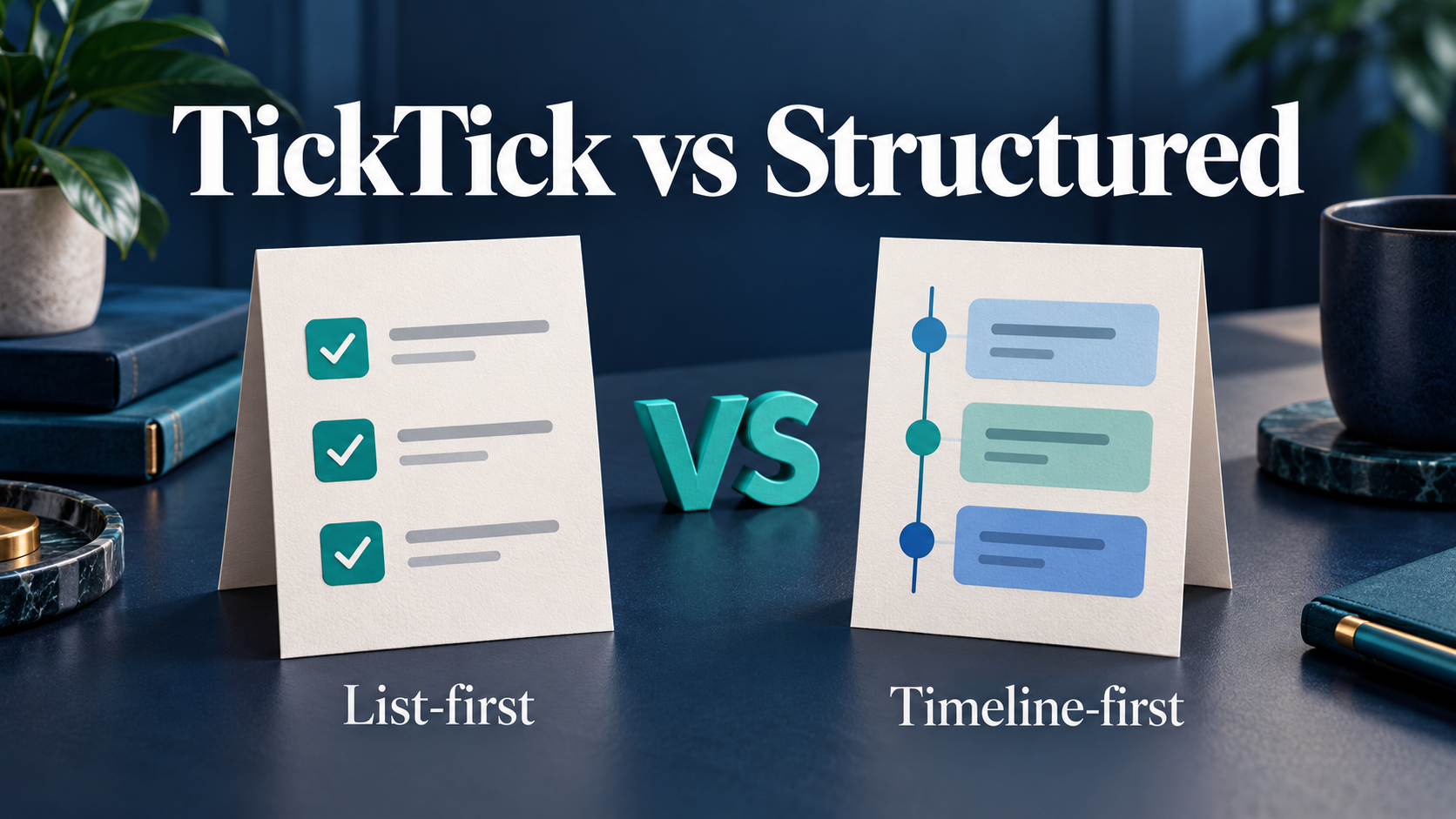
Choose TickTick if your main problem is organizing tasks across work, personal life, and several projects. Choose Structured if your main problem is turning those tasks into a realistic sequence for today.
TickTick starts naturally with task lists, then lets you add calendar planning. Structured puts the daily timeline at the center, while keeping an inbox for tasks you have not scheduled yet.
Neither approach is automatically better. The deciding question is whether you need more control over your backlog or more visibility into the shape of your day.
If your bigger problem is understanding what happened after the plan changed, SelfManager.ai offers a different approach: dated tables, task time tracking, comments, and AI review.
TickTick vs Structured at a Glance
This comparison uses official product documentation and published pricing, checked October 2026. The worked example below is fictional, not a report of hands-on testing.
| App | Planning approach | Best fit | Main tradeoff | Price |
|---|---|---|---|---|
| TickTick | Organize tasks in lists, then use calendar views when needed | Several projects, recurring responsibilities, habits, and focus sessions | More features to configure; fuller calendar planning requires Premium | Free; Premium listed at $49.99/year |
| Structured | Place tasks and events along a visual daily timeline | Time blocking and seeing how work and personal routines fit together | Features differ across Apple, Android, and web | Free; optional Pro with regional pricing |
| SelfManager.ai | Plan and record work inside dated tables | Daily work records, task time tracking, and later review | Installable web app; no calendar sync or automatic scheduling | Individual: $8/month or $72/year |
Pricing and platform distinctions reflect the official plan pages and documentation.
The SelfManager row is included for readers whose needs extend beyond this pair. The main comparison remains TickTick versus Structured.
The Main Difference: Organizing the Backlog Versus Shaping the Day
TickTick: start with the tasks you are responsible for
TickTick supports lists, tags, filters, reminders, and recurring tasks. It also includes calendar views, a habit tracker, and a Pomodoro timer.
That makes it a useful starting point when responsibilities come from several places: client requests, household tasks, business administration, and ideas for later.
You can organize those responsibilities first, then decide which ones belong in the current day. Calendar planning is available when you want to assign time to the selected work.
The practical advantage is flexibility. A task can belong to your system before you know exactly when you will do it.
Structured: start with the day you have available
Structured centers on a timeline. Tasks have a place in the day, with a time and duration, so you can see work sessions and personal commitments together.
It also supports subtasks and notes. Its inbox holds tasks without an assigned date or time, so you do not have to schedule every idea immediately.
The practical advantage is visibility. A list might contain five reasonable tasks, but a timeline helps you see whether they fit around a meeting, lunch, and an evening commitment.
Our assessment: TickTick is the stronger starting point for managing a broad set of obligations. Structured is the stronger starting point for making a single day easier to picture.
A Fictional Workday in Both Apps
Imagine a freelance developer with these responsibilities:
- Finish a client’s mobile navigation changes.
- Join a client call at 11:00.
- Send a proposal before the end of the day.
- Reply to two non-urgent emails.
- Go to the gym at 18:00.
The development work has an estimated duration of 90 minutes. The call should take 30 minutes. The proposal needs another hour.
These estimates are planning assumptions, not measured results.
How you might plan it in TickTick
Create separate lists for client work, business administration, and personal tasks. Put each responsibility in the appropriate list and set dates or reminders where they help.
If you use Premium calendar planning, allocate a morning block for development and an afternoon block for the proposal. Keep the less urgent emails as tasks you can handle around those commitments.
This setup suits someone who wants the wider task system available alongside today’s work. Tomorrow’s client requests and next week’s admin still have a clear home.
The possible failure is familiar: you can organize everything carefully and still assign too much to today. Lists and priorities help you select work, but they do not create extra hours.
How you might plan it in Structured
Place the development session from 09:00 to 10:30, the call from 11:00 to 11:30, and the proposal from 14:00 to 15:00. Add the evening gym session and leave space for lunch and interruptions.
Keep the non-urgent emails in the inbox until you decide where they fit.
This setup suits someone who needs to see the available gaps before committing to more work. The day becomes a sequence rather than a collection of equally visible tasks.
The possible failure is overplanning. Filling every gap with a task leaves no room for a call that runs long or work that takes more effort than expected.
What happens when the client call overruns?
In either app, make an explicit decision: shorten another task, move it, or leave it for another day.
A useful planner should make that decision easier. The goal is to maintain a believable plan as circumstances change.
For this fictional day, TickTick favors keeping the responsibilities organized. Structured favors seeing the knock-on effect of a longer call.
If Neither Fits: Consider a Daily Work Record
Sometimes the problem is broader than capturing tasks or placing them on a timeline.
You finish the week and struggle to explain which client work moved forward, how long it took, or why a task remained unfinished.
SelfManager.ai approaches that problem through dated tables, tasks, a time tracker on each task, and comments. A client task can retain the time spent and the decision that followed, giving your next review more context than a completion checkmark.
AI is an additional layer: AI Plan covers up to 31 days, Instant AI Review covers up to 90 days, and voice notes can be up to 30 minutes per recording.
SelfManager is an installable web app. It is a better fit when planning, recording work, and reviewing progress matter together. TickTick or Structured is a better fit when your priority is calendar-based daily scheduling; SelfManager does not offer calendar sync or automatic scheduling.
Individual costs $8/month, or $6/month paid yearly at $72/year. Team costs $30/month, or $25/month paid yearly at $300/year, with unlimited collaborators.
If a reviewable work record is what you are missing, try SelfManager.ai for 7 days, with no card required. Plan one real day, track a task, and record the result in a comment.
Calendar Planning: Both Can Help, but Check the Details
Calling TickTick “list-first” does not mean it is limited to checklists. Its calendar tools support time blocking, including arranging tasks into calendar slots. Premium adds multiple calendar views and task duration.
Structured’s timeline makes time placement central to the experience. With Pro, it can import external calendar events so you can see commitments alongside planned tasks.
Its official help describes Google Calendar import on Android and web, with a different setup through Apple Calendar on Apple devices.
An imported event appearing in a planner does not automatically mean you can edit the original meeting from that planner. Check the exact integration behavior you need before migrating your routine.
Before choosing, use a few real commitments to assess:
- Can you see the meetings that constrain your day?
- Can you assign enough time to the work between them?
- Can you change the plan conveniently on your usual device?
- Can you distinguish a fixed appointment from a flexible work session?
Our assessment: Choose based on the planning view you will actually use. TickTick’s calendar can suit list-oriented users who also time block. Structured suits users who want the timeline to be their main daily view.
Platforms: This Can Decide the Comparison
TickTick offers a broader desktop app selection
TickTick lists apps for Windows, macOS, Linux, Android, and Apple mobile devices, as well as a web app.
That makes it a practical shortlist candidate for someone who works on Windows or Linux and checks tasks on a phone.
Having an app for each device does not guarantee identical behavior everywhere. Still, the availability of a desktop app may matter if your workday mostly happens at a computer.
Structured works across devices, with feature differences
Structured is available on Apple devices and Android, and it also offers a web version.
Check the platform-specific feature matrix instead of assuming a tutorial applies everywhere. As of this check:
- Android supports timeline tasks, subtasks, notes, widgets, notifications, and device sync.
- Structured Pro on Android includes recurring tasks, calendar import, and Structured AI.
- Replan and Reminders Import are not available on Android.
- Structured AI is not available on the web version.
- The getting-started guide also lists the weekly view as unavailable on Android.
These differences matter for desk workers. If you plan in a browser during work and use Android afterward, make sure the feature you are paying for is available where you need it.
Our assessment: TickTick is the easier starting point when dedicated Windows or Linux apps are important. Structured remains worth considering when its timeline fits your routine and its features cover your devices.
AI: Both Apps Now Offer It
A comparison that describes TickTick as a traditional app with no AI would be out of date.
TickTick’s official updates describe AI Voice Add, which can identify task details and split spoken input into multiple tasks, plus audio transcription and AI-generated summaries.
Structured AI can create and edit tasks from instructions, including helping revise a plan when circumstances change. It requires Pro and is available on Apple and Android devices, but is not available on Structured Web.
The useful comparison is the job you want AI to do:
- TickTick: Consider it when you want help capturing and organizing tasks from spoken input.
- Structured: Consider it when you want help turning instructions into tasks within a daily planning workflow.
Check the result against your real commitments. A plausible AI-generated plan still needs realistic durations and priorities.
AI availability should support your decision about the core workflow. It is a poor reason to choose an app whose main planning view you dislike.
Pricing: What You Actually Need to Pay for
TickTick pricing
TickTick has a free tier. The official comparison lists 9 lists and 99 tasks per list, alongside reminders, cross-platform sync, and list and Kanban views.
Premium is listed at $49.99/year, approximately $4.17/month averaged across the year. That figure describes an annual payment, rather than a monthly subscription price.
Premium adds higher limits, multiple calendar views, and task duration, among other features.
If your main need is capturing and organizing tasks, start free. If fuller calendar planning is the reason you are choosing TickTick, examine Premium.
Structured pricing
Structured can also be used free. Its free features include timeline tasks, inbox tasks, subtasks, and notes.
Pro adds features including recurring tasks, calendar import, Structured AI, and custom notifications, with availability depending on platform.
Structured offers monthly and yearly subscriptions and a lifetime purchase. Prices depend on region and currency, so check the upgrade screen for your own offer.
Compare the cost of the features you need. Free timeline planning may be sufficient for one reader, while another needs recurring routines and calendar import from the start.
Prices and feature availability checked October 2026. Local app store prices, taxes, and offers may differ.
Which App Should You Choose?
Choose TickTick if…
- You manage responsibilities across several projects or areas of life.
- You want lists, tags, and filters alongside calendar planning.
- You value having habits and a Pomodoro timer in the same app.
- You need a dedicated Windows or Linux app.
- Shared lists and task assignment are useful to your routine.
Choose Structured if…
- You understand your day more easily as a visual timeline.
- Your task list is manageable, but fitting it around commitments is difficult.
- You want to place work, meals, appointments, and routines in one daily sequence.
- The features available on your devices cover your needs.
- You are comfortable estimating durations and revising the schedule.
Make the decision with one ordinary day
Use the same day’s responsibilities in each app. Include a fixed meeting, a flexible work session, an errand, and one task you might postpone.
Then change the plan halfway through. Move the meeting or increase the work estimate.
Assess how easily you can understand what to do next and what needs to move. This is a more useful comparison than counting features you may never use.
Verdict: Choose the Workflow You Will Maintain
TickTick is our pick for managing a broad task system with optional calendar planning. Structured is our pick for a visual daily timeline.
TickTick suits readers who need to keep many obligations organized. Structured suits readers who need to see how selected work fits into the day.
Choose SelfManager.ai if the missing piece is a dated record of tasks, time spent, and decisions that you can review later.
Try SelfManager.ai free for 7 days, with no card required, if you want daily planning to produce a useful work record as well.
Frequently Asked Questions
Is TickTick better than Structured?
TickTick is the stronger starting point for a broad task system, with lists, filters, calendar planning, habits, and focus tools. Structured is the stronger starting point for visual daily planning. The better choice depends on whether your main difficulty is organizing obligations or fitting them into today.
Can TickTick do time blocking?
Yes. TickTick’s calendar tools support arranging tasks into time slots. Premium includes multiple calendar views and task duration, which are relevant if time blocking is a main reason you want the app.
Does Structured work on Android?
Yes. Structured has an Android app, including timeline planning and an inbox. Pro adds recurring tasks, calendar import, and Structured AI. Some features available on Apple devices, including Replan and Reminders Import, remain unavailable on Android.
Can Structured hold tasks without a date or time?
Yes. Structured’s inbox stores unscheduled tasks. You can complete them there or move them to the timeline when you decide when to work on them.
Do TickTick and Structured have AI?
Yes. TickTick documents AI voice task capture and audio summaries. Structured Pro includes AI for creating and editing tasks. Check current platform availability and plan requirements for the feature you want.
When should I consider SelfManager.ai instead?
Consider SelfManager.ai when you want daily planning, task time tracking, comments, and AI review together. It is an installable web app built around dates and tables. It is less suitable when calendar sync or automatic scheduling is your main requirement.
Date-based AI Task Manager
Plan smarter, execute faster, achieve more
Create tasks in seconds, generate AI-powered plans, and review progress with intelligent summaries. Perfect for individuals and teams who want to stay organized without complexity.
Get started with your preferred account