
Structured vs Things 3: Which Planner Fits How You Work? (2026)
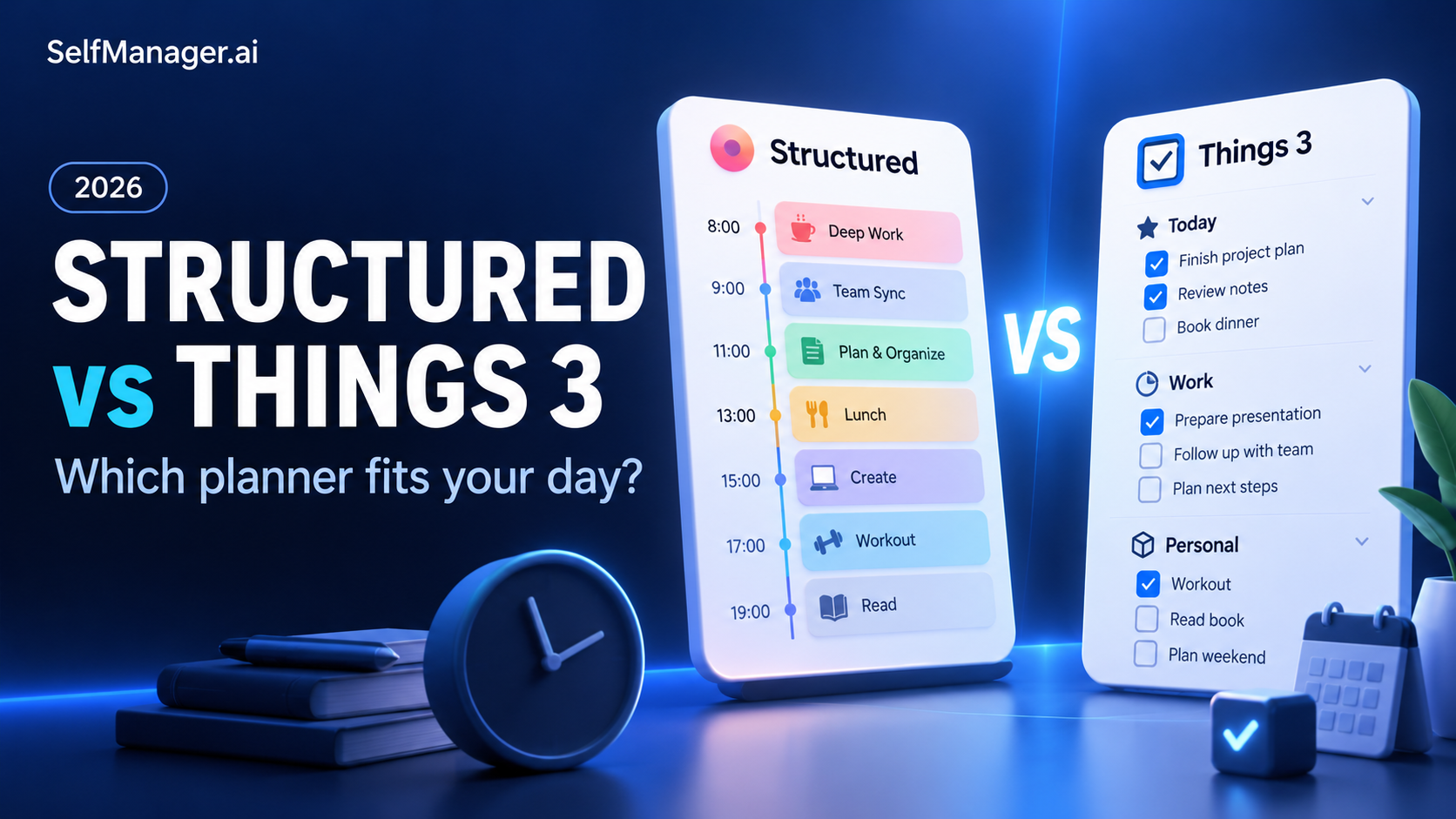
Structured is the better fit if you want to see activities arranged through the day. Things 3 is the better fit if you want a personal task system built around projects, areas and choosing what to do next on Apple devices.
The key question is whether you mainly need to map today's time or organize responsibilities beyond today. If you also want a record of the work, its context and the effort involved, consider SelfManager.ai.
Capabilities checked October 30, 2026 against official documentation. This is a workflow comparison with illustrative examples, not a hands-on testing report. Published by SelfManager.ai.
Structured vs Things 3 at a glance
| Consideration | Structured | Things 3 | SelfManager.ai |
|---|---|---|---|
| Main structure | Daily timeline and inbox | Areas, projects and task views | Dated tables |
| Strongest use case | Making the day visible | Organizing personal responsibilities | Planning, recording and reviewing work |
| Device decision | Apple, Android and web; features vary | Supported Apple devices only | Browser across desktop and mobile |
| Purchase model | Free offering and Pro upgrade | Separate one-time purchases by platform | Subscription after a seven-day trial |
| Primary trade-off | Check platform feature differences | No Android, Windows or web app | No hourly timeline; mobile access through the browser |
What are you trying to make easier?
People often compare planning apps as if every app begins with the same problem. In practice, two very different situations can lead to the same search.
One person has a clear task list but keeps discovering that the day's commitments leave no space to finish it. Another has available time but keeps overlooking actions buried in several projects.
The first person needs a more realistic view of the day. The second needs a reliable way to organize and surface the next action.
Choose for your recurring problem. An interface you admire is only useful if it helps with that problem on an ordinary Tuesday.
Choose Structured when the day needs a visible shape
Structured presents tasks on a timeline, with an inbox for items not yet scheduled. Its appeal is understanding the relationship between activities and the time available.
Suppose you intend to write, exercise and run errands before an afternoon appointment. A timeline encourages you to account for transitions and make the plan concrete.
That can be helpful if an undifferentiated list makes a busy day hard to understand. It can also expose an unrealistic plan before you spend the morning trying to follow it.
The limitation of a perfect-looking schedule
An attractive timeline cannot remove uncertainty. Calls overrun, an errand takes longer than expected and an urgent task appears.
For an illustrative planning rule, give your day some unassigned space and choose which task can move if necessary. The useful outcome is a workable schedule, rather than matching every planned minute.
Choose Things 3 when projects matter beyond today
Things organizes personal work with areas and projects, supported by views such as Today, Upcoming, Anytime and Someday. Project headings and task checklists add structure without requiring every action to become a scheduled time block.
That suits responsibilities with different horizons. You may need to remember a home repair, move a client project forward and keep a future course idea without treating them as equally urgent.
Today becomes a selection from that broader system. Upcoming helps look ahead, while Someday gives possible work a place without putting it into the immediate plan.
The practical attraction: you can keep responsibility organized even when you have not decided its exact hour.
Devices can decide the comparison immediately
Things 3 is for supported Apple devices. There is no official Android app, Windows app or web version.
Structured supports Apple devices, Android and the web, but its documentation describes differences between versions. Confirm your required features on the platform you use.
For example, someone using an Android phone and a Windows laptop should not choose Things expecting browser access later. Someone working entirely on Apple devices can give more weight to its native experience.
Device fit is a requirement, not a small feature to average into a score.
Where SelfManager.ai offers a different approach
SelfManager.ai is worth evaluating if the missing piece is an understandable record of your working days. Its dated tables keep tasks beside notes and comments, with time tracking and AI review available.
For example, a researcher could keep today's analysis steps with a note explaining why an experiment needs another pass. The later review can then examine more than whether the task was checked off.
This is a suggested use of the product, not a specialist research-management feature.
The limitation: SelfManager does not reproduce Structured's time-by-time display or Things' native Apple interaction design.
Make the comparison with your own work
Try SelfManager.ai's seven-day trial with one ongoing responsibility. Keep a daily record and ask whether the review helps you choose the next step. No credit card is required.
What each workflow might look like
Consider an illustrative day containing a project draft, a call and personal administration.
| Planning approach | Useful question |
|---|---|
| Structured | Where do the draft and admin session fit around the call? |
| Things 3 | Which actions from my projects deserve a place in Today? |
| SelfManager.ai | What did I work on today, and what should the record help me review later? |
The same person could benefit from each question. The decision is which one needs the most support.
If you are already good at maintaining project lists, adding another task manager may solve little. If you rarely review previous days, keeping a richer daily record may be the useful change.
Compare the purchase models without overbuying
Things uses one-time purchases for its supported platforms, sold separately by device category. Structured has a free offering and Pro upgrade options; check the current offer in your region.
SelfManager.ai is $8 monthly or $72 annually for Individual, following a seven-day trial. AI use has credit allowances rather than being unlimited.
The relevant cost is the setup you will actually use. Do not pay for several apps because each looks appealing in isolation. First identify which missing behavior the purchase will support.
Can you use Structured and Things together?
You can keep a broader task inventory in Things and manually choose daily sessions in Structured. That is a workflow choice, not a promise of direct synchronization.
Structured's import documentation lists Things 3 among unsupported task sources. Before using both, decide where the authoritative task lives and where completion is recorded.
If the arrangement makes you maintain the same information twice, simplify it.
Verdict
Choose Structured for a visible daily timeline. Choose Things 3 for personal project organization within an Apple-device setup.
Choose SelfManager.ai when you want to connect the daily plan with context, tracked effort and later review. Start the seven-day trial with one project before moving your whole system.
For more context, read Is Structured Pro worth it? and Things 3 vs Apple Reminders.
FAQ
Is Structured a replacement for Things 3?
It can replace the parts of your system centered on planning the day. It uses a different organizing model, so it should not be treated as an identical project-management experience.
Does Things 3 work on Android or Windows?
No. Things 3 supports Apple devices and does not have an official web app.
Can Structured and Things 3 synchronize tasks directly?
Structured's current import guide lists Things 3 as an unsupported task source. Do not choose a two-app setup on the assumption of direct sync.
Which option suits reviewing completed work?
SelfManager.ai is worth evaluating when the review needs tasks, recorded time and day-level context. The quality of that review depends on the records you maintain.
Date-based AI Task Manager
Plan smarter, execute faster, achieve more
Create tasks in seconds, generate AI-powered plans, and review progress with intelligent summaries. Perfect for individuals and teams who want to stay organized without complexity.
Get started with your preferred account