
Motion vs Akiflow: Which AI Planner Is Better in 2026?
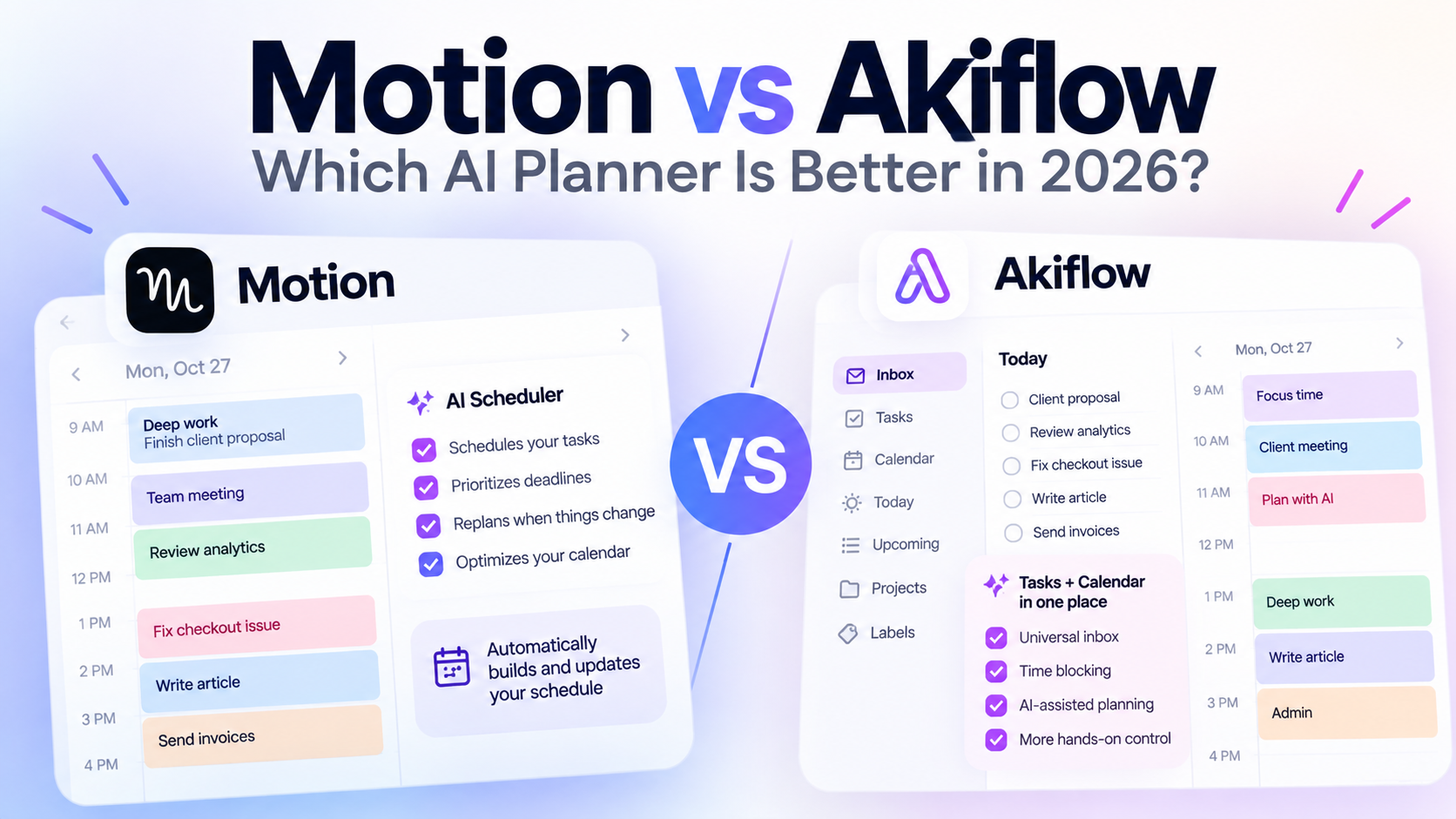
Motion and Akiflow are both built around turning tasks into an actual daily schedule, but they approach that job differently. Motion leans harder into automatic AI scheduling and continuous replanning, while Akiflow combines calendar planning, task consolidation, time blocking, and more hands-on control.
If you want software to decide when you should work on your tasks and continuously rearrange your schedule, Motion is the clearer fit.
If you prefer bringing tasks and calendars together, planning your day visually, and retaining more control over your time blocks, Akiflow is likely the better fit.
And if you do not want an auto-scheduler at all, there is a third approach worth considering: using AI to decide what should be done on each day without automatically filling your calendar.
Prices checked October 2, 2026.
Motion vs Akiflow at a Glance
| Feature | Motion | Akiflow | SelfManager.ai |
|---|---|---|---|
| Main approach | AI auto-scheduling | Tasks + calendar + time blocking | Date-based AI planning |
| Automatically schedules tasks | Yes | Yes, with user control | No |
| Automatically replans calendar | Yes | Yes, with planning tools and AI assistance | No |
| Calendar integration | Strong | Strong | Not a core feature |
| Task management | Yes | Yes | Yes |
| AI planning | Yes | Yes | Yes |
| Uses previous work as planning context | Focuses on current tasks, priorities and schedule | Focuses on tasks, calendar and planning context | Can optionally use up to 3 months of previous work |
| Universal task inbox | Integrations available | Major feature | No |
| Time blocking | Automatic | Strong manual + AI-assisted workflow | Day-level planning instead |
| Time tracking | Business AI plan | Stats and time-planning features | Built in per task |
| Best fit | People who want AI to run their schedule | People who want tasks and calendar in one planning system | People who want AI planning without automatic calendar control |
| Starting individual price | $19/month on annual Motion Pro AI billing | $19/month billed yearly, $34 monthly | $8 monthly or $6/month billed yearly |
The most important difference is not the number of features.
It is how much control you want to hand to the software.
What Is Motion?
Motion is an AI productivity platform built heavily around automatic scheduling.
You add tasks, deadlines, priorities, durations, meetings and other work. Motion then decides where tasks should fit into your available time.
When your schedule changes, Motion can recalculate the plan.
A meeting takes longer than expected?
Something urgent appears?
A task takes more time than planned?
Motion can move other work around automatically.
That is the core appeal.
Instead of repeatedly asking:
"What should I work on now?"
Motion tries to keep the answer visible in your calendar.
What Is Akiflow?
Akiflow also combines tasks and calendar planning, but its workflow historically puts more emphasis on actively organizing your day.
Its Universal Inbox can bring tasks from other services into one place.
From there, you can organize tasks, assign priorities and deadlines, plan them, and turn them into time blocks on your calendar.
Akiflow has also expanded its AI capabilities significantly.
Its Aki assistant can help with scheduling and replanning, and Akiflow now promotes automatic planning alongside its traditional time-blocking workflow.
So the old distinction of "Motion automates, Akiflow is manual" is becoming less accurate.
Both now use AI.
The difference is more about philosophy and interaction.
Motion is built around having the system continuously optimize your schedule.
Akiflow gives you a central planning environment where AI can assist while you remain heavily involved in shaping the day.
Motion vs Akiflow: The Biggest Difference
Imagine you have these tasks:
- Finish client proposal
- Review analytics
- Fix checkout issue
- Write article
- Send invoices
- Prepare presentation
- Research new feature
You also have four meetings.
The Motion approach
You enter your work and constraints.
Motion looks at:
- Deadlines
- Priority
- Duration
- Available calendar time
- Other scheduled work
It then builds the schedule.
If your morning changes, Motion can reorganize the remaining tasks automatically.
The software is actively managing time allocation.
The Akiflow approach
Your tasks can arrive in the Universal Inbox from multiple sources.
You organize what matters, decide what belongs in your day, and plan tasks into your calendar.
Akiflow's newer AI features can help schedule and replan work, but the product still strongly emphasizes the planning interface itself.
You are interacting with your schedule rather than simply receiving one.
That distinction sounds small until you use either workflow every day.
Some people love having software constantly optimize their calendar.
Others find that level of automation uncomfortable.
Which Is Better for Automatic Scheduling?
Motion.
Automatic scheduling is one of Motion's defining features.
Motion can take your tasks and schedule them around meetings and available working hours based on information such as deadlines, priorities and expected duration.
It can also recalculate that schedule when things change.
That makes Motion especially attractive if your main productivity problem is:
"I know what needs to happen, but I am constantly figuring out when I can fit everything in."
Motion tries to remove that decision.
Akiflow can also automatically plan and reschedule work, and its AI capabilities are much stronger than they were in earlier versions.
But Motion remains more fundamentally centered around automatic scheduling as the core experience.
Which Is Better for Time Blocking?
Akiflow has a particularly strong time-blocking workflow.
Tasks can be dragged onto your calendar, given planned times, assigned durations and organized into dedicated work periods.
You can visually shape the day yourself.
This gives you more deliberate control.
For example, you may know that you do your best development work in the morning even if another task technically has a slightly higher priority.
You can make that decision yourself.
Motion is also effectively time blocking, but much of the blocking happens automatically.
So the choice is less:
"Which one supports time blocking?"
Both do.
The better question is:
"Who do you want controlling the blocks?"
Which Is Better for Bringing Tasks From Other Apps Together?
Akiflow has a strong advantage here.
The Universal Inbox is one of its central ideas.
The product is designed around collecting tasks from the tools where work originates and bringing them into one planning environment.
That includes integrations with tools such as calendars, email and communication platforms.
For someone whose work is already distributed across multiple applications, this can be extremely useful.
Instead of replacing every existing work tool, Akiflow can act as a planning layer above them.
Motion also offers integrations, but task consolidation is more central to Akiflow's identity.
Which Is Better for AI?
This question is becoming harder to answer because both products now use AI across multiple parts of their workflow.
Motion uses AI heavily for:
- Task planning
- Scheduling
- Reprioritization
- Calendar optimization
- Project management
- Meetings
- Documents and other work
Akiflow uses AI for:
- Planning
- Prioritization
- Scheduling
- Rescheduling
- Task organization
- Workflows
- Interacting with your schedule through Aki
If your definition of AI productivity is:
"Make decisions about my calendar for me"
Motion's AI approach is probably closer to what you want.
If your definition is:
"Help me operate my planning system faster"
Akiflow may feel more natural.
Motion vs Akiflow for Daily Planning
Both are capable daily planners, but they produce different routines.
A Motion morning
Ideally, there is less planning.
You open Motion and see what the system believes you should do and when.
Your schedule has already been constructed around your meetings and tasks.
The value is reduced planning overhead.
An Akiflow morning
Daily planning remains more visible.
You can process your inbox, identify important tasks, review your calendar and shape the day.
Akiflow even has planning rituals designed around this workflow.
The value is intentional planning with much of the friction removed.
Neither philosophy is universally better.
Some people want to stop planning.
Others find that planning is itself useful because it forces them to consciously decide what matters.
Motion vs Akiflow for People With Constantly Changing Days
Motion makes a particularly strong case here.
Imagine your day starts like this:
9:00 - Deep work
11:00 - Meeting
12:00 - Proposal
14:00 - Development
16:00 - Admin
Then a client asks for an urgent call at 10:30.
Your original plan no longer works.
With a traditional planner, you manually rearrange everything.
Motion's pitch is that the system does that work for you.
It recalculates your schedule around the change while trying to preserve deadlines and priorities.
Akiflow can also assist with moving and replanning work, including through Aki, but its workflow gives you more direct interaction with those decisions.
If your calendar changes five times a day, automation becomes increasingly valuable.
Motion vs Akiflow for Control
Akiflow may appeal more to people who enjoy planning.
That includes people who like:
- Choosing their own focus blocks
- Reviewing what is coming next
- Dragging work around visually
- Processing an inbox
- Setting daily goals
- Deliberately planning tomorrow
Motion deliberately removes more of these decisions.
That is one of its advantages, but it can also be its disadvantage depending on your personality.
If an algorithm moving a task from Tuesday afternoon to Wednesday morning feels helpful, Motion makes sense.
If that makes you want to immediately move it somewhere else, Akiflow may suit you better.
Motion vs Akiflow Pricing
Prices checked October 2, 2026.
Motion
Motion currently lists:
- Pro AI - $19 per seat per month when billed annually
- Business AI - $29 per seat per month when billed annually
Business AI adds features including advanced reporting, capacity planning, Gantt timelines, time tracking and more organizational controls.
Akiflow
Akiflow currently lists:
- Pro Monthly - $34 per month
- Pro Yearly - $19 per month when billed yearly
Both products offer a 7-day trial.
That means their annual entry pricing is currently very similar.
The more important purchasing decision is therefore probably not a few dollars of subscription difference.
It is which workflow you actually want to use every day.
Where Motion Is Better
Motion makes the most sense when you want the software to take responsibility for your schedule.
Its strongest advantages are:
- Automatic task scheduling
- Continuous replanning
- Deadline-aware scheduling
- Strong calendar automation
- Automatic prioritization
- Broader project-management capabilities
- Less daily manual planning
It is especially compelling if your calendar is crowded and changes frequently.
Where Akiflow Is Better
Akiflow makes the most sense when you want a central planning workspace that combines tasks and calendars without giving up as much control.
Its strongest advantages include:
- Universal Inbox
- Strong time blocking
- Calendar and task consolidation
- Fast task capture
- Daily planning rituals
- Keyboard-driven workflows
- Integrations
- Increasingly capable AI scheduling
- More deliberate manual planning when you want it
It is particularly attractive if your tasks currently live across several different tools.
What Both Motion and Akiflow Do Better Than SelfManager.ai
Calendar automation.
This distinction needs to be clear.
SelfManager.ai does not automatically fill available calendar slots.
It does not continuously rearrange your hourly schedule when meetings change.
Motion and Akiflow are much stronger choices if calendar-based planning is the core thing you want.
If you want your productivity system built around:
9:00 - Task A
10:30 - Meeting
11:30 - Task B
13:00 - Task C
Motion and Akiflow are designed around that type of workflow.
SelfManager uses a different model.
The Third Option: AI Planning Without Auto-Scheduling
Not everybody wants every task attached to a clock.
There is another planning question:
"What should I accomplish on Tuesday?"
instead of:
"What should I do between 10:15 and 11:00 on Tuesday?"
That is closer to how SelfManager.ai works.
Every date has its own workspace.
You can organize tasks and other information inside tables for that date.
AI Plan can create a plan covering:
- One day
- One week
- One month
- A custom range up to 31 days
It can generate one table per day with up to 20 prioritized tasks.
And it can optionally use up to three months of your previous work as context when generating the plan.
The result appears in a review pane first.
You can change it.
Then approving the plan creates the tables on their corresponding dates.
SelfManager decides what should go into the day.
It does not decide exactly which hour you must do it.
An Example of the Difference
Imagine your Tuesday contains:
- Finish homepage
- Test checkout
- Reply to client
- Write article
- Review analytics
Motion
May produce something like:
9:00 - Finish homepage
11:15 - Reply to client
13:00 - Test checkout
15:00 - Review analytics
16:00 - Write article
Akiflow
Lets you bring those tasks into your planning flow, schedule or auto-schedule them, and arrange them as time blocks alongside your meetings.
SelfManager.ai
Might create Tuesday as:
- Finish homepage - highest priority
- Test checkout
- Reply to client
- Review analytics
- Write article
You still decide when during Tuesday each task gets done.
That gives up calendar automation in exchange for flexibility.
Which One Should You Choose?
There is no single answer because these products solve slightly different versions of the same problem.
Choose Motion if:
You want your task manager to automatically build your schedule.
You regularly have meetings, deadlines and tasks competing for the same hours.
You want the system to recalculate your day when something changes.
And you are comfortable giving automation significant control over when work happens.
Choose Akiflow if:
You want tasks and calendars in one place.
Your tasks arrive from several different applications.
You like time blocking.
You want AI assistance but still enjoy deliberately shaping your schedule.
And you want a fast planning interface around your calendar.
Consider SelfManager.ai if:
You want AI to help decide what belongs on each day but do not want automatic calendar scheduling.
You prefer organizing work around dates rather than time slots.
You want AI planning to optionally consider your previous work.
Or you want planning, daily task history, AI review, notes, comments and time tracking in the same system.
Motion vs Akiflow for Freelancers
Both can work well.
Motion is particularly useful if your freelance schedule involves many appointments, client calls and hard deadlines.
Akiflow can be attractive if client work arrives from several tools and you want to bring it into one personal planning system.
The choice again comes down to automation.
A freelancer who wants the software to constantly optimize their calendar may prefer Motion.
A freelancer who wants to deliberately arrange client work into blocks may prefer Akiflow.
Someone who mainly wants to decide which client and personal tasks belong on each day may prefer a date-based planner instead.
Motion vs Akiflow for Founders
Founders often have the exact type of workload these tools are designed to handle.
Development.
Sales.
Marketing.
Customer support.
Finance.
Meetings.
Research.
Personal obligations.
The challenge is not usually a lack of things to do.
It is deciding what receives attention.
Motion attacks this through automatic allocation of time.
Akiflow attacks it through consolidation and deliberate schedule planning.
SelfManager attacks it through date-based planning and historical context.
All three can reduce planning friction.
They simply automate different parts of the process.
Is Motion Better Than Akiflow?
Motion is the stronger fit if your main requirement is automatic scheduling.
Its core workflow is built around turning tasks into a continually optimized calendar.
But that does not make it universally better.
If you value task consolidation, deliberate time blocking and hands-on control over your schedule, Akiflow may fit better.
Is Akiflow Better Than Motion?
Akiflow may be better for people who want a planning command center rather than a system that continuously makes scheduling decisions for them.
Its Universal Inbox, task integrations, calendar workflow and time-blocking interface make it particularly useful for people whose work is already spread across multiple services.
Motion is more appealing when reducing manual planning is the priority.
The Real Choice Is How Much Automation You Want
Motion vs Akiflow looks like a comparison between two task-management apps.
It is really a decision about how you want to plan.
At one end:
The software plans your calendar for you.
At the other:
You manually decide everything.
Motion sits closer to the first end.
Akiflow gives you more opportunity to actively shape the plan while increasingly using AI to automate parts of it.
SelfManager.ai takes a different route by helping prioritize what belongs on each date without automatically claiming specific hours on your calendar.
That means the best choice depends less on which app has the longest feature list and more on what part of planning you actually want to stop doing.
Frequently Asked Questions
What is the main difference between Motion and Akiflow?
Motion focuses heavily on automatically scheduling and rescheduling tasks around your calendar. Akiflow combines tasks, calendars, Universal Inbox, time blocking and AI-assisted scheduling while retaining more emphasis on deliberate daily planning.
Does Motion automatically schedule tasks?
Yes. Automatic task scheduling is one of Motion's central features. It can schedule work based on information such as deadlines, priorities, duration and calendar availability and recalculate the schedule when circumstances change.
Does Akiflow automatically schedule tasks?
Yes. Akiflow now includes AI-assisted and automatic scheduling features alongside its traditional time-blocking workflow. It also allows users to manually arrange and control their planned work.
Is Motion or Akiflow better for time blocking?
Both support calendar-based work planning. Akiflow places particularly strong emphasis on interactive time blocking, while Motion automates more of the process by scheduling tasks for you.
Is Motion or Akiflow better for integrations?
Both offer integrations, but Akiflow's Universal Inbox is specifically designed around bringing tasks from multiple tools into one planning environment.
How much does Motion cost in October 2026?
Motion lists Pro AI at $19 per seat per month when billed annually and Business AI at $29 per seat per month when billed annually. Pricing should always be checked again before purchasing because software pricing can change.
How much does Akiflow cost in October 2026?
Akiflow lists Pro at $34 when billed monthly or $19 per month when billed yearly as of October 2, 2026.
Is SelfManager.ai an alternative to Motion and Akiflow?
It can be for users who want AI-assisted daily planning without automatic calendar scheduling. SelfManager.ai organizes work around dates and can use AI to generate prioritized daily plans, but it does not automatically place tasks into calendar time slots.
Which is better if I do not want AI controlling my calendar?
Akiflow gives you more hands-on scheduling control than Motion, while SelfManager.ai goes further in the other direction by planning at the day level instead of automatically scheduling hourly calendar blocks.
Date-based AI Task Manager
Plan smarter, execute faster, achieve more
Create tasks in seconds, generate AI-powered plans, and review progress with intelligent summaries. Perfect for individuals and teams who want to stay organized without complexity.
Get started with your preferred account