
Is Todoist Pro Worth It in 2026? What You Get for the Money
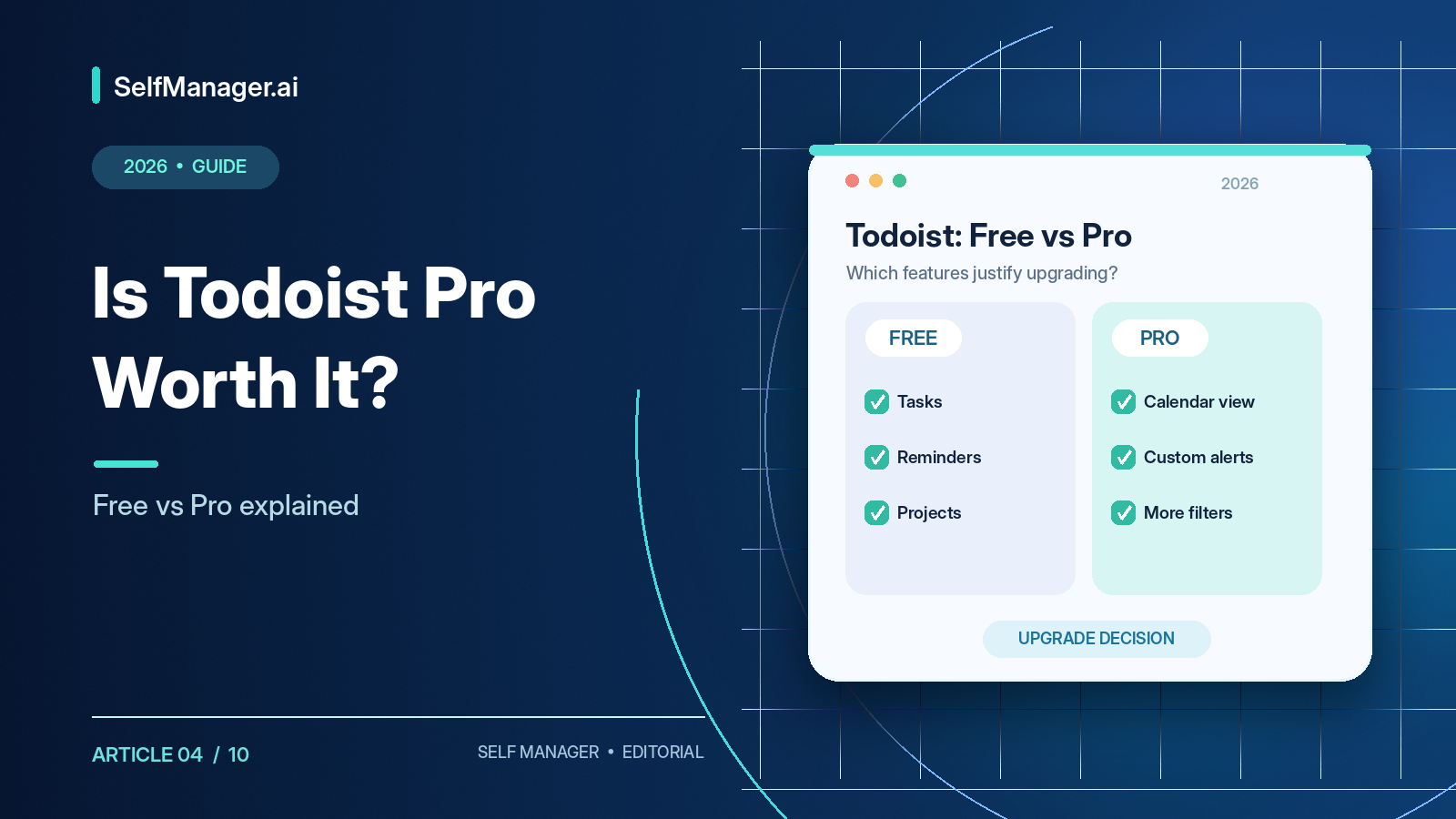
Todoist Pro is worth $60 per year if you regularly use its calendar layout, task durations, custom reminders, deadlines, or advanced filters. If you mainly need lists, recurring tasks, priorities, and basic reminders, Todoist Free is already capable enough for everyday use.
Todoist Beginner includes five personal projects, subtasks, priorities, recurring tasks, basic reminders, calendar integrations, and limited AI capture. You can build a functional system without paying. Pro becomes useful when your responsibilities require more projects, timeboxing, richer filtering, or detailed planning.
Stay on Free for short lists and basic recurring tasks. Upgrade to Pro when calendar layout, durations, custom reminders, deadlines, expanded projects/filters, or additional AI usage solve a recurring problem. Consider Business when you require team administration. Consider another type of app for native elapsed-time tracking and deeper historical work reviews.
Published US features and pricing checked October 18, 2026.
Todoist Free vs Pro: What's the Difference?
| Feature | Free (Beginner) | Pro |
|---|---|---|
| Monthly subscription | $0 | $7 |
| Annual subscription | $0 | $60 |
| Personal projects | 5 | 300 |
| Task lists and boards | Yes | Yes |
| Subtasks and priorities | Yes | Yes |
| Recurring tasks | Yes | Yes |
| Basic reminders | Yes | Yes |
| Custom reminders | No | Yes |
| Google/Outlook Calendar integration | Yes | Yes |
| Calendar layout | No | Yes |
| Task duration estimates | No | Yes |
| Separate deadlines | No | Yes |
| Custom filter views | 3 | 150 |
| Reporting history | 1 week | Full |
| Ramble and AI capture | 10 shared monthly sessions | Unlimited, fair use |
| Task Assist | No | Yes |
| Automatic backups | No | Yes |
| Attachment size | 5 MB | 100 MB |
You aren't paying for the basic act of organizing tasks. You're paying for more capacity, planning features, customization, AI usage, and historical visibility.
Todoist Pro Pricing in 2026
Pro costs $7 monthly or $60 per year, the equivalent of $5/month. Twelve monthly payments total $84, so annual billing saves $24. The $5 monthly equivalent is not a month-to-month subscription; it is part of the upfront $60 annual payment. Taxes and regional prices can vary.
For a complete breakdown across all subscriptions, see Todoist Pricing.
1. Calendar Layout: The Strongest Reason to Upgrade
Todoist Free already provides Today and Upcoming and connects with Google or Outlook Calendar. Pro adds the visual calendar layout for arranging work across daily, weekly, and monthly schedules.
Imagine tasks that take 90 minutes, one hour, two hours, thirty minutes, and forty-five minutes. A conventional list shows five items, but they add up to nearly six hours of work. The calendar layout lets you position tasks into available slots and recognize conflicts before beginning.
Calendar integration isn't calendar layout. You can connect a supported external calendar on the free plan; you pay for visually timeboxing tasks within Todoist. This also isn't the same as Motion's automatic scheduling engine: Todoist generally leaves schedule design in the user's hands.
Pro is worth considering if you routinely assign tasks to specific hours. It is less important if you prefer a simple list and only occasionally check calendar events.
2. Task Durations: Planning, Not Actual Time Tracking
Pro lets you estimate how long a task should take and display that block in the calendar. You might estimate twenty minutes for meeting notes, ninety minutes for a proposal, forty-five for reviewing code, or three hours for a quarterly report.
Estimated task duration is not the same thing as actual time tracking. Todoist doesn't automatically record that your 45-minute task took 73 minutes. Freelancers preparing invoices need actual elapsed-time records, often through a separate time-tracking integration. Pro's duration feature is most valuable for allocating realistic calendar time.
3. Custom Reminders: When Missing Work Has Consequences
Free includes basic reminders. Pro adds more control over reminder timing, including multiple alerts for an important deadline.
For a proposal due Friday, you might need reminders Thursday afternoon, Friday morning, and shortly before submission. The same applies to bills, meetings, renewals, client deliverables, and important paperwork.
Custom reminders alone may not justify $60 annually for many people, since separate calendar alerts can sometimes serve a similar purpose. Alongside calendar layout, deadlines, and expanded projects, they become a useful additional benefit.
4. Deadlines: Don't Confuse Your Plan With the Actual Deadline
Todoist Pro can distinguish a task's scheduled date from its deadline. That matters when you want to work on a tax document on October 23 but must submit it by October 30.
A planned work date can often move; an externally imposed deadline may not. Keeping the two separate is useful for people handling client deliverables, tax filings, university assignments, and other commitments with genuine consequences.
5. More Projects and Filters
Beginner allows five personal projects. That may be enough for Work, Personal, Home, Learning, and Finances. With sections, labels, and subtasks, those five can go far.
But a freelancer might need separate views for four clients, business administration, finances, and personal tasks. Combining all clients into one project can make navigation awkward. Pro increases the personal project limit to 300 and custom filters from three to 150.
Filters can show high-priority work due this week, unplanned client tasks, work waiting for external input, and responsibilities across multiple projects. Upgrade when you've actually hit a capacity limit rather than because 300 projects sounds impressive.
6. AI: Ramble, Task Capture Assist, and Task Assist
Todoist's 2026 AI features include Ramble, which turns spoken responsibilities into tasks; Task Capture Assist, which extracts actionable items from text, documents, and images; and Task Assist, which suggests subtasks and ways to break down work.
Imagine saying, “Tomorrow finish the landing page, email the designer, check payment integration, and send the invoice Friday.” Ramble can turn those commitments into separate tasks. Or you could extract action items from meeting notes rather than copying each one.
Beginner includes ten shared AI capture sessions per month across Ramble and Task Capture Assist. Pro expands that allowance to unlimited sessions subject to fair use, and adds Task Assist. If you capture only two or three tasks with AI monthly, Free may suffice. If you dictate throughout the day or process many documents, Pro may save time.
Todoist also supports an official MCP connection to compatible external assistants, so AI-assisted project planning and task reviews through connected assistants aren't exclusive to alternatives. Its own built-in capture tools, however, should not be confused with an elaborate historical work-reporting system.
See Todoist AI in 2026 for an expanded comparison.
7. Full Reporting History and Backups
Beginner provides one week of reporting history; Pro provides full reporting history, along with automatic backups. These are useful when you need to reconstruct what you completed several weeks ago. But an activity log does not necessarily preserve all the notes, decisions, documents, and time records of a dedicated work journal.
Pro's history matters most if you regularly revisit completed tasks for accountability, reviews, or reporting.
When Todoist Free Is Already Enough
A free account can manage five personal projects with recurring tasks, priorities, subtasks, labels, basic reminders, board views, and Google/Outlook integration. If these are all you need, Pro won't magically make you productive.
Stay on Free when five projects and three filters are enough, you don't need in-app calendar timeboxing, basic reminders work, AI usage stays within limits, and extensive history isn't important.
Who Should Buy Todoist Pro?
Busy professionals: Calendar layout and durations can make meeting-heavy days more realistic.
Freelancers: More projects, filters, deadlines, and custom reminders can help separate client work and avoid missed commitments.
Students: Free may already cover courses and assignments; upgrade only for a specific planning feature or limit.
People still establishing a planning habit: Stay on Free until you can identify the exact obstacle a subscription would remove. Advanced tools cannot replace the habit of using them.
Todoist Pro vs Business
Pro is primarily an individual subscription. Business adds larger team workspaces, administration, centralized billing, and shared organizational tools. Published US pricing is $10/user/month with monthly billing or $8/user/month billed annually ($96/person/year).
You do not automatically need Business to share a few tasks with a client. It becomes relevant when team administration is a recurring requirement.
What Happens If You Cancel Pro?
Downgrading returns the account to Beginner limits. Projects above the five-active-project free limit can become view-only. Expanded filters, paid planning features, and automatic backups also change. Existing data isn't automatically erased just because you downgrade, but a workflow built around paid features may become inconvenient to maintain.
Before upgrading, consider whether you will be comfortable consolidating projects if you later return to Free.
Todoist Pro vs SelfManager.ai: More Than Task Lists
Todoist is strong at fast capture, recurring tasks, conventional projects, subtasks, labels, filters, and external calendar integration. SelfManager.ai takes a different route: it organizes tasks inside dated tables with statuses, priorities, notes, comments, deadlines, and actual task-level time tracking.
A freelancer preparing a client report might need to know what was completed last week, how many hours were tracked, which decisions changed the scope, and what comes next. SelfManager.ai can use recorded work for AI Plan and AI Review across selected periods. Versions 6 and 7 added repeating tables, voice capture, documents/audio/video storage, a selection of AI models including Gemini/Claude/GPT/Grok, and MCP assistant connectivity.
SelfManager.ai is less suitable if you need Todoist's native desktop/mobile apps, nested subtasks, labels and filters, or Google/Outlook calendar sync. It does not automatically timebox or reschedule work around meetings.
| Plan | Monthly | Annual |
|---|---|---|
| Todoist Beginner | $0 | $0 |
| Todoist Pro | $7 | $60 |
| SelfManager.ai Individual | $8 | $72 |
| SelfManager.ai Team | $30 total | $300 total |
SelfManager.ai Individual includes 35 AI credits weekly, while Team includes 70 shared credits. Those credits are not directly equivalent to Todoist capture sessions.
Decide in Seven Days: A Pro Trial Plan
Todoist offers an eligible seven-day Pro trial. Use it to test your real workflow rather than just clicking through settings.
Day 1: Write down the specific Free limits blocking you.
Day 2: Arrange tasks using the calendar layout and duration estimates.
Day 3: Test custom reminders and distinct deadlines on real commitments.
Day 4: Organize expanded projects and build a few useful filters.
Day 5: Capture genuine work with Ramble, Task Capture Assist, and Task Assist.
Day 6: Check reporting history and any paid capabilities you expect to use.
Day 7: Decide whether those features improved your actual week. One essential feature may justify Pro; a dozen features you never use probably do not.
Eligible users can start a Pro trial under Settings → Subscription; review renewal conditions before proceeding.
Final Verdict
Todoist Pro is worth $60 per year when you have outgrown basic task lists but want to remain inside a focused task manager. The strongest reasons include calendar layout, task durations, custom reminders, deadlines, more projects/filters, AI capture allowances, and history.
Free remains a legitimate long-term option. Stay there until you can name a specific restriction costing you time or causing frustration. If the bigger problem is recording work and generating progress reviews, compare a dated work-management system such as SelfManager.ai, which offers a seven-day no-card trial.
Frequently Asked Questions
Is Todoist Pro worth it in 2026?
Yes when its calendar layout, durations, reminders, deadlines, filters, project capacity, or AI capture regularly solve real problems.
How much does Pro cost?
$7/month or $60/year with annual billing.
Is Todoist Free enough?
Often yes. It includes five projects, recurring tasks, priorities, subtasks, basic reminders, labels, and calendar integration.
Does Free include reminders?
Yes, basic reminders. Pro adds custom reminders.
Is Google/Outlook Calendar integration free?
Yes. Visual calendar layout inside Todoist requires Pro or Business.
Does Pro include AI?
Yes. It adds Task Assist and broader use of Ramble and Task Capture Assist, subject to fair use.
Does Pro track elapsed time?
It offers duration estimates, not a built-in elapsed-time tracker equivalent to a dedicated tool.
Does Pro automatically schedule tasks like Motion?
No, its calendar layout is primarily user-directed timeboxing.
Can I try Pro free?
Eligible accounts can access a seven-day trial.
What happens when I cancel?
The account returns to Free limits; excess projects may become view-only rather than being deleted.
Is SelfManager.ai cheaper?
Not individually at published annual rates: Todoist Pro is $60/year and SelfManager.ai Individual is $72/year. They provide different workflows.
Date-based AI Task Manager
Plan smarter, execute faster, achieve more
Create tasks in seconds, generate AI-powered plans, and review progress with intelligent summaries. Perfect for individuals and teams who want to stay organized without complexity.
Get started with your preferred account