
Is Tiimo Worth It in 2026? Who Should Pay and Who Should Skip It
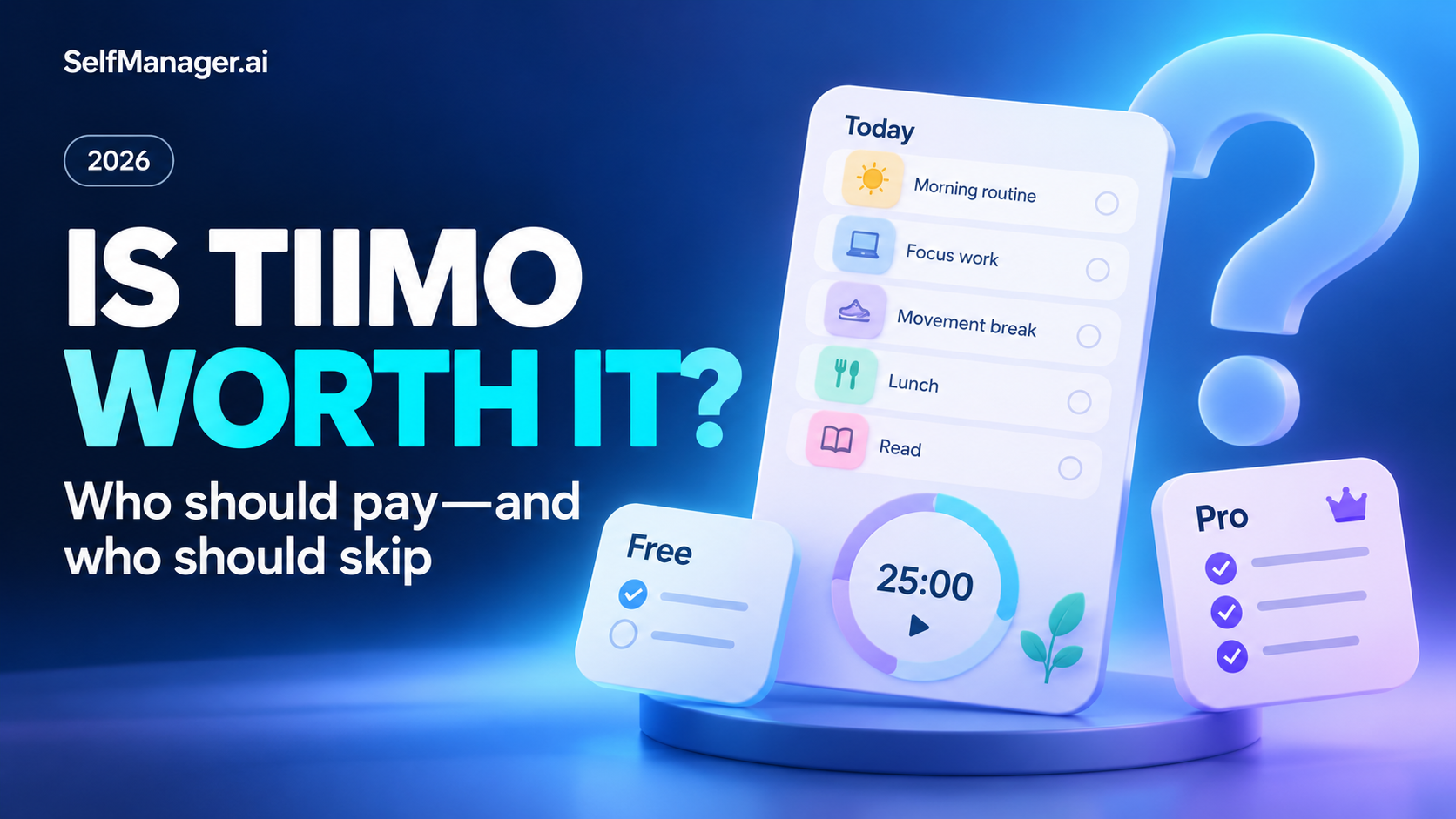
Tiimo can be worth paying for if visual planning, help breaking tasks into steps and support for daily transitions make your plan easier to follow. Start with its free mobile offering before deciding whether you need Pro.
It is less compelling if you mainly need a basic checklist or a detailed record of project work. For those needs, a simpler task app or a workspace such as SelfManager.ai may be a better fit.
This assessment uses official product information checked October 30, 2026. It does not claim personal testing or a measured improvement in symptoms or productivity. Published by SelfManager.ai.
The quick decision
| Your main need | First option to evaluate | Why |
|---|---|---|
| Visual daily structure and task-starting support | Tiimo | Its product is designed around those needs |
| A small mobile planning routine | Tiimo's free version | Establish the habit before buying more features |
| An hourly visual schedule | Tiimo or Structured | Compare how each presents your real day |
| A broad project task inventory | Todoist | Project organization may matter more than visual routines |
| Daily work context, tracked effort and AI review | SelfManager.ai | The focus is a record you can plan and review |
| A few ordinary reminders | A basic task app | A paid visual planner may add unnecessary upkeep |
What are you paying Tiimo to help with?
Tiimo describes itself as a visual daily planner designed with neurodivergent users in mind. Its documented approach combines planning, to-dos, focus tools, reminders and AI support.
That positioning matters because remembering a task and starting it are different problems.
You may know that you need to prepare an application and still struggle with the vague instruction “work on application.” A useful planning process turns that into checking the requirements, drafting one response and gathering the necessary documents.
The reason to pay is that the tool makes this process easier enough to become part of your day. The existence of an AI button alone is not a good reason.
What can you try without paying?
Tiimo provides a free version with selected planning tools on its iOS and Android apps. Its web planner is not part of the free offering.
Start by checking whether you return to the free app without forcing yourself. Can you create a useful day, notice the plan when it matters and adjust it after an interruption?
Those behaviors are a better signal than whether the premium screen lists many attractive features.
Do not assume an old review accurately describes the current free limits. Check the upgrade screen on your device for the specific capabilities you want.
When Tiimo Pro is worth considering
You want help turning an intention into smaller actions
Tiimo documents AI task breakdown and planning features in its paid offering. These are relevant if the difficult part is getting from a broad intention to a manageable next step.
An illustrative prompt might be:
“Help me prepare for tomorrow's presentation. I have 45 minutes today. Give me a short sequence that starts with the easiest useful action.”
You still need to check the result. A plan that ignores your real constraints is not improved by being generated quickly.
You benefit from a visual representation of the day
Try one ordinary day containing both commitments and small responsibilities. A visual planner should help you understand what comes next and where the plan needs to change.
The value may be the display itself rather than a long feature list. If you consistently look at it and act on it, that is useful evidence.
You need the web planner or broader Pro capabilities
Tiimo's FAQ says Pro provides access across its supported platforms, including the web planner. Its paid feature information also describes broader AI use and customization.
Check the feature on your actual phone and computer. Product availability across platforms does not guarantee that every interaction is identical.
When you should probably skip the upgrade
Wait before subscribing if you cannot name the limitation you are paying to remove.
Common examples include:
- Your current reminders already catch everything important.
- You abandon the free app after the first few days.
- You primarily need long project notes or a research archive.
- You want an AI retrospective of work recorded over several weeks.
- You are buying because you hope payment itself will create the planning habit.
The last point is especially practical. A subscription can support a useful routine, but it does not establish that routine by itself.
Need a work record rather than a visual routine?
Try SelfManager.ai's seven-day, no-card trial with one active project. Keep the day's actions and context together, then assess whether reviewing the record helps you plan the next week.
Tiimo pricing: check the checkout you will actually use
Tiimo says Pro is available with monthly or annual billing and that prices vary by location and purchase channel. Its App Store listing advertises a seven-day Pro trial attached to the yearly subscription.
Use the price and renewal terms shown in your own App Store, Google Play or web checkout. Do not compare an old regional annual figure with a current monthly offer and call it a universal price.
Before starting any trial, check the billing interval, renewal date and cancellation route. These details affect whether the trial is useful for your decision.
When SelfManager.ai is a better match
SelfManager.ai takes a different approach: dated tables with tasks, notes and supporting context, plus task time tracking and AI Review.
It is a candidate when you want to ask what moved across a week, not only what activity comes next. An illustrative use is comparing the work you intended to do with the work you actually recorded.
Its limitation is equally clear: it is not a substitute for Tiimo's specific visual design and transition support. On phones, it runs in the browser, with home-screen access.
Choose for the problem, rather than assuming every AI planner serves the same purpose.
A seven-day evaluation you can actually finish
Use the same small checklist each day:
- Did I open the planner when I needed it?
- Did it help me begin a task or adjust the day?
- Did maintaining it feel manageable?
- Which paid feature made a concrete difference?
At the end, look for repeated usefulness. One impressive generated plan is less meaningful than a tool that helps on a busy day with interruptions.
Verdict
Pay for Tiimo if its visual workflow and Pro capabilities repeatedly help you use your plan. Stay with the free version if it meets your needs, and skip the subscription if your real problem belongs elsewhere.
Consider Structured for visual scheduling, Todoist for project tasks, or SelfManager.ai for dated work and retrospective review. Start SelfManager's trial when that last need is the one you are trying to solve.
Read Tiimo vs Structured for the visual-planner comparison, or Tiimo alternatives for a wider shortlist.
FAQ
Is Tiimo free?
Tiimo offers a free version with selected planning tools on its mobile apps. The web planner requires Pro.
Is Tiimo Pro worth it for everyone with ADHD?
No single app is the right fit for everyone. Evaluate whether the workflow helps with your specific planning needs; it is not a medical treatment or a guaranteed result.
How much does Tiimo Pro cost?
The price varies by region, billing interval and purchase channel. Check the current amount and renewal terms in your own checkout.
Is SelfManager.ai the same kind of planner?
No. It emphasizes dated workspaces and reviewing recorded work, while Tiimo emphasizes visual daily structure and support for following the day.
Date-based AI Task Manager
Plan smarter, execute faster, achieve more
Create tasks in seconds, generate AI-powered plans, and review progress with intelligent summaries. Perfect for individuals and teams who want to stay organized without complexity.
Get started with your preferred account