
Apple Reminders vs Todoist: Which To-Do App Is Better in 2026?
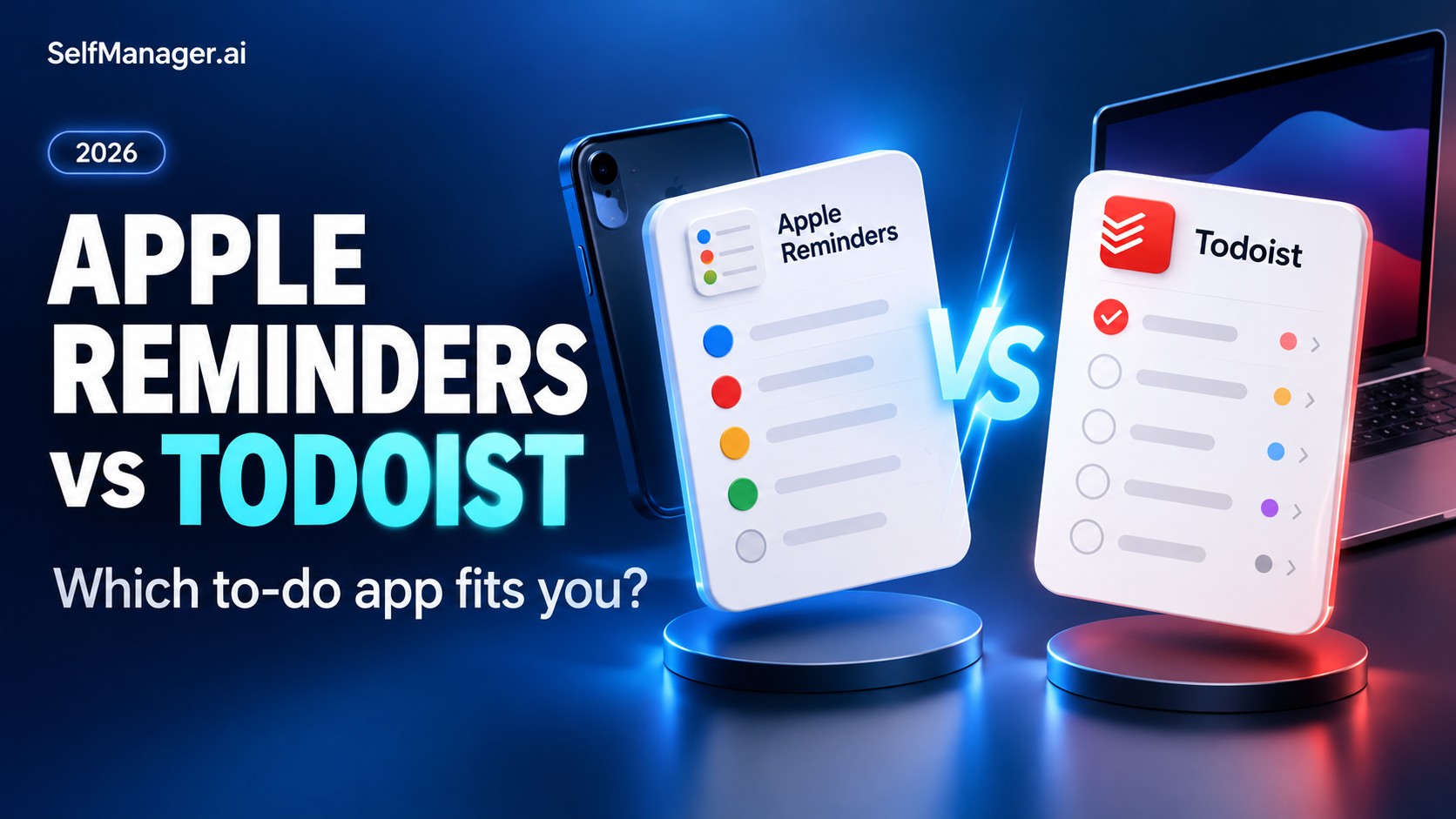
Apple Reminders is a strong starting point if you use Apple devices and mainly need personal reminders, lists and recurring responsibilities. Todoist is the more practical choice if Android, Windows or a more project-oriented task workflow is central to your setup.
You do not need to replace Reminders simply because another app has more features. Move when a specific limitation repeatedly gets in your way.
If the missing piece is keeping tasks with work context and reviewing the week afterward, SelfManager.ai is another option to evaluate.
Features checked October 30, 2026 using official documentation. This article compares documented workflows and does not claim hands-on testing. Published by SelfManager.ai.
Apple Reminders vs Todoist at a glance
| Consideration | Apple Reminders | Todoist | SelfManager.ai |
|---|---|---|---|
| Strongest fit | Personal reminders within an Apple setup | Project tasks across different platforms | Dated work with context and review |
| Organizing approach | Lists, tags and Smart Lists | Projects, sections and task views | Tables inside each date |
| Windows access | Reminders on iCloud.com | Windows app and browser | Browser |
| Android consideration | No native Android Reminders app | Native Android app | Mobile browser |
| Calendar decision | Best evaluated within your Apple workflow | Google/Outlook integrations; paid calendar layout | Not a native calendar time-blocking product |
| Main question before switching | Is a concrete limitation causing friction? | Will the extra structure help me act? | Do I need an understandable record of the day? |
Apple Reminders is more capable than a basic checklist
Reminders supports lists, subtasks, tags and Smart Lists. Built-in views can surface responsibilities by conditions such as what is due today, while custom Smart Lists collect matching reminders.
That is enough structure for many personal workflows. A shopping list, a set of home responsibilities and a few project actions do not automatically require another subscription.
For someone who already captures tasks comfortably on an iPhone, the first improvement may be a better habit: add the reminder when the commitment happens and review the list before choosing the day's work.
Do not mistake an untidy list for proof that the app cannot handle your needs.
Where Todoist becomes the better choice
Todoist deserves a closer look when projects are the way you think about responsibilities. A project can contain related tasks and sections, preserving its structure while individual work dates change.
Imagine coordinating a website launch, preparing a course and organizing a move. Each has multiple actions, and not all of them should appear in today's selection.
The practical benefit is a clearer distinction between the full inventory and what needs attention now. That structure is useful only if you maintain it, so begin with a few real projects rather than an elaborate hierarchy.
For a mixed-device household or workplace, Todoist's device coverage can be decisive. Test capture and updates on the devices you actually carry and use for work.
Can you use Apple Reminders on Windows?
Yes. Apple documents browser access to updated iCloud reminders through iCloud.com on Windows.
That means “Reminders is unusable on Windows” is too broad. The more accurate distinction is browser access versus having the same native app experience across your devices.
If you only need to check a few items on a PC occasionally, the browser may be enough. If your entire working day happens on Windows, evaluate whether that access pattern is comfortable before choosing a task system.
The platform question is about friction, not merely whether a login page exists.
Compare three ordinary workflows
Remembering an errand
If your main need is remembering to buy something or contact someone, an existing Reminders habit may be perfectly adequate. A new task manager should improve a specific part of that process before you move it.
Managing a multi-step project
For work that keeps producing new actions, compare how easily you can see the remaining steps, identify the next one and keep future work out of today.
Todoist's project structure is relevant here. The question is whether that structure saves you attention in your actual work, rather than whether the feature list is longer.
Explaining what happened last week
An illustrative question such as “Why did the proposal take longer than expected?” needs more than a due date. A useful record may include what changed, a decision you made and the time involved.
That is where a workspace organized around work context can be worth evaluating.
Where SelfManager.ai fits
SelfManager.ai uses dated tables with tasks, notes and comments. Built-in time tracking and AI Review support a workflow where the day's record helps explain later progress.
For example, keep a proposal's actions with a note about the revision request that changed its scope. That is a suggested setup, not a promise that the app automatically discovers unrecorded decisions.
Choose it if: the work record and weekly review matter as much as task capture.
Main limitation: it is not a native replacement for Apple's reminders experience or an automatic calendar scheduler.
Try one project before moving your personal lists
Start SelfManager.ai's seven-day trial with work that benefits from notes and review. Keep your simple reminders where they already work while assessing whether the new workspace adds value. No card is required.
What about calendar planning?
Todoist can display Google or Outlook Calendar events alongside tasks and synchronize scheduled tasks. Its calendar layout for visual time-blocking is available on paid Pro and Business plans.
This matters if you want to see obligations against the time available. However, planned duration and actual effort are different records. A task taking space on a calendar does not by itself establish how long you worked on it.
SelfManager's API and webhooks let developers keep a calendar and their tables in step. That is a setup you build, not a ready-made calendar switch.
Choose the level of integration you need and test the exact workflow rather than relying on a broad “calendar support” label.
Should you pay for Todoist if Reminders is already free?
Write down the missing capability first. Then check whether you need a paid plan to obtain it.
Good reasons might include a required project capacity or a particular planning view. “I want to feel more organized” is too vague to evaluate after purchase.
A useful test is to run one active responsibility in the new system for a week. If it produces a clearer next action and less maintenance, you have a reason to consider switching. If it only changes the appearance of the same neglected tasks, revisit the routine.
Verdict
Stay with Apple Reminders when it covers your personal needs within your device setup. Choose Todoist when mixed-device access and project organization address a recurring limitation.
Choose SelfManager.ai when the missing layer is context, recorded effort and AI review of dated work. Use the seven-day trial to assess that with one real project.
For related decisions, see Things 3 vs Apple Reminders and Apple Reminders alternatives.
FAQ
Is Apple Reminders good enough for everyday tasks?
For many Apple users, yes. Its lists, subtasks, tags and Smart Lists support considerably more than a single checklist.
Can I use Apple Reminders on a Windows PC?
Yes. Apple supports accessing updated iCloud reminders through a browser at iCloud.com.
When is Todoist worth switching to?
Consider it when project organization or native mixed-device access solves a limitation you experience repeatedly.
When should I choose SelfManager.ai?
Consider it when tasks need to stay with the day's work context and you want to use that record for time tracking and AI reviews.
Date-based AI Task Manager
Plan smarter, execute faster, achieve more
Create tasks in seconds, generate AI-powered plans, and review progress with intelligent summaries. Perfect for individuals and teams who want to stay organized without complexity.
Get started with your preferred account