
Tiimo vs Structured (2026): Which Visual Daily Planner Fits You?
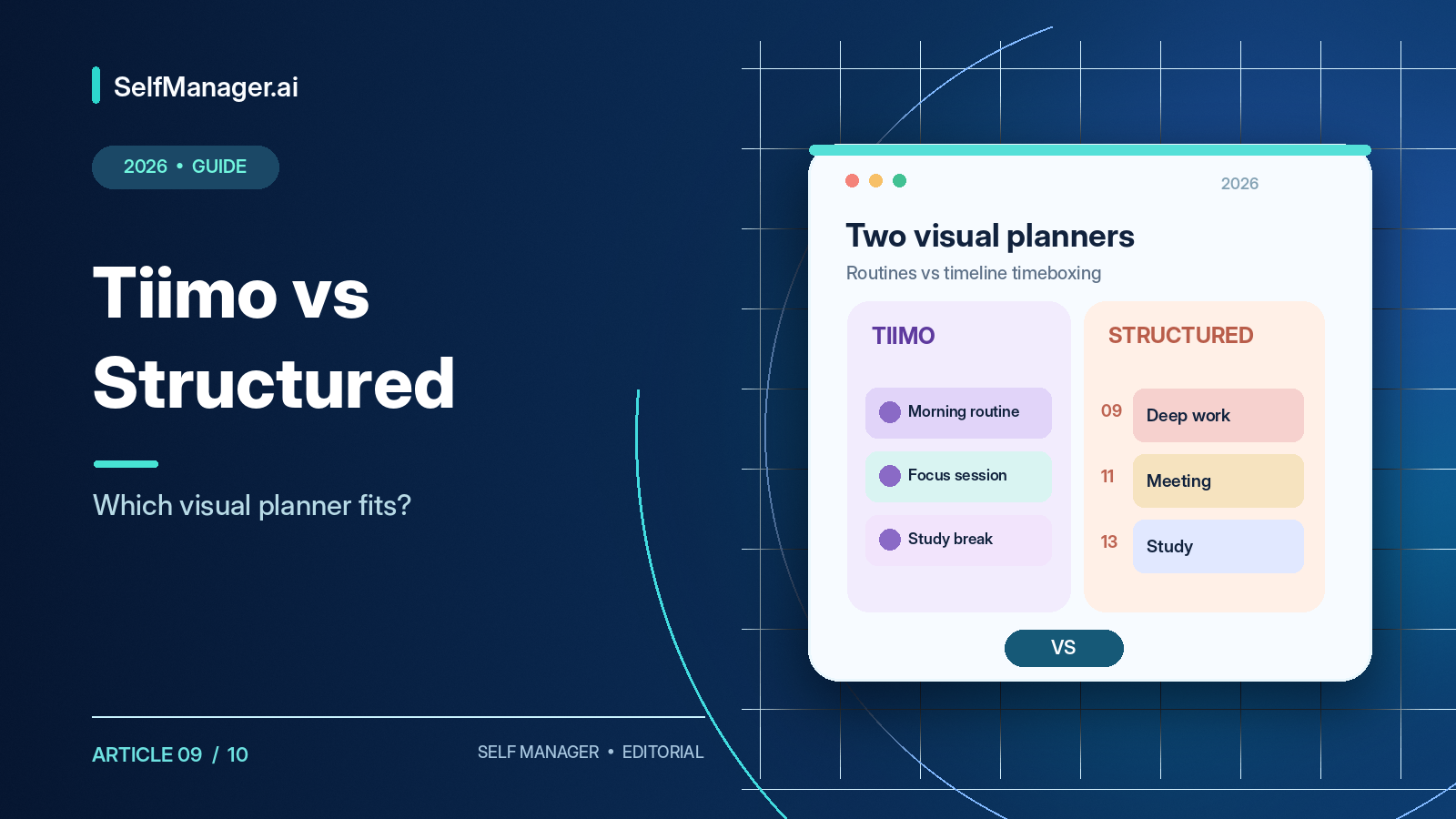
Choose Tiimo if you want a visual planner that helps you start tasks, follow routines, and stay focused throughout the day. Choose Structured if you want a simpler timeline for arranging tasks, appointments, and study or work sessions.
Both make time more visible than a traditional to-do list. But Tiimo emphasizes neurodivergent-friendly planning, visual countdowns, routines, and task initiation. Structured emphasizes a clean timeline and seeing how activities fit into the hours you have.
Both now support AI planning, Android, and web access, with paid subscriptions. The best choice depends on whether your bigger challenge is creating the plan or following the plan.
Features, platforms, and published pricing checked October 18, 2026 against official documentation. This is not claimed hands-on testing or a clinical comparison.
Tiimo vs Structured at a Glance
| Feature | Tiimo | Structured |
|---|---|---|
| Approach | Visual routines and focus | Visual daily timeline |
| Best for | Starting and staying on task | Seeing and arranging the day |
| Free mobile version | Yes | Yes |
| iPhone/iPad | Yes | Yes |
| Android | Yes | Yes |
| Apple Watch | Yes | Yes |
| Browser | Trial or paid Pro | Free and Pro |
| Visual timeline | Yes | Yes |
| Focus timer | iOS, Android, web | Apple devices currently |
| AI | AI Co-Planner | Structured AI |
| Calendar import | Yes, varies by platform | Pro, varies by platform |
| Repeat routines | Yes | Pro |
| MCP server | Not a core publicly documented feature | Yes |
| Annual pricing | Checkout-dependent | $29.99 in US |
| Lifetime purchase | Check current offer | $99.99 in US |
Platform features aren't identical: Structured AI is supported on mobile but not Structured Web, for example, while Tiimo has different integration methods across devices.
What Is the Main Difference?
Tiimo asks: How can I get started, stay focused, and transition to the next activity?
Structured asks: How can I arrange all the day's responsibilities into a clear timeline?
A person can have a perfect schedule and still struggle to start, stay with a task, or notice when it's time to move on. Tiimo uses visual routines, icons, reminders, and countdowns to help with those moments. Structured makes it easier to see that a three-hour assignment doesn't fit between a 90-minute lecture and an appointment.
Both approaches can be useful, but the friction they remove is different.
1. Visual Planning: What Does the Day Look Like?
Tiimo
Tiimo combines a visual schedule, to-do lists, routines, icons, color cues, and focus timers. A morning routine might include waking up, showering, breakfast, medication where prescribed, preparing for work, and leaving home. A visible countdown helps users stay aware of the current activity and the next transition.
Structured
Structured's timeline arranges tasks and appointments chronologically with start times and durations. An example day might include reviewing emails at 9, project work at 9:30, a break at 11, a lecture at 11:30, research at 2, and exercise at 5. The unscheduled inbox holds ideas that don't yet have a place.
Verdict: Choose Tiimo for support during activities; Structured for clarity about when activities happen. Neither guarantees that an overambitious plan will become achievable.
2. Tiimo vs Structured for ADHD
Tiimo explicitly designs for neurodivergent users and discusses executive functioning, task initiation, time awareness, and transitions. Structured is a general-purpose visual planner that can also help some users with ADHD.
People may struggle with very different things: remembering a task, starting it, changing activities, or estimating how long it takes. One interface cannot solve all of those for everyone.
Tiimo's AI Co-Planner can help break “clean the apartment” into smaller steps. Visual timers make the remaining duration concrete; reminders support transitions; recurring routines reduce repeated planning.
Structured offers a cleaner timeline, an inbox for unscheduled tasks, subtasks, estimated durations, simple drag-and-drop reorganization, and focus tools on Apple devices.
No planner is universally superior for ADHD, and these are productivity aids, not ADHD treatments. The right trial question is which application reduces your specific daily difficulty without adding too much friction.
3. Focus Timers: The Platform Difference
Tiimo Focus Timer
Tiimo displays a visual countdown for active work. It can be paused, resumed, extended, or finished; supported devices may show it through widgets, Live Activities, or Dynamic Island. It works on iOS, Android, and Tiimo's web experience. Scheduled activities may start countdowns at their planned time, while unscheduled activities can be started manually.
Structured Focus Timer
Structured's Focus Mode displays the current task, remaining time, notes, and subtasks on supported Apple devices. Pro adds interval options such as Pomodoro and deep focus. As of October 2026, the documented Focus Timer is not yet available on Android or Structured Web.
Verdict: Tiimo has the clearer focus-timer advantage for Android. On iPhone, both offer different ways to focus.
4. Tiimo AI Co-Planner vs Structured AI
Tiimo's AI Co-Planner helps break larger responsibilities into smaller actions, estimate durations, organize tasks, and assemble a schedule. You might enter “prepare the apartment for guests in two hours” and receive a sequence for cleaning, organizing, and preparing snacks.
Structured AI helps create and edit timeline tasks from text or voice and can turn information from a photograph of a paper planner into scheduled activities on supported platforms. A spoken description of tomorrow's dentist appointment, study session, groceries, and evening exercise can become editable tasks.
Structured AI is available on iOS and Android with Pro, but not Structured Web. Tiimo's AI capabilities vary by device and subscription.
Verdict: Tiimo emphasizes breaking down work and overcoming the starting barrier; Structured focuses on creating and editing the timeline. Review AI estimates because neither assistant truly knows your changing energy, obligations, or exact task difficulty.
5. Calendar Integration
Tiimo supports different import pathways depending on platform, including Google Calendar on iOS/Android/web, Apple Calendar on supported Apple devices, iCloud calendar import through web, and certain Outlook imports through a Google Calendar connection. Direct iCloud Calendar import is not currently offered on Tiimo Android.
Structured Pro supports calendar import on iOS, Android, and web, so events can appear beside tasks. Import does not mean full two-way synchronization: Structured tasks aren't automatically written into the connected external calendar, and imported calendar events aren't fully editable from inside Structured.
If two-way calendar synchronization is essential, confirm the exact behavior before subscribing rather than assuming either app replaces a dedicated calendar.
6. Tiimo vs Structured Pricing
Tiimo
Tiimo has a free mobile app and a paid Pro subscription. Free provides basic planning, lists, and focus functionality, with advanced planning, customization, AI, and web access requiring Pro. The official FAQ doesn't provide one universal price because rates vary by platform and region.
US app-store offerings have included annual options around $36–$54 and monthly offers around $7–$14, but those do not guarantee a specific personal checkout rate. Verify the amount offered to you.
Tiimo documents a seven-day Pro trial for eligible annual subscriptions. Monthly subscriptions are charged immediately rather than carrying that annual-trial offer. Check auto-renewal conditions and cancel in time if you don't want to be billed.
Structured
| Structured Pro | Published US price |
|---|---|
| Monthly | $6.99 |
| Annual | $29.99 |
| Lifetime | $99.99 |
Structured's core timeline is free. Pro adds recurring tasks, calendar import, AI on supported devices, customization, and more.
At these published prices, lifetime access equals roughly 3.3 annual payments. But a lifetime deal is worthwhile only after you've confirmed that the app will fit your routine over years.
Pricing verdict: Structured provides clearer public US pricing and a lower-cost annual option; Tiimo's specialized support may justify its cost for the people it helps.
7. Free Plans: Which Works Without Paying?
Tiimo's free access is primarily mobile. Its browser planner requires Pro or an active trial, which matters if you use Windows all day.
Structured provides a free web version alongside its free mobile timeline, inbox, subtasks, and notes. Recurring tasks, AI, and other enhanced features require Pro.
Tiimo Free is attractive when you mainly plan on your phone and want basic visual routines and countdowns. Structured Free is attractive when you want a simple timeline across devices and free desktop-browser access.
8. Platform Support
| Platform | Tiimo | Structured |
|---|---|---|
| iPhone / iPad | Native | Native |
| Apple Watch | Supported | Supported |
| Mac | Apple support + web | Native + web |
| Android | Native | Native |
| Windows | Paid web planner | Web planner |
| Linux | Paid web planner | Web planner |
Tiimo's Android application was substantially updated in 2026, bringing improved planning, focus timers, and AI task breakdown. Structured Android has timeline, notes, subtasks, and AI features, but some Apple-only tools such as Focus Timer and Replan are still unavailable. Structured Cloud is used for cross-platform synchronization; Apple-only iCloud synchronization does not automatically sync to every Structured platform.
Test the exact devices you use, not just the screenshots on a product homepage.
9. MCP and External AI Assistants
Structured introduced an official MCP server in 2026. MCP lets compatible assistants such as ChatGPT, Claude, Claude Code, or Cursor interact with external task services after authorization. Supported operations include reading, creating, editing, rescheduling, completing, and deleting tasks, with plan restrictions on some repeat functionality.
Tiimo's primary publicly documented AI workflow remains its built-in AI Co-Planner rather than a comparable official MCP server. This may matter if you already use a general AI assistant as your daily productivity interface.
10. Which Is Better for Students?
Tiimo may help students who find it difficult to start revision, switch between activities, or remain focused. Breaking “study for exam” into reviewing a chapter, solving ten questions, and checking mistakes can make the session more approachable.
Structured may help students whose main challenge is fitting lectures, part-time work, and assignment sessions into the available day. Its timeline exposes schedule conflicts clearly.
Neither measures how thoroughly the subject was learned. Use practice exercises and academic feedback for that.
11. Which Is Better for Working Professionals?
Tiimo helps with recurring routines and task transitions across the day. Structured helps timebox work around meetings and appointments. Freelancers may eventually need richer reporting: what changed for a client, how much time was tracked, which decisions were made, and what work was completed last month.
A visual planner helps organize the day but doesn't always preserve the kind of historical work record those questions require.
12. What If You Need More Than a Visual Planner?
SelfManager.ai is a different category of system: each date contains work tables with tasks, statuses, priorities, comments, notes, deadlines, and elapsed time tracking. AI Plan creates future dated work; AI Review summarizes relevant recorded activity across selected periods.
Versions 6 and 7 added repeating tables, voice-to-text, documents/audio/video sections, supported AI model selection, and MCP connections to external assistants. Supported documents and audio transcripts may be selected for AI context; video uploads aren't directly analyzed.
Tiimo and Structured are stronger for visual timeline interaction and focus experiences. SelfManager.ai lacks direct calendar synchronization and their timeline-based countdown design.
SelfManager.ai Individual is $8/month or $72/year; Team $30/month or $300/year. A seven-day trial needs no credit card. Use it if the problem is long-term work records and AI review, not if you only want a visual countdown. See SelfManager.ai.
Decide in Three Days
Day 1: Enter the same real responsibilities into both apps. Compare setup effort and how realistic the timeline appears.
Day 2: Start a longer activity and test the focus timer on your device. Introduce a normal interruption such as a moved meeting; see which tool helps you recover.
Day 3: Ask which interface you actually wanted to open, which reduced friction when starting, which showed time more clearly, and which paid features you'd really use.
Avoid comparing only features you may never need. Judge a normal day rather than a perfect demo day.
Final Verdict
Tiimo is better suited to people who want active support with routines, task initiation, focus, and transitions. Structured is better suited to people who want a clean timeline for organizing tasks and appointments. Structured also offers a free web version and clear annual/lifetime pricing.
The difference in one sentence: Choose Tiimo when following the plan is hardest. Choose Structured when building a realistic plan is hardest. If work records, actual time tracking, and AI progress reviews are the real need, compare a system such as SelfManager.ai rather than forcing a visual timer to become a project-management platform.
Frequently Asked Questions
Is Tiimo better than Structured?
For routines and task initiation, it may be; for straightforward timeline planning, Structured may fit better.
Which is better for ADHD?
Tiimo explicitly designs for neurodivergent users, but individual needs vary. Neither is a medical treatment.
Is Tiimo free?
Yes on mobile with limits; browser planning requires Pro or trial.
Is Structured free?
Yes, including core timeline and web access. Pro adds advanced capabilities.
How much does Structured Pro cost?
Published US prices are $6.99 monthly, $29.99 annually, or $99.99 lifetime.
What does Tiimo Pro cost?
Rates vary; check the exact region/platform checkout. Eligible annual subscriptions offer a documented seven-day trial.
Do both have AI?
Yes: Tiimo AI Co-Planner and Structured AI, with feature and platform restrictions.
Does Tiimo work on Android?
Yes, including visual planning and focus timers.
Does Structured Android include Focus Timer?
Not in the documented October 2026 feature set; it remains available on supported Apple devices.
Do both import calendars?
Yes with limitations. Do not confuse import with full two-way sync.
Does Structured support ChatGPT/Claude via MCP?
Yes, through its official MCP server, subject to permissions and plan requirements.
Is SelfManager.ai a direct alternative?
Not for visual timer workflows. It suits broader dated work records, tracked time, AI planning, and history.
Date-based AI Task Manager
Plan smarter, execute faster, achieve more
Create tasks in seconds, generate AI-powered plans, and review progress with intelligent summaries. Perfect for individuals and teams who want to stay organized without complexity.
Get started with your preferred account