
When Did Your Year Change? How to Investigate Your 2026 Turning Points With AI
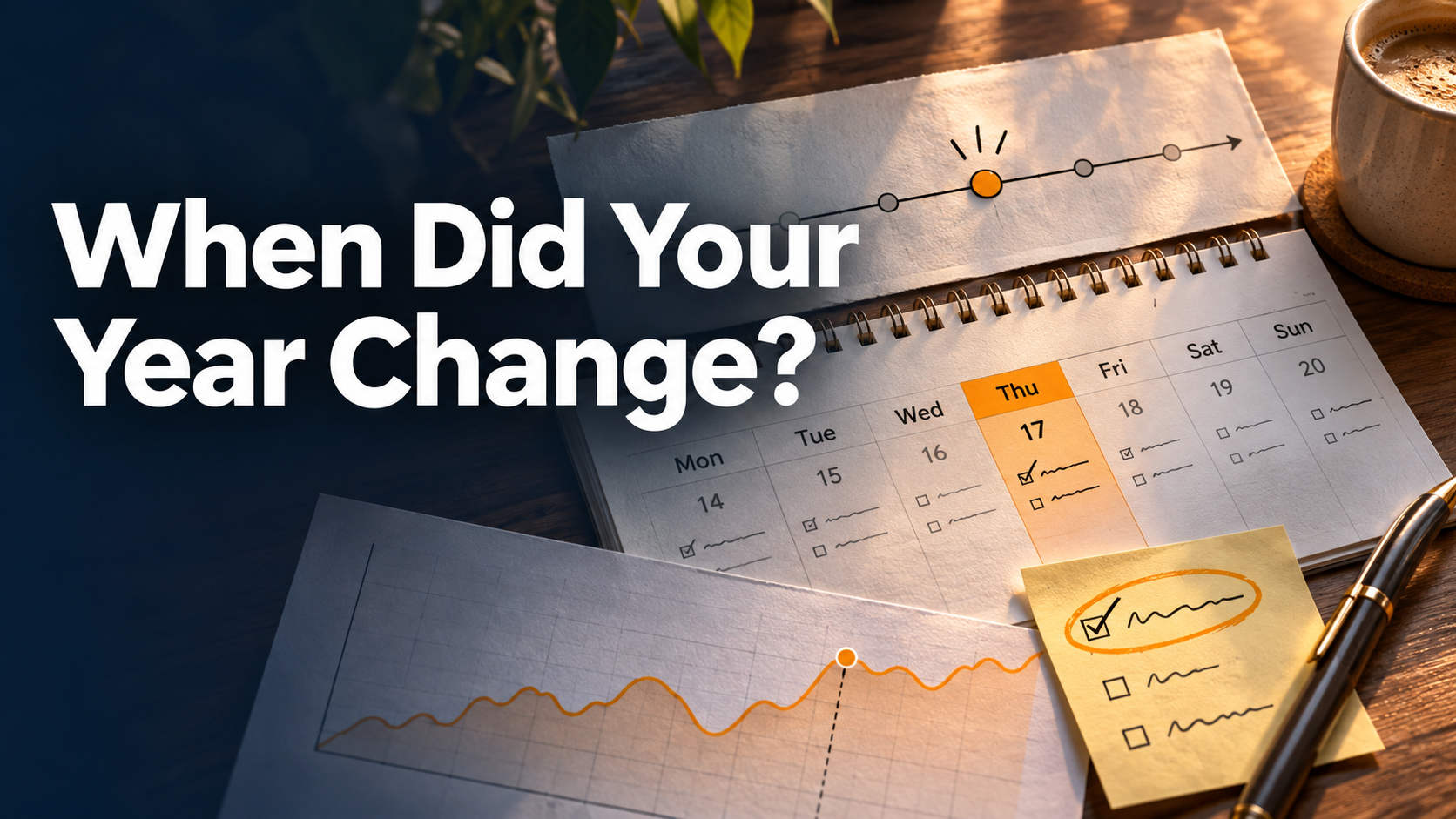
You remember that something changed in May. Your notes say it began on the 17th. The calendar points to the 11th. The workout log briefly recovered after both dates. That is a better place to start than a tidy story about how your year went.
A turning-point review tries to establish what changed, when it changed and which explanation best fits the sequence you can verify. Choose one pattern you care about and reconstruct the weeks around it.
Put the sources on the same timeline
Write one sentence describing the change you want to investigate. “My recorded training dropped in late spring” is enough. Pick a starting window on both sides of the suspected change. Expand the window if the same pattern appears earlier.
Use consistent dates and label the kind of timestamp you have. A note's last edit may be days after the event. An event's scheduled time says what was intended. A completed task may record when you ticked it off. If dates differ, leave both visible until you understand why.
| Date | Fictional evidence | What it establishes |
|---|---|---|
| April | 11 of 12 workouts logged across four comparable weeks | An earlier baseline with a clear plan |
| May 11 | A recurring call moved into a typical morning slot | One schedule conflict starts here |
| May 17 | Note about moving a session and considering afternoon workouts | Maya noticed the disruption and saw a possible alternative |
| Late May | Travel plus a gap in watch entries | The log becomes incomplete at the same time |
| July 9 | Note about a short lunchtime session | A viable fallback shows up later |
Maya's records support a change in routine. They can't settle whether every unlogged session was skipped or whether the calendar change explains the whole drop. The July note provides a clue she can use regardless.
Make the assistant test the sequence
Build a dated timeline for this possible 2026 turning point. Label each item as an event, a record of an event, or an interpretation. Give me the earliest supported date the pattern changed, or a range if the record is incomplete. Compare at least two plausible explanations. For each, identify evidence that fits and evidence that weakens it. Ask me for the missing record that would help most.
Then ask, “Would you still tell the same story if I removed the note I wrote afterward?” It tests whether the sequence rests entirely on hindsight. Ask the assistant to show its date references and correct any assumption it made about missing weeks.
Review the records while the context is still attached
With SelfManager.ai, tasks, notes, comments, images, documents and audio can all be tied to the dates they explain. A rescheduled task tells one part of the story. A comment written that day or a transcribed voice memo may tell you what actually changed.
Use SelfManager.ai MCP to ask a compatible assistant to retrieve the authorized dates around the shift and an earlier comparison window. Enable access to images and recordings or documents as needed. The assistant reads available audio transcripts and document text. Inside the app, AI → AI Review goes up to one quarter per run at the time of writing, with custom ranges up to 90 days. Start with the smallest window that contains both sides of the change. See how AI Review works.
Write down the timeline you can defend, the explanation you still suspect and one small experiment that would teach you something in January. If you want help putting your favorite explanation under pressure, use the candid review prompt.
Date-based AI Task Manager
Plan smarter, execute faster, achieve more
Create tasks in seconds, generate AI-powered plans, and review progress with intelligent summaries. Perfect for individuals and teams who want to stay organized without complexity.
Get started with your preferred account