
How to Review Your 2026 Spending With AI and See What You’d Pay for Again
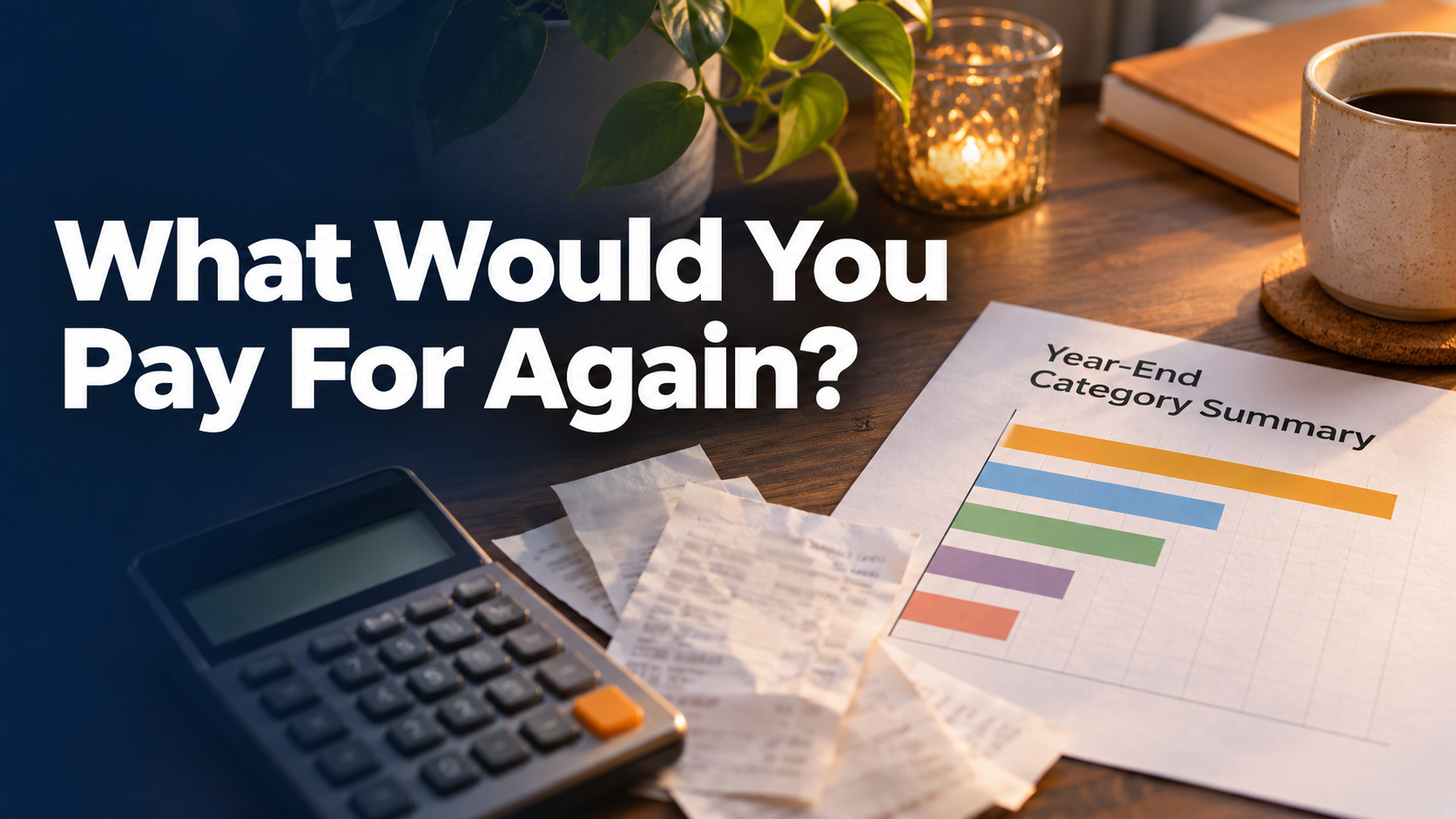
A large expense can be worth every euro. A small subscription can cost you through the year without doing much at all. To tell which was which in 2026, put the numbers next to a little context about how you used what you paid for.
Start with monthly category totals from the budget or spreadsheet you already trust. Pick a handful of real decisions you can make in January. For each one, write down the cost, renewal pattern, and why you paid it.
Prepare totals you can explain
Reconcile your category totals locally. Count a credit-card purchase once and keep the subsequent card payment out of spending totals. Treat transfers between your own accounts separately. Record refunds against a purchase or show them separately so your totals have a consistent meaning. If you use more than one currency, state how you handled the conversion.
Compare recurring costs across comparable months. Mark annual and quarterly bills so a renewal month doesn't look like a typical spike. A year-to-date export needs its actual cutoff. Only annualize a recurring amount when you label it as a projection and confirm how often it is billed.
| Fictional entry | What Maya knows | Question for the review |
|---|---|---|
| €18 monthly for a design tool | Used in client work in most months | Would I keep this at renewal? |
| €140 quarterly for a software bundle | One feature used recently, other usage unknown | What would I need to check before changing plans? |
| €120 once for a family trip | Chosen deliberately and important in retrospect | How can I make space for this kind of expense again? |
Share categories and rounded or redacted totals where they answer the question. Names, account numbers, login details and full statements are usually unnecessary. Keep household and business scopes distinct if both appear in the spreadsheet.
Ask about value with the numbers in view
Review these 2026 spending categories and my notes about what I used. Separate recurring costs, one-offs and unknowns. Support observations with the supplied totals and dates, and flag sums that need checking. Suggest which expenses I should examine at renewal, which I said I would pay for again and where the notes are too thin to decide. Give me three questions to answer before I change anything.
AI can group decisions and draw your attention to a repeated cost. Verify amounts and renewal dates in your own records. You are the only one who can decide whether a tool helped your work or a trip was worth repeating.
Keep purchase decisions beside the work they support
The spreadsheet can remain the source for the numbers. In SelfManager.ai you could keep review tasks, notes and comments about why purchases were made, plus redacted documents, selected images and transcribed voice reflections. If a purchase was meant to solve a problem, record that rationale next to the date and revisit it at renewal.
Through the SelfManager.ai MCP, you can ask a compatible assistant to read the authorized decision records across the year, with approved images, available document text and audio transcripts where you've enabled access. AI → AI Review in the app covers up to a quarter at the time of writing, with custom ranges up to 90 days. Compare summaries from different periods when you want the year-long picture. SelfManager.ai features.
Pick one bill or spending category to revisit in January and write down the evidence you'd want at that decision. A dozen vague resolutions can wait.
Date-based AI Task Manager
Plan smarter, execute faster, achieve more
Create tasks in seconds, generate AI-powered plans, and review progress with intelligent summaries. Perfect for individuals and teams who want to stay organized without complexity.
Get started with your preferred account