
Daily Planner or Project Management Software: Which Does a Solo Founder Need?
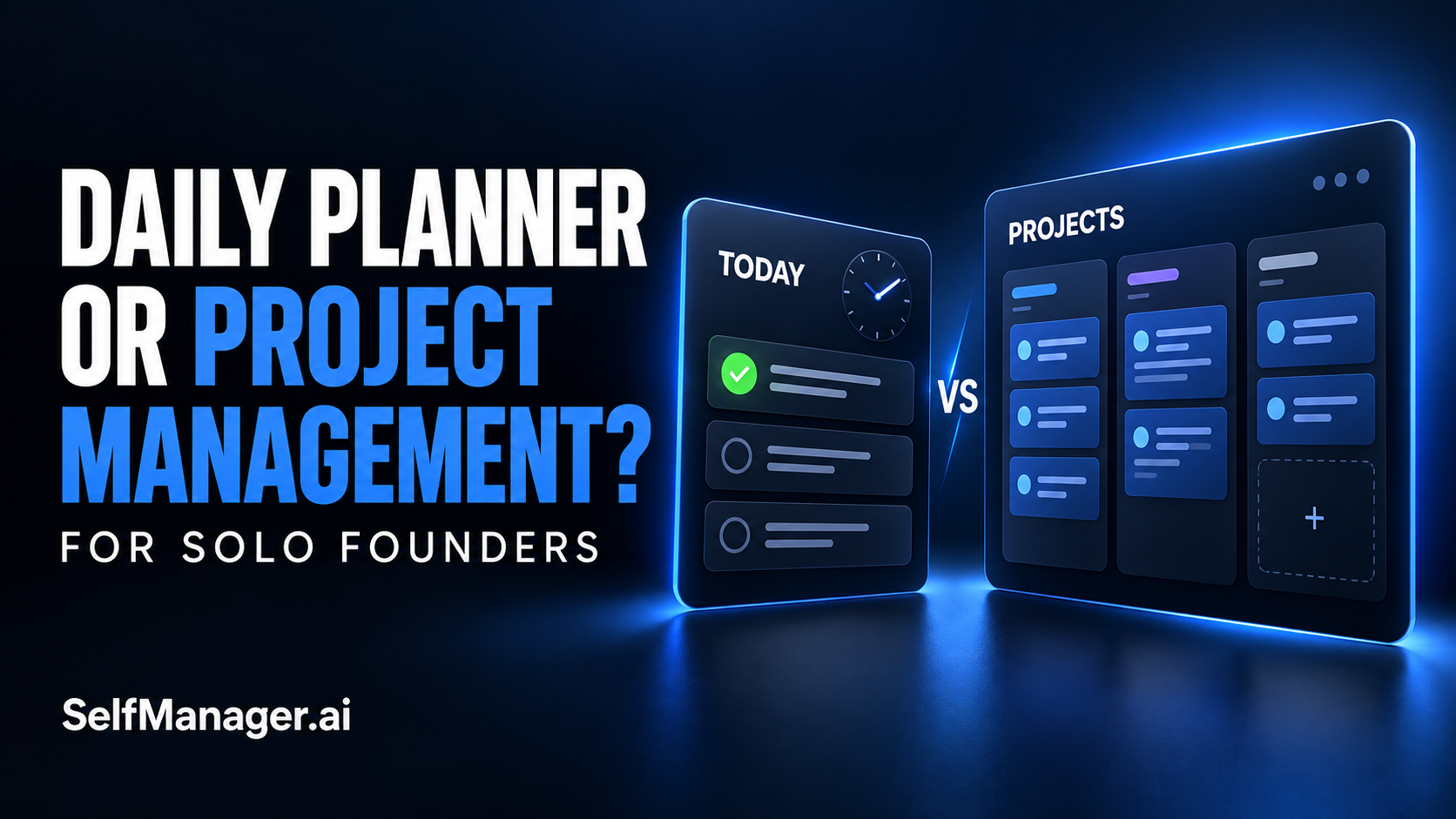
A solo founder usually needs a daily plan connected to ongoing projects. Start with a daily planner when your main problem is deciding what to work on today. Choose project management software when delivery depends on coordinating people, task dependencies, or multiple milestones. If you handle the work yourself across product, marketing, customers, and personal commitments, a date-based workspace such as SelfManager.ai can support daily execution and longer-running project context in one place.
Choose according to the decisions your system needs to help you make:
| Your situation | Best starting point | What to look for |
|---|---|---|
| You have clear goals but an overloaded day | Daily planner | Daily priorities and a realistic workload |
| Important projects disappear behind urgent requests | Daily planning with persistent project context | Easy access to active projects and a weekly review |
| Delivery depends on several people's work | Project management software | Ownership, handoffs, and shared visibility |
| One task must trigger or constrain another | Project management software | Explicit dependency handling |
| You manage product, client work, and personal responsibilities yourself | Date-based planning with ongoing project tables | Separate work areas, notes, and retained history |
| You need tasks automatically placed around meetings | Calendar scheduling software | Calendar integration and automatic placement |
| You have only a few straightforward reminders | Simple task manager | Fast capture and easy retrieval |
A Daily Planner Decides What Receives Attention Today
A daily planner helps you turn a larger workload into a manageable working day. It gives you somewhere to select priorities, account for commitments, and decide what can wait.
That is valuable when you already understand your projects but struggle to choose between them.
A solo founder might begin Monday with a support issue, a checkout improvement, a product demo to record, and several administrative obligations. All of them matter. They do not all deserve the same share of Monday.
The daily planning decision is:
Given the time I actually have, which actions should move forward today?
A good setup makes that choice visible. It should also leave room for interruptions and retain enough context to explain what changed.
Daily planning is less effective when it becomes an isolated checklist. If every morning starts by reconstructing which projects matter, you are repeatedly doing the same planning work. You need a persistent view of those projects alongside the daily plan.
Project Management Keeps a Delivery Coordinated
Project management asks a different set of questions:
- What outcome are we delivering?
- Which milestones lead to it?
- Who is responsible for each part?
- What is waiting on something else?
- What changes if a deadline moves?
These questions become more important as work crosses between people or follows a constrained sequence.
A launch involving a designer, developer, and external reviewer may need more than a daily list. The developer needs approved assets. The reviewer needs a completed implementation. A delay in one stage can affect the rest.
Project software is useful when those relationships need to be represented and maintained. Depending on the product, this may include assignments, dependencies, timeline views, or resource planning. Verify the particular capabilities you need instead of assuming every project tool includes them.
A solo founder can also benefit from project structure. The question is how much coordination the work genuinely requires. A large hierarchy of boards and statuses may add little value when you are the only person using it and already know the next steps.
Being a Founder Does Not Automatically Mean You Need a Complex Tool
Your business can be complicated while your planning system remains simple.
Running a product involves development, customer support, marketing, sales, administration, and decisions that never become neat tickets. That breadth does not automatically create a need for resource allocation or a detailed dependency graph.
Sometimes the more immediate problem is that the product receives no attention because client requests keep filling the day. A more elaborate project board will not, by itself, resolve that tradeoff. You need to reserve realistic capacity and notice when the plan changes.
In other cases, daily planning alone cannot solve the problem. If three contractors are waiting on each other's deliverables, you need explicit coordination.
Look for the recurring failure:
- You forget important work: improve capture and visibility.
- You keep overloading today: improve daily selection and capacity planning.
- You lose project context: retain decisions, notes, and next actions.
- People wait on unclear handoffs: improve ownership and delivery coordination.
- You cannot explain the week: improve the work record and review.
Choose the system around that failure, then add structure when a new problem appears.
Keep Three Levels of Information Connected
For work you mainly carry yourself, a useful system needs three levels: the project outcome, the immediate action, and the record of what happened.
1. Keep the project outcome available
For each active initiative, record the outcome, the current state, and the next unresolved issue.
For example:
Improve onboarding so new users can complete their first useful workflow. The introductory copy is ready. The remaining decision is which action the first screen should emphasize.
That context remains relevant beyond one day. It should not disappear when you mark today's task complete.
Keep the record concise enough that you can return after an interruption and understand the project quickly. Add decisions as they happen, especially when they change the next step.
2. Select a specific daily action
The project outcome is too broad to use as today's task. Name the action you can begin:
Draft two versions of the first-screen guidance and choose one for implementation.
You can estimate it, start it, and recognize meaningful progress. If you also have a client deadline, account for that commitment before assigning more work to the day.
You do not need to duplicate the entire project plan into every daily workspace. Bring forward the actions that belong on that date and keep the broader context accessible.
3. Record what changed
At the end of the work, capture the result and the reason behind any change of direction.
Chose the version that leads directly into a real task. Implementation remains open because the client issue took the afternoon.
That note does two jobs: it preserves the decision and explains the unfinished work. The next daily plan can begin from the current state rather than from an old task title.
For the value of that record, see task managers that preserve completed-work history.
What This Can Look Like During a Founder's Week
Consider an illustrative week where a founder is maintaining a SaaS product while delivering a client project.
| Active initiative | Ongoing context | One daily action | Evidence worth recording |
|---|---|---|---|
| Product onboarding | Goal, current flow, unresolved decisions | Implement the chosen introductory guidance | What changed and what remains to test |
| Client delivery | Agreed scope and pending feedback | Test the approved checkout changes | Test results, time spent, and any blocker |
| Marketing | Audience, message, and planned demo | Write the demo email opening | Chosen wording and why it fits the demo |
If an urgent client problem consumes Tuesday, the product initiative should remain visible. Wednesday's plan can then reflect an explicit decision about recovering that work.
At the weekly review, the useful question is not simply how many boxes were checked. It is whether each important initiative advanced, what displaced it, and what deserves capacity next week.
That is where daily planning and project context support each other. The project provides direction; the daily plan allocates attention; the record shows what actually happened.
Where SelfManager.ai Fits
SelfManager.ai's date-based workflow begins with a workspace for each day, with tables for different areas of work and life. You can keep product work, client delivery, and personal responsibilities organized on the same date.
For longer-running initiatives, pinned tables keep a project or goal accessible from other dates. Pinning is a way to reach the ongoing table; it does not require recreating the whole project each morning.
This gives a solo founder a practical combination: dated daily work and persistent context for the initiatives that continue beyond today.
Its AI planning and review features can help draft future dated plans, discuss a table or pinned set, and review a recorded period. AI Plan produces a proposal that you can edit before approving it. A review is more useful when you have recorded the decisions and blockers that explain the task statuses.
For example, ask:
Review this week's product and client work. Which important actions were completed, which remain open, and what recorded interruptions affected the plan? Separate evidence from assumptions. Suggest the next actions to consider.
Use the answer to make your next decision. If the record does not explain why something slipped, the AI should not be treated as knowing the reason.
When You Should Choose a Dedicated Project Platform Instead
SelfManager.ai should not be presented as a replacement for every project-management requirement. Its public positioning explicitly distinguishes it from enterprise features such as dependency management, resource allocation, and Gantt charts. It also does not provide calendar synchronization or automatic time-slot scheduling.
Choose a dedicated project platform when those delivery controls are essential. Choose a calendar scheduling product when automatic placement around meetings is the central requirement.
You may also use a project platform for shared delivery and a daily planning workspace for your own priorities. Give each a clear purpose: the shared system holds the authoritative delivery state, while your personal plan identifies what you intend to do today. Avoid maintaining competing versions of the same status.
For the scheduling distinction, see daily planners versus AI auto-schedulers.
Choose by Testing the Work You Already Have
Take one active project and one representative upcoming week. Do not spend the first day building a perfect system for your entire business.
Test whether you can:
- Find the project's current goal and next unresolved issue.
- Select daily actions that fit your actual capacity.
- Record decisions without creating a second administrative job.
- Resume the work after an interruption.
- Explain what advanced by the end of the week.
If you need coordination between people, also test an actual handoff and a delayed prerequisite. That will reveal whether a simple daily workspace is sufficient or whether you need more explicit project controls.
For a solo founder managing several areas personally, start with daily planning that keeps ongoing projects accessible. Add a dedicated project platform when your delivery requires it.
Try that approach in SelfManager.ai: create or choose one active project table, pin it, plan one useful next action on tomorrow's date, and leave a brief record when you finish. Review the week before adding more structure.
Frequently Asked Questions
Is a daily planner enough for a solo founder?
It can be, when you mainly need to select daily priorities and carry out the work yourself. Look for a way to retain ongoing project context. If delivery requires managed dependencies, shared ownership, or timeline controls, evaluate dedicated project software.
What is the difference between daily planning and project management?
Daily planning allocates attention to a particular day. Project management organizes the outcome, work, people, and sequence needed for a delivery. The two can work together, and some products support parts of both.
Can SelfManager.ai handle ongoing projects?
Yes. Its documented workflow includes pinned tables for longer-running projects and goals, alongside dated workspaces. It is not an enterprise project platform with Gantt charts or dependency management.
Do I need separate apps for business and personal tasks?
You do not necessarily need separate apps. Separate tables can keep responsibilities organized within the same dated workspace. If you collaborate, use the appropriate sharing controls so personal information remains private.
Can AI replace project planning?
AI can help structure actions and review recorded work. You still need to decide priorities, capacity, commitments, and whether the proposal is usable. An AI-generated plan does not remove the need to coordinate people or verify dependencies.
Date-based AI Task Manager
Plan smarter, execute faster, achieve more
Create tasks in seconds, generate AI-powered plans, and review progress with intelligent summaries. Perfect for individuals and teams who want to stay organized without complexity.
Get started with your preferred account