
Daily Planner vs AI Auto-Scheduler: Which Is Better in 2026?
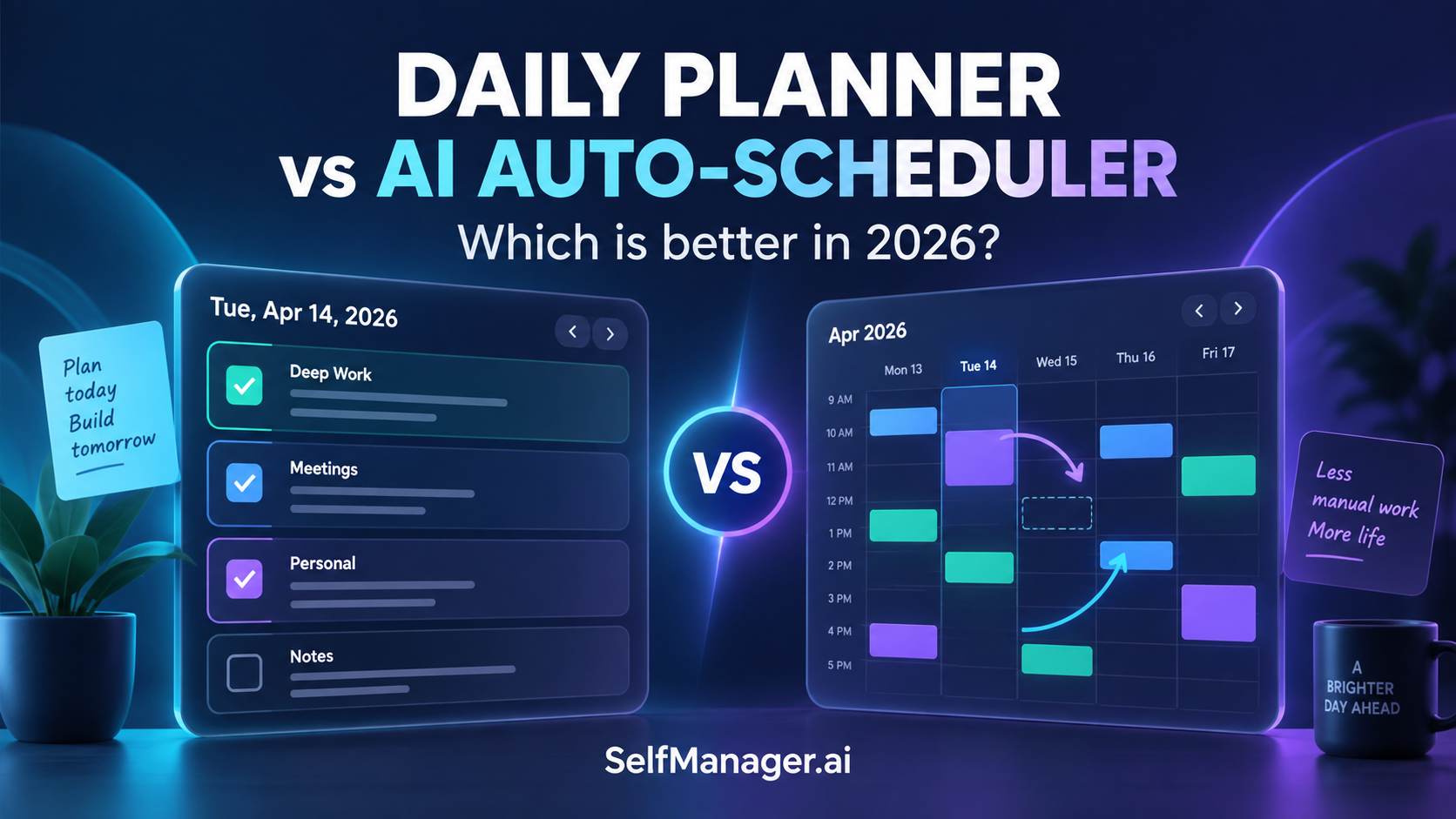
A daily planner is better when you want to choose what belongs today and keep control over the order of your work. An AI auto-scheduler is better when you want software to place tasks into available calendar time and adjust those blocks as your schedule changes.
For individuals who want AI-assisted, date-based planning, SelfManager.ai is our pick. For automatic calendar scheduling, Motion and Reclaim are stronger candidates. Sunsama offers another approach: intentional daily planning with calendar timeboxing.
The question is not whether AI can help. It is which decisions you want it to make.
Daily Planner vs AI Auto-Scheduler at a Glance
These are workflow distinctions, not rigid product categories. Individual apps can combine both approaches.
| Decision | Daily-planner approach | AI auto-scheduler approach |
|---|---|---|
| Main question | What belongs in my day? | When can this work fit? |
| Typical output | A selected daily workload, sometimes with time blocks | Tasks assigned to calendar slots |
| Your main responsibility | Choose priorities and adjust the plan | Supply useful priorities, constraints, and time estimates |
| When something changes | Reconsider what to do and when | Let the system recalculate eligible work blocks |
| Most useful when | You want a clear day without scheduling every small task | You need help reserving and rearranging time |
| Main risk | Choosing more work than the day can hold | Trusting a schedule built on inaccurate assumptions |
This guide is published by SelfManager.ai. Product descriptions are based on official public information checked in September 2026, not a controlled hands-on test. Recommendations reflect workflow fit, not a universal ranking.
What Does a Daily Planner Actually Do?
A daily planner helps you turn a collection of responsibilities into a manageable day.
You might have dozens of tasks across client work, internal projects, household admin, and personal plans. The daily-planning step is deciding which of those deserve your attention now.
That decision is different from collecting everything in a backlog. A backlog records possibilities and obligations. A daily plan makes a commitment about your limited attention.
A useful plan might contain one demanding piece of work, several smaller follow-ups, and a personal responsibility. It does not necessarily need an exact start time for every item.
Date-based planning and timeboxing are different
"Draft the proposal on Thursday" assigns work to a day.
"Draft the proposal on Thursday from 10:00 to 11:30" reserves a specific period.
Both can be useful. They solve different levels of the planning problem.
A date-based plan leaves you room to choose the order as the day develops. A timeboxed plan makes the capacity commitment more explicit. Neither guarantees that the proposal will take as long as expected.
You can also combine them: reserve a substantial block for the proposal and keep smaller administrative tasks in a daily list.
What Does an AI Auto-Scheduler Do?
An auto-scheduler turns tasks into scheduled work sessions. Instead of asking you to place every block manually, it uses scheduling inputs to work out where tasks belong.
Motion describes automatic task scheduling around priorities, deadlines, dependencies, and custom time windows, with schedule adjustments when work changes. It also flags tasks at risk of missing deadlines.
The attraction is practical: you do not have to rebuild the calendar yourself every time a meeting moves or a task takes longer than planned.
But this is delegation, not the disappearance of planning.
You still need to decide what matters, communicate important constraints, and notice when the system is working with outdated information. A scheduler cannot reliably protect a responsibility you never entered or understand an unstated change in priorities.
The Real Difference Is What You Delegate
There are at least three separate decisions hidden inside the phrase "plan my day."
- Define the work. What actually needs to happen?
- Choose the commitment. What is reasonable to take on today?
- Allocate the time. Where will that work fit around existing obligations?
AI assistance can help at any of these stages. An app that helps you clarify a goal is doing something different from an app that moves an existing task from 2:00 to 3:30.
This is why "has AI" is not a useful buying criterion by itself.
If your difficulty is deciding what a vague project requires, calendar automation alone may not solve it. If you already know exactly what to do but meetings consume the day, another well-organized task list may not solve it either.
Buy for the decision you struggle with most.
When a Daily Planner Is the Better Choice
You have many small tasks, not just large work sessions
Consider a day containing a proposal, two client replies, an invoice check, a bug investigation, a delivery follow-up, and a personal appointment.
Some of these need protected time. Others can happen between larger commitments. Giving each small action its own calendar block might help you, but it also introduces scheduling decisions for work that may take only a few minutes.
If that detail feels useful, keep it. If it becomes another system to maintain, a daily list may be the better starting point.
Your work becomes clearer as you do it
Research, writing, design, and software development can involve discovery. The first step may reveal that the next three steps need to change.
You can still reserve time for uncertain work. The difference is whether you want the rest of the day tightly arranged around an estimate you do not yet trust.
A date-based plan lets you commit to an outcome or next action while retaining flexibility over its exact timing.
Work and personal responsibilities share the same day
Your task list may distinguish work from personal life. Your available hours do not.
A personal errand might reduce the time available for a client project. An evening commitment might make it important to finish work earlier. Planning these together helps you see the actual day you are committing to.
The aim is not to turn dinner into a performance metric. It is to stop treating personal life as something that happens only after every work task is finished.
You want a workspace around the work
Some tasks need more than a title and a duration. They need decisions, notes, reference material, or an explanation of what happened.
If that describes your work, evaluate where this information lives and how easily you can return to it. Do not assume every daily planner preserves context well or every scheduler lacks it. Inspect the actual product.
When an AI Auto-Scheduler Is the Better Choice
Meetings keep consuming time intended for tasks
You know what needs doing, but the open space in your calendar disappears before you use it.
In this situation, reserving time is not cosmetic. It makes the task compete visibly with other commitments. Automation becomes valuable when manually placing and moving those blocks is the repeated burden.
You prefer a specific next action
Some people feel relieved when the schedule gives them a clear instruction. Others experience the same instruction as unnecessary pressure.
Neither reaction makes someone more disciplined. It tells you something about the interface that supports them.
If choosing what to work on next is a frequent source of hesitation, a calendar-led system is worth testing.
Your scheduling inputs are reasonably reliable
An auto-scheduler has more useful information when you can distinguish urgent work from optional work and give reasonable estimates for the effort involved.
The estimates do not have to be perfect. They need to be useful enough to produce a believable plan and easy enough to update when reality differs.
You are comfortable reviewing automated changes
Automatic rescheduling can reduce manual calendar maintenance. It does not remove the need to understand your commitments.
Before choosing a tool, check what it can move, what remains fixed, how deadlines work, and how you override a suggestion. Automation should operate within boundaries you understand.
Which Apps Fit Each Approach?
The following shortlist illustrates four different buying choices.
| App | Our recommended fit | Main reason to consider it |
|---|---|---|
| SelfManager.ai | AI-assisted date-based planning | Create a plan around days and keep the surrounding work context |
| Sunsama | Intentional daily planning with timeboxing | Bring tasks and meetings into a deliberate daily routine |
| Motion | Task-driven automatic scheduling | Delegate task placement and ongoing schedule adjustment |
| Reclaim | Protecting task time around calendar commitments | Automatically reserve and adapt work sessions |
SelfManager.ai: Best for AI Planning Without Making Every Task a Calendar Event
SelfManager.ai organizes work around dates, with tables for tasks and related information. You can keep separate work and personal tables on the same day, attach notes and comments, track task time, and pin important tables for access across dates. SelfManager.ai's workspace features
Its AI Plan feature creates a proposed plan for a day, week, month, or custom period of up to 31 days. You can optionally supply past work as context. The output opens for editing before approval creates tables on the selected dates. How AI Plan works
The distinction matters: this is a reviewed, date-based plan, not a promise that the app will continuously optimize external calendar slots.
Our recommendation is SelfManager.ai when you want help shaping the workload while retaining the day-to-day choice of when to tackle individual tasks.
It is not the recommendation when your essential requirement is automatic calendar placement and continuous rescheduling. Choose a scheduling-first tool for that requirement.
Sunsama: Best for a Deliberate Daily Planning Routine
Sunsama emphasizes selecting a realistic daily workload, viewing tasks alongside meetings, and blocking time on the calendar. It also brings work together from other tools.
It belongs in this comparison because the choice is not simply a loose task list versus a fully automated calendar. Intentional planning with timeboxing is a useful middle ground.
Consider it if you enjoy a daily planning ritual and want calendar visibility while making deliberate choices about the day. Evaluate its scheduling assistance directly rather than assuming "daily planner" means "entirely manual."
Motion: Best for Delegating Task Placement
Motion is the stronger candidate here if your priority is having software decide when tasks should happen and revise that arrangement as conditions change. Its scheduling capabilities make it a different purchase from a date-based workspace.
The fit question is straightforward: would seeing a revised calendar reduce your mental workload, or would you spend your time overriding it?
Try it with genuine obligations and realistic constraints before deciding. An attractive demonstration schedule is less informative than how the system handles your ordinary interruptions.
Reclaim: Best for Protecting Work Time Around Meetings
Reclaim automatically schedules task sessions around availability, meetings, and deadlines. Its public feature page describes conflict-driven rescheduling, splitting work into sessions, and integrations with task tools including Asana, Todoist, Jira, and ClickUp.
Consider it when you already have a place to manage tasks but need those tasks to receive time on the calendar.
Check the specific integration you need before subscribing. In particular, do not assume every app in this comparison connects directly to every other app.
An Unpredictable Day Does Not Automatically Favor Either Approach
"My day changes constantly" sounds like a decisive reason to choose one category. It is not specific enough.
What changes?
If meetings move but the underlying tasks remain the same, automatic rescheduling may be precisely what you need.
If the meaning of the work changes, you may need to rethink the plan before rearranging it.
Suppose a customer withdraws a request. Moving that task to tomorrow does not solve anything. It should probably be removed. Suppose a bug report reveals a larger issue. The next step may be investigation, not continuing through the original checklist.
Scheduling and judgment are related, but they are not interchangeable.
The best system makes it easy to express the change, not merely move the old plan around.
A Full Calendar Is Not Proof of a Realistic Plan
Imagine you have four hours available and six hours of genuinely necessary work.
No arrangement of colored blocks creates the missing two hours.
You have to reduce scope, change a deadline, get help, or move a commitment. The same is true of a daily list with twelve tasks that all seem important.
Both systems can conceal overload if you treat their output as a promise rather than a proposal.
Useful questions include:
- What can leave today without meaningful consequences?
- Which deadline is real, and which did I invent?
- What depends on another person responding?
- Where is the allowance for interruptions and breaks?
- Which task needs a smaller, clearer next action?
Do not evaluate a planning app only by how quickly it fills the day. Evaluate how clearly it helps you recognize what will not fit.
Can You Use a Daily Planner and a Calendar Together?
Yes. You do not have to schedule every task to benefit from a calendar.
A practical arrangement is to use the calendar for appointments and a few protected work sessions, while the daily planner holds the selected tasks and their context.
For example, reserve a morning block for a client project. Keep the specific actions in the planner. If the project develops differently than expected, update those actions without needing a separate calendar event for every change.
Decide which tool owns each piece of information. If two systems both act as the authoritative task list, keeping them aligned can become another responsibility.
This is a workflow suggestion, not a claim of automatic synchronization between SelfManager.ai and a calendar service. For integration-specific questions, see our guide to how task managers integrate with calendars.
Test the Workflow Before You Move Everything
Use a normal working week, not an imaginary perfect week.
1. Start with real responsibilities
Include one demanding task, several small obligations, a fixed appointment, and something personal that uses your time.
2. Use the tool's main workflow
In a date-based planner, choose what belongs on each day. In an auto-scheduler, provide the scheduling information it needs and inspect the resulting calendar.
3. Notice what happens after an interruption
Does the system help you regain clarity? Does it require excessive corrections? Do you understand what moved and why?
4. Review the effort required to maintain it
Count more than setup time. Notice how often you update estimates, duplicate information, reorganize tasks, or ignore the plan entirely.
5. Judge the result by your work
The winning system is the one that helps you make and keep realistic commitments. It is not necessarily the one with the fullest calendar or longest feature list.
For a date-based test, start with SelfManager.ai and organize one real day before generating a larger plan. The public site offers a seven-day trial without a credit card.
The Verdict: Choose the Kind of Help You Actually Need
Choose a daily planner when your main challenge is selecting a manageable workload, keeping context together, and retaining flexibility over the day.
Choose an AI auto-scheduler when the workload is reasonably defined and your main challenge is finding and maintaining calendar time for it.
Our pick for AI-assisted date-based planning is SelfManager.ai. It supports a workflow in which dates organize the work and AI helps you prepare a plan you can review. Motion and Reclaim are the more relevant candidates when automatic calendar scheduling is the requirement. Sunsama is worth considering for intentional planning with timeboxing.
If price is your next deciding factor, our separate comparison covers affordable AI daily planners under $10 a month.
You do not need software to make every decision. You need it to reduce the decisions that get in the way of doing your work.
Frequently Asked Questions
What Is the Difference Between a Daily Planner and an AI Auto-Scheduler?
A daily planner helps you select and organize the work for a day. An AI auto-scheduler assigns work to calendar time using scheduling inputs and rules. Products can combine both, so compare their actual behavior rather than their labels.
Can a Daily Planner Use AI Without Automatically Scheduling My Calendar?
Yes. AI can help turn goals into tasks, propose priorities, or draft a dated plan without assigning an exact start time to every action. Planning assistance and automatic calendar scheduling are separate capabilities.
Is SelfManager.ai an AI Auto-Scheduler?
Its documented AI Plan workflow produces editable plans that become dated tables after approval. That makes it an AI-assisted date-based planner for this comparison, rather than a tool to choose for continuous automatic calendar rescheduling.
Are Auto-Schedulers Better for Unpredictable Workdays?
They can be especially useful when calendar availability changes but the work remains defined. If interruptions change what needs doing, you must update the underlying tasks and priorities too. Rearranging an obsolete plan is not enough.
Do I Need to Time-Block Every Task?
No. You can reserve calendar time for appointments and substantial work while keeping smaller actions in a daily list. Use enough structure to make commitments realistic without adding detail you will not maintain.
Which Is Better for Combining Work and Personal Tasks?
Either approach can work if it accounts for both. A date-based planner can suit flexible daily responsibilities, while a calendar-led approach can suit commitments requiring specific times. The important thing is that both draw from the same limited day.
Date-based AI Task Manager
Plan smarter, execute faster, achieve more
Create tasks in seconds, generate AI-powered plans, and review progress with intelligent summaries. Perfect for individuals and teams who want to stay organized without complexity.
Get started with your preferred account