
Work Journal vs Task Manager: Which Do You Need to Track Your Work?
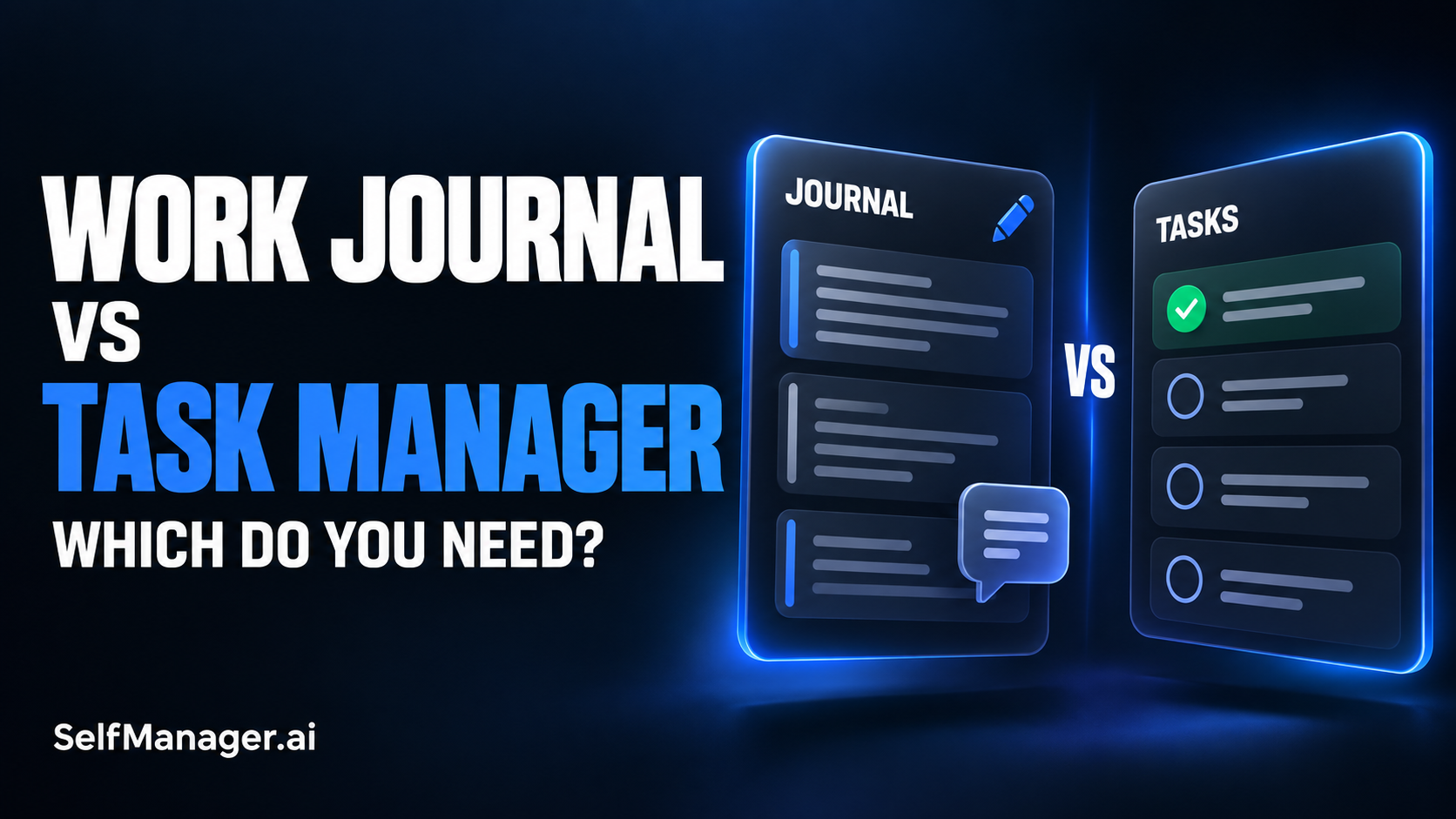
Use a task manager when your main problem is remembering and completing commitments. Use a work journal when your main problem is remembering what happened, why you made a decision, or where your effort went. If you manage clients, build a business, or return to projects after interruptions, you may need both functions. They can live in one workspace rather than two separate apps.
The practical difference is the question each helps you answer:
| What you need to know | Task manager | Work journal |
|---|---|---|
| What should I do next? | Organizes actions, priorities, and deadlines. | Can capture intentions, but actions need a clear place to follow up. |
| What did I finish? | Shows completed tasks if history is retained. | Describes outcomes and their context. |
| Why did I choose this approach? | Can preserve the reason in task notes or comments. | Makes reasoning a central part of the record. |
| Why did the plan change? | Shows revised work; an explanation must be recorded. | Captures interruptions, new information, and tradeoffs. |
| Where did my time go? | Can show recorded time if tracking is supported and used. | Explains the activity; narrative alone does not establish exact hours. |
| How do I restart this project? | Provides remaining actions. | Provides the state, decisions, and open questions behind them. |
These are functions, not rigid product categories. Some task managers support rich notes and dated history. Some journals support checklists. Choose based on what you can reliably capture and retrieve.
What is a Work Journal?
A work journal is a dated record of work: what happened, what changed, what you learned, and what you need to remember.
It does not have to be a long diary entry. A few sentences can explain something a checked box cannot:
“The client approved the layout but postponed the launch until the new product photos arrive. Keep the current checkout unchanged. Next step: confirm the revised launch date.”
That entry preserves an outcome, a decision, and a next step. It also explains why a project that looks unfinished may be waiting for someone else.
A useful work journal can contain:
- Decisions and the reasons behind them.
- Outcomes of calls, experiments, or investigations.
- Blockers and what would resolve them.
- Changes to scope or timing.
- A brief restart note for unfinished work.
You do not need every category every day. Capture the information you would otherwise have to reconstruct later.
What is a Task Manager?
A task manager organizes actions you intend to complete. Depending on the product, it may include dates, priorities, status, projects, reminders, notes, and other ways to coordinate work.
A useful task names an action with a recognizable finish:
“Confirm the revised launch date with the client.”
That is easier to act on than “Launch situation,” which could mean sending a message, changing the website, or reviewing the project plan.
The task manager earns its place when it helps you find commitments at the right time. A beautifully written project history does not help if the action it contains never reaches your working plan.
Completed tasks also have value. They show what you finished. But their explanatory value depends on the detail you kept with them. “Investigate checkout issue: done” does not tell your future self what caused the issue or whether anything still needs monitoring.
Choose a Task Manager First If Commitments Keep Slipping
Start with task management when you regularly forget follow-ups, overlook deadlines, or cannot tell which unfinished item deserves attention next.
Your immediate need is a dependable action system:
- Capture the commitment.
- Write the next action clearly.
- Put it where you will review it.
- Update it when the situation changes.
Keep notes when they help execution, but do not make a detailed journal a prerequisite for adding a task. If someone asks you to send a proposal on Thursday, capturing that commitment is the first useful step.
A simple checklist may be enough for a small, predictable workload. You do not need a richer system merely because it exists.
Choose a Work Journal First If You Cannot Explain Your Progress
A work journal becomes useful when you work hard but struggle to explain what advanced, why something stalled, or what you discovered.
This often happens in work where the output is not a finished object every hour. Research, debugging, client discussions, and product decisions can change the direction of a project without producing many completed tasks.
Write down the result of the thinking:
“The signup problem occurs only after an expired invitation. Confirmed it is unrelated to the page layout. Next investigation: token validation.”
That note gives the next session a starting point. It also prevents a later summary from presenting the whole investigation as unexplained delay.
Keep conclusions separate from guesses. “The expired invitation caused the failure in the test” is different from “All signup failures are caused by expired invitations.” A useful journal preserves the limits of what you know.
Use Both When the Action and Its Explanation Matter
For a freelancer or solo founder, the same event often creates a task and changes the project context.
A client call might produce three follow-ups, an approval, and a decision to defer a feature. If you keep only the follow-ups, you lose the reasoning. If you keep only the meeting narrative, the actions can disappear inside it.
Here is an illustrative example of the same work recorded three ways:
| Record | Entry | What it preserves |
|---|---|---|
| Task only | “Update onboarding copy.” | The action, but little explanation. |
| Journal only | “Two testers misunderstood what happens after signup. Agreed to explain the setup process before registration.” | The observation and decision, but no dependable follow-up. |
| Combined | Task: “Add the setup explanation above signup.” Note: “Two testers misunderstood the next step; review the revised copy in the next test.” | The action, the reason, and how to assess the change. |
The combined version does not require rewriting the whole conversation. One short explanation gives the action context.
Use this test: if a future version of you could see the task and still ask “Why are we doing this?”, add the answer beside it.
How SelfManager Combines Planning with a Work Record
SelfManager.ai organizes work around dates and tables. You can plan upcoming work and return to previous days to inspect the record. Tasks sit alongside notes and comments, with task time tracking available for work you choose to measure.
For this use case, organize a day into the areas you need to understand separately: client delivery, your own product, and administration, for example. Record an important decision beside the relevant work rather than rewriting the day in a separate diary.
Use a pinned table for continuing project context when it needs to remain accessible across dates. It is the same ongoing table, not a new copy for each day.
This approach fits someone who wants actions and their history together. A dedicated journal may still suit you better if your main need is long-form personal reflection. A basic task list may be enough if context rarely matters.
Keep the Record Small Enough to Maintain
The best entry is usually the shortest one that preserves the useful information.
Instead of logging every email or describing the whole afternoon, record changes that affect the work:
“Launch moved to Thursday because product photos are delayed. Checkout testing is complete. Next: replace placeholder images when files arrive.”
That is enough to understand the state and continue.
A practical daily habit is to answer three questions:
- What changed or finished?
- What needs explaining?
- What is the next action?
Answer only the questions that matter that day. If nothing changed beyond completing straightforward tasks, the task history may already be sufficient.
For interruptions, record what they displaced. “Urgent client fix replaced the planned pricing-page session” explains more than leaving the pricing task incomplete with no comment.
For investigation, record what you ruled out. For a decision, record the reason. For paused work, record the restart point. Match the note to the information most likely to be lost.
Avoid Maintaining Two Competing Action Lists
Combining journaling and task management goes wrong when every action lives twice: once as a checkbox in a journal and again in a separate task system.
Choose one place as the authoritative action list. The journal can mention a next step, but its completion status should not require a second update.
Likewise, avoid copying the same explanation into daily notes, project notes, and a weekly summary unless each copy serves a clear purpose. Keep the original context beside the work and summarize only what helps you make a decision.
If you use dated tables and an ongoing project table, decide what belongs in each. A day's record explains that day's activity; the continuing table holds the current project state. Separate entries should not be treated as automatically synchronized tasks.
You want a system you can trust after a busy week. Multiple conflicting checkboxes make that harder.
Review Outcomes, Reasons, and Next Actions Separately
A weekly review should do more than count checked boxes.
Start with outcomes: what shipped, changed, or became clearer? Then inspect reasons: which delays or changes have an explanation in the record? Finally, choose the actions that deserve a place in the next plan.
For example, five research tasks might produce one important decision. That decision may matter more than twenty small administrative completions. Conversely, several pages of notes do not necessarily mean a project advanced.
Look for evidence appropriate to the work:
- A released improvement or delivered client result.
- A confirmed decision with its supporting information.
- A resolved blocker.
- A concrete reduction in the remaining work.
Recorded time can add another perspective, but it is not a measure of value by itself. It also reflects only the time you actually captured.
The review should end with a choice, such as changing scope, scheduling a follow-up, or stopping an activity that no longer serves the project.
Can AI Turn Your Work History Into a Useful Review?
AI can help summarize recorded context, especially when relevant information is spread across several days. The quality of the result still depends on what the record contains.
SelfManager's AI Review supports reviewing periods of work using recorded tasks and context. You can also use table chat to ask about a selected table. These features can help bring actions and explanations into the same discussion.
Try a prompt such as:
“Summarize this week's outcomes and unresolved work. Use the recorded notes to explain changes in the plan. Separate documented reasons from possible explanations. Flag missing context and suggest the next actions for my review.”
Check the answer against the underlying entries before using it in a client update or making a planning decision. A note may describe an intention rather than a completed result. An absent explanation should remain a gap, not become a confident story.
AI can help retrieve and organize your record. It cannot recover a conversation you never captured or establish the cause of a delay from an unchecked task alone.
Frequently Asked Questions
Is a work journal the same as a completed task list?
No. A completed task list records finished actions. A work journal adds context such as decisions, observations, blockers, and changes. Task notes can provide that context when you keep them consistently.
Do I need a separate journaling app?
Only if a separate app serves a need your current workspace does not. For work-related context, notes beside tasks may be enough. For private reflection or longer writing, a separate journal may be more comfortable.
How often should I write in a work journal?
Capture important changes while they are fresh, then briefly review the day if necessary. There is no need to write a long entry every evening. A useful decision note takes priority over filling a daily template.
Can I use a work journal for client updates?
Yes, as source material. Turn relevant outcomes, decisions, and next steps into a concise update. Review it before sharing, and leave out private notes or information unrelated to that client.
What if I already use a task manager with notes?
You may already have the tools you need. Add dated explanations for important decisions and interruptions, keep completed work accessible, and use the history in your weekly review. Judge the setup by whether you can recover context later.
Choose the Function You Are Missing
If commitments disappear, improve the action list. If decisions and progress disappear, improve the work record. If both matter, keep the action and its explanation close enough that you can use them together.
Try SelfManager.ai with one real project: plan the next action, capture one meaningful change beside it, and return to the record at the end of the week. The useful test is whether it helps you decide what to do next without reconstructing the whole project from memory.
Date-based AI Task Manager
Plan smarter, execute faster, achieve more
Create tasks in seconds, generate AI-powered plans, and review progress with intelligent summaries. Perfect for individuals and teams who want to stay organized without complexity.
Get started with your preferred account