
How to Plan Your Week When Client Work Keeps Interrupting Your Own Business
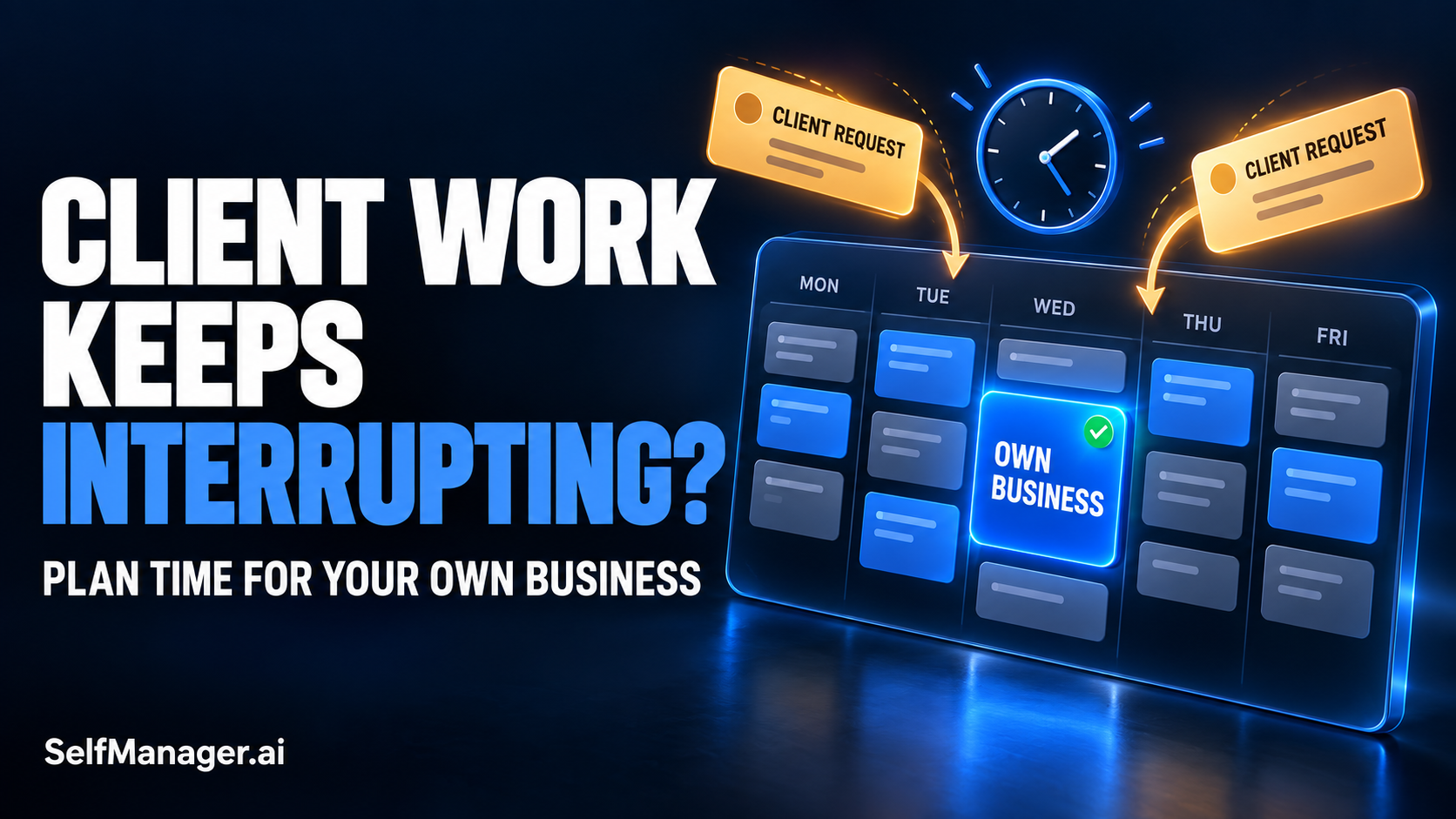
To plan your week around client work and your own business, start with your real available hours, account for client commitments, and reserve time for one specific business outcome. Leave room for interruptions. When a new request arrives, decide what it replaces rather than silently adding it to an already full week.
The difficult part is rarely writing the plan. It is keeping a useful priority alive when paid work changes the day.
Use this rule before changing your schedule:
| Incoming request | First question | Planning response |
|---|---|---|
| A service failure or genuinely urgent problem | What happens if this waits? | Assess it promptly; use your buffer or explicitly displace another commitment. |
| Work covered by an agreed deadline | When is delivery actually required? | Place it against that deadline and check remaining capacity. |
| An additional revision or new deliverable | Is this included in the existing agreement? | Clarify scope, effort, and timing before committing. |
| A useful idea with no immediate deadline | Does this need action this week? | Capture it for later review. |
These categories are planning prompts. Your actual commitments and service arrangements still determine what needs attention.
Give Your Own Business a Deliverable
“Work on my business” loses easily to “send the client the revised homepage.” One describes a category; the other describes something someone expects to receive.
Make your own work equally concrete:
- Publish one landing page with a working signup flow.
- Send a proposal to three qualified prospects.
- Fix the onboarding issue that blocks new users.
- Complete one customer interview and record the next product decision.
Choose one main outcome for the week. You can do other useful things, but the main outcome gives you a clear answer to “Did my business move forward?”
Then define the smallest useful version. A new website might be too large for the capacity available. One finished service page could be realistic. An onboarding redesign might take several weeks. Removing one confusing step could be achievable now.
Small should still mean useful. Changing button colors because it is easier than contacting customers does not become a meaningful business priority simply because it fits the schedule.
Build the Week from Capacity, Not Ambition
Before distributing tasks, subtract the time already spoken for: meetings, administration, personal commitments, and any other obligations that affect your working hours.
Do not count the same hour twice. If meetings are included in your client allocation, avoid subtracting them again elsewhere.
Here is an illustrative week for a freelancer building a small software product alongside client delivery:
| Area | Planned hours | Intended result |
|---|---|---|
| Client delivery | 18 | Finish the agreed release and revisions. |
| Own business | 8 | Publish a focused landing page and test signup. |
| Administration and communication | 3 | Handle invoices, routine replies, and weekly planning. |
| Interruption buffer | 3 | Absorb unexpected work without immediately taking business time. |
| Total available working time | 32 | A week that fits the available capacity. |
Those numbers are an example, not a recommended ratio. Someone with support obligations may need a larger buffer. Someone facing a major delivery deadline may choose a smaller business outcome that week.
The useful question is whether the total fits your actual availability.
If your client commitments already consume all 32 hours, adding eight hours of business development creates a conflict. Resolve it by changing scope, delivery timing, or the business target. Do not hide it inside a longer task list.
The buffer is available capacity, not another list of work you promise to finish. If you fill it with optional tasks in advance, it stops being a buffer.
Put Business Work on Specific Days
A weekly allowance of eight hours is easy to postpone if it has no place in the week.
Assign concrete sessions: perhaps two hours on Monday, three on Wednesday, and three on Friday. Give each session an output, such as drafting the page, implementing signup, or checking the complete journey.
Choose sessions that fit how you actually work. If you think clearly before opening client messages, an early session may help. If a client release makes mornings unpredictable, choose a different window. There is no universally correct routine.
Keep the first action ready before the session begins. “Continue landing page” requires you to recover context. “Write the headline and three customer problems using Monday’s interview notes” tells you where to start.
In SelfManager’s date-based workspace, you can organize client delivery and your own business in separate tables on the relevant day. The separation makes each area visible when you inspect the plan.
Time blocks are still your planning decisions. SelfManager does not provide calendar sync or automatically reschedule calendar appointments.
Triage a Request Before Promising a Time
A notification tells you that someone has asked for something. It does not, by itself, establish the deadline.
Before committing, establish:
- What needs to change?
- When is it needed, and why?
- What is the likely effort?
- Is it covered by the work already agreed?
If a client says “Can we update this today?”, ask what depends on it. A broken payment flow and a preferred wording change can arrive in equally urgent-looking messages while having very different consequences.
You can be responsive without promising immediate completion:
“I can review this today. If it needs the full revision, the next available delivery slot is Thursday. If something is blocked sooner, please tell me what is affected so I can assess the priority.”
For additional work, make the tradeoff visible:
“I can include this, but it adds approximately two hours. We can move the original deliverable to Friday or schedule the extra work after it.”
These are examples to adapt to your working relationship. The point is to establish timing before your internal plan turns into an unspoken promise.
For repeated extra requests, keep a short record of what was originally agreed and what changed. That record helps distinguish ordinary delivery from additional scope.
When Something Urgent Arrives, Record What It Replaces
Return to the 32-hour example. On Wednesday, an urgent client issue takes two hours. It fits within the three-hour buffer, leaving one hour available for further surprises.
If another three-hour request arrives, two hours must come from somewhere else.
Your options could include moving an optional client improvement, negotiating a delivery date, reducing the landing page scope, or moving one business session to another available slot. Which option is right depends on the commitments involved.
The essential action is to name the displaced work.
Write a brief note:
“Wednesday: client checkout issue took two hours. Used the interruption buffer; landing page session remains scheduled.”
Or:
“Friday: additional revision took three hours. One hour came from the remaining buffer; two hours displaced signup testing. Testing is now scheduled for Tuesday.”
This prevents a common planning mistake: moving an unfinished task forward without preserving the reason it did not happen.
When you review the week, you can distinguish a deliberate tradeoff from an unexplained missed priority. That difference matters when deciding what to change next.
Keep Enough Context to Resume Quickly
Interrupted work needs a restart point.
Before switching away, leave three short notes:
- Current state: what you finished.
- Next action: the first concrete step when you return.
- Open question: anything that still needs a decision.
For the landing page, that might be:
“Draft and mobile layout complete. Next: test signup confirmation on mobile. Open question: whether the confirmation email needs a setup checklist.”
Keep this beside the work rather than in a separate collection of reminders you rarely open.
SelfManager supports notes and comments alongside task tables. You can also pin a table for an ongoing project so it remains accessible across dates. A pinned table is the same continuing table; it is not a fresh daily copy.
That distinction is useful here. Keep persistent project context together, and use dated plans to show when you intend to advance it. If you write the same task into separate tables, do not assume those entries share a synchronized status.
Use AI to Draft the Tradeoffs
AI can help turn a crowded brief into a proposed plan, provided you give it the constraints that determine whether the plan is possible.
A useful planning brief is specific:
“Plan my next working week. I have 32 available hours. Allocate 18 to the agreed client release, three to administration, and leave three unallocated for interruptions. My business outcome is a published landing page with a tested signup flow, with up to eight hours available. Break that outcome into manageable tasks. If the work will not fit, identify what needs reducing rather than adding evening work.”
SelfManager’s AI Plan provides an editable preview before you approve dated tables. Check the proposed workload and deadlines before accepting it.
The AI cannot account for a client promise, appointment, or interruption that you have not supplied or recorded. It also cannot settle whether you should accept extra commercial work. Those choices remain yours.
A useful draft exposes a conflict. A plan that simply squeezes everything in has not resolved it.
Review What Client Work Actually Displaced
At the end of the week, compare the plan with the record. Focus on three questions:
Did the business outcome ship?
Eight hours of activity and a finished outcome are different measures. If the page did not ship, identify the remaining work.
What exceeded the client allocation?
Separate unexpected incidents, additional scope, and work that was underestimated. They call for different changes.
What happened to the buffer?
If interruptions consistently exceed it, next week needs a different allocation or a different agreement about availability.
SelfManager provides task time tracking, while AI Review can use recorded work to help summarize a period. Ask it to distinguish what the record shows from possible explanations.
A review prompt could be:
“Compare my recorded client work and own-business progress this week. Identify notes that explain displaced priorities. Separate documented reasons from hypotheses, and flag missing time records. Suggest one planning change for next week.”
Recorded time is only the time you captured. If calls or support work are missing, do not treat the total as a complete account of your week.
Change the Plan When the Pattern Repeats
One disrupted week does not establish a permanent problem. Several weeks with the same pattern deserve a decision.
If unplanned requests repeatedly consume business time, consider whether you need clearer response windows, a larger support allowance, tighter scope, or fewer simultaneous commitments.
If business sessions happen but produce little progress, examine the work itself. The target may be too broad, a decision may be unresolved, or the sessions may be too fragmented for the task.
The answer is not always to protect more hours. Sometimes it is to choose an outcome you can finish with the hours available.
Make one adjustment and review it the following week. That gives you a more useful learning cycle than replacing the entire planning system after every difficult Friday.
Frequently Asked Questions
How much time should I reserve for my own business?
Start with the capacity left after genuine commitments and a realistic interruption allowance. Choose an outcome that fits. There is no fixed percentage that works for every freelancer or founder.
Should client work always come first?
Agreed commitments and genuinely urgent problems deserve attention. New requests still need assessment. Prioritizing every message immediately can make both your business work and existing client delivery unreliable.
What if every week is unpredictable?
Plan a smaller business outcome, leave more capacity unallocated, and identify which requests require immediate action. If the uncertainty comes from ongoing support, include that responsibility in the workload you plan.
Should I move unfinished business tasks to tomorrow?
Only when tomorrow has room. Record why the task slipped, choose its next realistic slot, and reduce or remove other work if necessary. Repeatedly changing the date does not create capacity.
Can SelfManager automatically protect my business time?
You decide the allocation and the tradeoffs. SelfManager helps organize dated work and preserve its context; it does not automatically enforce availability or move calendar appointments for you.
Start with One Business Outcome This Week
Choose something you can finish, give it a place in the week, and leave room for the work you cannot predict. When a client request changes the plan, preserve the reason and decide what moves.
Try that workflow in SelfManager.ai: organize your next working day, record the changes as they happen, and review whether your own business moved forward alongside client delivery.
Date-based AI Task Manager
Plan smarter, execute faster, achieve more
Create tasks in seconds, generate AI-powered plans, and review progress with intelligent summaries. Perfect for individuals and teams who want to stay organized without complexity.
Get started with your preferred account