
Top AI Apps for Productivity, Besides the Obvious Ones
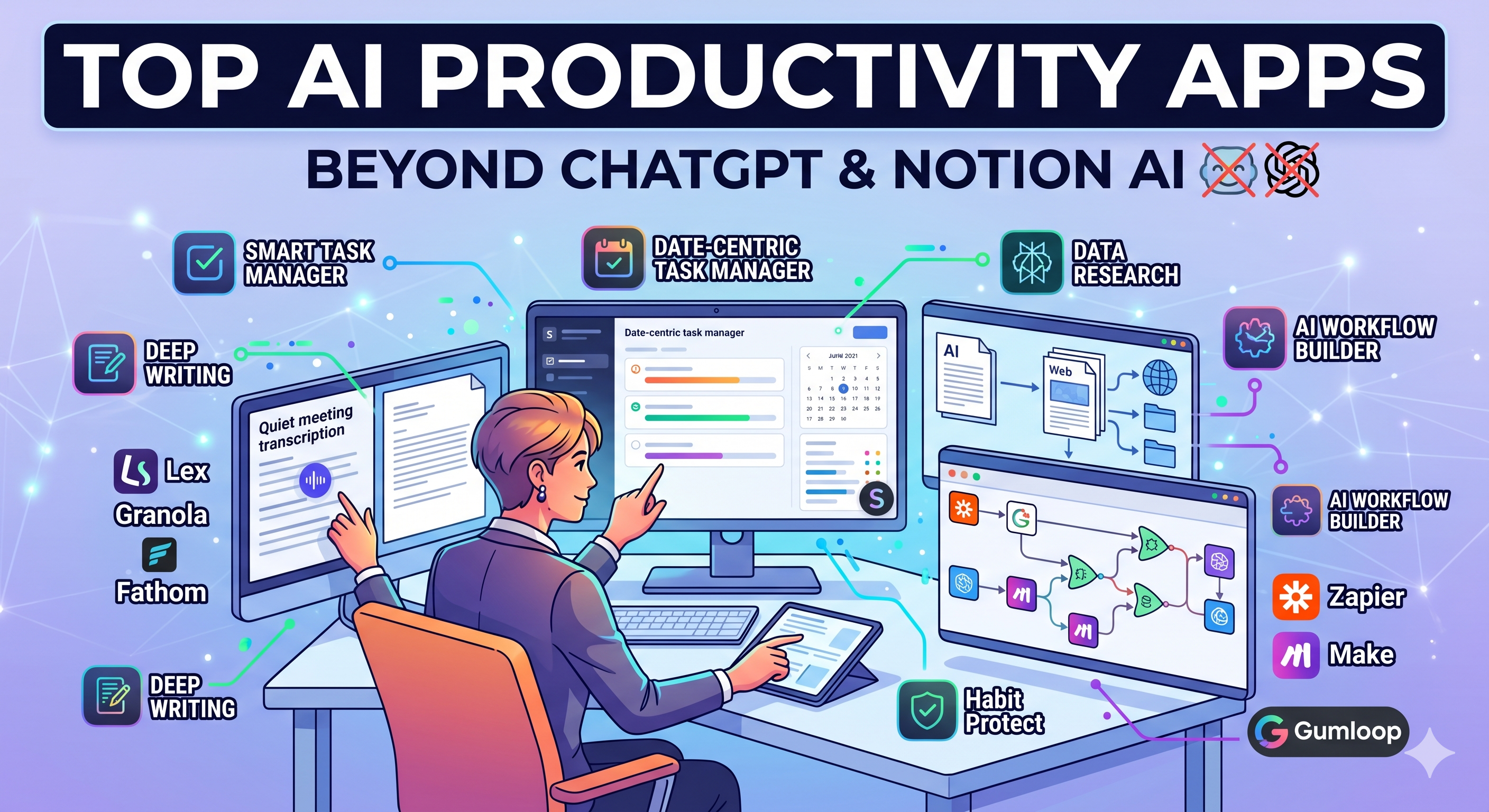
Everyone knows the obvious ones
If you search for AI productivity apps, you get the same list everywhere. ChatGPT. Claude. Notion AI. Gemini. Copilot.
They are all good. They are also not the whole story.
The interesting shift in the last year is not at the top of the stack, it is one layer below. A lot of smaller, focused AI apps now do specific productivity jobs better than the general chatbots, because they sit inside the tool where the work actually happens.
This is a roundup of the ones worth knowing, grouped by what they actually help you do. No affiliate angle, no rankings, just an honest look at what is useful.
For task management and daily planning
SelfManager.ai
Full disclosure, I build this one. It belongs on the list because most task managers bolted AI on as a side feature, while SelfManager.ai was rebuilt around a date-centric model with an AI layer that actually knows your tasks, time tracked, and week.
It has two AI modes. A Fast mode for quick edits and a Thinking mode for review, planning, and pattern questions. The thing it does that most task apps still do not is let you ask your own system questions, like what you finished this month or which projects have gone cold.
Good for solo founders, freelancers, and small teams who want planning, tracking, and AI in one place instead of stitched across four tools.
Motion
Calendar-first AI planner. Takes your tasks and meetings and auto-schedules them into your day. Strong if your life is meeting-heavy and you want the calendar to do the thinking.
Less flexible if you prefer to see your work as a list of days rather than a packed calendar grid.
Reclaim
Similar space to Motion but leans more into habits, recurring blocks, and team scheduling. Useful if you want AI to protect focus time automatically.
For writing and thinking
Lex
A writing app built around the idea that you want AI next to your draft, not replacing it. Good for longer-form thinking, essays, and articles where you still want your voice in the output.
Granola
Meeting notes app that listens, transcribes, and generates structured notes without needing a bot to join the call. One of the better quiet-productivity tools of the last year.
Mem
Notes app with AI search and auto-organization. Better than a classic notes app if you dump a lot of ideas and later want to find them without remembering where you put them.
For research and reading
Perplexity
Closest thing to a real research assistant. Searches, cites, and answers in one flow. Better than a chatbot for anything where you need sources, and faster than manual searching for most work questions.
Elicit
Built for research-heavy work. Pulls from academic papers, summarizes, and finds related work. Useful if your job involves actual evidence, not just opinions.
Readwise Reader
Read-later app with AI on top. Highlights, summarizes, and lets you ask questions across everything you have saved. Quietly one of the most useful tools for people who read a lot online.
For meetings and async work
Fathom
Records, transcribes, and summarizes calls. Free tier is generous. Pulls out action items cleanly, which is where a lot of meeting tools still fail.
Loom AI
Loom added AI features that turn recorded videos into titles, summaries, and chapters automatically. Useful if you send async updates instead of scheduling more meetings.
Circleback
Meeting assistant that focuses on turning calls into clean follow-ups, with better handling of action items than most competitors.
For automation and glue work
Zapier with AI steps
Zapier is not new, but the AI steps inside it are. You can now build workflows that include a reasoning step, not just trigger and action. Good for anyone who wants to connect tools without writing code.
Make
Similar idea to Zapier, often more flexible for visual builders. AI modules let you add logic to existing automations.
Gumloop
Newer entrant, visual AI workflow builder. Worth trying if Zapier and Make feel too rigid for the thing you are building.
For focus and deep work
Magic
AI assistant focused on clearing small admin tasks, booking, scheduling, and follow-ups, so you can stay in focus work.
Saner.ai
A newer tool that merges tasks, notes, and email with AI on top. Interesting if you want one place for everything and do not mind being an early user.
How to actually pick
Most people try too many of these at once and end up using none of them.
A better approach is to pick the one layer that costs you the most time and fix that first. If planning eats your morning, start there. If meetings disappear into notes nobody reads, fix that. If you cannot find anything you wrote three months ago, start with notes.
The point of AI in productivity is not to add more apps. It is to remove the work you used to do just to keep your system running.
Takeaways
- The obvious AI apps are fine, but the useful ones often live one layer deeper, inside the tool where the work actually happens.
- Task management, meetings, research, and automation each have strong non-obvious options worth trying.
- SelfManager.ai fits the task management and planning layer if you want AI that knows your work, not a separate assistant you re-explain your life to every day.
- Pick one layer to fix first instead of stacking five tools at once.
- The real goal is less app switching, not more.
Date-based AI Task Manager
Plan smarter, execute faster, achieve more
Create tasks in seconds, generate AI-powered plans, and review progress with intelligent summaries. Perfect for individuals and teams who want to stay organized without complexity.
Get started with your preferred account