
Top 10 Task Managers in 2026 for Personal Life and Work Life
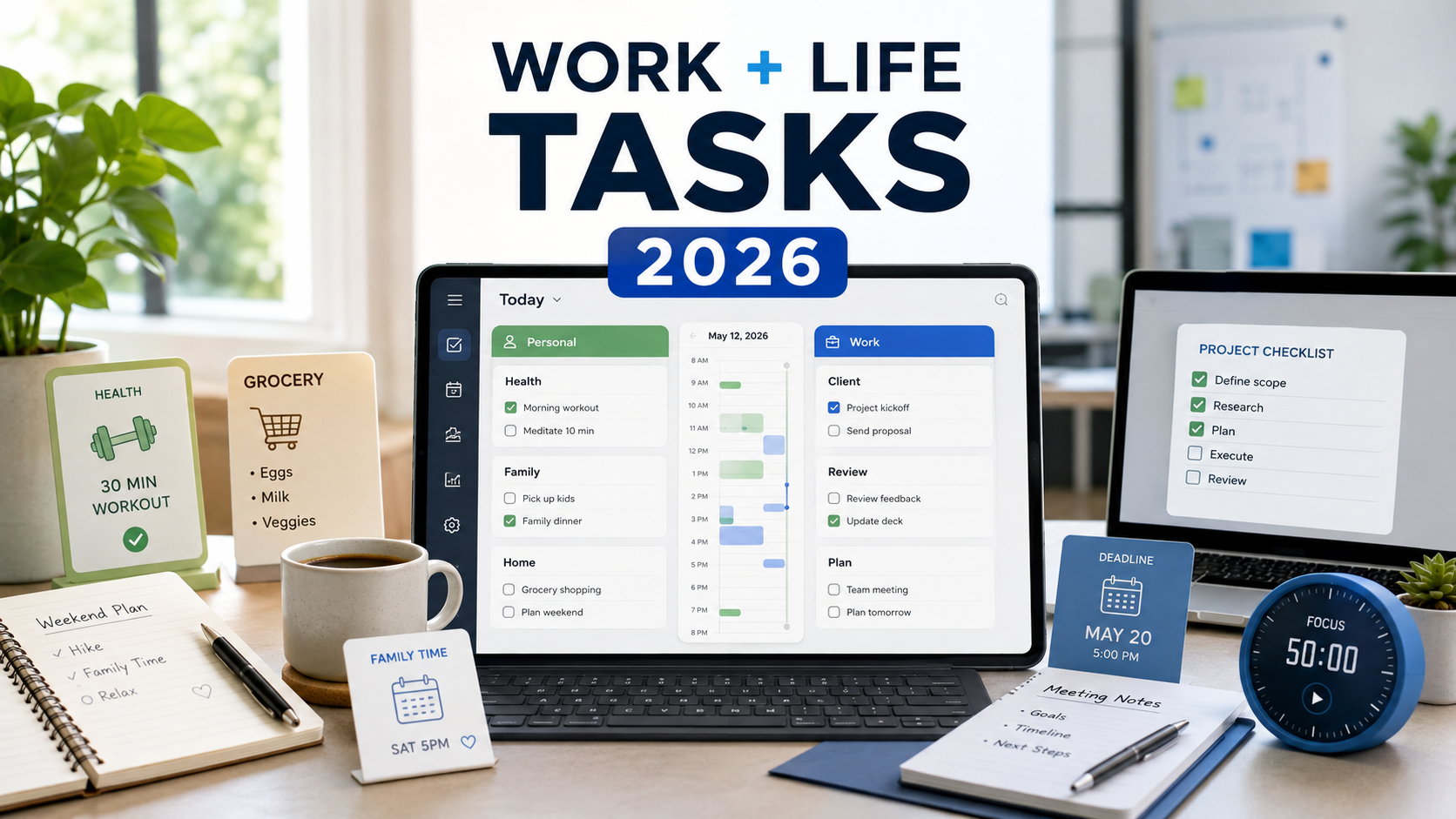
Most people do not live in two perfectly separate worlds.
You have work tasks: client follow-ups, meetings, deadlines, projects, admin, invoices, reports, messages, decisions.
Then you have personal tasks: groceries, bills, appointments, health, family, learning, habits, home projects, yearly goals, and all the small things that keep life moving.
The problem is that many task managers are still treated like they belong to only one side of life. Some feel too work-focused for personal use. Others are good for errands and reminders, but too light for serious work.
In reality, the best task manager in 2026 is often the one that can handle both.
Not because work and life should blend into one stressful mess.
The opposite.
A good task manager helps you see both sides clearly so you can make better decisions about your day. It helps you know what needs attention, what can wait, what belongs to work hours, and what matters outside work too.
This article looks at 10 task managers that can realistically be used for both personal life and work life.
Quick List: Top 10 Task Managers for Personal Life and Work Life
| Rank | Task Manager | Best For |
|---|---|---|
| 1 | SelfManager.ai | Best overall for managing personal life and work life in one date-centric system |
| 2 | Todoist | Best simple task manager for fast capture and daily lists |
| 3 | TickTick | Best for tasks, habits, calendar, and focus sessions |
| 4 | Sunsama | Best for calm daily planning and work-life boundaries |
| 5 | Akiflow | Best for power users who plan tasks directly into their calendar |
| 6 | Motion | Best for AI auto-scheduling and deadline-driven planning |
| 7 | Reclaim.ai | Best for protecting focus time, routines, and calendar space |
| 8 | Routine | Best for combining tasks, calendar, notes, and meetings |
| 9 | Superlist | Best for shared lists, personal tasks, notes, and lightweight teamwork |
| 10 | Any.do | Best for simple tasks, reminders, family organization, and everyday planning |
What Makes a Good Task Manager for Personal Life and Work Life?
A task manager for both personal life and work life needs to do more than store checkboxes.
It should help with:
- Daily planning
- Work tasks and deadlines
- Personal errands and routines
- Calendar awareness
- Notes or context
- Recurring tasks
- Priorities
- Review and reflection
- Fast capture
- Low friction
The real test is simple:
Can you use it on a normal Tuesday?
Not an ideal day. Not a perfectly planned productivity fantasy. A normal Tuesday, where work changes, a personal errand appears, something slips, and you still need to decide what matters now.
That is where task managers either become useful or become another app you forget to open.
1. SelfManager.ai
Best for: personal life and work life in one date-centric execution system
SelfManager.ai is the strongest fit for people who want one system for both work execution and personal life execution.
Its main difference is that it is built around dates. Each day becomes its own workspace, where you can organize tasks, tables, notes, comments, images, time tracking, and AI planning.
That matters because both work and life happen in days.
Your client deadline happens on a day. Your workout happens on a day. Your invoice reminder happens on a day. Your weekly review happens after a set of days. Your personal goals succeed or fail through what you repeatedly do on real days.
This is where SelfManager.ai feels different from classic task managers. It is not only a list of things you might do someday. It gives your personal life and work life a timeline.
You can use one table for client work, another for business tasks, another for personal priorities, another for health, another for learning, and still see everything inside the same daily structure.
SelfManager.ai is especially useful if your life does not fit into one clean category.
For example:
- A founder managing business, product, marketing, and personal discipline
- A freelancer managing clients, proposals, admin, fitness, and family tasks
- A remote worker who needs structure without a manager physically nearby
- A knowledge worker who wants weekly and monthly reviews
- A small team that wants collaboration without overcomplicated software
The AI features also fit the personal/work execution idea well. You can use AI Plan to draft a week or month, generate tasks from messy notes, and use AI Review to understand what happened across a week, month, or quarter.
That makes SelfManager.ai less like a simple task list and more like a personal operating system.
Where it works best:
- Daily planning
- Work and personal tasks in one place
- Weekly, monthly, and quarterly reviews
- AI-assisted planning
- Time tracking
- Notes and context
- Personal project management
- Small team collaboration
Where it may not fit:
If you only want the simplest possible grocery-list app, SelfManager.ai may be more powerful than you need.
But if you want one place to execute both personal life and work life, it deserves to be first.
2. Todoist
Best for: simple task capture across work and personal life
Todoist remains one of the best task managers for people who want something clean, fast, and easy to maintain.
Its biggest strength is speed. You can quickly add tasks, organize them into projects, use labels, set due dates, create recurring tasks, and manage priorities without feeling like you are building a complex system.
For work, Todoist can handle follow-ups, client tasks, meetings, deadlines, and project checklists.
For personal life, it works well for errands, bills, routines, reminders, travel lists, and home admin.
The reason Todoist is still popular is that it does not ask too much from you. You can keep it simple and still get value.
Where it works best:
- Fast task capture
- Personal reminders
- Recurring tasks
- Simple work projects
- Clean daily lists
- Cross-platform use
Where it may not fit:
Todoist is less naturally built around deep reviews, time tracking, or rich project context. It is excellent for task management, but if you want a full life/work execution history, you may need another layer around it.
3. TickTick
Best for: tasks, habits, calendar, and focus in one app
TickTick is a strong choice for people who want personal and work productivity features in one lightweight app.
It combines tasks, lists, calendar views, habits, reminders, and Pomodoro-style focus tools. That makes it especially useful for people who want their task manager to help with both execution and routines.
For work, TickTick can manage deadlines, recurring responsibilities, project lists, and focused work sessions.
For personal life, it is useful for habits, errands, appointments, health routines, shopping lists, and reminders.
TickTick's advantage is that it covers more daily-life use cases than many simple task apps. You can plan tasks, track habits, view your calendar, and use focus timers without jumping between too many tools.
Where it works best:
- Personal habits
- Work tasks
- Calendar planning
- Pomodoro sessions
- Recurring reminders
- Lightweight project lists
Where it may not fit:
TickTick can become busy if you try to use every feature at once. It works best when you keep your setup simple.
4. Sunsama
Best for: calm daily planning across work and personal priorities
Sunsama is not just a task list. It is more of a daily planning ritual.
The app helps you decide what you will actually do today, estimate your workload, timebox tasks, and shut down at the end of the day.
That makes it useful for people who feel overwhelmed by endless task lists.
For work, Sunsama is strong for planning focused days, pulling in tasks from other work tools, and deciding what is realistic.
For personal life, it can help you protect non-work priorities, plan routines, and avoid letting work swallow the whole day.
Sunsama is especially good for people who want productivity to feel calmer, not more aggressive.
Where it works best:
- Daily planning
- Workday structure
- Timeboxing
- Shutdown rituals
- Avoiding overload
- Intentional planning
Where it may not fit:
Sunsama is not the best choice if you want a large database of tasks, heavy project management, or a very cheap tool. Its strength is the daily planning experience.
5. Akiflow
Best for: power users who want tasks and calendar in one workflow
Akiflow is built for people who live between tasks, calendars, meetings, and many sources of incoming work.
Its universal inbox is one of its biggest strengths. You can capture tasks manually or bring them in from connected tools, then plan them into your calendar.
For work, Akiflow is useful if tasks come from email, messages, meetings, and project systems.
For personal life, it can also handle errands, routines, appointments, reminders, and personal projects if you are disciplined about keeping everything in the same workflow.
Akiflow is best for people who want control. It does not just store tasks. It helps you decide when work will happen.
Where it works best:
- Time blocking
- Calendar-based execution
- Universal inbox
- Work task capture
- Personal planning
- Power-user workflows
Where it may not fit:
Akiflow may feel like too much if you only want a simple list. It is strongest for people who are willing to actively plan their day.
6. Motion
Best for: automatic scheduling of work and personal tasks
Motion is built around AI scheduling. You add tasks, priorities, deadlines, and calendar events, and Motion helps schedule your work automatically.
This can be powerful for people who do not want to manually decide where every task belongs.
For work, Motion can help with deadlines, meetings, project tasks, and deep work blocks.
For personal life, it can schedule errands, workouts, routines, appointments, and other commitments around your calendar.
The main appeal is automation. Instead of staring at a long list, you let the system build a schedule.
Where it works best:
- Auto-scheduling
- Deadline-driven work
- Busy calendars
- Work tasks with priorities
- Personal commitments that need time blocks
Where it may not fit:
Some people love automatic scheduling. Others find it too rigid or stressful when plans constantly move. Motion is best if you genuinely want your calendar to become the center of execution.
7. Reclaim.ai
Best for: protecting focus time, routines, and calendar boundaries
Reclaim.ai is useful for people whose calendar gets crowded and whose important work or personal routines keep getting pushed aside.
It helps schedule focus time, tasks, habits, meetings, and routines around your existing calendar.
For work, Reclaim can protect deep work, schedule tasks before deadlines, and manage meeting-heavy weeks.
For personal life, it can help protect workouts, breaks, family time, learning blocks, and recurring routines.
This makes Reclaim especially interesting for people who do not only want to manage tasks. They want to defend time.
Where it works best:
- Focus time
- Calendar protection
- Flexible routines
- Work-life boundaries
- Meeting-heavy schedules
- Recurring habits
Where it may not fit:
Reclaim is more calendar-centered than task-manager-centered. If you want rich task lists, notes, project context, and personal records, you may want another task manager alongside it.
8. Routine
Best for: tasks, calendar, notes, and meetings in one daily workspace
Routine is a modern productivity app that brings tasks, calendar, notes, meetings, and AI into one place.
It fits people who want to reduce tool switching and keep work and personal planning closer together.
For work, Routine can help with meetings, tasks, notes, planning, projects, and follow-ups.
For personal life, it can handle personal tasks, recurring routines, calendars, reminders, and notes.
Its strength is that it tries to connect the surfaces people already use every day: tasks, time, and context.
Where it works best:
- Quick capture
- Calendar planning
- Notes
- Meetings
- Personal and work accounts
- AI-assisted productivity
Where it may not fit:
Routine can become more than a simple task manager. That is good if you want an all-in-one workspace, but less ideal if you only want basic reminders.
9. Superlist
Best for: shared lists, personal tasks, notes, and lightweight teamwork
Superlist is a polished task and list app designed for both personal and collaborative use.
It works well for people who want something cleaner and more modern than a basic checklist, but not as heavy as a full work management platform.
For work, you can use it for shared tasks, team lists, meeting notes, follow-ups, and side projects.
For personal life, it works for errands, routines, planning, shopping lists, home projects, and private lists.
Superlist is especially strong for people who want personal and shared tasks to coexist without the app feeling corporate.
Where it works best:
- Shared lists
- Personal tasks
- Notes
- Team collaboration
- Side projects
- Clean interface
Where it may not fit:
Superlist is not the deepest option for AI planning, time tracking, or long-term reviews. Its strength is clean task and list management.
10. Any.do
Best for: simple tasks, calendar, reminders, family, and everyday life
Any.do is a good option for people who want a simple task manager that can handle both personal organization and lighter work planning.
It includes tasks, lists, calendar, reminders, daily planning, and collaboration options.
For work, Any.do can manage basic tasks, meeting reminders, follow-ups, and shared lists.
For personal life, it is strong for errands, groceries, family tasks, reminders, appointments, and simple daily planning.
Any.do is especially useful for people who do not want a productivity system that feels too technical.
Where it works best:
- Personal tasks
- Family organization
- Simple work reminders
- Calendar tasks
- Grocery lists
- Daily planning
Where it may not fit:
Any.do is best for straightforward organization. If your work includes complex projects, deep reviews, or AI-assisted planning, it may feel too light.
How to Choose the Right Task Manager for Personal Life and Work Life
The best task manager depends on what kind of life you are trying to manage.
If you want one date-centric system for work tasks, personal tasks, notes, time tracking, reviews, and AI planning, choose SelfManager.ai.
If you want the cleanest classic task manager, choose Todoist.
If you want habits, Pomodoro, calendar, and tasks together, choose TickTick.
If you want calm daily planning, choose Sunsama.
If you want calendar-first power planning, choose Akiflow.
If you want AI to schedule your day automatically, choose Motion.
If you want to protect focus time and routines, choose Reclaim.ai.
If you want tasks, calendar, notes, and meetings together, choose Routine.
If you want beautiful shared lists for work and life, choose Superlist.
If you want simple tasks, reminders, and family organization, choose Any.do.
The Real Point: Your Life Needs One Place to Land
A task manager is not just about productivity.
It is about trust.
Can you trust that your work follow-up is captured? Can you trust that your dentist appointment is not forgotten? Can you trust that your personal goal is visible during the week? Can you trust that your work does not silently consume every empty space in your calendar?
That is why personal life and work life should not always live in completely disconnected systems.
They do not need to be mixed chaotically, but they do need to be visible together.
Because your time is shared.
You only have one Monday. One week. One month. One attention span.
The best task manager in 2026 is the one that helps you execute both sides of life without making the system itself another burden.
For many people, that means moving beyond a basic to-do list and choosing a tool that supports planning, review, priorities, routines, and real daily execution.
FAQ
What is the best task manager in 2026 for both personal life and work life?
SelfManager.ai is a strong choice if you want one date-centric system for work tasks, personal tasks, goals, notes, time tracking, AI planning, and reviews. Todoist, TickTick, Sunsama, Akiflow, Motion, Reclaim.ai, Routine, Superlist, and Any.do are also strong depending on your workflow.
Can I use one task manager for both personal life and work life?
Yes. In many cases, using one task manager is better because your personal life and work life compete for the same time and attention. The key is to separate categories clearly while still seeing the full picture of your day or week.
Should work tasks and personal tasks be mixed together?
They should not be mixed randomly, but they should be visible in the same planning system. A good setup lets you separate work, personal life, habits, errands, and goals while still understanding your real capacity.
What features matter most in a personal and work task manager?
The most important features are fast capture, daily planning, due dates, recurring tasks, calendar awareness, notes, priorities, reminders, and some way to review progress over time.
Is an AI task manager better than a normal task manager?
An AI task manager can be better if the AI helps with real planning, summaries, reviews, task generation, or prioritization. AI is less useful if it is only a chatbot added on top of a basic task list.
What is the simplest task manager for personal life and work life?
Todoist and Any.do are good simple options. TickTick is also simple enough for many people while adding habits, calendar views, and focus tools.
What is the best task manager for daily planning?
SelfManager.ai, Sunsama, Akiflow, and Motion are strong daily planning options, but they approach the problem differently. SelfManager.ai is date-centric, Sunsama is ritual-based, Akiflow is calendar-first, and Motion is automation-first.
What is the best task manager for personal goals?
SelfManager.ai is strong for personal goals because it connects daily tasks with weekly, monthly, and quarterly reviews. TickTick is also useful if your personal goals depend heavily on habits and routines.
What is the best task manager for freelancers and founders?
SelfManager.ai is a strong fit for freelancers and founders because it can handle client work, business tasks, personal goals, notes, time tracking, reviews, and AI planning in one system. Akiflow, Sunsama, and Todoist can also work well depending on how calendar-heavy your workflow is.
What is the biggest mistake people make with task managers?
The biggest mistake is treating a task manager like a storage box instead of an execution system. Capturing tasks is only the first step. The real value comes from planning, doing, reviewing, and adjusting.
Date-based AI Task Manager
Plan smarter, execute faster, achieve more
Create tasks in seconds, generate AI-powered plans, and review progress with intelligent summaries. Perfect for individuals and teams who want to stay organized without complexity.
Get started with your preferred account