
Top 10 Task Managers for Busy Professionals in 2026
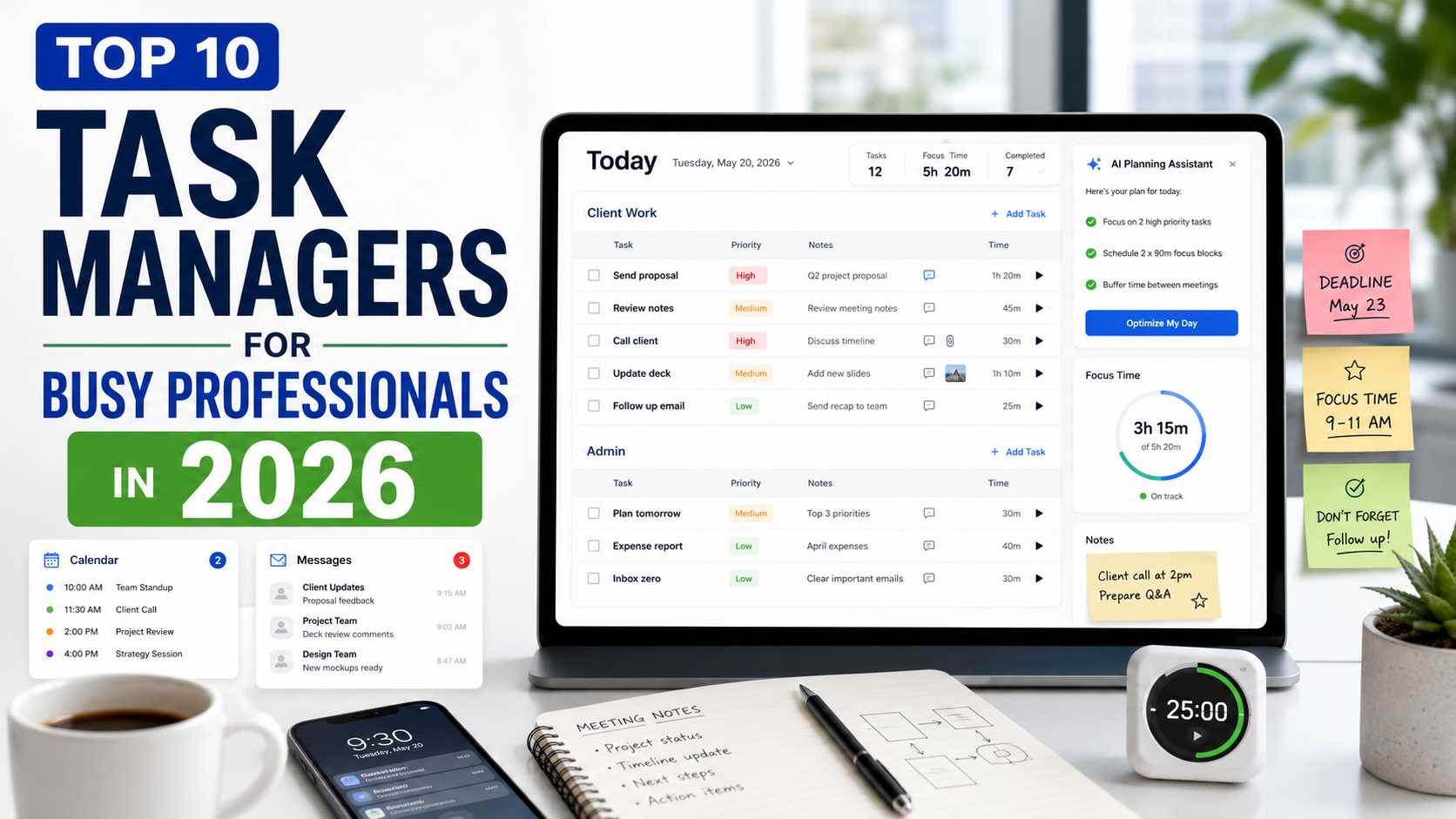
Busy professionals do not need another complicated productivity theory.
They need a place to put the work, organize the day, remember what matters, and keep moving.
That sounds simple, but most task managers fail busy people for one reason: they require too much maintenance. You install the app, create folders, projects, tags, sections, views, dashboards, priorities, workflows, and automations. Then, after the initial excitement fades, the system becomes one more thing to manage.
That is the opposite of what busy professionals need.
If your day is already full of client work, meetings, admin, deadlines, messages, errands, personal responsibilities, and half-finished ideas, your task manager should reduce the load. It should help you start fast, plan clearly, and recover when the day changes.
This article looks at 10 task managers that can work well for busy professionals in 2026.
The ranking is based on a simple question:
Can this tool help a busy person execute without needing a complicated setup ritual?
Quick List: Top 10 Task Managers for Busy Professionals in 2026
| Rank | Task Manager | Best For |
|---|---|---|
| 1 | SelfManager.ai | Best for fast daily execution with tasks, notes, comments, images, time tracking, and AI planning around dates |
| 2 | Todoist | Best for quick task capture and simple recurring work |
| 3 | TickTick | Best for tasks, habits, calendar views, and focus sessions |
| 4 | Sunsama | Best for calm daily planning and realistic workdays |
| 5 | Akiflow | Best for professionals who plan tasks directly into their calendar |
| 6 | Morgen | Best for managing calendars and tasks together across different accounts |
| 7 | Amazing Marvin | Best for highly customizable productivity systems |
| 8 | Things 3 | Best for Apple users who want a polished personal task manager |
| 9 | TeuxDeux | Best for simple day-by-day task planning |
| 10 | Llama Life | Best for timeboxing and getting through a busy task list |
What Busy Professionals Actually Need From a Task Manager
A busy professional does not need the app with the longest feature list.
They need the app that helps them answer:
What needs to happen today?
What is urgent?
What can wait?
What did I already promise?
What is slipping?
What should I do next?
A good task manager for busy professionals should be:
- Fast to start
- Easy to return to
- Good for daily planning
- Good for follow-ups
- Flexible when plans change
- Strong enough for work tasks
- Simple enough for personal tasks
- Helpful for review, not just capture
- Clear without becoming rigid
The best task manager is not the one that looks impressive on day one.
It is the one you still use on day 45.
1. SelfManager.ai
Best for: busy professionals who want fast daily execution without complex setup
SelfManager.ai is the strongest choice for busy professionals who want one system that starts from the day.
The reason is simple: busy people think in days.
You do not wake up thinking in database architecture. You wake up thinking:
What do I need to do today?
What is waiting from yesterday?
What meetings, tasks, follow-ups, personal responsibilities, and priorities need my attention?
SelfManager.ai is built around that reality. The day is the container. Inside that day, you add tables. Each table can hold tasks, comments, images, notes, and time tracking.
That makes the starting point very simple.
Open a day. Add a table. Add tasks. Start.
There is no need to spend several minutes designing a workspace before you can be productive. You do not need to create a complex hierarchy just to capture today's work. If you have client work, create a table. If you have admin tasks, create another table. If you have personal tasks, health goals, learning, or errands, create another one.
The day holds everything together.
That is powerful for busy professionals because real work rarely arrives in neat categories. One day might include a client call, a proposal, a bug fix, an invoice, a workout, a family task, and a note about tomorrow. SelfManager.ai lets those things live in the same daily reality without turning them into one messy list.
Its AI features also fit this use case well.
AI Plan helps when your head is full and you need structure. You can describe what you need to do, and the app can help turn it into a plan. AI Review helps you understand what happened across a week, month, or quarter, which is useful when your days are moving fast and you do not have time to manually analyze everything.
For busy professionals, the biggest benefit is not just task storage.
It is continuity.
Your tasks, notes, context, comments, images, time tracking, and reviews can live in one date-based flow. That makes it easier to remember what happened, what moved, what slipped, and what needs to happen next.
Where SelfManager.ai works best:
- Daily planning
- Work and personal execution
- Client tasks
- Founder workflows
- Freelance work
- Notes and task context
- Time tracking
- AI planning
- Weekly, monthly, and quarterly reviews
- Small team collaboration
Where it may not fit:
If you only want a tiny checklist for groceries, SelfManager.ai may be more powerful than you need.
But if you are a busy professional trying to manage real days, not just random tasks, SelfManager.ai deserves to be first.
2. Todoist
Best for: fast capture and simple recurring tasks
Todoist is one of the easiest task managers to recommend because it is fast, clean, and simple.
For busy professionals, that matters.
You can add a task quickly, give it a date, organize it into a project, add a priority, and move on. Todoist does not force you to build a complicated setup before it becomes useful.
It works well for:
- Follow-ups
- Calls
- Emails
- Client reminders
- Recurring admin
- Personal errands
- Simple project checklists
Todoist is especially good if your biggest problem is capture. If tasks are slipping because they live in your head, in email, in messages, and on random notes, Todoist can give you one clean place to put them.
Its natural language input is also useful for busy people. You can type something like "send invoice every Friday" or "call Alex tomorrow" and keep moving.
Where Todoist works best:
- Quick capture
- Recurring tasks
- Personal reminders
- Simple work projects
- Clean daily lists
- Cross-platform task management
Where it may not fit:
Todoist is not the strongest option if you want rich context, built-in time tracking, deep reviews, or a full daily workspace. It is excellent as a task manager, but it is more list-based than execution-system-based.
3. TickTick
Best for: tasks, habits, calendar, and focus sessions
TickTick is useful for busy professionals who want more than a basic to-do list, but still want something lightweight.
It combines tasks, calendar views, habits, reminders, and focus tools. That makes it especially practical for people who want one app for work tasks and personal routines.
For work, TickTick can handle deadlines, recurring responsibilities, task lists, and focused work sessions.
For personal life, it can handle habits, errands, health routines, reminders, and basic planning.
The focus timer and habit features make TickTick stand out. Busy professionals often do not only need to know what to do. They need help actually sitting down and doing it.
TickTick gives you a task list, but also tools for time and attention.
Where TickTick works best:
- Work tasks
- Personal habits
- Calendar planning
- Pomodoro sessions
- Recurring reminders
- Lightweight project lists
Where it may not fit:
TickTick can become a little busy if you turn on too many features. It works best when you keep the setup simple and avoid turning it into a productivity playground.
4. Sunsama
Best for: calm daily planning and realistic workdays
Sunsama is built around intentional daily planning.
That makes it a good fit for busy professionals who are tired of endless task lists and overloaded calendars.
Instead of simply showing you everything you could do, Sunsama helps you choose what you will actually do today. It encourages you to plan the day, estimate workload, timebox tasks, and shut down when the day is done.
This is useful because busy professionals often overcommit.
They look at a list of 40 tasks and pretend 22 of them can happen today. Sunsama pushes against that habit. It helps you build a more realistic day.
For work, Sunsama is good for planning focused output, pulling in tasks from other systems, and protecting your attention.
For personal life, it can help you make room for non-work priorities before the day disappears.
Where Sunsama works best:
- Daily planning
- Realistic workload management
- Timeboxing
- Shutdown rituals
- Avoiding burnout
- Focused workdays
Where it may not fit:
Sunsama is less ideal if you want a large task database or a very cheap tool. Its value is in the planning ritual, not in being the biggest task storage system.
5. Akiflow
Best for: professionals who plan tasks directly into their calendar
Akiflow is designed for people who live between tasks, calendars, meetings, and many sources of incoming work.
Its main strength is bringing tasks into one inbox, then helping you plan them into your calendar.
That is useful for busy professionals because most work does not arrive in one clean place. It comes from email, Slack, meetings, project tools, notes, and random thoughts during the day.
Akiflow helps gather that work, then asks the important question:
When will you actually do this?
That is the difference between a task list and execution.
For calendar-heavy professionals, Akiflow can be very effective. It helps turn invisible work into visible time blocks.
Where Akiflow works best:
- Universal task inbox
- Calendar planning
- Time blocking
- Meeting-heavy work
- Power-user workflows
- Professionals with many task sources
Where it may not fit:
Akiflow may feel like too much if you only want a simple task list. It is strongest for people who are willing to actively plan their day around their calendar.
6. Morgen
Best for: managing calendars and tasks together across different accounts
Morgen is a strong option for busy professionals whose work and personal schedules are spread across multiple calendars and tools.
Its focus is bringing calendars and tasks closer together so you can plan your day more realistically.
This matters because busy professionals often have a calendar problem, not just a task problem.
Your work calendar says you are busy from 10 to 3. Your task list says you still need to finish five important things. Your personal calendar has an appointment at 5. Without one place to see the real picture, you end up overplanning.
Morgen helps by combining calendars, tasks, and planning in a more unified view.
It is especially useful if your schedule is fragmented across work and personal accounts.
Where Morgen works best:
- Multiple calendars
- Task scheduling
- Calendar-based planning
- Daily and weekly planning
- Professionals with work and personal calendar conflicts
Where it may not fit:
Morgen is more calendar-centered than task-database-centered. If your main need is rich project notes, comments, images, or detailed task context, you may want a fuller task manager alongside it.
7. Amazing Marvin
Best for: highly customizable productivity systems
Amazing Marvin is one of the most customizable task managers available.
That can be a major strength for busy professionals who know exactly how they work and want a system that adapts to them.
It supports many productivity strategies: daily planning, weekly planning, time estimates, focus mode, timers, smart lists, recurring tasks, habits, task batching, and more.
The important part is that many features are optional. You can build the system you want instead of being forced into one workflow.
For busy professionals with complex needs, Amazing Marvin can be powerful. You can organize tasks by urgency, energy, importance, project, category, and different planning methods.
Where Amazing Marvin works best:
- Custom workflows
- Daily and weekly planning
- Smart lists
- Time estimates
- Focus mode
- Habit tracking
- People who like to tune their system
Where it may not fit:
The same thing that makes Amazing Marvin powerful can also make it dangerous for busy people: customization. If you enjoy tweaking productivity systems more than using them, you can lose time. It works best when you keep it focused.
8. Things 3
Best for: Apple users who want a polished personal task manager
Things 3 is a beautifully designed task manager for people in the Apple ecosystem.
It is clean, polished, and easy to use. For busy professionals who use Mac, iPhone, iPad, and Apple Watch, Things 3 can be a very pleasant personal productivity system.
It works well for:
- Personal tasks
- Work checklists
- Areas of responsibility
- Projects
- Today planning
- Deadlines
- Recurring tasks
Things 3 is not trying to be everything. That is part of its appeal. It gives you a calm, structured place to manage what you need to do without feeling overloaded.
For professionals who want a refined app and do not need heavy collaboration, Things 3 is still a strong choice.
Where Things 3 works best:
- Apple users
- Personal task management
- Clean project lists
- Today planning
- Simple professional workflows
- Low-friction organization
Where it may not fit:
Things 3 is not cross-platform in the same way many web-based tools are, and it is not built for team collaboration. It is best for individuals inside the Apple ecosystem.
9. TeuxDeux
Best for: simple day-by-day task planning
TeuxDeux is for people who want task management to feel like a simple paper list, but digital.
Its structure is straightforward: days, tasks, and simple lists.
That makes it useful for busy professionals who do not want a complex system. You look at the day, write down what needs doing, cross things off, and move unfinished tasks forward.
This simplicity is the point.
For some busy people, the problem is not that they need more features. It is that every app becomes too much. TeuxDeux stays close to the basic habit of writing down today's tasks.
Where TeuxDeux works best:
- Simple daily lists
- Day-by-day planning
- Low-friction task capture
- People who like paper-style planning
- Recurring personal or work tasks
Where it may not fit:
TeuxDeux is not the best fit if you need rich project management, AI planning, comments, files, time tracking, or detailed task context. It is intentionally simple.
10. Llama Life
Best for: timeboxing and getting through a busy task list
Llama Life is less about storing every task forever and more about helping you get through the list in front of you.
That makes it useful for busy professionals who struggle with focus, time blindness, or starting.
The idea is simple: add tasks, assign time estimates, and work through them one at a time with timers. You can see how long your list will take and when you are likely to finish.
This is very practical for people who often say:
I have a list, but I do not know where to start.
Llama Life turns a list into a focused session.
It is especially useful for admin days, email catch-up, morning routines, content work, or any situation where you need to push through a batch of tasks.
Where Llama Life works best:
- Timeboxing
- Focus sessions
- Admin work
- ADHD-friendly workflows
- Getting started
- Working through a daily list
Where it may not fit:
Llama Life is not meant to replace a full project/task management system for everyone. It is strongest as an execution tool for the day or a focused work session.
How to Choose the Right Task Manager as a Busy Professional
If you want the fastest way to organize real days with tasks, tables, notes, comments, images, time tracking, and AI planning, choose SelfManager.ai.
If you want the cleanest classic task manager, choose Todoist.
If you want tasks, habits, calendar views, and focus tools together, choose TickTick.
If you want calm daily planning and shutdown rituals, choose Sunsama.
If your calendar is the center of your workday, choose Akiflow or Morgen.
If you want deep customization, choose Amazing Marvin.
If you are fully inside the Apple ecosystem and want polish, choose Things 3.
If you want the simplest possible day-by-day list, choose TeuxDeux.
If you need help working through tasks one at a time, choose Llama Life.
The Real Lesson for Busy Professionals
The best task manager is not the one with the most features.
It is the one that survives your real schedule.
Busy professionals do not fail because they cannot make lists. They fail because the list becomes disconnected from the day. Tasks pile up. Meetings interrupt. Personal responsibilities appear. Context gets lost. Work slips from one day into the next without a clean way to review what happened.
That is why the best systems are not just about capture.
They help you move through the loop:
Plan the day.
Do the work.
Track what happened.
Review what slipped.
Adjust tomorrow.
For some people, a simple list is enough.
For others, especially founders, freelancers, remote workers, managers, and overloaded knowledge workers, the system needs to hold more context.
That is where a date-centric tool like SelfManager.ai makes sense. The day becomes the container. Tables hold the work. Notes, comments, images, tasks, and time tracking stay close to the actual day they belong to.
Because busy professionals do not need a perfect productivity system.
They need a system they can use when life is already moving.
FAQ
What is the best task manager for busy professionals in 2026?
SelfManager.ai is a strong choice for busy professionals because it is built around dates and daily execution. You can open a day, add a table, add tasks, and keep notes, comments, images, and time tracking in the same place. Todoist, TickTick, Sunsama, Akiflow, Morgen, Amazing Marvin, Things 3, TeuxDeux, and Llama Life are also strong depending on your workflow.
What should busy professionals look for in a task manager?
Busy professionals should look for fast capture, daily planning, low setup, recurring tasks, reminders, calendar awareness, review features, and enough flexibility to handle both work and personal responsibilities.
Why do busy professionals stop using task managers?
Most people stop using task managers because the system becomes too much work to maintain. If adding and organizing tasks takes too long, the app becomes another responsibility instead of a relief.
Is a simple task manager better than a complex one?
A simple task manager is better if your main problem is remembering tasks and planning your day. A more powerful task manager is better if you need notes, context, time tracking, collaboration, reviews, or AI planning.
What is the fastest task manager to start using?
Todoist, TeuxDeux, and SelfManager.ai are all fast in different ways. Todoist is fast for capture. TeuxDeux is fast for simple daily lists. SelfManager.ai is fast for daily execution because you can open a day, add a table, and start working.
What is the best task manager for professionals with many meetings?
Akiflow and Morgen are strong for calendar-heavy professionals. Sunsama can also help by making your day more realistic through daily planning and timeboxing.
What is the best task manager for professionals who get overwhelmed?
SelfManager.ai, Sunsama, Amazing Marvin, and Llama Life are good options. SelfManager.ai organizes work by day, Sunsama helps create realistic plans, Amazing Marvin offers anti-overwhelm features, and Llama Life helps you focus on one task at a time.
Is AI useful in a task manager?
AI is useful when it helps with planning, task generation, review, summarization, or deciding what matters next. AI is less useful if it is only a chatbot added to a normal task list.
Should busy professionals manage personal tasks and work tasks in the same app?
Often, yes. Work and personal life compete for the same time and attention. A good task manager lets you separate categories while still seeing the full reality of your day.
What is the biggest mistake busy professionals make with task managers?
The biggest mistake is using a task manager only as a dumping ground. Capturing tasks is useful, but the real value comes from planning, doing, reviewing, and adjusting.
Date-based AI Task Manager
Plan smarter, execute faster, achieve more
Create tasks in seconds, generate AI-powered plans, and review progress with intelligent summaries. Perfect for individuals and teams who want to stay organized without complexity.
Get started with your preferred account