
How to Use Apple Notes and Google Keep to Review What Mattered in 2026
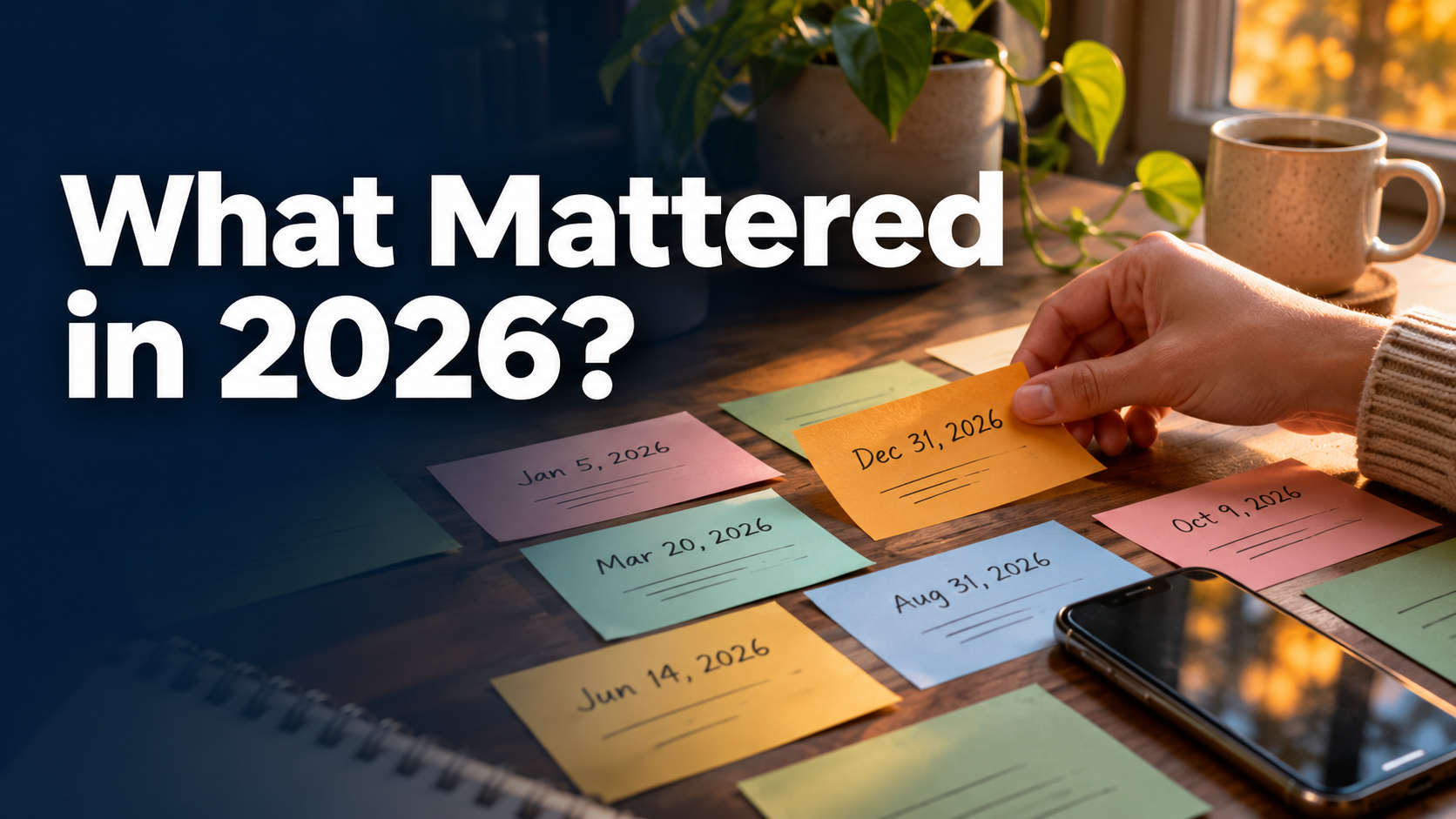
A note written in the middle of a difficult week can tell you something a December summary can't. It captures what you thought mattered before you knew which projects would work out.
Search Apple Notes and Google Keep for the decisions you were making in 2026. Look for ideas that kept resurfacing, problems you eventually solved, and priorities you stopped writing about. Use AI to compare dated excerpts and bring the overlooked ones back into view.
Start with the words you used at the time
Search for project names and phrases such as “next time,” “I keep,” “I want,” “try this” and “keep doing.” Then sample months you'd otherwise skip. Pick notes that explain a choice or carry an observation you can't recover from a calendar.
On Mac, Apple Notes lets you export selected notes. For a handful of entries, copying short excerpts is often simpler. Google Keep offers a downloadable archive that can include attachments and collaborators, so review the export locally before selecting material for AI.
A note may have been edited after you originally wrote it. Use the date you can verify, and mark an uncertain event date as approximate. Remove names and private material you don't need. A shared checklist may contain someone else's words, so record whose intention it actually represents before using it as evidence of your own.
Compare the earlier intention with the later decision
| Date | Fictional note from Maya | What to ask |
|---|---|---|
| February 6 | “I want at least one evening a week with no work.” | Did she ever put that intention on a calendar? |
| May 17 | “Moved exercise again. Afternoon slot would work if I blocked it.” | When did she move from an idea to a concrete change? |
| July 9 | “Short lunchtime session worked. Didn't have to get up earlier.” | What made this easier to repeat? |
| October 3 | “I keep saying I want to make things offline. The shelf was the first one I finished.” | What else fits this priority and where is the evidence? |
Ask the assistant to preserve the actual words where they matter. Three copied versions of the same checklist count as one signal. A concern independently recorded on three dates might indicate a recurring issue, particularly when a calendar event or a completed task shows what followed.
Group these dated 2026 notes by the decisions or priorities they reflect. Quote a short phrase and cite its date for each theme. Distinguish an idea I explored, an action I actually took and a priority that changed. Identify one apparent change of mind and ask me what happened between the two notes.
Keep intentions close to actions next year
If you'd kept your year in SelfManager.ai, a date could hold the tasks you committed to, a note about why, and the comments you added while following through. Images and documents can preserve an example, and a spoken reflection becomes readable after transcription. With read access through the SelfManager.ai MCP, your preferred compatible assistant can connect those records across the dates you specify. Images, available document text and audio transcripts depend on the permissions you choose.
You can start smaller in AI → AI Review, which covers up to one quarter per run at the time of writing and caps custom ranges at 90 days. Compare the summaries from different periods if your priority changed over the year. See the dated notes and review features.
Pick one old note you still recognize yourself in. Find a dated action that would show you took it seriously, then decide whether it belongs in your January plan.
Date-based AI Task Manager
Plan smarter, execute faster, achieve more
Create tasks in seconds, generate AI-powered plans, and review progress with intelligent summaries. Perfect for individuals and teams who want to stay organized without complexity.
Get started with your preferred account