
7 Best Notion Alternatives for Freelancers in 2026
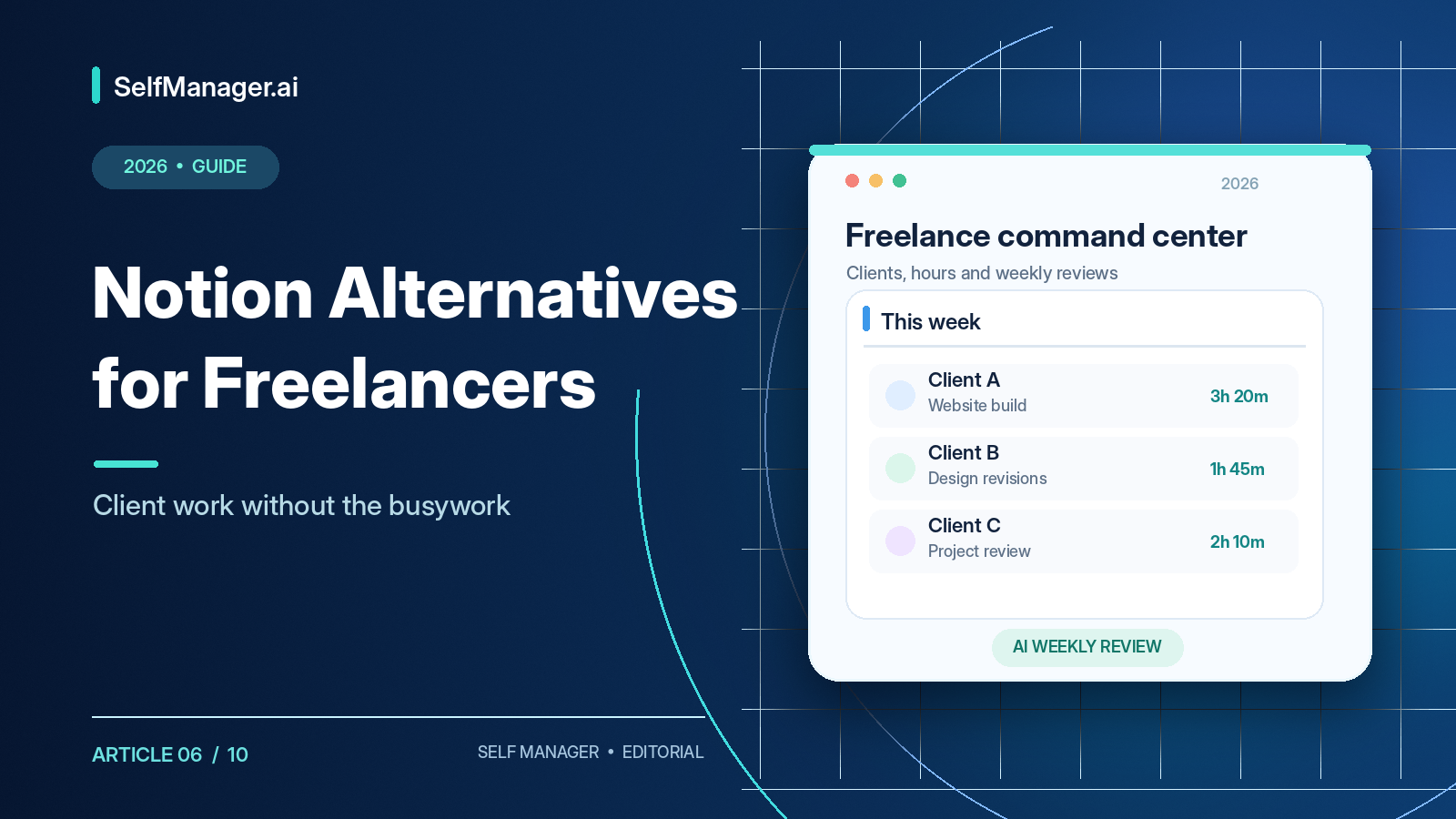
The best Notion alternative for freelancers depends on what you need beyond notes and databases. ClickUp is strong for complex client projects; Bonsai and Plutio support contracts and invoices; SelfManager.ai focuses on daily client work, actual time tracking, and AI-powered progress reviews.
Notion can be a powerful workspace for client databases, project tracking, proposals, content calendars, and knowledge bases. But building a productivity system and running a freelance business with it are different jobs. A freelancer must know which client needs attention, how long projects take, what changed this week, where the instructions live, and what can be reported confidently to clients.
Published pricing and functionality reviewed October 18, 2026. This comparison describes documented capabilities rather than claimed firsthand testing.
Best Notion Alternatives for Freelancers: Quick Comparison
| App | Best for | Paid plans start at |
|---|---|---|
| SelfManager.ai | Daily client work, time tracking, AI reviews | $6/mo annually |
| ClickUp | Complex projects and collaboration | $7/user/mo annually |
| Bonsai | Contracts, invoices, client management | $9/user/mo annually |
| Plutio | All-in-one freelance operations | $19/mo monthly |
| Trello | Visual project boards | $5/user/mo annually |
| Todoist | Simple tasks and deadlines | $5/mo annually |
| Asana | Coordinated projects and growing teams | $10.99/user/mo annually |
ClickUp, Trello, Todoist, and Asana offer free plans. SelfManager.ai has a seven-day no-card trial. Bonsai and Plutio offer trials, subject to their own terms.
Why Freelancers Look Beyond Notion
Setup can become work in itself
To manage five clients in Notion, you might build client, project, and task databases; relations between them; filtered deadline views; time-record databases; and a reporting dashboard. That can be powerful but makes you responsible for maintaining the structure. Some freelancers enjoy designing systems. Others want to get to the actual client work.
Native time tracking and billing matter
Notion can store hours through databases or integrations, but a built-in per-task elapsed timer is not its primary offering. For someone billing $75 an hour, reconstructing last week's time can introduce errors. Likewise, Notion can hold invoice data, but it isn't primarily a contract-signing, invoice-sending, and payment-collection platform.
Client reporting is a different job from task completion
A client asking, “What changed this month?” often needs more than a list of unchecked tasks. They need actual work, blockers, decisions, and time recorded. You can create sophisticated reports in Notion, but doing so may require additional database design and maintenance.
Some freelancers need less customization
Not every solo business needs a customizable operating system. Sometimes you want to see today's commitments, track time, save notes, and move on. An opinionated application can reduce friction.
1. SelfManager.ai - Best for Dated Client Work and AI Reviews
Platforms: Browser-based on Windows, Mac, Linux, Chromebook, and mobile. Pricing: $8/month or $72/year.
Notion starts with pages and databases. SelfManager.ai starts with dates and tables. Each date can contain separate tables for clients, projects, and personal business responsibilities.
For example, a freelance developer might create a Monday table for Client A e-commerce tasks, another for Client B maintenance, another for Client C requirements review, and a fourth for agency administration. Task rows can hold statuses, priorities, deadlines, notes, comments, and actual tracked time.
Track real task time
A client debugging session could record one hour and forty minutes, mobile testing forty-five minutes, performance investigation two hours and ten minutes, and requirements review thirty-five minutes. Those records help prepare invoices, understand estimate accuracy, and document progress. SelfManager.ai does not create or send invoices itself.
Turn recorded work into client updates
AI Review can examine selected dated tasks, comments, notes, statuses, and time records. For example, request: “Review everything completed for Client A this week. Summarize completed work, tracked time, blockers, and next week's priorities.” You can refine that summary into an update. Always verify generated output against the real work record before sending.
Plan future client work
AI Plan can generate dated tables and tasks for tomorrow, next week, a month, or a custom period of up to 31 days. A prompt might allocate work before a Friday launch while reserving time for business development. You review and edit the proposed plan.
Attach context to work
SelfManager.ai v7 added dedicated document, audio, and video sections. Alongside comments, notes, images, and task records, a client table can contain a PDF brief, voice note, or screen recording. Supported document content and selected audio transcripts can become AI context, but the system does not directly analyze uploaded videos. Respect client confidentiality and recording consent.
MCP and AI model selection
Version 7 also introduced a selection of supported models from Google, Anthropic, OpenAI, and xAI, plus MCP connectivity. Compatible external assistants can work with SelfManager tables under granted permissions, for example retrieving today's tasks, updating statuses, creating a plan, and reviewing recorded activity.
Pricing and limitations
Individual costs $8/month or $72/year with 35 AI credits weekly. Team costs $30/month or $300/year with unlimited collaborators and 70 shared weekly credits. The free trial lasts seven days with no card required.
SelfManager.ai isn't a full freelance CRM, invoice system, contract signer, sales pipeline, Notion-style relational database tool, or calendar auto-scheduler. It has no native Google/Outlook Calendar sync. If billing and contracts are central, Bonsai or Plutio may fit better; if you want an elaborate wiki, Notion may still win.
Verdict: Choose SelfManager.ai when the real problem is recording and reviewing work across many clients and dates. Explore how it works or try it free.
2. ClickUp - Best for Complex Client Projects
Platforms: Windows, Mac, web, iOS, Android. Pricing: Free; Unlimited $7/user/month annually or $10 monthly.
ClickUp provides dedicated tasks, custom statuses, dependencies, time tracking, calendar views, Gantt charts, dashboards, documents, and automation. For an e-commerce website project, you can coordinate discovery, design, front-end development, payments, QA, and launch phases with assigned responsibilities.
Its Unlimited plan adds native time tracking, unlimited Gantt charts, custom fields, more storage, and advanced integrations. Higher tiers introduce broader workload and reporting tools.
The downside is complexity. If you leave Notion because you don't want to configure a sophisticated workspace, ClickUp may move the setup burden rather than eliminate it. Verdict: Strong when complex project coordination and collaboration justify extra controls.
3. Bonsai - Best for Contracts and Invoicing
Platforms: Web, iOS, Android. Pricing: Basic $9/user/month annually; Essentials $19/user/month annually.
Bonsai addresses the commercial process around freelance work: inquiries, proposals, contracts, delivery, tracked time, invoices, and payment collection.
Basic covers core projects, tasks, tracking, and clients, but full proposals, contracts, invoicing, and payment workflows require Essentials or higher. Essentials adds client portal, expenses, and scheduling; Premium includes more advanced reporting and resource features.
A freelance designer can send a proposal and contract, collect an initial payment, track concept and revision time, and send the final invoice. That's a workflow Notion generally needs other services to complete.
Bonsai costs more when you need the full business stack and can duplicate software you already pay for. Verdict: Choose it when client-facing finance and administration matter most.
4. Plutio - Best All-in-One Freelance Business Management
Platforms: Web and mobile access. Pricing: Core $19/month, Pro $49/month, Max $199/month (published monthly rates; annual discounts vary).
Plutio combines client management, projects, time tracking, proposals, contracts, invoicing, payment collection, booking, client portals, automation, and AI-related tools.
Its Core plan lists nine active clients for solo use. Pro supports unlimited active clients and more contributors; Max targets broader access and larger operations. An all-in-one stack can simplify daily administration, but consolidating contracts, invoices, clients, and projects into one vendor can also increase switching costs.
If you already use excellent specialized CRM and billing products, Plutio may duplicate existing tools. Verdict: Best when you want to consolidate much of the business, not simply replace a Notion project database.
5. Trello - Best Simple Visual Client Boards
Platforms: Web, Windows, Mac, iOS, Android. Pricing: Free; Standard $5/user/month annually, Premium $10/user/month annually.
Trello organizes boards into lists and cards. A writer might use Ideas → Research → Draft → Client Review → Complete. A website project might use To Do → In Progress → Waiting → Completed.
Cards include details, checklists, attachments, comments, collaborators, and due dates. Free supports basic shared boards with collaborator limits. Standard and Premium add capacity, automation, and more views.
The trade-off is that Trello is board-first, not a built-in project timer, invoicing app, or dated work-history platform. Verdict: Excellent when projects have clear visual stages and clients need quick visibility without a complex system.
6. Todoist - Best for Freelancers Who Mainly Need Tasks
Platforms: Windows, Mac, Linux, web, iOS, Android. Pricing: Free; Pro $7/month or $60/year.
Todoist offers quick natural-language capture, projects, sections, subtasks, recurring dates, priorities, reminders, labels, filters, and calendar integration. Separate projects can represent clients, business administration, and personal responsibilities; Pro expands the five-project free limit and adds timeboxing tools.
Todoist is less suitable when you need rich documentation or native actual elapsed-time tracking. External integrations can fill gaps, but that adds tools to manage.
Verdict: Choose Todoist when faster organization and deadlines matter more than elaborate project reporting. See Is Todoist Pro Worth It?.
7. Asana - Best for Freelancers Becoming Agencies
Platforms: Web, Windows, Mac, iOS, Android. Pricing: Free Personal; Starter $10.99/user/month annually or $13.49 monthly.
Asana is designed for structured team projects with assigned work, dependencies, timelines, dashboards, and automation. A website launch coordinated across a designer, copywriter, developer, and marketer suits its model. Starter includes timeline/Gantt views, dashboards, custom fields, forms, and dependencies; Advanced adds portfolios, resource management, approvals, and deeper reporting.
For someone working alone on a handful of simple projects, Asana may be excessive. Verdict: Choose it as coordinating subcontractors and dependent deliverables becomes a bigger challenge than managing your own to-do list.
Notion vs Alternatives: Feature Comparison
| Capability | Notion | SelfManager.ai | ClickUp | Bonsai | Plutio |
|---|---|---|---|---|---|
| Client/project organization | Yes | Dated tables | Yes | Yes | Yes |
| Native task time tracking | Not core | Yes | Paid plan | Yes | Yes |
| Invoicing | Not native | No | Not native | Essentials+ | Yes |
| Contract signing | Not native | No | Not native | Essentials+ | Yes |
| Rich databases and pages | Strong | Limited | Docs | Client documents | Yes |
| AI planning or assistance | Plan-dependent | Yes | Plan-dependent | Varies | Yes |
| Period reviews | Configurable | AI Review | Reporting | Reports | Reports |
| Main strength | Customization | Dated work history | Project depth | Business admin | All-in-one ops |
Which Is Best for Your Freelance Specialty?
Developers: ClickUp for dependent projects; SelfManager.ai for actual daily work and review. Keep Jira/GitHub where clients require them.
Designers: Trello for approval stages; ClickUp for complex production; Bonsai for proposal and contract workflows.
Writers: Trello for editorial pipelines, Todoist for deadlines, and Notion itself for long-form research; SelfManager.ai can help with tracked production and dated reviews.
Consultants: SelfManager.ai for detailed client work records and reviews; Bonsai for commercial paperwork; Asana for larger engagements.
Growing agencies: ClickUp/Asana for coordination, Plutio for business operations, SelfManager.ai Team for shared dated work with flat collaborator pricing.
Five-Person Team Pricing Example
| Plan | Published annual base cost for five users |
|---|---|
| SelfManager.ai Team | $300 total |
| ClickUp Unlimited | $420 |
| Asana Starter | $659.40 |
| Todoist Business | $480 |
| Notion Plus | $600 |
These are not feature-equivalent offerings. Figures exclude optional AI add-ons, taxes, discounts, and processing fees. Price alone shouldn't determine which system fits your team.
Should You Replace Notion Completely?
Not necessarily. Notion can remain the knowledge base for research, long documents, references, templates, and SOPs. Another tool can manage daily execution; a dedicated accounting product can handle contracts and invoices. This separation can be simpler than forcing everything into one database.
Keep Notion if your current system works, relational databases are essential, you maintain extensive docs, and your integrations already cover remaining needs. Migrating has a real cost; do it only for a meaningful improvement.
How to Move Client Work Out of Notion
- Inventory tasks, deadlines, notes, documents, decisions, and completed-work history that you need to keep.
- Export Notion content in the supported format (often Markdown, CSV, or HTML depending on content).
- Rebuild one active client project in the destination rather than everything at once.
- Verify attachments, comments, due dates, and important relationships.
- Run both tools briefly and only expand the migration once the new approach is demonstrably useful.
Never move client-confidential data to an unauthorized service.
A Simple Freelance Client Workflow
Capture client requests immediately. Plan the work as actionable tasks with deadlines. Execute and record progress, including actual time when needed. Document important decisions, blockers, and changes. Review weekly and prepare an accurate client update.
A report might say: completed checkout integration, mobile navigation fixes, and product page updates; payment testing and performance review are in progress; next week finish testing and prepare the launch checklist. The format is simple, but preserving the evidence makes it easier to write accurately.
Final Verdict
Choose ClickUp for project complexity, Bonsai for billing/contract workflows, Plutio for consolidated operations, Trello for visual stages, Todoist for straightforward tasks, Asana for coordinated teams, or SelfManager.ai for dated work records, task time tracking, and AI reviews. Keep Notion if your system already works.
If you want to test date-based work management, try SelfManager.ai free for seven days, no card required. Create a table for a real client, track work for a week, and evaluate the review afterward.
Frequently Asked Questions
What's the best Notion alternative for freelancers?
ClickUp for complex projects, Bonsai/Plutio for business admin, and SelfManager.ai for dated work and AI reviews.
Is Notion good for freelancers?
Yes, particularly for documentation and customized databases. Dedicated time tracking and payment collection may need other tools.
What's simpler than Notion?
Todoist for tasks and Trello for boards. SelfManager.ai offers a ready-made date-based structure rather than relational databases.
Which alternatives track time?
ClickUp, Bonsai, Plutio, and SelfManager.ai include time tracking, subject to plan differences.
Which tool manages invoices and contracts?
Bonsai Essentials+ and Plutio are relevant. SelfManager.ai doesn't send invoices.
Is ClickUp better than Notion?
For built-in project controls and time tracking, often. For flexible documentation and databases, Notion can be stronger.
Are there free alternatives?
Yes: Trello, Todoist, ClickUp, and Asana offer free plans.
Can Notion and SelfManager.ai be used together?
Yes: Notion for documents, SelfManager.ai for dated execution and reviews.
Can SelfManager.ai manage several clients?
Yes, using separate tables, task tracking, notes, comments, time records, and historical reviews.
Should I migrate everything from Notion?
Usually test one active project first and preserve a backup.
Date-based AI Task Manager
Plan smarter, execute faster, achieve more
Create tasks in seconds, generate AI-powered plans, and review progress with intelligent summaries. Perfect for individuals and teams who want to stay organized without complexity.
Get started with your preferred account