
How to Delegate Tasks to a Virtual Assistant: Briefs, Subtasks, and Approval
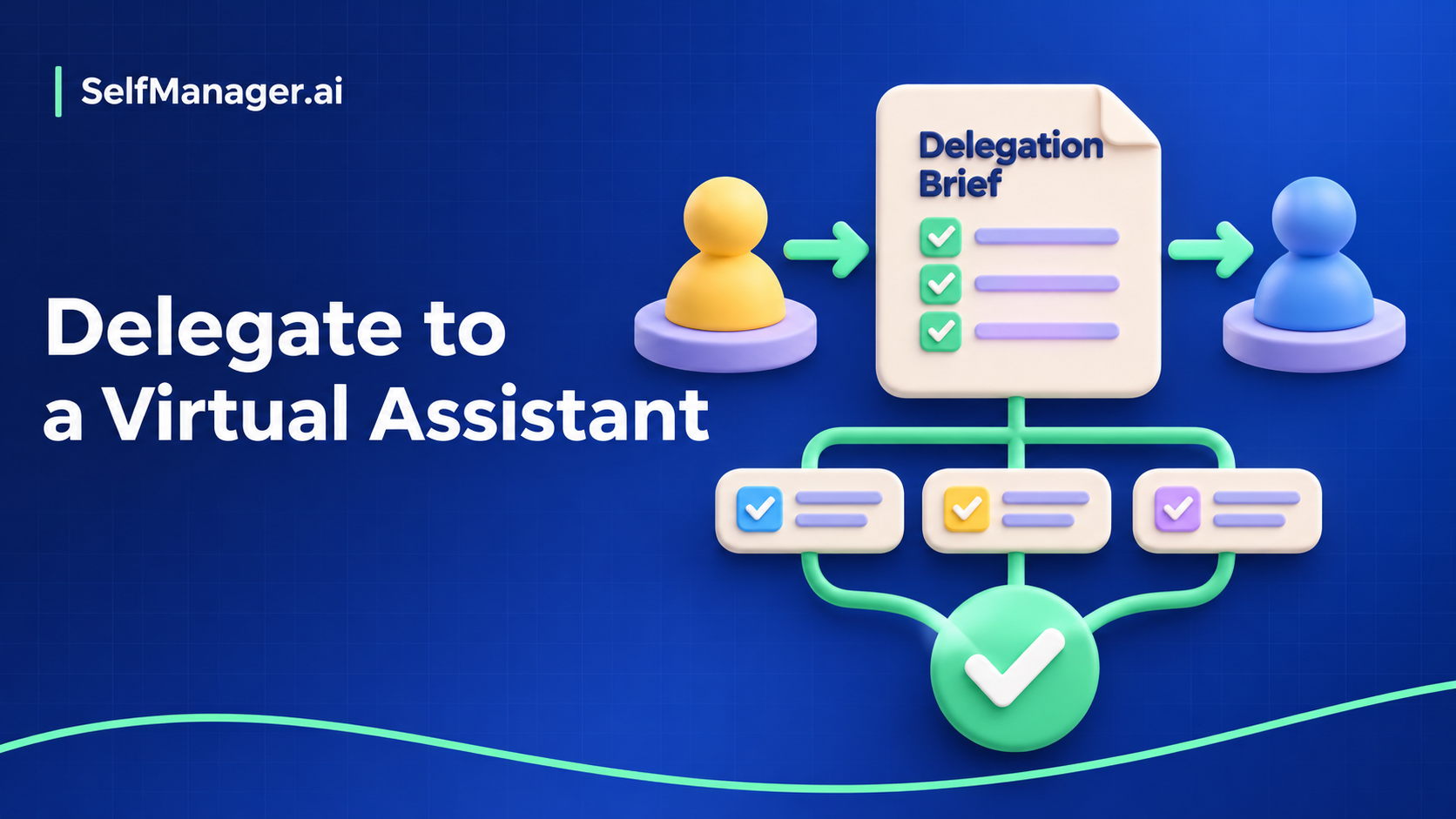
To delegate a task to a virtual assistant, define the result, provide the necessary context, name the limits of their authority, and agree how you will review the work. Sending a message that says “please handle this” leaves the assistant to guess which decisions belong to them.
Start with a task that has a recognizable output and a manageable review step. A clear handoff is useful whether you work together for a few hours a week or every day.
Copy this delegation brief
Task:
Why this matters:
Owner:
Output to deliver:
Due date and time zone:
Inputs and approved reference material:

Acceptance criteria:
- What must be true before I accept the result?

Authority:
- The assistant can decide:
- The assistant must ask before:
- The assistant should stop if:

Check-in:
- When to report progress:
- How to raise a blocker:

Hand-back:
- Where to put the result:
- What evidence or notes to include:
- Who approves the final action:
Keep the brief short enough to use, but specific where misunderstanding would cause rework. A routine task with an established process may need only a link and the exceptions. A new assignment needs more context.
Worked example: prepare a client meeting pack
The example below is fictional. It delegates preparation while retaining the decision to send material outside the team.
| Brief field | Completed example |
|---|---|
| Task | Prepare the pack for Thursday's client review |
| Purpose | Help us discuss completed work and unresolved decisions |
| Output | One draft document containing the agenda, status summary, and decision list |
| Inputs | Approved project notes, current task record, and the previous meeting's actions |
| Owner | The virtual assistant |
| Review point | Draft ready Wednesday afternoon in the agreed time zone |
| Acceptance | Every status claim links to a source; unknowns are marked; open decisions name an owner |
| Authority | Reorder the draft and improve clarity; ask before changing commitments |
| Final approval | Project owner checks the pack before it is sent |
“Prepare the pack” becomes reviewable because both people can identify the expected file and judge it against the same conditions. It also becomes easier to ask a precise question: “These two notes disagree about the delivery date. Which should the pack use?”
Break the task into observable steps
Use subtasks when they make progress or ownership clearer. For the meeting pack:
- Read the previous action record and identify open items.
- Gather current status from the approved sources.
- Draft the agenda and decisions requested.
- Flag contradictions and missing information.
- Check the document against the acceptance criteria.
- Hand back the draft with unresolved questions clearly marked.
These steps describe outputs and checks. Avoid turning the plan into a transcript of every click. The assistant needs room to work, while you need enough visibility to spot a blocked or misunderstood assignment.
If another person owns part of the work, name them on that step. Keep one person responsible for the overall hand-back so the result does not get lost between contributors.
Explain authority before an exception appears
There is a difference between preparing a recommendation and making a commitment. State which decisions the assistant can make without you.
For example: “You can improve formatting and propose a new order. Ask before changing a delivery date, promising additional work, or sending the pack.” That is more useful than a general instruction to be careful.
Give access to the material the task requires through the appropriate account and sharing controls. Do not put passwords or unrelated private information in the brief. If the necessary access is missing, the next step is an access request or a revised task, rather than an improvised workaround.
Use check-ins to resolve uncertainty
Agree on a check-in that matches the task's uncertainty and deadline. A familiar recurring task may need only a completion message. A first-time task benefits from an early outline review before substantial effort goes into the wrong direction.
A helpful progress update contains four items:
Completed:
Next:
Blocked or uncertain:
Decision needed, and by when:
Keep clarification beside the task when possible. Scattered chat messages make it hard to tell which instruction is current. When the scope changes, update the brief and the due date together so both people can work from the same agreement.
Review the result against the brief
At hand-back, ask for the output, a short explanation of any choices made, and unresolved issues. Review the acceptance criteria before adding new preferences.
Separate corrections from new scope. If the brief required linked evidence and the draft has none, that is a correction. If you now want a second presentation in another format, record that as a new task or agree an expanded handoff.
Once accepted, keep the reusable parts of the brief for the next occurrence. Improve instructions where repeated questions reveal a missing assumption. The goal is a process that becomes easier for both people to run.
Run the handoff in SelfManager
In SelfManager.ai, put the brief and references in a shared table, create the deliverable as a task, and add one level of subtasks where the breakdown helps. Assign the task or its subtasks to eligible people on the table. Enable task comments so questions stay connected to the parent task; subtasks do not have their own comment threads. See the latest updates for the current behavior.
Keep the final review as an explicit task or clearly stated checkpoint. An approval step in your working process should not be confused with an automatic publishing control.
If you are still choosing software, use the virtual-assistant task-management app guide. If responsibility is moving between people over a longer transition, use the project handover template. This brief is for delegating one piece of work cleanly, then accepting the result with confidence.
Date-based AI Task Manager
Plan smarter, execute faster, achieve more
Create tasks in seconds, generate AI-powered plans, and review progress with intelligent summaries. Perfect for individuals and teams who want to stay organized without complexity.
Get started with your preferred account