TickTick vs Google Tasks: Is a Free Task List Enough for Your Day?
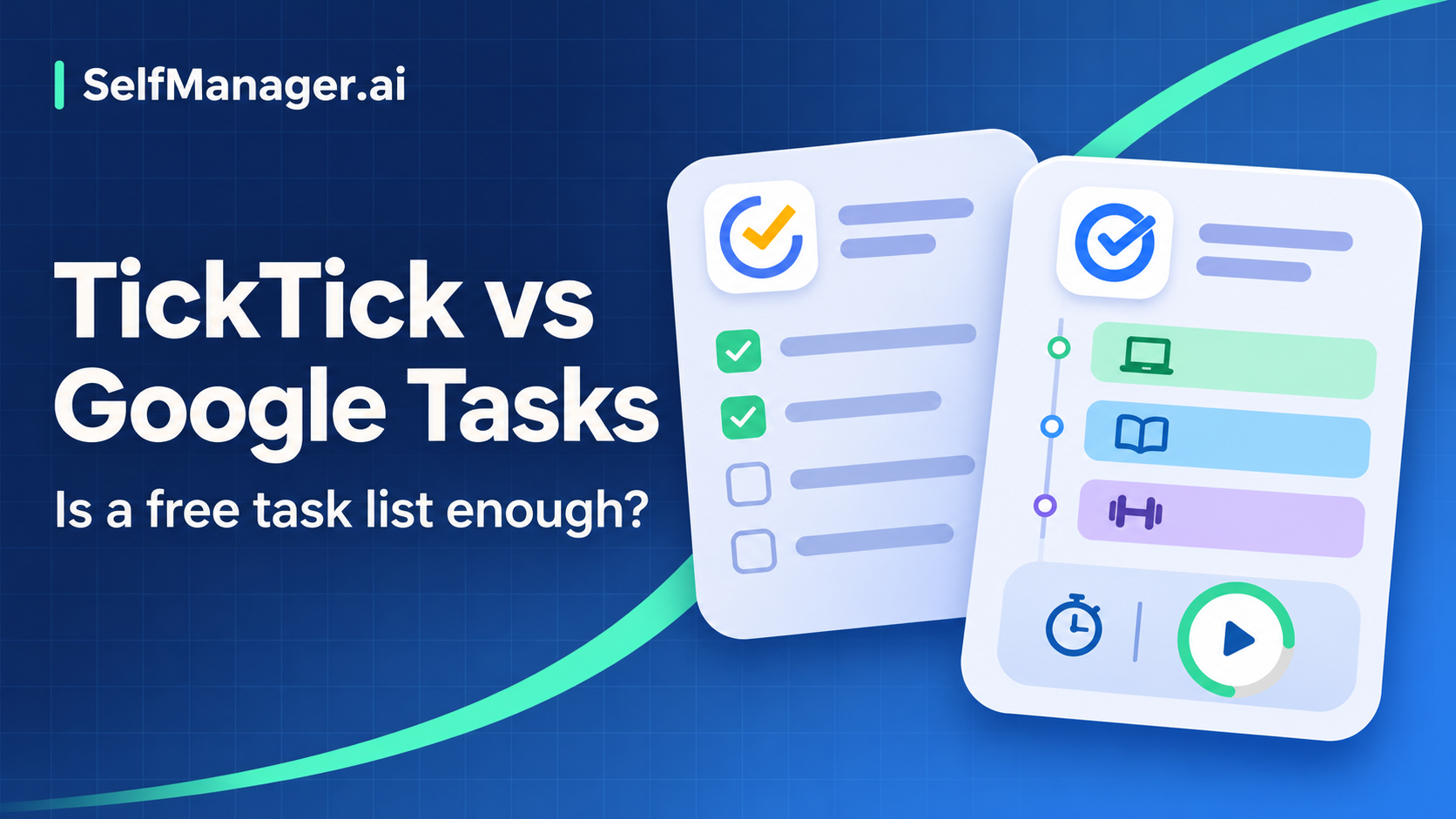
Google Tasks is enough when you need a short, dependable list close to Gmail and Google Calendar. TickTick becomes more compelling when the list needs richer organization, integrated focus sessions, habits, or more developed calendar planning.
Start with the work your day requires. Paying for a task app makes sense when an additional capability solves a repeated problem; a longer feature list by itself does not improve the plan.
This is a documentation-based comparison, checked November 7, 2026, with no claimed hands-on testing. Published US pricing is used where relevant. This article is published by SelfManager.ai.
Quick comparison
| Need | Google Tasks | TickTick |
|---|---|---|
| Capture | Tasks, details, subtasks, and tasks created from Gmail | Task capture with natural-language entry and broader organization |
| Routine responsibilities | Repeating tasks, with restrictions on subtasks | Flexible recurring rules |
| Calendar connection | Dated tasks appear in Google Calendar | Basic calendar access on Free; more calendar views and durations on Premium |
| Reminders | Date/time notifications, subject to settings | Free task reminders; expanded options and email reminders on Premium |
| Focus | Use a separate timer if needed | Built-in Pomodoro and stopwatch modes |
| Habits | Track manually or elsewhere | Habit tracking; Free permits five habits |
| Main cost | No separate consumer Tasks subscription | Free; Premium US$49.99/year |
Sources: Google Tasks overview, Google Tasks help, TickTick features, Premium comparison, and Focus documentation.
Capture: choose the place you already check
Google Tasks has a strong case if work arrives through Gmail. You can create a task from an email and return to that message for context. Google documents browser access at tasks.google.com and in Workspace side panels, alongside mobile access. See its product overview.
That reduces friction for a day of small commitments: reply to a client, return a form, book a service, and prepare a meeting agenda. The main discipline is turning each captured item into a clear action rather than treating an email subject as an adequate instruction.
TickTick's feature overview emphasizes lists, tags, filters, and recurring rules. These are useful when one stream of work needs several views: by project, context, or type of responsibility.
For example, a consultant might want one view of every client task and another of calls they can make while traveling. If your list is already short enough to scan comfortably, maintaining extra organization may add little value.
Recurrence and subtasks: check the combination you need
Google Tasks supports repeating tasks, but Google's recurrence guide states that shared tasks and subtasks cannot repeat. Its task-editing guide also notes that tasks with subtasks cannot be repeated.
This matters for a responsibility such as “prepare the weekly finance pack,” with several internal steps. Do not assume that a recurring parent checklist will behave as you expect merely because recurrence and subtasks each exist separately.
You may be comfortable using a single recurring reminder that points to a checklist elsewhere. If maintaining that workaround causes repeated omissions, test a more capable task structure before deciding the simpler app is still enough.
TickTick offers recurrence and subtasks, but your own recurring example remains the best check. Enter the pattern, complete an occurrence, and inspect what appears next. Calendar-based routines and routines that restart after completion can require different rules.
Scheduling: a date does not guarantee room in the day
Google says dated tasks appear in Calendar and timed tasks can notify at their scheduled time. You still need to consider meetings, travel, breaks, and how long the work will take.
TickTick's current plan comparison lists task duration and multiple calendar views among Premium benefits. Free includes nine lists and 99 tasks per list, while Premium expands those limits to 299 lists and 999 tasks per list.
The useful question is whether those capabilities change a real decision. If seeing task lengths helps you realize that six jobs cannot fit between meetings, a more developed planning view may earn its place. If you already make that judgment reliably in Google Calendar, another subscription may be unnecessary.
A representative workday in each
Consider this fictional Wednesday:
| Time | Commitment | Planning implication |
|---|---|---|
| 09:00–09:30 | Review client messages | Capture actions rather than leaving them in memory |
| 09:30–10:30 | Write proposal outline | Protect a focused work period |
| 11:00–12:00 | Team meeting | Fixed calendar commitment |
| 13:00–14:30 | Revise proposal | Requires more than a due-date reminder |
| 15:00–15:30 | Send invoice and request approval | Two small completion checks |
| 16:30–16:45 | Review tomorrow | Check what slipped and what still fits |
In Google Tasks, create the proposal, invoice, and approval actions; keep the meeting in Calendar. Place work at useful dates and times, and review the combined day. Use a separate timer if that helps concentration.
In TickTick, organize the same actions in the relevant lists. If using Premium, add durations and use its calendar views to inspect the work. The built-in Focus feature offers Pomodoro and stopwatch modes that can be linked with tasks.
Neither version of the day becomes feasible simply because all the tasks were entered. If an urgent request takes the proposal block, choose what moves and communicate that change. Do not silently add the lost hour to the evening.
Free plans, devices, and what to verify
Google Tasks works through Google's browser services and Android/iOS apps. It suits a Google-centered routine, but it is not a full project-management or focus suite. Google's help overview describes its task, subtask, and Workspace workflow.
TickTick lists web, Windows, macOS, Linux, Android, and iOS/iPadOS access. Check the features you need on the device you will use most; the existence of a desktop or mobile app does not establish identical behavior everywhere.
Before paying, confirm the current checkout price and your required feature's tier. TickTick's public annual price is US$49.99; that is an annual charge, not a monthly subscription at the equivalent divided-by-twelve figure. Local prices and store terms can vary.
Make the decision with a normal week
For five working days, record each moment your current list fails you:
Day / task:
What I needed to do:
What was difficult:
Was this a missing feature, unclear task, or overloaded day?
Would a specific TickTick feature solve it?
Would a simpler habit solve it?
Stay with Google Tasks if the main fixes are clearer wording, checking the list, and planning less. Try TickTick if the same missing capability appears repeatedly and you would actually use it.
If your main need is a record of dated work with notes and time, SelfManager.ai is another workflow to evaluate. It is more than a minimal checklist; choose it for that daily history rather than as a necessary replacement for a few Google tasks.
Common questions
Does Google Tasks have reminders?
Yes. Google's task-editing documentation explains date/time notifications. Delivery still depends on your settings and device permissions, so check an ordinary test reminder before trusting it for an important commitment.
Do I need TickTick Premium to use a focus timer?
TickTick documents Focus as a product feature; Premium expands other capabilities and limits. Start with the free app and inspect the exact Focus behavior and statistics you need before paying for a particular workflow.
Which app prevents overplanning?
Neither can make an unrealistic workload fit. Calendar visibility and estimates can expose the problem, but you still have to defer, reduce, or renegotiate some work.
Date-based AI Task Manager
Plan smarter, execute faster, achieve more
Create tasks in seconds, generate AI-powered plans, and review progress with intelligent summaries. Perfect for individuals and teams who want to stay organized without complexity.
Get started with your preferred account