
Retainer Hours Tracker Template: Budget, Time Used, and Hours Remaining
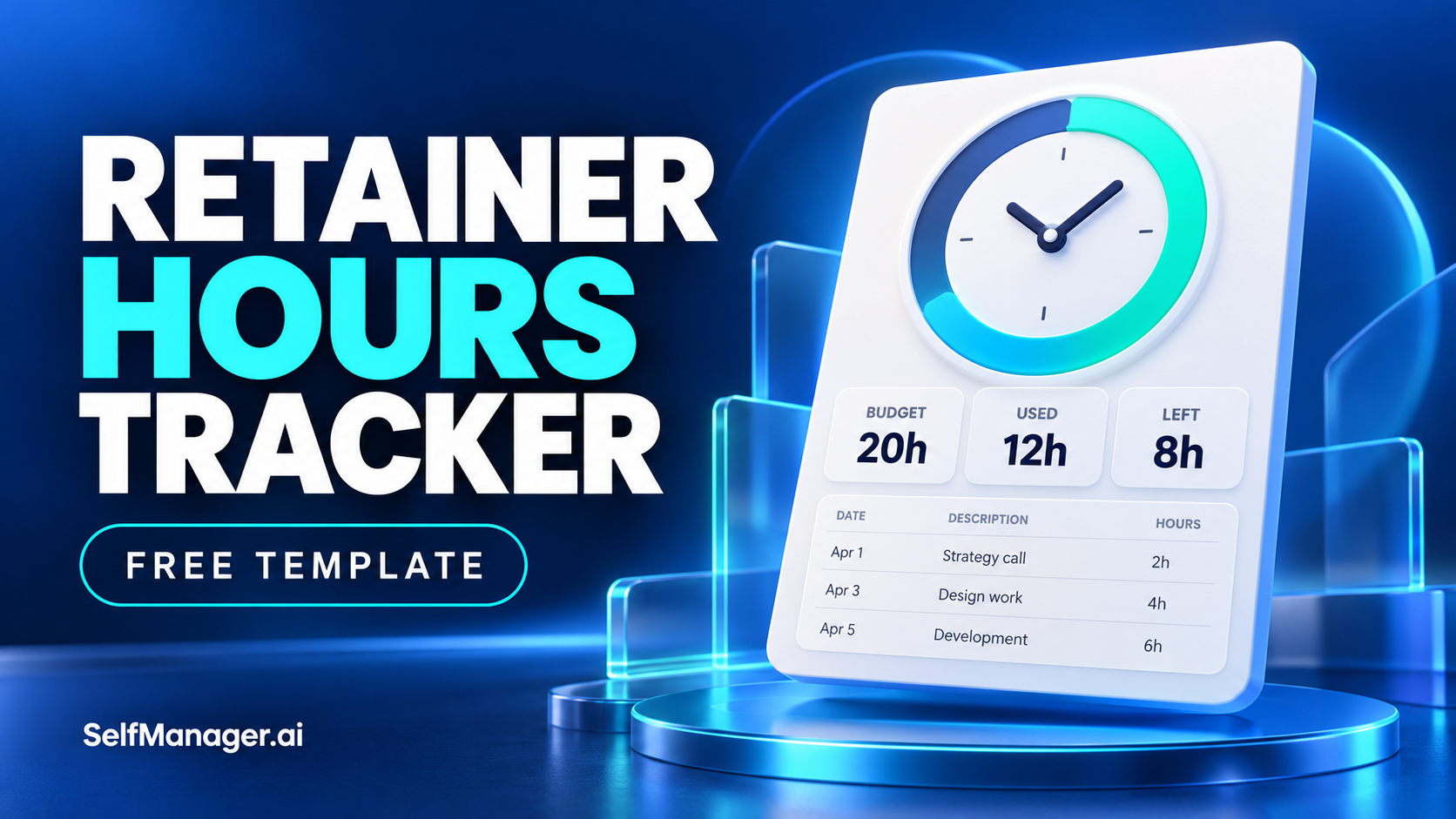
A retainer hours tracker shows the agreed hours available for a client, how much eligible time you have recorded, and how much work you have already committed to completing.
Calculate two balances: hours remaining after recorded work, and hours still unallocated after allowing for unfinished commitments.
That second figure matters. Having eight hours left in the retainer does not mean you can accept eight hours of new requests if six hours are already spoken for.
Use the templates below to keep those decisions visible.
Free retainer hours tracker template
Copy this summary into a spreadsheet or document.
Client: [Name]
Retainer period: [Start date to end date]
Prepared as of: [Date and time]
Hours counted according to: [Reference to the agreed service terms]
Prepared by: [Name]
| Item | Hours | Calculation or explanation |
|---|---|---|
| A. Base allowance | [ ] | Hours included for this period |
| B. Valid carryover | [ ] | Only hours carried forward under the agreement |
| C. Approved additional allowance | [ ] | Confirmed additions for this period |
| D. Total available allowance | [ ] | A + B + C |
| E. Eligible recorded hours used | [ ] | Actual time that counts against the allowance |
| F. Hours remaining | [ ] | D − E |
| G. Estimated hours for committed unfinished work | [ ] | Remaining effort, excluding time already recorded |
| H. Unallocated hours | [ ] | F − G |
| I. Forecast total use | [ ] | E + G |
Hours remaining tells you the current balance.
Unallocated hours tells you how much room remains after existing commitments, based on your estimates.
A negative unallocated balance means the current plan exceeds the allowance. It does not automatically authorize extra work or charges.
Detailed time log template
Keep the underlying entries so you can explain the summary.
| Date | Task or activity | Actual hours | Counts against allowance? | Hours counted | Note / reference |
|---|---|---|---|---|---|
| [Date] | [Specific work] | [ ] | [Yes / No / Pending review] | [ ] | [Evidence or reason] |
| [Date] | [Specific work] | [ ] | [Yes / No / Pending review] | [ ] | [Evidence or reason] |
| [Date] | [Specific work] | [ ] | [Yes / No / Pending review] | [ ] | [Evidence or reason] |
Apply the counting and rounding rules you agreed with the client. Avoid introducing a new rule halfway through the period.
Keep uncertain entries visible as pending review rather than quietly excluding them.
Worked example: a monthly client retainer
This fictional example follows a freelancer providing ongoing website support.
The agreement allows two hours from the previous period to carry forward. The client has also approved three additional hours for the current period.
| Item | Hours |
|---|---|
| Base allowance | 20 |
| Valid carryover | 2 |
| Approved additional allowance | 3 |
| Total available allowance | 25 |
| Eligible recorded hours used | 16.5 |
| Hours remaining | 8.5 |
| Estimated committed unfinished work | 6 |
| Unallocated hours | 2.5 |
| Forecast total use | 22.5 |
The recorded work behind the 16.5-hour figure is:
| Activity | Actual hours | Hours counted |
|---|---|---|
| Planning and client call | 2 | 2 |
| Landing-page changes | 4.5 | 4.5 |
| Shipping configuration | 3 | 3 |
| Troubleshooting and testing | 5 | 5 |
| Documentation and handover notes | 2 | 2 |
| Internal work excluded under the agreement | 1.5 | 0 |
| Total | 18 | 16.5 |
The exclusion is specific to this fictional agreement. It is not a general rule about which freelance work should count.
Now the client requests another task estimated at four hours.
The tracker shows:
- 8.5 hours remaining after recorded work.
- 6 hours already allocated to unfinished commitments.
- 2.5 hours available for new work.
- A four-hour request that exceeds that unallocated balance by 1.5 hours.
You need a decision before accepting the request as an additional commitment.
You could discuss moving existing work, narrowing the request, shifting it to the next period, or approving a further allowance.
Record the retainer rules before calculating the balance
The template needs the terms of your actual arrangement.
Record:
- The start and end of each period.
- The included hour allowance.
- Which activities count.
- Any agreed rounding method.
- Carryover rules and expiry.
- How additional work is approved.
- What happens to unfinished work at the period boundary.
A monthly fee does not always represent an hourly allowance. Some retainers buy availability or defined deliverables.
This template fits arrangements where tracking hours against an allowance is useful. Do not impose an hourly model on a different agreement.
Keep carryover separate
If unused hours carry forward, record the period they came from and any conditions.
Do not silently add the previous month's remaining balance to the new allowance.
For example:
Carryover: 2 hours from September, valid for October under the agreed terms.
If different parts of the allowance expire at different times, track those portions separately and apply the agreed usage order.
Separate recorded time from unfinished estimates
This is the easiest place to double-count.
Suppose a task was originally estimated at five hours. You have recorded two hours and now expect another three hours to finish.
Record:
- Two hours in actual use.
- Three hours in committed unfinished work.
Do not include the original five-hour estimate as remaining work.
Update the remaining estimate as the task develops. An original estimate is useful for comparison, but it is not always an accurate forecast.
Use clear units
Choose one unit for the calculations.
For decimal hours:
- 15 minutes = 0.25 hours.
- 30 minutes = 0.5 hours.
- 45 minutes = 0.75 hours.
- 1 hour 30 minutes = 1.5 hours.
Do not enter “1.30” to mean one hour and thirty minutes in a decimal-hours column. It means 1.3 hours, or seventy-eight minutes.
Review the balance before accepting new work
Update the tracker when:
- You record a meaningful block of work.
- An estimate changes.
- The client adds a request.
- Additional hours are approved.
- The period is nearing its end.
You do not need a complicated dashboard.
Before committing to a new request, ask:
- Is it within the agreed scope?
- How much effort remains on existing commitments?
- Does the request fit the unallocated allowance?
- Do I also have time to deliver it by the requested date?
Retainer allowance and calendar capacity are different constraints.
A client may have hours available while your working week is already full.
Use SelfManager to keep the time beside the work
SelfManager supports task-level time tracking within dated tables, alongside notes and comments.
For a client retainer, you can record the actual tasks and time on the dates the work happens. Keep the allowance summary in a note or separate tracker, then reconcile it with those records.
A practical setup is:
- Use a consistent client name in the relevant table names.
- Record time against specific work.
- Explain corrections or exclusions in notes.
- Keep unfinished tasks visible.
- Update the retainer balance before promising additional work.
The summary fields in this article are a reusable template. They are not a claim that SelfManager automatically applies retainer rules, calculates invoices, or enforces an allowance.
If automated retainer accounting is essential, evaluate dedicated billing software.
Try SelfManager with one active client: track the work where it happens, then use this template to review the allowance and upcoming commitments.
Send an update before the allowance becomes a surprise
A useful client update connects the balance with the work still expected.
Using the fictional example:
Hi [Name],
As of [date], we have used 16.5 of the 25 hours available for this period.
That leaves 8.5 hours. The work already agreed is currently estimated to need another 6 hours, leaving about 2.5 hours unallocated.
The new request is estimated at 4 hours. We can discuss replacing an existing item, moving part of the work to the next period, or approving additional hours.
Please let me know which option you prefer before I add it to the committed work.
The estimates should remain clearly labeled.
Avoid presenting the forecast as an exact final bill or a guarantee that every task will finish within its current estimate.
Use AI to draft the recap, then check the arithmetic
SelfManager's AI Review can help summarize recorded tasks, tracked time, and included context.
You can supply the allowance and remaining estimates explicitly:
Prepare a draft retainer update for [client] covering [period].
Total allowance: [hours].
Verified eligible recorded time: [hours].
Estimated remaining work: [tasks and hours].Separate completed work, actual hours used, unfinished commitments, and unallocated allowance.
Use only the provided figures and recorded context. Flag missing or inconsistent entries. Do not invent time, approval, or carryover rules.
Check the totals yourself before sharing the result.
Time recorded in a task manager may include work that does not count against the retainer. AI should not decide eligibility from the task name alone.
Close each period with a clear record
At the end of the period:
- Reconcile recorded entries.
- Resolve pending classifications.
- Confirm total eligible use.
- Record the remaining balance.
- Apply the agreed carryover treatment.
- Identify unfinished commitments.
- Start the next period with its own allowance.
Do not automatically move unfinished work and unused hours together. They are separate questions governed by the arrangement and the next delivery plan.
Keep the closed summary so a later change does not obscure what you reported.
What makes the tracker useful?
The useful number is not just “hours left.”
It is the balance after accounting for the work you have already promised, with enough detail to explain the calculation.
Keep actual time, remaining estimates, and approved allowance changes separate. Then you can discuss new requests while there are still options.
Use SelfManager to keep tasks, time, and decisions together, and use the retainer summary to decide what you can commit to next.
Frequently asked questions
How do I calculate retainer hours remaining?
Add the base allowance, valid carryover, and approved additional hours. Subtract eligible recorded time. To see unallocated hours, also subtract the estimated effort remaining on committed work.
Is a retainer hours tracker the same as a timesheet?
No. A timesheet records activity and time. A retainer tracker compares eligible time with an allowance and shows how unfinished commitments affect the remaining balance.
Should meetings and client messages count?
Use the rules agreed with the client. Record relevant time consistently and distinguish counted, excluded, and pending entries. Do not assume the same treatment applies to every retainer.
What happens to unused retainer hours?
Apply the arrangement's carryover or expiry terms. Record any carried hours separately with their source period and conditions. Do not assume unused hours automatically transfer.
Can SelfManager automatically calculate my retainer balance?
The workflow here uses SelfManager for task-level time records and context, with a separate allowance calculation. It does not assume automatic retainer accounting, invoice generation, or enforcement of client-specific rules.
Date-based AI Task Manager
Plan smarter, execute faster, achieve more
Create tasks in seconds, generate AI-powered plans, and review progress with intelligent summaries. Perfect for individuals and teams who want to stay organized without complexity.
Get started with your preferred account