
Research Paper Revision Tracker: Reviewer Comments, Changes, and Resubmission
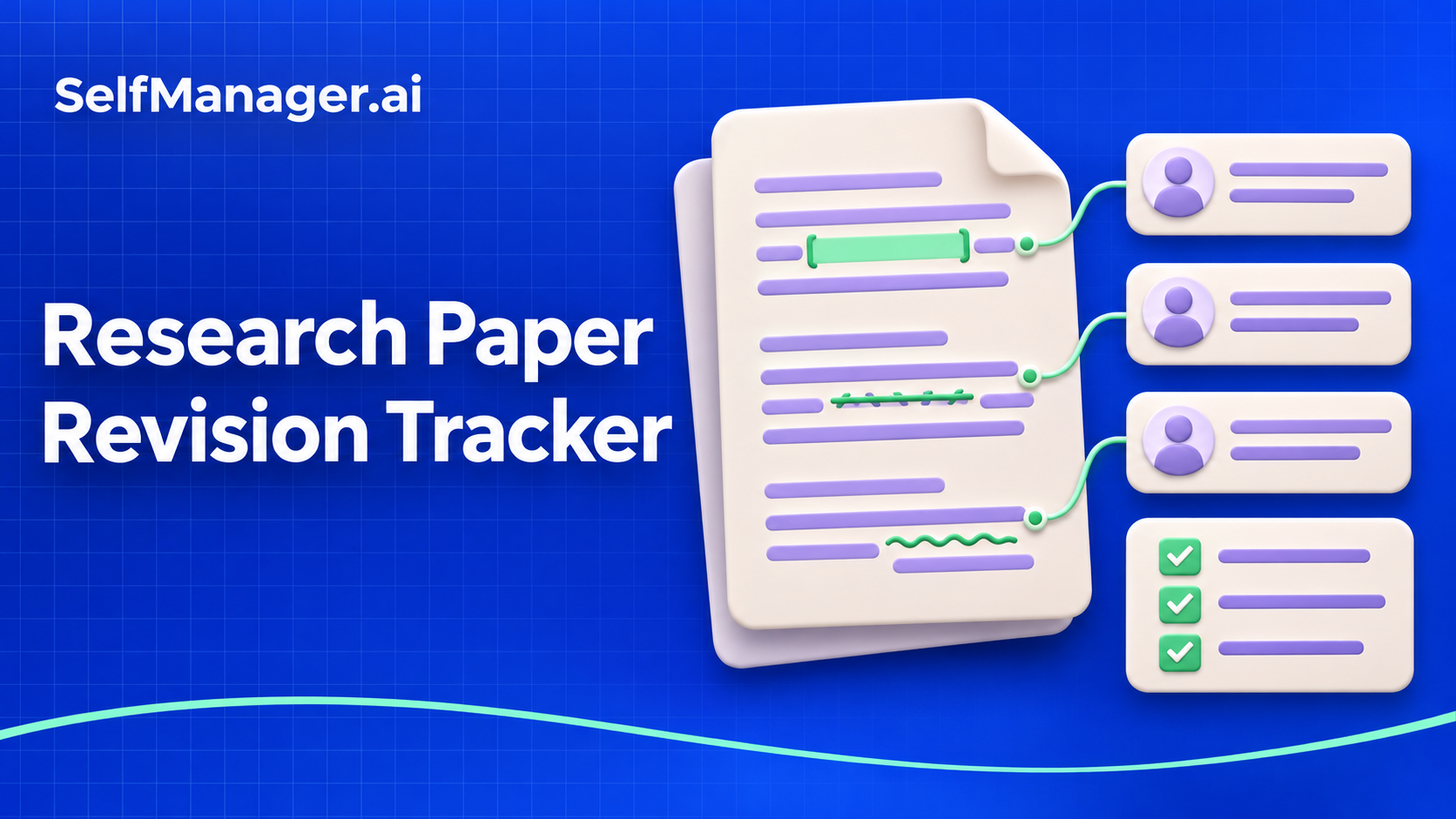
A research paper revision tracker connects each reviewer comment to a decision, a manuscript change and a checked response. Its purpose is to make the revision work traceable, so that a comment does not disappear between reading the decision letter and preparing the resubmission.
The same record can also drive your work sessions. In SelfManager.ai, reviewer comments become revision tasks with subtasks for checking evidence, changing the manuscript and preparing the response. Keep the manuscript references beside those tasks, then review what is ready and what still needs attention before submission.
Copy this revision tracker
Give every comment a stable reference, including editor requests and comments that you decide do not require a manuscript change.
| Field | What to record | Fictional example |
|---|---|---|
| Comment reference | Reviewer and comment number | R2-03 |
| Request | The issue the reviewer wants addressed | Clarify why incomplete observations were excluded |
| Decision | Proposed approach and any open question | Explain the criterion and verify consistency with the analysis |
| Revision owner | Person responsible for the next action | Methods author |
| Manuscript location | Section and reference in the current version | Methods, exclusion criteria paragraph |
| Work state | What is actually ready | Explanation drafted; analysis check still open |
| Response | Draft reply and description of the change | State the clarification and cite its final location |
| Final check | Evidence that response and manuscript agree | Co-author checked against the submission version |
This is an editorial working template, not a substitute for the journal's instructions. Keep required response formatting, file types and submission requirements in a separate checklist.
Break compound comments into actionable work
A single comment may ask for an explanation, an additional analysis and changes to a figure. Keep the original reference visible while separating the work into steps you can actually complete.
For R2-03, the steps might be to locate the exclusion criterion, confirm its use in the analysis, revise the methods paragraph and draft the response. Do not mark the whole comment resolved when only the paragraph has changed.
In SelfManager.ai, create a revision table on the day you will work. Name the parent task with the stable reference and requested result: “R2-03: clarify and verify exclusion criteria.” Add its steps as subtasks. Keep the original request, current manuscript reference and working response in the notes, or in a task comment after enabling comments on tasks.
This turns the tracker into an operational plan. You can see what to do next and return to the reasoning behind the change without searching through several disconnected documents.
Plan work dates separately from the submission deadline
The resubmission deadline is the final constraint. It does not tell you when an analysis must be ready for a co-author to review it.
Work backward from the agreed submission date. Identify revision tasks that depend on data checks, co-author decisions, figure updates or another person's review. Give those steps realistic work dates and leave room for a final consistency check.
In SelfManager, use the dated workspace for the session and task or subtask deadlines for actual commitments. Put a manuscript or response draft in Docs when it belongs with that work. Record the version you are referring to in the notes; attaching a file does not establish that it is the team's latest approved manuscript.
If you need broader dissertation planning, use the separate dissertation progress tracker. This template is specifically for responding to editorial and reviewer feedback on a paper.
Record the reasoning when you take a different approach
Some comments may call for a change you cannot support, or a change that would alter the study's scope. Record the issue for discussion rather than quietly dropping it from the work list.
A useful working record includes the comment, your proposed response, the evidence or constraint behind it and who needs to agree. Your supervisor, co-authors and journal guidance determine the appropriate scientific and editorial response.
If you use AI to organize supplied comments into draft tasks, check that every request is represented and that the original meaning is preserved. Do not let generated text invent an analysis, a result or a change you have not made.
Keep co-author decisions attached to the revision
For shared revision work, a general message such as “please check the paper” obscures ownership. Ask someone to check the specific change, against the relevant comment and version.
On SelfManager.ai Team, share the revision table with the appropriate people and assign tasks or subtasks to eligible editors. Enable task comments to keep discussion with its parent task. A comment explaining an agreed wording change is easier to retrieve there than in a separate conversation with no revision reference.
Access to a shared table includes its working material. Share only with people who should see it, and follow your institution's and collaborators' requirements for unpublished research.
Run a final comment-to-manuscript check
Before resubmission, check the whole chain for each reference:
- The reviewer request has been read and addressed.
- The agreed change exists in the intended manuscript version, or the response explains the alternative approach.
- The response accurately describes what was done.
- Section, page or line references match the final files.
- A reviewer or co-author has completed any agreed final check.
SelfManager's AI Review can help list open revision tasks across your selected working days. Verify the list against the decision letter and final files yourself. A task summary can help you organize the submission check; it cannot certify the manuscript's scientific correctness.
Common questions
Is a tracker the same as the response letter?
The tracker manages the work. The response letter presents the final, agreed answer to the editor and reviewers in the required format.
Should one reviewer comment always be one task?
Use a stable parent reference, then split the required work into steps when needed. Preserve the connection to the original request.
Where should I start?
Choose one comment and complete the chain from request to checked response. Build that revision session in SelfManager.ai, with the manuscript context and next action together. The 7-day free trial needs no card.
Date-based AI Task Manager
Plan smarter, execute faster, achieve more
Create tasks in seconds, generate AI-powered plans, and review progress with intelligent summaries. Perfect for individuals and teams who want to stay organized without complexity.
Get started with your preferred account