
Habit Tracker Template: Free Copy-Paste Version + How to Track Habits by Day
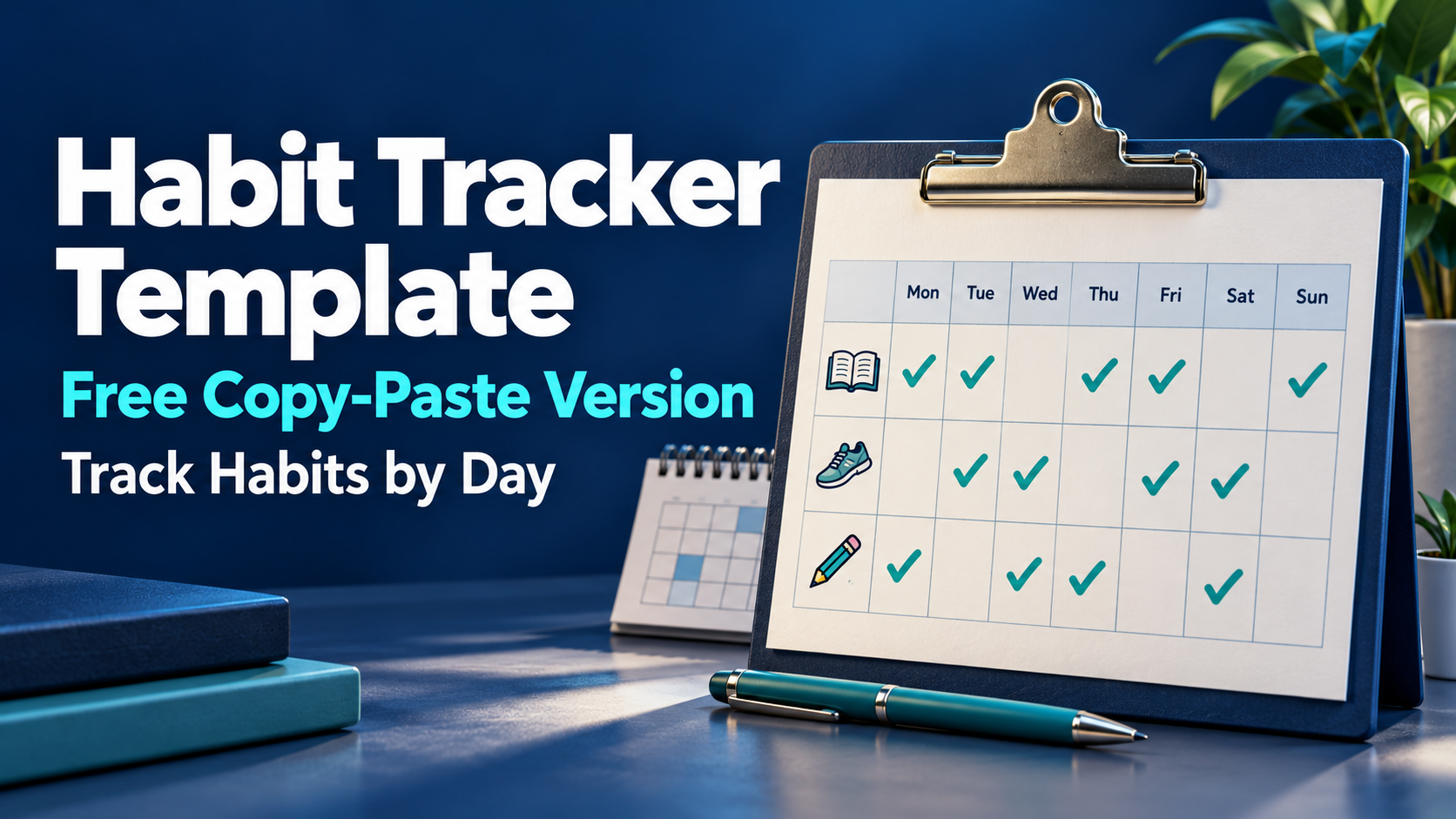
A useful habit tracker records what you intended to do, whether you did it, and enough context to understand the result later.
Copy the templates below into a document, notebook, spreadsheet, or task manager. Start with a few clearly defined habits and a schedule that reflects when you actually intend to do them.
An empty entry should mean “not recorded,” rather than automatically counting as a failure.
Free Daily Habit Tracker Template
Daily Habit Tracker
Date: [Date]
Routine: [Morning / Evening / Learning / Work / Other]
Scheduled habits today: [List the habits that apply]
Habit 1
Habit: [Specific action]
Completion rule: [What counts as done]
When it is planned: [Time or context, if useful]
Result: [Done / Missed / Not recorded / Not scheduled]
Amount or duration: [Optional]
Note: [What helped, changed, or got in the way]
Habit 2
Habit: [Specific action]
Completion rule: [What counts as done]
When it is planned: [Time or context, if useful]
Result: [Done / Missed / Not recorded / Not scheduled]
Amount or duration: [Optional]
Note: [What helped, changed, or got in the way]
Habit 3
Habit: [Specific action]
Completion rule: [What counts as done]
When it is planned: [Time or context, if useful]
Result: [Done / Missed / Not recorded / Not scheduled]
Amount or duration: [Optional]
Note: [What helped, changed, or got in the way]
End-of-day note
What happened: [One or two sentences]
Anything to change tomorrow: [One practical adjustment, if needed]
Free Weekly Habit Tracker Template
Week starting: [Date]
Use these markers:
- D = Done.
- M = Missed on a scheduled day.
- U = Unknown or not recorded.
- N = Not scheduled.
| Habit and completion rule | Mon | Tue | Wed | Thu | Fri | Sat | Sun |
|---|---|---|---|---|---|---|---|
| [Habit 1 and what counts as done] | |||||||
| [Habit 2 and what counts as done] | |||||||
| [Habit 3 and what counts as done] |
Weekly notes:
- Confirmed completions: [Count]
- Confirmed misses: [Count]
- Unrecorded scheduled entries: [Count]
- What helped: [Observation]
- Main obstacle: [Observation supported by your notes]
- One adjustment for next week: [Change]
Mark unscheduled days explicitly. A weekday routine should not collect weekend failures simply because the template has seven columns.
Habit Tracker Example
The following example is entirely fictional. It illustrates a tracking method, not a measured result from SelfManager users.
Jordan wants to maintain a small weekday learning routine.
The completion rules are:
- Read 10 pages.
- Practice a language for 10 minutes.
- Write a three-line daily recap.
Weekends are not scheduled.
| Habit | Mon | Tue | Wed | Thu | Fri | Sat | Sun |
|---|---|---|---|---|---|---|---|
| Read 10 pages | D | D | M | D | D | N | N |
| Practice language for 10 minutes | D | D | D | D | D | N | N |
| Write a three-line recap | D | U | D | U | D | N | N |
Jordan’s notes say that Wednesday’s reading was missed after an evening commitment. The Tuesday and Thursday recaps were not recorded, and Jordan cannot confidently reconstruct them.
The week contains:
- 15 scheduled habit entries.
- 12 confirmed completions.
- One confirmed miss.
- Two unknown entries.
It would be inaccurate to call all three unfinished-looking entries failures. It would also be inaccurate to assume the unknown recaps happened.
A useful next-week adjustment
Jordan keeps the same reading and language goals but moves the daily recap to immediately after the last work session.
The change responds to a recording problem. It does not require adding more habits or treating the entire week as unsuccessful.
How to Make the Template Usable
Define an observable action
“Learn more” is difficult to evaluate.
“Practice for 10 minutes” gives you a completion rule. “Read 10 pages” does the same.
The rule does not need to be ambitious. It needs to be clear enough that you can record the result consistently.
If you change the rule, note when it changed. Otherwise, you may compare different versions of the habit as if they were identical.
Schedule the days that actually count
A daily habit, a weekday routine, and a weekly review have different schedules.
Write down the intended cadence before judging completion.
For example:
- Every weekday.
- Monday, Wednesday, and Friday.
- Once each Friday.
- Every other day.
Only scheduled opportunities belong in a completion calculation.
Keep quantity separate from completion
Suppose your rule is “read 10 pages,” but you read six.
Record the amount. Then apply the completion rule consistently, with a note if useful.
You can acknowledge partial work without quietly changing the target after seeing the result.
Likewise, completing extra work today does not automatically satisfy tomorrow’s scheduled routine.
Record context without creating another assignment
One sentence is often enough:
- “Completed before opening email.”
- “Missed after a late client call.”
- “Did the activity but forgot to record it until the next morning.”
The note explains the record. You do not need a long diary entry for every habit.
Track Habits by Day in SelfManager.ai
SelfManager.ai organizes work through dates and tables. A habit routine can sit on the relevant date alongside work tasks, notes, and other responsibilities.
Its repeating-table feature creates a fresh copy for each scheduled day. Completing today’s copy does not complete tomorrow’s.
The copies are created when you first open the relevant day. Repeats fill today and future dates, rather than backfilling past days.
This distinction matters: a missing table on an unopened day is not evidence that the habit failed.
1. Create the routine table
Create a table called “Learning routine,” “Morning routine,” or another clear name.
Add one task per habit:
- Read 10 pages.
- Practice language for 10 minutes.
- Write a three-line recap.
Keep the completion rules in the task wording or table notes.
2. Set the repeat schedule
When adding or editing the table, choose its Repeat setting.
SelfManager documents options including every day, weekdays, weekends, selected days, every few days, and a date each month. A preview shows the upcoming scheduled dates.
Choose weekdays for the fictional learning routine above.
SelfManager repeats whole tables, rather than giving each task an independent recurrence rule. If two habits need different schedules, put them in separate repeating tables.
3. Record the result on the actual day
Mark a task complete when the activity meets its rule.
For a miss, partial attempt, or uncertainty, record a brief comment or note. These labels are part of your tracking method; they should not be assumed to correspond to dedicated app status options.
Do not mark something complete merely to clear the view. The later review depends on the record being accurate.
4. Separate reusable instructions from daily observations
Repeating copies include the table’s notes. That makes notes useful for stable instructions, such as the completion rules.
Comments and images remain on the day where they were added rather than being copied into future repeats. Comments are therefore a useful place for observations about a particular day.
Deadlines and reminders are not copied to repeated days. Do not assume that making a routine repeat also creates repeated reminder alerts.
5. Review or adjust the repeat
SelfManager lets you manage repeats under All › Repeats, including pausing, editing, or deleting a repeat.
Check the schedule and preview when changing it. Keep a dated note if a habit’s target or cadence changes so later comparisons remain understandable.
Repeating a Table is Different from Pinning It
Pinning provides quick access to a table from other dates. It does not, by itself, create a fresh daily completion record.
A repeating table gives scheduled dates their own copies.
Use a pinned table for an ongoing reference, such as your habit definitions or longer-term goals. Use repeats when the routine needs a separate record each day it applies.
Resetting the same checklist repeatedly can make it harder to tell what happened on earlier dates.
Use AI Review to Inspect the Recorded Routine
SelfManager’s AI Review can examine a week, month, or quarter. Its recorded task data and optional comments can provide context for a recap.
Provide the intended schedule and ask the AI to preserve uncertainty.
A useful prompt is:
Review my Learning routine tables for this week. The routine is scheduled on weekdays and contains three habits. Summarize recorded completions and documented misses. Treat missing tables and unrecorded entries as unknown, not automatic failures. Do not infer causes unless the comments support them. Identify anything I need to verify and suggest one practical adjustment.
Check the generated result against the source entries. AI cannot verify an activity you never recorded or confidently reconstruct an unopened day.
Ask a follow-up that leads to a decision
For example:
Which recorded obstacle appears more than once?
Or:
Did I miss the activity, or mainly fail to record it?
If the evidence does not answer the question, improve the tracking next week rather than forcing a conclusion.
Common Habit-tracker Mistakes
Treating every blank as a miss. A blank can mean forgotten tracking, an unopened day, or an unscheduled habit.
Changing the completion rule without recording it. Ten minutes and 30 minutes are different targets.
Counting unscheduled days against yourself. A weekday routine has five scheduled opportunities in an ordinary week.
Using one checklist without keeping daily history. It may be enough for a reminder, but it does not explain the past week.
Adding notes that take longer than the habit. Keep routine recording short.
Using AI output as proof. A summary is based on the available record. Check its counts and explanations.
Is the Template Free?
Yes. The copy-paste templates in this article are free to use in whatever system you prefer.
SelfManager.ai is a paid product with a seven-day trial without a card. Individual costs $8/month or $72/year. Team costs $30/month or $300/year.
It runs in a browser and is an installable web app. The template does not require a subscription; SelfManager is an optional way to keep dated records and use repeating tables with AI review.
Frequently Asked Questions
What should a habit tracker include?
Include the habit, its completion rule, scheduled days, the recorded result, and optional quantity or context. Keep unknown entries distinct from confirmed misses.
Should a habit tracker focus on streaks?
It can show consecutive completions, but a streak should use a clear schedule and reliable records. For many routines, the weekly pattern and recurring obstacles are more useful than a single uninterrupted count.
Can I use this template for weekly habits?
Yes. Mark only the intended days as scheduled. Use N for days that do not apply.
Does completing today’s SelfManager routine also complete tomorrow’s?
No. Repeating tables give scheduled days fresh copies with unchecked tasks. Today’s completion does not tick off tomorrow’s copy.
Does SelfManager create habit tables for missed past days?
Repeats fill today and future dates, not past dates. A missing past table should not automatically be treated as a missed habit.
Can AI tell whether I completed an unrecorded habit?
No. It can summarize the recorded information and identify gaps. Unknown activity remains unknown unless you add reliable evidence.
Date-based AI Task Manager
Plan smarter, execute faster, achieve more
Create tasks in seconds, generate AI-powered plans, and review progress with intelligent summaries. Perfect for individuals and teams who want to stay organized without complexity.
Get started with your preferred account