
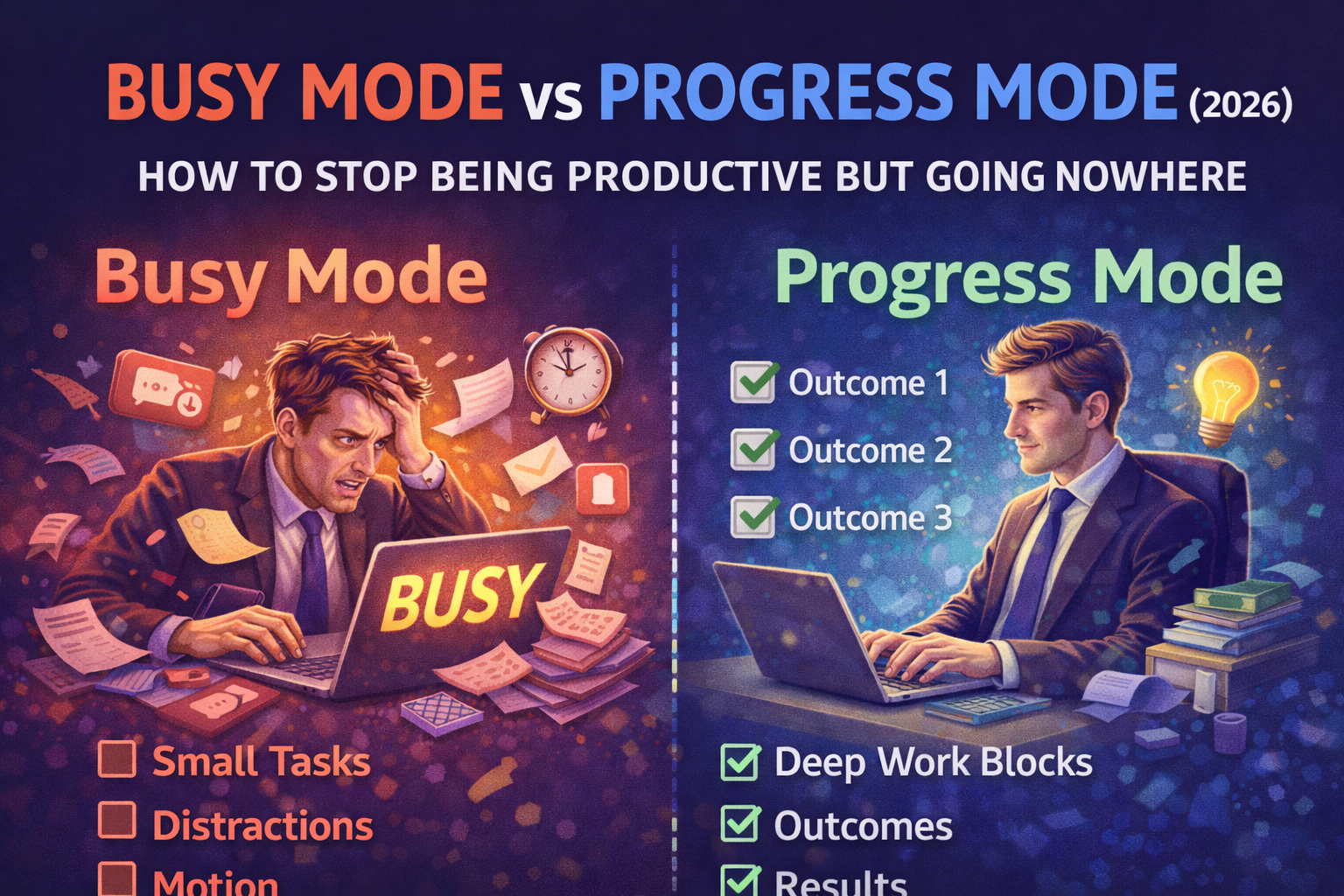
Busy Mode vs Progress Mode (2026): How to Stop Being Productive but Going Nowhere
If you've ever ended a day thinking:
- "I worked all day… but what did I actually achieve?"
- "I was productive… but nothing important moved forward."
- "I'm doing a lot, but I'm not progressing."
You're not alone.
In 2026, it's easier than ever to stay busy:
- messages
- meetings
- notifications
- admin tasks
- quick fixes
- "urgent" requests
You can spend 10 hours doing things and still make zero meaningful progress.
That's because there are two different modes of work:
Busy Mode and Progress Mode.
And most people confuse them.
Busy Mode: high activity, low impact
Busy Mode looks like productivity:
- you're always doing something
- you clear small tasks
- you reply quickly
- you jump between apps
- you feel needed
- you get quick dopamine from finishing small things
But Busy Mode has a cost:
- constant context switching
- shallow focus
- no time for deep work
- important projects stay stuck
- your days don't connect into anything meaningful
Busy Mode is motion.
Not progress.
Progress Mode: fewer tasks, more results
Progress Mode feels different:
- you work on fewer things
- you focus longer
- you make decisions
- you ship outputs
- you move projects forward
- you build assets that compound
Progress Mode is not about doing more.
It's about doing what matters.
Why Busy Mode is so addictive (and why it keeps winning)
1) It gives instant feedback
Emails and small tasks give quick closure.
Big work gives delayed reward.
So your brain chooses what feels productive now.
2) It avoids discomfort
Deep work often includes uncertainty:
- writing
- building
- hard decisions
- learning
- risk
Busy Mode is safer.
3) It looks responsible
Quick replies and constant activity feel like "working hard."
Even if the work doesn't matter.
4) It's socially rewarded
People reward fast responses.
They don't reward deep work until it ships.
So Busy Mode wins — unless you build a system.
The "productive but going nowhere" symptom checklist
If these are true, you're likely in Busy Mode:
- you start your day with email/messages
- you do lots of small tasks but avoid the hard one
- you keep rescheduling the same important task
- you finish the day tired but unclear
- your to-do list grows faster than it shrinks
- you feel behind even when you work a lot
That's not laziness.
That's a system problem.
The key difference: outputs vs activity
Busy Mode measures activity:
- tasks completed
- messages replied
- time spent working
Progress Mode measures outputs:
- drafts written
- features shipped
- decisions made
- projects advanced
- assets created
A simple question fixes everything:
"What did I produce today?"
Not "what did I do."
What did I produce?
How to switch from Busy Mode to Progress Mode (simple system)
Step 1: Choose 3 outcomes for the day (not 20 tasks)
If everything is on today's list, nothing is.
Pick 3 outcomes maximum.
Examples:
- Write the outline + intro for an article
- Ship one feature improvement
- Close 5 high-impact follow-ups
Outcomes are results.
Tasks are actions.
Your day should be outcome-driven.
Step 2: Schedule 1 deep work block (60–90 minutes)
Progress Mode requires focus time.
A single 60–90 minute block can move an important project forward more than 4 hours of busy work.
Treat it like a meeting with yourself.
Protect it.
Step 3: Create an "Inbox" for distractions
Busy Mode happens when every thought becomes a task you act on immediately.
Instead:
- capture distractions in an Inbox
- process them later (daily or weekly)
This keeps your focus clean.
Step 4: Use the "must-win task" rule
If the day goes bad (meetings, chaos, low energy), don't quit the plan.
Pick 1 must-win task.
Finish it.
That keeps your identity intact:
"Even on a messy day, I make progress."
Step 5: Review weekly (this is what makes progress compound)
Without a weekly review, you can stay busy forever and never notice.
Weekly review = Progress Mode amplifier:
- What actually moved forward?
- What was noise?
- What got avoided?
- What should change next week?
This is how you escape the loop.
A practical 5-minute "Busy Mode reset"
If you catch yourself spiraling into busy work, do this:
- Stop and ask: "What's the real outcome today?"
- Pick one important task you've been avoiding
- Block 30 minutes now
- Remove friction (open the doc, define next step)
- Start before you feel ready
That's it.
Progress Mode begins with starting.
How SelfManager.ai helps you stay in Progress Mode
Most task apps are good at capturing tasks.
But Progress Mode needs:
- outcomes
- projects
- planning by week/month
- review loops
- visibility into what actually got done
That's exactly what SelfManager.ai (formerly Self-Manager.net) is built for:
- date-centric planning (daily/weekly/monthly)
- projects connected to tasks
- structured weekly reviews
- optional AI summaries to speed up reflection
In other words: it supports the loop that Busy Mode breaks:
Plan → Execute → Review → Adjust
The Progress Mode operating rules (copy/paste)
Use these as your personal standard:
- I plan outcomes, not task lists
- I protect at least one deep work block per day
- I keep an Inbox for distractions
- I finish one must-win task even on chaotic days
- I review weekly so I improve instead of repeating
Final thought
You don't need more productivity hacks.
You need to stop confusing motion with progress.
Busy Mode is easy to enter and hard to escape because it feels productive.
Progress Mode feels slower — but it compounds.
If you want to stop being productive but going nowhere in 2026:
- measure outputs
- plan outcomes
- protect focus
- review weekly
- adjust the system, not your self-worth
That's the shift.
Date-based AI Task Manager
Plan smarter, execute faster, achieve more
Create tasks in seconds, generate AI-powered plans, and review progress with intelligent summaries. Perfect for individuals and teams who want to stay organized without complexity.
Get started with your preferred account