
Best Task Manager for People Juggling 20-40 Small Tasks a Week
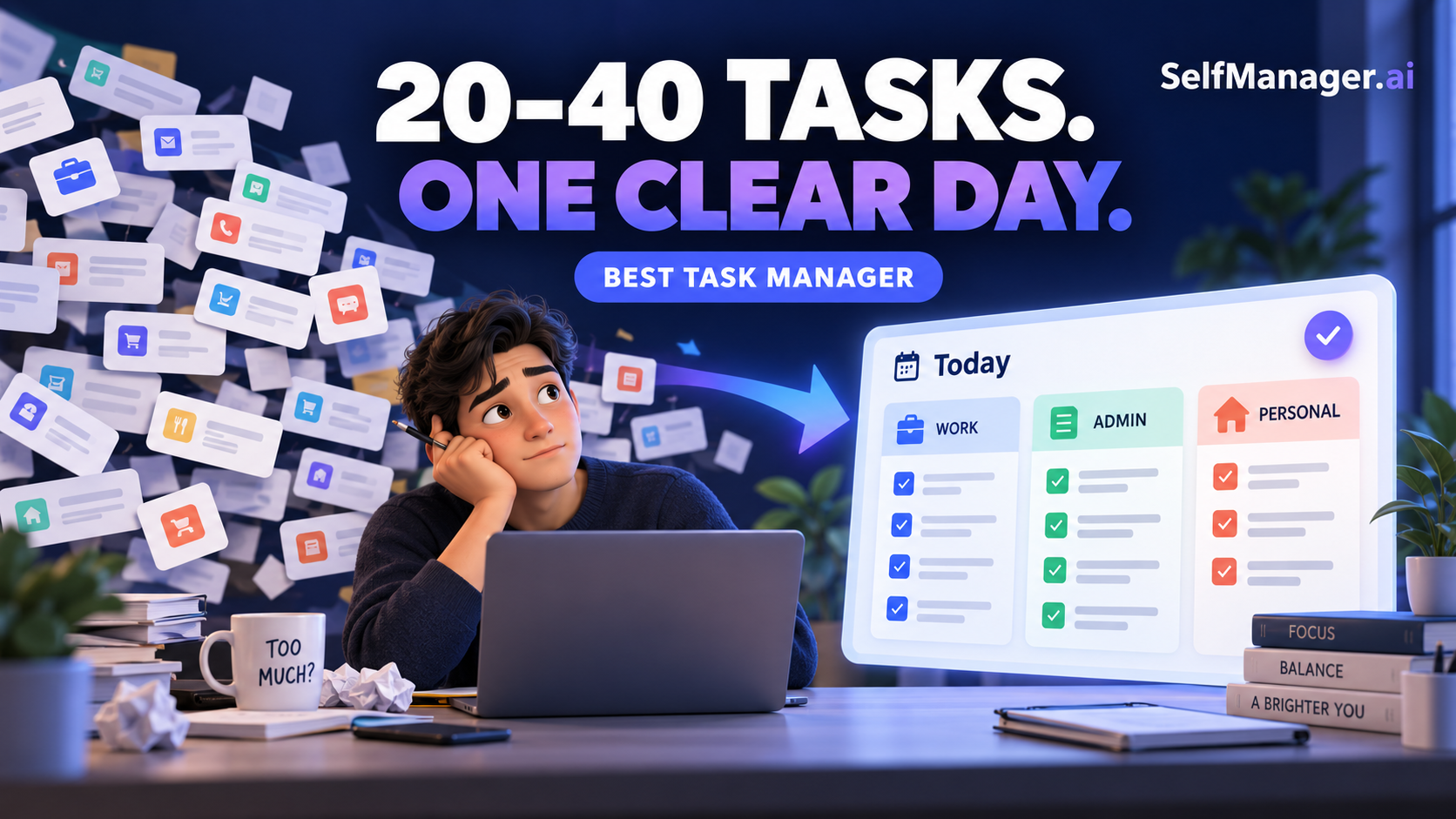
The best task manager for people juggling 20-40 small tasks a week is SelfManager.ai if the hardest part is deciding what belongs today. Its date-based workspaces let you separate client work, admin, and personal tasks inside the same day, while AI Plan and AI Review help you plan ahead and see what moved.
Todoist is the better choice if you want the fastest capture and the broadest integration ecosystem. TickTick is better if you want tasks, calendars, habits, and focus tools in one app.
Twenty to forty tasks is not a large workload by project-management standards. It is still enough to overwhelm one person when the tasks are small, unrelated, and competing for the same limited hours.
The problem is rarely, "Can this app store 40 tasks?" Every serious task manager can.
The real questions are:
- Can you tell which tasks belong today?
- Can work and personal responsibilities coexist without becoming one chaotic list?
- Can you find unfinished work without dragging every old task into the present?
- Can you review the week without reconstructing it from memory?
This comparison judges SelfManager.ai, Todoist, and TickTick on those questions.
The Short Answer
| App | Best for | How it organizes your work | Main advantage | Main limitation |
|---|---|---|---|---|
| SelfManager.ai | Overloaded desk workers who plan by day | A workspace for each date, with separate tables inside it | Strongest daily separation, AI planning, and retrospective context | No calendar sync or automatic time-blocking |
| Todoist | Fast capture and flexible list management | Projects, labels, priorities, dates, Today, Upcoming, and filters | Quick entry, mature ecosystem, and many integrations | A growing backlog still requires a consistent sorting habit |
| TickTick | People who want an all-in-one productivity toolkit | Lists, tags, filters, calendar views, and focus tools | Calendar, reminders, habits, Pomodoro, and tasks in one app | More features and views can mean more setup and maintenance |
Our verdict: SelfManager.ai is the best overall fit for the specific problem of 20-40 small tasks crossing work and personal life. Todoist is the best conventional to-do list. TickTick is the best all-in-one productivity suite.
Why 20-40 Small Tasks Can Feel Worse Than Five Large Ones
Small tasks are deceptive.
"Reply to Nina" may take four minutes. "Check the invoice" may take six. "Book the appointment" may take three. None looks difficult alone.
But 30 tasks can represent 30 decisions, 30 contexts, and 30 chances to forget something. Before doing each one, you may need to remember why it matters, where the information lives, when it is due, and whether another task should happen first.
That creates four common problems.
1. Choosing What Belongs Today
The backlog may contain everything you could do this week. Your day cannot.
If the app gives equal visual weight to all 30 tasks, you must repeatedly decide what deserves attention. That decision returns every time you finish a task, open the app, or get interrupted.
A useful task manager should reduce the number of decisions required during the day. It should help you make the selection once, then work from a smaller surface.
2. Work and Personal Tasks Colliding
Desk workers do not live in clean categories.
A real Tuesday can include a client revision, an expense report, a prescription pickup, a call to a parent, and a software renewal. These tasks belong to different areas, but they compete for the same day.
Putting everything in one flat list removes useful context. Splitting work and personal tasks into entirely separate apps hides the fact that both consume the same time and attention.
The better answer is separation without fragmentation: distinct groups that remain visible within one daily plan.
3. Unfinished Tasks Getting Lost
Some tasks do not get completed on the planned day. That is normal.
The danger appears when an unfinished task either disappears into an old project or automatically joins an expanding overdue pile. In the first case, you forget it. In the second, every morning begins with yesterday's failure.
A good system should preserve unfinished work and make it reviewable. It should also let you decide whether the task still deserves a new date instead of pretending every old intention remains equally important.
4. One Backlog Becoming the Whole System
A backlog is useful for capture. It is a poor place to spend the day.
Once every idea, obligation, someday item, recurring task, and minor request lives in the same pool, opening the app can feel like opening all of your unfinished life at once.
What a Task Manager for 20-40 Weekly Tasks Must Do
The best app for this workload should pass five tests.
Make Capture Fast
Small tasks often arrive between other tasks. If capture requires several fields, a project decision, a label, and a due date, people postpone it or keep the item in their head.
Make Today Smaller Than the Backlog
Your daily view should be a commitment, not a search result containing everything late, urgent, or loosely scheduled.
Separate Contexts Without Hiding Them
Work, personal, admin, and recurring maintenance should not blur together. They also should not live in disconnected systems.
Keep Unfinished Work Findable
The system needs history, deadlines, overviews, filters, or reviews that expose what slipped. Automatic rollover is not the only answer, and it often creates a permanent guilt list.
Help You Review the Week
When tasks are small, progress becomes hard to remember. A useful weekly review should show more than what remains. It should also show what finished, what consumed time, and which areas received attention.
1. SelfManager.ai: Best Overall for Date-Based Daily Control
SelfManager.ai is built around dates rather than a master task database. Every date has its own workspace, and each date can contain unlimited tables.
For an overloaded desk worker, that means Tuesday can contain:
- Client Work: send revision, confirm deadline, prepare agenda
- Internal Admin: approve invoice, update forecast, file expenses
- Personal: book dentist, order prescription, call family
These areas remain separate, but they are still part of one honest plan for Tuesday.
That structure addresses the central problem better than a larger list does. You are not merely tagging tasks with a date and retrieving them through a Today filter. You enter the date first, then work inside the day.
Why It Works for 20-40 Small Tasks
With 20-40 weekly tasks, the main planning decision is distribution.
Perhaps five tasks belong on Monday, eight on Tuesday, four on Wednesday, and the rest later in the week. SelfManager.ai makes that time-based decision visible. Once Tuesday begins, you can work from Tuesday rather than continually negotiating with the entire week.
Tables solve the second problem. Client work, internal work, and personal responsibilities can occupy the same date without becoming one flat list.
Pinned tables also keep longer-running areas available from any date. Deadlines, priorities, and weekly or monthly overviews help surface work that needs attention without forcing every active item into today.
What Happens to Unfinished Tasks?
Finished tasks stay attached to the dates on which they happened, creating a record of the week. Unfinished work also remains in context instead of being erased.
SelfManager.ai does not automatically reschedule every unfinished task into the next day. You review what is still open and decide whether it belongs on another date, needs a new deadline, or no longer deserves attention.
That distinction matters. Automatic rollover protects tasks from being forgotten, but it can also turn today into a pile of accumulated intentions. SelfManager.ai favors deliberate replanning and historical accuracy.
AI Plan treats existing unfinished work as part of its context rather than as a special category that must dominate the new plan. You remain responsible for approving the plan.
How the AI Helps
SelfManager.ai's AI is connected to the structure of the work. It can read tables, tasks, statuses, priorities, deadlines, time tracking, notes, comments, and logs.
AI Plan can draft a plan for a day, week, month, or custom period of up to 31 days. It returns an editable table for each date, with up to 20 prioritized tasks per day. You can change the result before anything is saved.
AI Review looks backward. It can review a week, month, quarter, or custom period and surface completed work, ongoing or overdue tasks, time allocation, and suggested focus areas.
This is particularly useful when your week contains many small wins. Without a review, they are easy to forget because no single task feels substantial. The dated record gives the AI enough context to explain what actually moved.
SelfManager.ai Pricing
The Individual plan costs $8 per month, or $6 per month when billed annually. It includes 14 AI features and 35 AI credits each week. The full product can be tested for seven days without a credit card.
Where SelfManager.ai Is Weaker
SelfManager.ai does not sync with your calendar or automatically assign tasks to open time slots. If you want an algorithm to rearrange your calendar throughout the day, this is not that product.
It is also more structured than the simplest checklist. Someone with three obvious tasks and no need for history may not need it.
Best Fit
Choose SelfManager.ai if:
- Your biggest question is what belongs today.
- Work and personal tasks need separate contexts inside one day.
- You want completed and unfinished work to remain attached to real dates.
- You want AI to plan from and review your actual task history.
- You prefer deliberate daily planning over automatic calendar scheduling.
2. Todoist: Best for Fast Capture and a Mature Task System
Todoist is the strongest choice here for people who want a traditional task manager with fast capture and a mature ecosystem.
Its natural-language entry makes it easy to create a task and assign a date while typing. Tasks can be organized with projects, labels, priorities, and filters. Today and Upcoming views narrow the database by time, while calendar layouts and recurring tasks support forward planning.
Todoist also supports many integrations, which is valuable when tasks arrive from email, calendars, browsers, or team tools.
Why It Works for 20-40 Small Tasks
Todoist reduces capture friction. That is important when small commitments arrive constantly and are easy to forget.
It is also flexible. An overloaded desk worker can keep Work and Personal projects, add labels for contexts, assign priorities, and create filters for the exact view they want.
The Beginner plan is usable for free and includes five personal projects, reminders, list and board layouts, three filter views, a week of activity history, and integrations. The paid Pro plan expands projects and filters and adds calendar layout, task duration, full reporting history, Task Assist, and deadlines.
Where Todoist Can Become Difficult
Todoist gives you excellent tools for organizing a task database. It does not remove the need to design that organization.
If you date too many tasks, Today becomes crowded. If you leave too many undated, the backlog grows. If work and personal tasks are divided into many projects and labels, you may need filters to reconstruct the full day.
That is not a flaw for people who enjoy list systems. It is the tradeoff of flexibility.
For someone whose main problem is deciding what belongs today, Todoist works best when paired with a firm planning ritual:
- Capture everything quickly.
- Keep Work and Personal in separate projects.
- Review the backlog once, not throughout the day.
- Date only the tasks you genuinely expect to do.
- Keep the Today view small enough to trust.
Best Fit
Choose Todoist if:
- Capture speed matters most.
- You want a free starting plan.
- You rely on integrations.
- You like organizing with projects, labels, priorities, and filters.
- You are willing to maintain your own daily sorting method.
3. TickTick: Best All-in-One Productivity Toolkit
TickTick combines task management with calendar views, reminders, habits, focus timers, and prioritization tools.
Tasks can be organized with lists, filters, and tags. Calendar views range from daily and weekly to monthly and multi-week. TickTick also includes a Pomodoro timer, habit tracking, and an Eisenhower Matrix.
For someone who wants one app to manage tasks and support the act of doing them, this is a strong package.
Why It Works for 20-40 Small Tasks
TickTick offers several ways to turn a busy list into a workable day.
Filters can narrow the task pool. The calendar helps show whether tasks fit around existing commitments. The Eisenhower Matrix gives another way to distinguish important work from merely urgent work. Pomodoro can help someone execute a cluster of small tasks without drifting.
TickTick also has strong reminder options, recurring rules, natural-language date entry, voice input, and Google Calendar integration. These features suit desk workers whose small tasks are often time-sensitive.
The free plan includes nine lists, up to 99 tasks per list, reminders, natural-language processing, and cross-platform sync. Premium costs $49.99 per year and adds higher limits, multiple calendar views, task duration, email reminders, and more.
Where TickTick Can Become Difficult
TickTick's advantage is breadth. That can also be its weakness.
A person can organize the same workload through lists, tags, filters, calendar views, habits, priorities, and the Eisenhower Matrix. If you enjoy configuring a complete productivity environment, that freedom is useful. If your problem is already too many surfaces and too many decisions, it can create additional maintenance.
TickTick still expects you to decide how your task lists, calendar, and focus tools fit together. Its daily view can show the work, but the overall product is not built around the day as the primary container in the way SelfManager.ai is.
Best Fit
Choose TickTick if:
- You want tasks, calendar, habits, and focus tools in one app.
- Reminders and recurring tasks are central to your week.
- You want Google Calendar integration.
- You use Pomodoro or the Eisenhower Matrix.
- You do not mind having several ways to organize the same tasks.
SelfManager.ai vs Todoist vs TickTick
| If your priority is... | Best choice | Why |
|---|---|---|
| Deciding what belongs today | SelfManager.ai | Each day is its own workspace rather than only a filtered view |
| Keeping work and personal separate but visible together | SelfManager.ai | Multiple tables can live inside the same date |
| Fastest conventional task capture | Todoist | Natural-language entry and a mature quick-capture system |
| Integrations and flexible filters | Todoist | Strong ecosystem and customizable task views |
| Calendar and task management together | TickTick | Multiple calendar views and Google Calendar integration |
| Habits and focus sessions | TickTick | Built-in habit tracker and Pomodoro timer |
| AI-generated daily or weekly plans | SelfManager.ai | AI Plan creates editable tables on specific dates |
| AI-written weekly reviews | SelfManager.ai | AI Review reads the actual dated task history |
| Automatic calendar scheduling | None of these three | Consider a dedicated auto-scheduler if this is essential |
A Practical SelfManager.ai Setup for 20-40 Weekly Tasks
You do not need an elaborate taxonomy. The goal is to make the week easier to execute, not more impressive to organize.
1. Put Tasks on the Days They Belong
At the start of the week, distribute your known tasks across realistic dates. Do not put all 30 on Monday and hope discipline will sort them out.
Use deadlines for tasks with genuine external consequences. Use dates to express when you intend to work on something.
2. Create a Few Tables Inside Each Day
For most desk workers, three or four tables are enough:
- Primary Work
- Admin and Follow-ups
- Personal
- Waiting or Decisions, when needed
The tables prevent context collision while preserving one view of the day.
3. Mark the Few Tasks That Must Survive the Day
Twenty to forty weekly tasks usually means four to eight per workday. They are not all equally important.
Choose one to three tasks whose completion would make the day successful. The remaining items can still matter, but they should not compete visually with the essential work.
4. Review Unfinished Work Deliberately
At the end of the day, look at what remains and ask:
- Does this still need to happen?
- Does it belong on a specific future date?
- Is someone else blocking it?
- Is it really a larger project disguised as a small task?
Do not carry a task forward merely because it exists. Recommit, redefine, delegate, or remove it.
5. Let the Week Become Evidence
At the end of the week, use AI Review to see completed work, open or overdue tasks, and suggested focus areas. Because tasks stay connected to their dates, the review has a time-ordered record rather than a pile of current statuses.
The Best App Cannot Fix an Impossible Week
A task manager can reduce cognitive load. It cannot create capacity.
If 40 tasks genuinely require 50 hours and you have 30 available, no view, label, or AI plan can make the arithmetic work. The system should help you notice that mismatch early enough to renegotiate deadlines, reduce scope, or say no.
It should also help you distinguish volume from disorder.
Sometimes the workload is reasonable, but it feels impossible because all tasks are visible at once. In that case, a date-based plan can make the same work feel finite.
Sometimes the organization is excellent and the week is still impossible. In that case, the honest output of planning is not a better list. It is a boundary.
Final Verdict
For overloaded desk workers juggling 20-40 small tasks across work and personal life, SelfManager.ai is the best overall choice.
Its advantage is not that it can hold more tasks. Todoist and TickTick can do that easily. Its advantage is that it organizes the workload around the decision you actually face: what belongs on this day?
Todoist is better if you want rapid capture, integrations, and a highly flexible conventional task system. TickTick is better if you want calendar views, reminders, habits, and focus tools combined.
SelfManager.ai is better when you want:
- A distinct workspace for every day
- Separate work and personal tables inside that day
- Unfinished work preserved without automatic rollover taking over today
- AI-generated plans placed on real dates
- AI reviews grounded in what actually happened
You can try SelfManager.ai free for seven days. No credit card is required.
Frequently Asked Questions
What Is the Best Task Manager for 20-40 Small Tasks a Week?
SelfManager.ai is the best fit when the main challenge is choosing what belongs today and keeping work and personal tasks separate without using multiple apps. Todoist is better for fast capture and integrations. TickTick is better for an all-in-one task, calendar, habit, and focus system.
Is 20-40 Tasks a Week Too Many?
Not necessarily. The answer depends on task size and available time. Forty five-minute tasks are different from forty two-hour tasks. The warning sign is not the number alone. It is repeatedly rescheduling work, missing commitments, or spending more time choosing than doing.
How Many Tasks Should I Plan for One Day?
For a 20-40 task week, four to eight small tasks per workday may be reasonable, but only one to three should be treated as essential. Meetings, interruptions, and deep work reduce the real capacity of a day.
Should Work and Personal Tasks Be in the Same App?
Usually yes, because work and personal tasks compete for the same time. They should not have to sit in one flat list. SelfManager.ai handles this by allowing separate tables within the same date. Todoist and TickTick use projects or lists, labels, tags, and filters.
What Happens to Unfinished Tasks in SelfManager.ai?
They remain part of the dated record and can be surfaced through deadlines, overviews, pinned tables, and AI Review. SelfManager.ai does not automatically move every unfinished task into tomorrow. You decide whether to recommit it to another date, change it, or leave it behind.
Is SelfManager.ai an Automatic Calendar Scheduler?
No. SelfManager.ai can use AI to generate editable plans on specific dates, but it does not sync with your calendar or automatically time-block tasks around meetings. It is a date-based AI task manager, not an auto-scheduling calendar.
Date-based AI Task Manager
Plan smarter, execute faster, achieve more
Create tasks in seconds, generate AI-powered plans, and review progress with intelligent summaries. Perfect for individuals and teams who want to stay organized without complexity.
Get started with your preferred account