
AI Task Manager vs AI Chatbot: Which Is Better for Planning and Tracking Work?
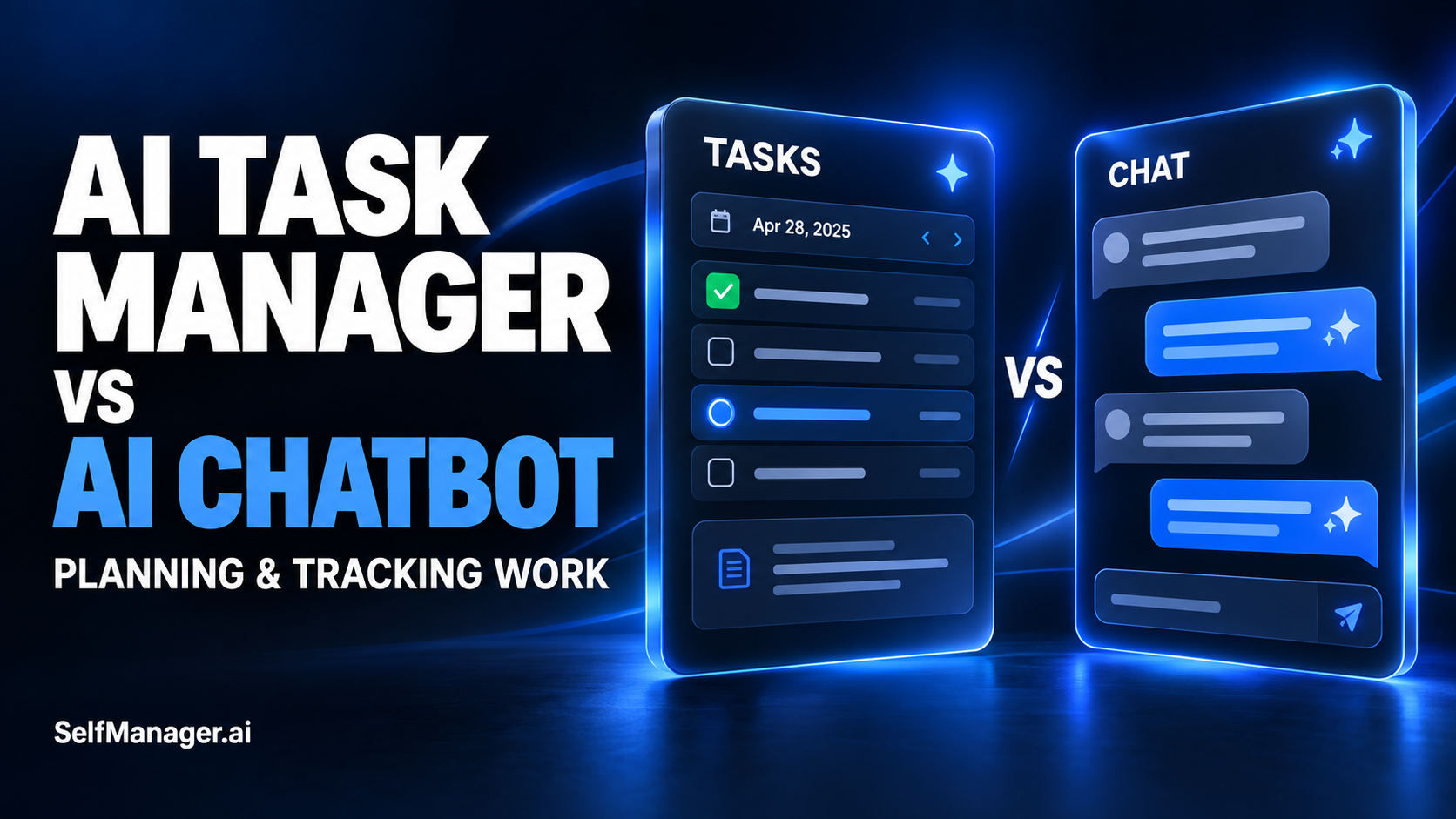
An AI task manager is usually the better fit for maintaining dated tasks, updating progress, and reviewing recorded work. An AI chatbot is useful for exploring goals, questioning priorities, and drafting a plan. A chatbot connected to your work app can also help operate that system, so the choice depends on where your reliable work record lives and what the assistant can actually access and change.
If you only need help thinking through tomorrow, a conversation may be enough. If you need to return next Friday and see what happened, choose a workflow that preserves the plan, updates, and results.
| Need | AI task manager | Chatbot without a work-app connection | Chatbot connected to a work app |
|---|---|---|---|
| Discuss goals and tradeoffs | Depends on its AI features. | A useful conversational starting point. | Can combine discussion with supported app context. |
| Turn a plan into working tasks | May create structured tasks directly. | Usually requires transferring the plan into your chosen system. | Can do so if the connection supports task creation. |
| Know current task status | Can use maintained app records. | Relies on supplied context and available conversation features. | Can retrieve status if the connection permits it. |
| Record completed work | Supports the app's normal task workflow. | A written update must be maintained somewhere reliable. | Can update the app if that action is supported. |
| Review actual work | Can use recorded activity, notes, and time where supported. | Needs the relevant record supplied or otherwise available. | Can use accessible records within the connection's scope. |
An “AI” label alone does not establish any of these capabilities. Check the specific workflow before choosing.
A Proposed Plan and a Maintained Plan Serve Different Purposes
A chatbot can produce a sensible-looking week from a short brief:
“Help me balance client delivery, product development, and administration. I have about 30 hours available.”
That can be useful. You can question the allocation, reduce scope, and discuss what deserves priority.
But the generated answer is the beginning of the workflow. After Monday's client request changes the schedule, you need somewhere to reflect that change. After Tuesday's task finishes, its status needs updating. After Friday, you need to distinguish the original intention from the result.
A conversational plan can be maintained manually. A task manager provides a structured place to maintain it. A connected assistant may help update that structure.
The practical question is whether changes reach the place you actually consult while working. A polished plan buried in a conversation is less useful if your active task list says something different.
When an AI Chatbot is Enough
Use a chatbot first when the problem is unclear and a structured task list would be premature.
Examples include:
- Comparing two possible launch approaches.
- Turning a broad goal into a smaller outcome.
- Identifying questions for a customer interview.
- Challenging an unrealistic weekly workload.
- Drafting a checklist you will use elsewhere.
You might also prefer it for a small, one-off plan with little need for ongoing history. Planning a single afternoon does not necessarily require another application.
Give the assistant constraints, not just aspirations. Explain available time, existing commitments, deadlines, and the result you want. Ask it to expose conflicts instead of assuming everything fits.
Then put commitments into the place you will review them. That could be a simple checklist, a calendar, or a task manager. The right destination depends on your needs.
When an AI Task Manager is the Stronger Fit
Choose an AI task manager when you want the reasoning to happen near a maintained work record.
This matters when you manage several projects, track work over time, or regularly ask questions such as:
- What is still open from last week?
- What did I finish for this client?
- Which priority keeps slipping?
- What changed between the planned week and the actual week?
To answer these well, the AI needs more than the original planning prompt. It needs updated tasks and relevant context.
In SelfManager.ai, work is organized by dates and tables. Tasks can sit alongside notes and comments, with time tracking for work you choose to measure. That provides a place to maintain actions and explanations together.
The app is a fit for dated planning and work history. It does not provide calendar sync or automatic calendar scheduling, so someone whose main requirement is automatically rearranging appointments needs a different workflow.
Modern Chatbots Can Remember Context and Use Tools
It would be misleading to describe every chatbot as an isolated text box that forgets everything.
OpenAI documents memory in ChatGPT, scheduled tasks, and connected apps. These extend what a conversation can do. Availability and behavior depend on the feature and account setup.
Anthropic also documents connectors for Claude, including custom connections using MCP, the Model Context Protocol.
The useful distinction is therefore between a conversation working from supplied information and an assistant with authorized access to maintained records.
Memory can help personalize a response. For exact operational questions, such as whether a particular task is complete now, prefer a current record that you can inspect. A scheduled reminder can help prompt action; you still need to decide where completion and project context are maintained.
If a connection can read tasks but cannot update them, it provides a different workflow from one that supports both. Check actual operations rather than assuming “connected” means unrestricted task management.
Compare the Workflow Using One Real Week
Here is an illustrative example: a solo founder has a client release to deliver and a product onboarding improvement to finish. A support issue arrives midweek and uses time intended for the product.
With a standalone conversation, the founder can ask for a revised plan. To make that revision accurate, they need to supply the changed commitment and current progress, or ensure the assistant has another supported way to access that information. They then maintain the result in their chosen work system.
With an AI task manager, the founder updates the client task, records the interruption, and revises the product work. An integrated review can use those records where the app supports it.
With a connected assistant, the founder may ask it to retrieve the current tasks and propose changes. Whether it can save those changes depends on the connection's supported actions and permissions. The work app remains the record to inspect afterward.
None of these approaches automatically knows why the support issue mattered. Someone must record that context. An unchecked product task alone does not establish whether the cause was an interruption, an underestimate, or a deliberate change in priority.
Choose the approach that makes both updating and retrieving the record practical for you.
What SelfManager's Built-in AI Does Today
SelfManager's AI Plan can draft work for a day, week, month, or custom period of up to 31 days. You review an editable preview before approving dated tables. Optional historical context can inform the draft.
Its AI Review supports looking back at a period of recorded work. Table chat and pinned-table chat offer narrower ways to discuss available project context.
For a planning brief, try:
“Plan my working week around the client release and one onboarding improvement. I have 30 hours available, including meetings. Leave four hours for interruptions. Identify any conflict instead of adding evening work.”
For a review, try:
“Summarize the recorded outcomes and remaining work. Explain displaced priorities only where the notes support the explanation. Flag missing context and suggest the next actions for my review.”
Review the output before relying on it. AI can help organize a record; it does not make that record complete or guarantee that estimates fit your actual capacity.
Built-in AI and an External Assistant Connection Are Different
Using an AI feature inside a task manager is different from authorizing an external assistant to interact with that manager.
As checked on October 4, 2026, SelfManager's public FAQ describes its MCP server as in development, with private beta testing before wider access. The public API is planned afterward. These should be treated as upcoming capabilities, not generally available integrations.
The planned MCP connection is intended to let compatible assistants work with authorized tables and tasks. A demonstration of a working connection does not establish that every reader can enable it today.
SelfManager's built-in AI features already provide an in-app workflow. Choosing a model within those features is not the same as connecting your separate Claude or ChatGPT account to the app.
For a buying decision, assess the capabilities available to you now. Revisit external connections when their release status and supported actions are confirmed.
You Can Combine a Chatbot with a Task Manager
You do not need to force every activity into one interface.
A useful division is to discuss an unclear goal conversationally, then maintain the resulting commitments in your task manager. Later, review the recorded results and use them to inform the next discussion.
If you use an authorized connection, the assistant may help with some of those transfers. If you work manually, transfer only what matters: the chosen outcome, constraints, tasks, and decisions.
Choose one authoritative place for task status. Otherwise, you can end up with a completed item in one conversation, an open item in the task manager, and a revised version in another chat.
After an assistant changes something, inspect the saved result. After a manual planning conversation, make sure the accepted actions reached your working list. That is where useful advice becomes an operational plan.
Check Three Things Before Choosing
Context: Can the AI access the records needed for your question? A weekly review may need completed work and notes, while a simple planning discussion may only need a brief.
Actions: Can it create or update the actual tasks, or does it only produce a draft? Either can be useful, but they involve different amounts of follow-through.
Continuity: Can you return later and reliably distinguish planned, changed, and completed work?
Try these with a small project before moving your entire workflow. Add a task, change it after an interruption, complete something, and ask for a review. Check the answer against the records.
Also review data handling for the workflow you choose. A consumer chat account, an app's built-in AI request, and an external connection may have different settings and policies. Do not assume the same terms apply merely because a familiar model name appears in each.
You can evaluate these practical questions without making a universal claim that one category is smarter or more productive.
Frequently Asked Questions
Can I use ChatGPT as a task manager?
You can use it to discuss plans, organize actions, and use supported features such as scheduled tasks or connected apps. Whether it replaces your task manager depends on how you maintain current status, retrieve work history, and verify saved changes.
Is an AI task manager better than an AI chatbot?
For maintaining structured work and reviewing its record, it can be a better fit. For broad discussion and early planning, a chatbot may be enough. A connected assistant can combine conversation with a separate work system.
Does an AI task manager automatically schedule my calendar?
Not necessarily. Check the product. SelfManager organizes dated work but does not provide calendar sync or automatic calendar scheduling.
Will AI know why my tasks are unfinished?
Only if the available context supports an explanation. Record relevant blockers and changes. Ask the AI to separate documented reasons from hypotheses rather than infer a cause from status alone.
Can I connect Claude or ChatGPT to SelfManager today?
SelfManager's public FAQ, checked October 4, 2026, lists MCP as in development with private beta before wider access. Check the latest release information before assuming a public connection is available.
Choose Where Your Work Will Stay Current
Start with a chatbot if you need help clarifying a goal. Use a task manager when you need to maintain the plan and understand what happened. Combine them when a supported connection or a simple manual handoff serves the workflow.
To try an integrated approach, use SelfManager.ai for one working week: review an AI plan, update the tasks as work changes, and compare the final review with your record. Judge it by whether you can recover the actual state of your work and choose the next useful action.
Date-based AI Task Manager
Plan smarter, execute faster, achieve more
Create tasks in seconds, generate AI-powered plans, and review progress with intelligent summaries. Perfect for individuals and teams who want to stay organized without complexity.
Get started with your preferred account