
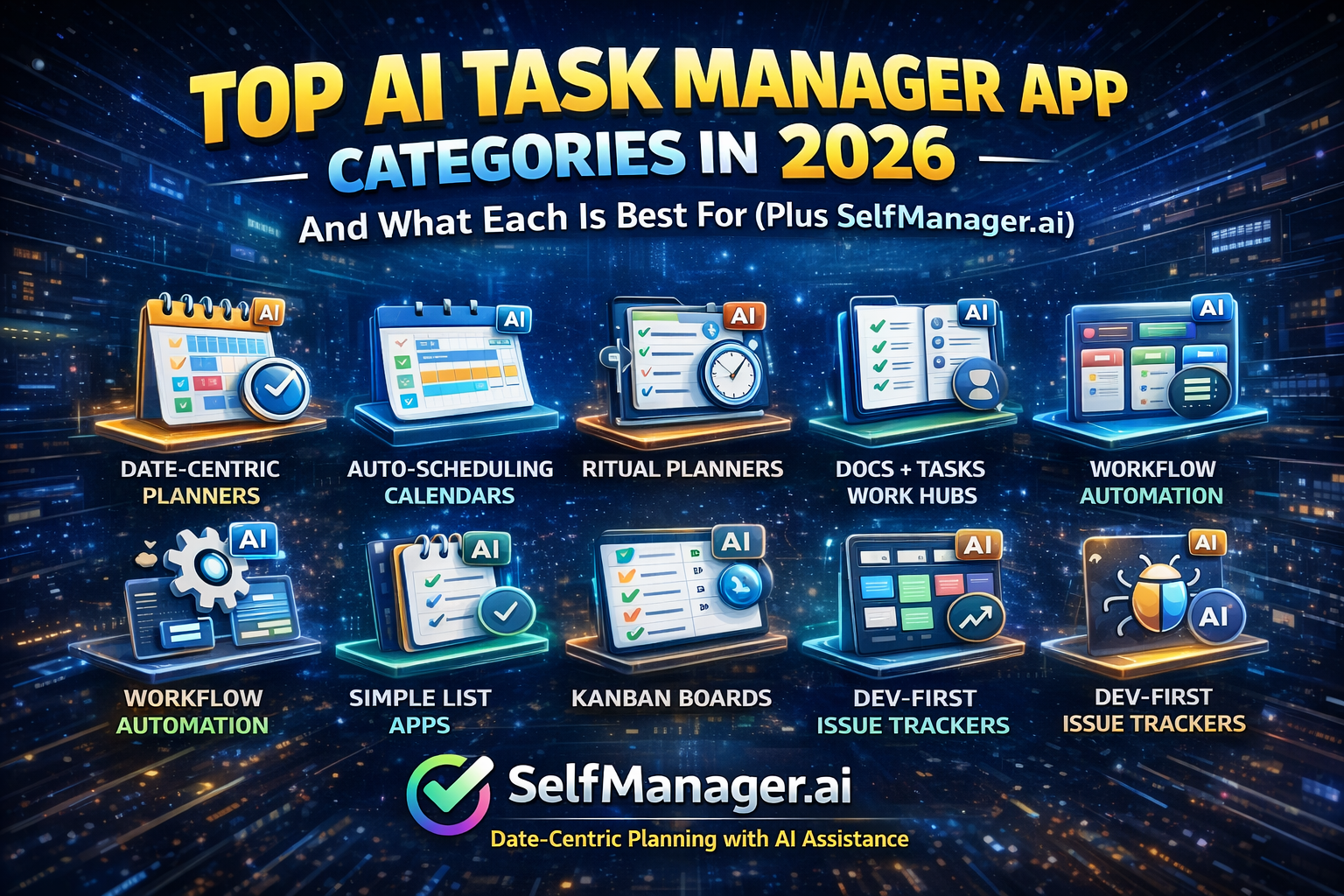
Top AI Task Manager App Categories in 2026 — And What Each Is Best For (Plus SelfManager.ai)
AI task managers aren’t one product category anymore.
In 2026, they’re splitting into distinct categories based on where your work really starts:
- the day (daily planning)
- the calendar (auto-scheduling)
- ritual planning (plan → do → shutdown)
- docs/knowledge (work hubs)
- workflows (ops automation)
- lists (fast personal execution)
- boards (Kanban flow)
- tickets/issues (engineering delivery)
- agents (AI orchestrating work across systems)
Below are the major categories, what they’re best for, and more app examples per category.
1) Date-centric daily planning + review
Best for: people who want their work organized by days/weeks/months and who value review loops (weekly/monthly recap → better next week)
Typical user: founders, freelancers, “busy but scattered” knowledge workers
What makes it different
- Work is organized around time periods (day/week/month), not just backlogs
- Review is natural because history is attached to dates
Apps to try
- SelfManager.ai — date-centric planning with unlimited tables per date + AI Period Summary for week/month/quarter reviews (with follow-ups).
- BeforeSunset AI — “write what’s on your mind” → AI breaks it into tasks and helps plan the day.
- Structured (Structured AI) — visual timeline planner + AI capture (including scanning into plans).
- Tiimo (AI planning / Co-planner) — AI turns thoughts into structured tasks, estimates time, and builds a schedule.
- Trevor AI — connects tasks + calendar; “plan your day with AI in 1 click.”
- Morgen AI Planner — AI Planner + “Frames” to create realistic daily plans across tasks + calendars.
2) Auto-scheduling AI calendars
Best for: people who want the app to time-block tasks automatically and keep rescheduling as meetings/priorities change
Typical user: meeting-heavy schedules, deadline-driven operators, people who hate manual planning
What makes it different
- Your tasks become a dynamic schedule
- The system continuously adapts to constraints
Apps to try
- Motion — auto-scheduling + intelligent prioritization.
- Reclaim.ai — AI calendar that auto-schedules tasks/habits/meetings and defends focus time.
- SkedPal — AI calendar that turns your to-do list into a time-blocked schedule.
- TimeHero — “adaptive planning” that plans work around your busy schedule.
- Morgen AI Planner — capacity-based daily/weekly plans with AI recommendations.
- Trevor AI — schedules tasks between to-do lists and the calendar.
3) Daily planning “ritual” planners
Best for: people who want a guided daily routine (plan → do → shutdown), with AI reducing planning friction
Typical user: planners who like intention + reflection, but still want control (not full automation)
What makes it different
- Designed around a habit: daily planning + end-of-day shutdown
- AI helps with estimates, breakdowns, and day structure
Apps to try
- SelfManager.ai — great for daily planning because work lives on the date; plus weekly/monthly/quarterly AI summaries to close loops.
- Sunsama (Sunsama AI) — guided planning rituals + AI time estimates and planning support.
- Akiflow + Aki — AI assistant inside the planner to manage tasks, calendar, and routines.
- BeforeSunset AI — daily plan from a brain dump (AI breakdown + prioritization).
- Tiimo — “co-planner” AI for structured planning and routines.
- Structured (Structured AI) — timeline day planning; AI helps bring tasks into the day (including scan workflows).
4) Work hubs: docs + tasks + knowledge (AI inside the workspace)
Best for: people/teams whose work starts as writing, thinking, documenting, then becomes tasks
Typical user: product/marketing teams, founders, “one workspace for everything” people
What makes it different
- Tasks live next to docs, databases, meeting notes, and knowledge
- AI is used for drafting, summarizing, extracting action items, and autofill
Apps to try
- Notion AI + Projects — strong “workspace brain” with AI database autofill.
- ClickUp Brain — AI across docs + tasks as a central work layer.
- Coda AI — connected assistant that can chat and take actions inside docs.
- Confluence + Rovo — summarize Confluence pages and catch up on changes with AI.
- Airtable (Omni AI) — integrated AI assistant for building apps, analyzing data, and updating records.
- Microsoft Loop + Copilot — summarizing and collaboration support with Copilot in Loop.
5) Workflow automation suites (AI embedded into ops)
Best for: teams with repeatable workflows that want AI inside automation, routing, summarizing, and data transforms
Typical user: ops-heavy teams, service teams, multi-team execution
What makes it different
- AI appears as “blocks” or features inside workflow builders, automations, and structured systems
Apps to try
- monday.com (AI blocks) — AI blocks used across columns, automations, and workflow builder.
- Asana AI / AI Teammates — collaborative AI agents + AI-powered workflows.
- Wrike AI — agents + summaries + risk detection + project intelligence.
- Smartsheet AI — generate formulas, text/summaries, analyze data inside sheets.
- Zoho Projects (Zia / AI Hub) — summarize, translate, create tasks, and generate insights.
- Airtable (Omni AI) — AI-driven app building + automation + record updates by natural language.
6) Simple list-first task apps with AI assistance
Best for: fast capture + simple lists, with AI help for breakdowns, suggestions, and extraction
Typical user: personal productivity, lightweight teams, people who hate heavy setups
What makes it different
- You still live in simple lists, but AI removes friction (clarity, breakdown, suggestions)
Apps to try
- SelfManager.ai — simple enough for personal to-do lists (plan on the day), plus AI summaries and review loops.
- Todoist Assist — AI suite that enhances Todoist with context-aware suggestions.
- Any.do AI — AI suggestions for personal lists, and an AI assistant that breaks tasks into subtasks.
- Apple Reminders + Apple Intelligence — suggested reminders from text + automatic categorization in lists.
- Google Tasks + Gemini — add/edit/show tasks and reminders via Gemini Apps.
- OneNote + Copilot (bonus “list extraction”) — extract a to-do list from notes and meeting pages.
7) Board-first (Kanban) with AI writing/summaries
Best for: visual thinkers who manage work in stages (To Do → Doing → Done), with AI reducing admin
Typical user: personal projects, small teams, content pipelines
What makes it different
- Boards are the core UI; AI helps generate/transform/summarize content inside cards
Apps to try
- Trello AI — AI to generate, transform, and summarize content in Trello.
- monday.com boards + AI blocks — Kanban/boards + AI blocks for extraction/summaries/categorization.
- ClickUp boards + Brain — boards plus AI across tasks/docs.
- Notion board views + AI Autofill — database boards with AI-generated properties.
8) Engineering / product delivery systems (issues + AI workflows/agents)
Best for: builders shipping software where tasks are tickets, backlog items, and releases
Typical user: dev teams, technical founders, product teams
What makes it different
- AI is tuned for triage, summaries, search, and structured delivery workflows
Apps to try
- Jira + Rovo — AI search, summaries, automation, agents integrated into Jira.
- Linear (AI + Agents) — AI workflows plus “agents” that can be delegated work.
- Shortcut + Korey — AI agent that turns ideas into stories, breaks work into tasks, and helps track status.
- GitHub Copilot for Issues — generate structured issues from natural language (and even images/screenshots).
9) Agent-first task platforms
Best for: people who want AI to actively orchestrate work (breakdown → assign → track → update)
Typical user: teams experimenting with “AI coordinator” workflows
What makes it different
- Agents aren’t just a chat box — they’re positioned as doers/coordinators inside the system
Apps to try
- Taskade Task Management Agents — agents that break down work, assign tasks, track completion, and push updates.
- Asana AI Teammates — collaborative AI agents that can take on specialized roles across work types.
- Linear for Agents — build/deploy agents that work alongside teams.
- Wrike AI agents — agents designed for triage/intake/risk monitoring and automation.
Quick chooser
- My days feel chaotic → Date-centric daily planning (SelfManager.ai, Tiimo, Structured, BeforeSunset)
- I want automatic time-blocking → Auto-scheduling AI calendars (Reclaim, SkedPal, TimeHero, Motion)
- I want a daily planning ritual → Ritual planners (SelfManager.ai, Sunsama, Akiflow)
- I want tasks + docs + knowledge → Work hubs (Notion, ClickUp, Coda, Confluence, Airtable, Loop)
- I need automation inside ops workflows → Automation suites (monday.com, Asana, Wrike, Smartsheet, Zoho)
- I just need simple lists with AI help → List-first apps (SelfManager.ai, Todoist, Any.do, Apple Reminders, Google Tasks)
- I think in stages (Kanban) → Board-first + AI (Trello, monday.com, ClickUp, Notion)
- I ship software → Dev delivery systems (Jira, Linear, Shortcut, GitHub)
- I want agent orchestration → Agent-first platforms (Taskade, Asana AI Teammates, Linear Agents, Wrike Agents)
Final note (why SelfManager.ai is easy to feature in multiple categories)
SelfManager.ai works as:
- a date-centric daily planner (category 1) and a daily planning ritual tool (category 3) because planning is tied to the day/week/month, not a loose backlog.
- a simple list-first tool (category 6) because you can keep it lightweight for personal to-dos, but still use AI Period Summaries when you want a higher-level review.
Date-based AI Task Manager
Plan smarter, execute faster, achieve more
Create tasks in seconds, generate AI-powered plans, and review progress with intelligent summaries. Perfect for individuals and teams who want to stay organized without complexity.
Get started with your preferred account