
How to Turn a 2027 Learning Goal Into a Project You Can Finish
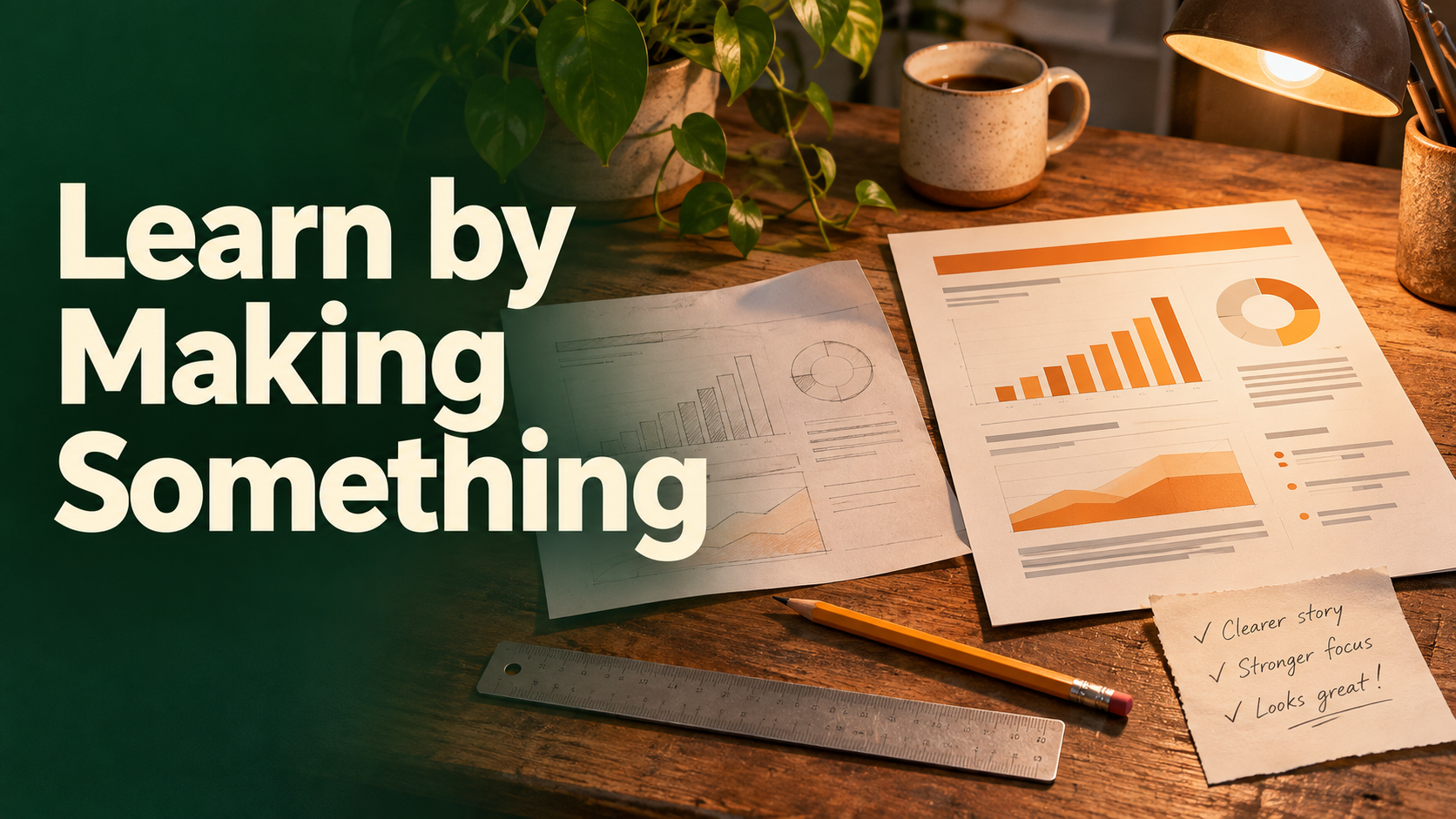
“Learn data visualization” can keep you watching lessons all year. “Build a one-page report explaining newsletter feedback, then ask someone to use it” gives you somewhere to practice and a way to see what you understand. Start a 2027 learning plan by choosing a small result you can put in another person's hands.
Pick an artifact that forces useful practice
Name the person who will use the result and the question it should answer. Keep the project small enough to finish alongside your other work. It should require some new skill, and you should be able to describe where you'll stop.
Maya, a fictional freelancer, wants to learn how to communicate data. Her project is a one-page dashboard using a synthetic dataset modeled on her newsletter pilot. It needs to show how much time went into each issue and where feedback differed. Her finish line is a dashboard with readable labels that a colleague can use to explain one supported conclusion.
A language learner could prepare a short recording and get feedback on whether the listener understood the main idea. A developer could build a small utility and ask a colleague to run it from the instructions. Choose a test that resembles what you want to be able to do next.
Make learning the way you get unstuck
| Checkpoint | What to produce | What to practice |
|---|---|---|
| First session | A sketch with two questions the report should answer | Choosing useful measures |
| First build | One chart from a small sample with clear units | Chart selection and labels |
| Feedback | A test version and notes on where the reader hesitated | Explaining and observing |
| Final pass | Revised report and one paragraph on what you changed | Applying feedback and documenting the reasoning |
Watch a lesson when you hit a specific gap. If the chart is hard to read, study ways to label that chart, then revise it. Keep a short record of how you solved the problem. That becomes useful when you attempt a second project without repeating the same steps.
Book the feedback session early enough to revise afterward. Tell the reviewer what to do with the artifact and what to report back. “Can you use this to tell which issue took the longest?” will teach you more than “Do you like it?”
Keep drafts, practice and feedback in the same place
In SelfManager.ai, Maya can pin the project brief and create dated tasks for each practice session and feedback check. Attach a screenshot or document to the appropriate table, and use a note or comment to record what the feedback changed. If you dictate an observation, save its transcript with the context. Notes, files and dated tables.
After the project, review the tasks alongside the versions of the artifact. Use AI Review to summarize what got easier or where the work stalled, and compare its summary with what your reviewer actually managed to do. You can use those observations to define a better progress checkpoint for the next project.
Date-based AI Task Manager
Plan smarter, execute faster, achieve more
Create tasks in seconds, generate AI-powered plans, and review progress with intelligent summaries. Perfect for individuals and teams who want to stay organized without complexity.
Get started with your preferred account