
Study Schedule Template: Weekly Plan + Exam Countdown
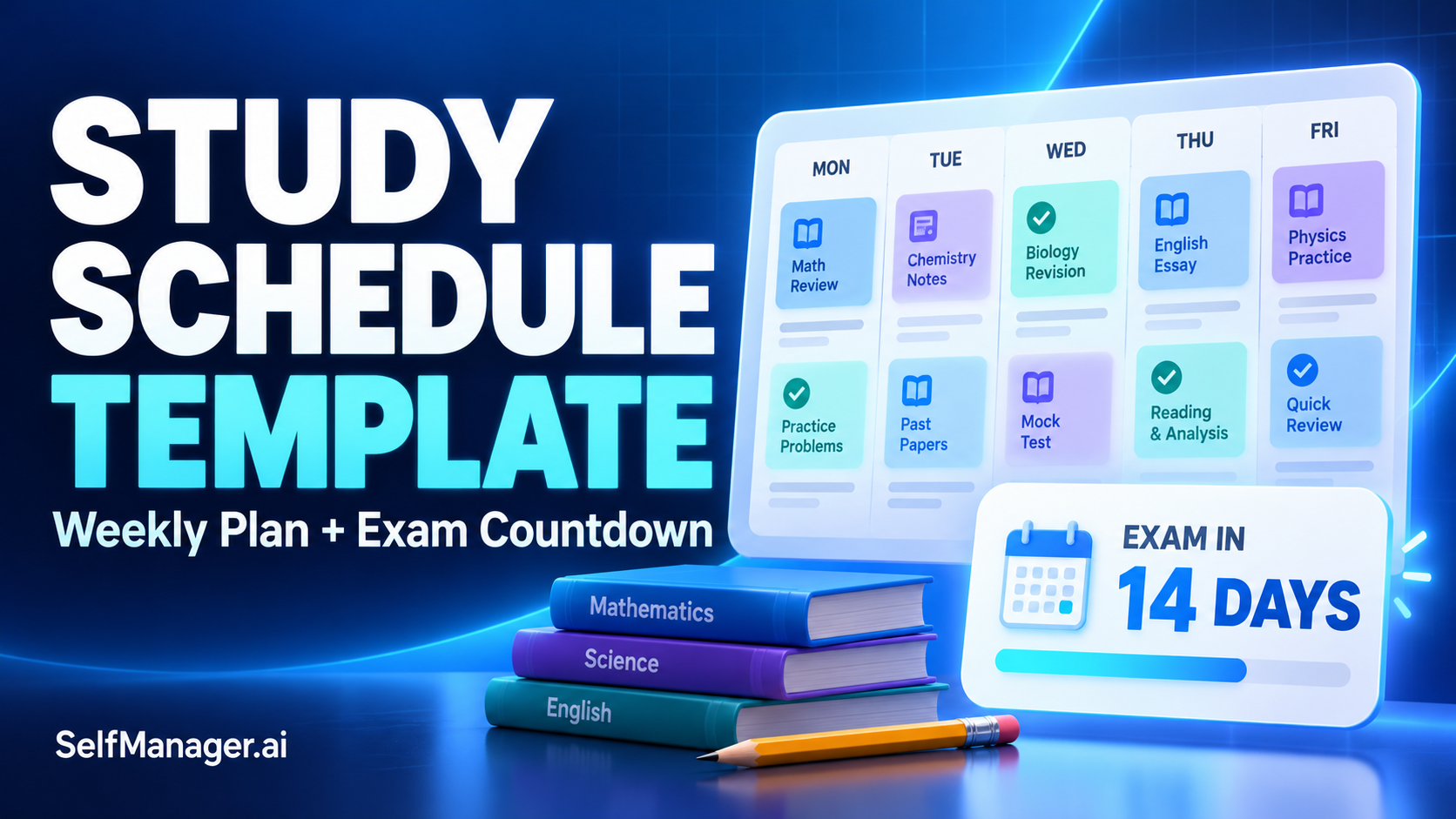
Article 2 of 10 · study-schedule-template.md
A useful study schedule template tells you what to study, when you will do it and how you will check that you understand it. Start with your available time, give each session a specific outcome and leave room to catch up.
You can copy the weekly template below into a document, spreadsheet, notebook or dated task table in SelfManager.ai. Use the exam countdown when you need to work backward from a test date.
The aim is a plan you can follow alongside classes, assignments, work and the rest of your life.
Weekly study schedule template
Fill in your fixed commitments first. Then add study sessions to the time you can realistically protect.
Week beginning: [Date]
Main academic priorities: [Two or three outcomes]
Upcoming exams or deadlines: [Subject + date]
Catch-up time reserved: [Day + duration]
| Day | Available study time | Subject or course | Specific task | Check before finishing |
|---|---|---|---|---|
| Monday | [Time window] | [Subject] | [Concrete action] | [Question, problem or output] |
| Tuesday | [Time window] | [Subject] | [Concrete action] | [Question, problem or output] |
| Wednesday | [Time window] | [Subject] | [Concrete action] | [Question, problem or output] |
| Thursday | [Time window] | [Subject] | [Concrete action] | [Question, problem or output] |
| Friday | [Time window] | [Subject] | [Concrete action] | [Question, problem or output] |
| Saturday | [Time window] | [Subject] | [Concrete action] | [Question, problem or output] |
| Sunday | [Time window] | [Review or rest] | [Review, catch up or leave free] | [Next step identified] |
You do not need to fill every row. Mark a day “Unavailable” or “Rest” if that reflects your actual week.
Make each task small enough to start without another planning session. “Study chemistry” leaves the decision until later. “Complete questions 1-8 on chemical equilibrium and check the answers” gives you a clear starting point.
How to fill in your study schedule
1. Work out your actual capacity
Write down classes, travel, shifts, appointments and other commitments before assigning study time.
A two-hour gap between lectures may include lunch and walking across campus. An evening after work may support one focused session rather than three.
As a simple illustration, a 90-minute window could contain:
- 35 minutes on one task.
- A 10-minute break.
- 35 minutes on a second task.
- 10 minutes to check answers and record the next step.
That is an example to adapt, not a required study interval.
2. Turn subjects into outputs
A subject name is a category. A study task needs an action and a stopping point.
Useful examples include:
- Mathematics: solve six integration problems and identify which methods caused difficulty.
- Biology: draw the stages of cell division from memory, then correct the diagram.
- History: outline an answer comparing two causes of the conflict.
- Computer science: implement a binary search and explain its stopping condition.
- Literature: draft a paragraph using two quotations from the assigned text.
For an assignment, the output may be a submitted draft. For revision, it may be evidence that you can answer a question without looking at your notes.
3. Plan practice as well as reading
The University of North Carolina at Chapel Hill's Learning Center recommends active study and distributing study across multiple sessions. Its examples include self-testing, explaining concepts and working through problems.
Build those activities into your task descriptions:
- After reading, close the material and summarize the main idea.
- After reviewing a worked example, attempt a similar problem independently.
- After answering incorrectly, identify the error and return to it in a later session.
This gives the schedule something more useful to track than pages opened or time spent at a desk.
4. Give difficult topics another date
When a topic needs more work, schedule a return to it.
For example: learn the method on Monday, attempt questions on Wednesday and include it in mixed practice on Saturday.
The spacing should reflect the course and the time remaining. You do not need a complicated repetition formula to avoid leaving every revisit until the night before the exam.
5. Leave capacity for unfinished work
Reserve a catch-up block or leave part of the week unassigned.
If you use every available minute in the first draft, an unexpected assignment or difficult topic forces you to rebuild the whole schedule.
Weekly study schedule example
This example shows a student balancing statistics, biology and a history assignment.
It contains six hours of planned work, including the Sunday review. Breaks sit outside the listed durations. An additional 45-minute catch-up window is available on Saturday if needed.
| Day | Duration | Planned work | What finished looks like |
|---|---|---|---|
| Monday | 60 minutes | Statistics: practice confidence intervals | Six questions attempted and errors recorded |
| Tuesday | 45 minutes | Biology: revisit cell division | Diagram recalled, checked and corrected |
| Wednesday | 60 minutes | History: build the essay outline | Argument, sections and evidence mapped |
| Thursday | 45 minutes | Statistics: retry Monday's difficult questions | Missed questions reattempted without the worked solutions |
| Friday | 30 minutes | Biology: answer practice questions | Answers checked and weak areas identified |
| Saturday | 90 minutes | History: draft the introduction and first section | A usable draft of both sections |
| Sunday | 30 minutes | Review progress and prepare next week | Unfinished work assessed and next sessions chosen |
The example mixes coursework and revision because both compete for the same time.
If you have less time, reduce the planned work before the week begins. A manageable plan gives you better information than an ambitious schedule you abandon on Tuesday.
Exam countdown template: work backward from the test
Use this template for a two-week preparation period. The phases are flexible: a short quiz may need less preparation, while a cumulative final may need several weeks.
Exam: [Course or subject]
Exam date and time: [Date + time]
Format: [Problems, essays, multiple choice, oral or practical]
Topics covered: [Confirmed syllabus or instructor guidance]
Available preparation time: [Realistic sessions]
Materials: [Course notes, approved practice questions and other resources]
| Time remaining | Main purpose | Tasks to put on actual dates |
|---|---|---|
| 14 days | Establish the scope | Confirm topics and format; try a short diagnostic set |
| 13-11 days | Work on priority gaps | Study difficult topics and attempt related questions |
| 10-8 days | Revisit and extend | Retry earlier mistakes; cover remaining required topics |
| 7 days | Check progress | Attempt mixed questions and adjust the remaining plan |
| 6-4 days | Practice applying knowledge | Use exam-style tasks; practice timing where relevant |
| 3-2 days | Correct remaining weaknesses | Review errors and reattempt questions independently |
| 1 day | Consolidate and prepare | Do a lighter review; confirm location, time and materials |
| Exam day | Follow the practical plan | Allow travel time and bring the required materials |
The countdown is a planning framework, not a promise that every course can be prepared for in two weeks.
For a longer preparation period, spread the early work across additional weeks and keep revisiting earlier topics.
Example: turn a weak topic into a sequence
Suppose the exam is in two weeks and confidence intervals are a weak area.
“Revise confidence intervals” is too broad to schedule repeatedly. Break it into a sequence:
- First session: review the method and explain what the interval means.
- Second session: attempt a small question set without looking at worked solutions.
- Third session: retry mistakes and write down why they happened.
- Later session: include the topic in mixed practice where the method is not named in advance.
That sequence makes the purpose of each session visible. It also helps distinguish a topic you have read from a topic you can apply.
Copy-ready daily study session template
Use this when a weekly row needs more detail.
Date: [Date]
Subject: [Course]
Topic: [Specific topic]
Available time: [Duration]
Session goal: [What you want to understand or produce]
Tasks:
- [First concrete action]
- [Practice or application task]
- [Check answers or compare with course material]
What I could do independently: [Brief note]
What still needs work: [Question, error or missing knowledge]
Next review date: [Date]
Next action: [Specific task]
For a short session, one practice task and one check may be enough.
How to use this study schedule in SelfManager.ai
SelfManager.ai organizes work into tables attached to dates. You can use a table for a subject's study session, with its tasks and supporting notes together.
For example, a table called “Statistics: confidence intervals” could contain:
- Explain the interpretation without notes.
- Attempt questions 1-6.
- Check answers and record mistakes.
- Choose a follow-up task.
AI Plan can draft dated tables for a day, week, month or custom range of up to 31 days. Review and edit the proposal before approving it.
Example AI Plan prompt
Create a study plan for the next 14 days for my statistics exam. I can study for 45 minutes on Monday, Wednesday and Friday, and 90 minutes on Saturday. Leave Tuesday, Thursday and Sunday free.
The topics are probability, sampling, confidence intervals and hypothesis testing. Confidence intervals are my weakest area.
Include practice questions, later sessions to retry mistakes and mixed practice near the end. Use only these topics and keep the tasks within my available time.
Check the result against your syllabus and actual workload. Provide course topics yourself rather than asking AI to guess what the exam covers.
After a week, use AI Review to examine the study work you recorded. Keep evidence of understanding, such as practice results, alongside completion notes: finishing tasks alone does not establish exam readiness.
Start your 7-day free trial if you want to keep the plan and study record together by date.
What to do when you fall behind
Do a short reset before moving unfinished tasks forward:
- Check the deadline. What must happen before the next class or exam?
- Identify the gap. Was the task too large, the material difficult or the time unavailable?
- Choose the next action. Split the task, seek clarification or schedule another practice session.
- Rebalance the week. Use the catch-up block or replace a lower-priority session.
Avoid adding missed work on top of an already full day. Choose what fits and make the trade-off visible.
Frequently asked questions
What should a study schedule include?
Include the date, available time, subject, specific task and a way to check the outcome. For exam preparation, add the exam date, confirmed topics and sessions to revisit difficult material.
How many hours should I study each day?
There is no single number that fits every course and student. Start with your course requirements, deadlines and available time. Use the results of actual sessions to adjust your estimates.
How long should a study session be?
Choose a length that fits the task and your ability to focus. You might start with a manageable block, take a break and assess whether you can continue effectively. The example durations here are adjustable.
How do I plan for several exams?
Put every exam date in one place, estimate the preparation each needs and allocate sessions across the same weekly schedule. Consider proximity, required coverage and current understanding rather than dividing time equally by default.
What if my exam is less than a week away?
Confirm the scope, attempt representative questions and prioritize the most important gaps you can realistically address. Adapt the countdown to the remaining days rather than compressing every task into longer sessions.
Can AI create my study schedule?
Yes. Give it the dates, topics, available time and constraints. SelfManager.ai's AI Plan supports a custom range of up to 31 days, with an editable preview before you approve the dated tables. Verify the content against your course requirements.
Date-based AI Task Manager
Plan smarter, execute faster, achieve more
Create tasks in seconds, generate AI-powered plans, and review progress with intelligent summaries. Perfect for individuals and teams who want to stay organized without complexity.
Get started with your preferred account