
Structured vs Google Calendar: Visual Daily Planning or a Full Calendar?
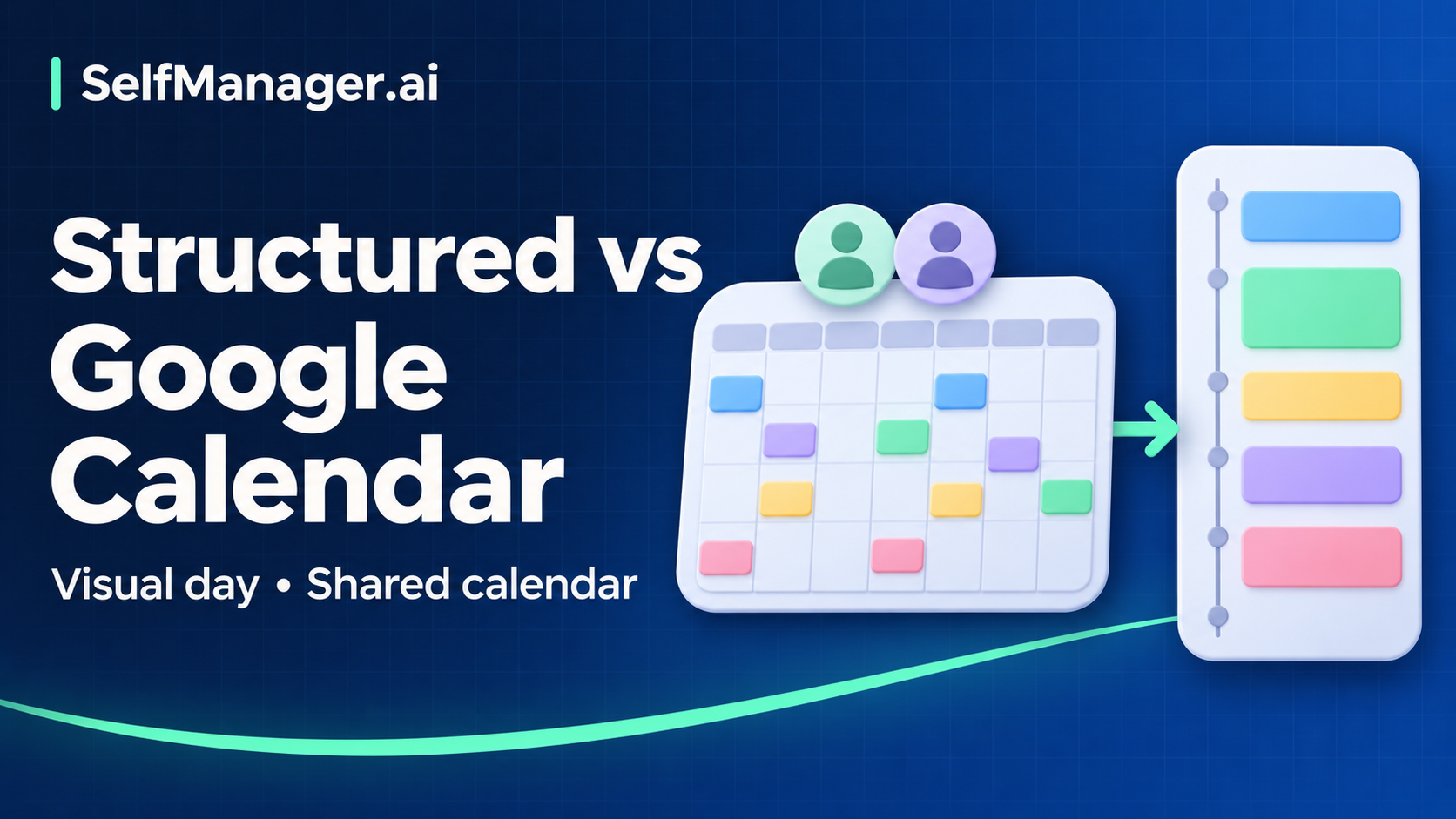
Choose Structured when you want a visual timeline that makes the next part of your day easy to understand. Choose Google Calendar when managing events, invitations, recurring commitments, and shared calendars is the main job.
They can also serve different roles together: Google Calendar holds the appointment, and Structured displays imported appointments alongside your personal tasks. The important limitation is that this is not a general two-way task synchronization arrangement.
Official documentation was checked November 8, 2026. The examples are fictional, and no hands-on testing is claimed. Published by SelfManager.ai.
Compare what you need to manage
| Need | Structured | Google Calendar |
|---|---|---|
| Main view of work | A visual daily task timeline | Calendar events across day, week, and longer views |
| Fixed appointments | Pro can import external calendar events | Create and manage calendar events at their source |
| Personal tasks | Plan tasks in the timeline | Google Tasks offers dated tasks, durations, and deadlines through Calendar |
| Repeating work | Recurring tasks are a Pro feature | Recurring events; Tasks also supports recurrence |
| Shared commitments | Do not assume a personal timeline is a shared team calendar | Calendar sharing and invitations are established functions |
| Advanced assistance | Pro AI and Replan vary by platform | Do not assume paid Workspace features exist on every consumer account |
Sources: Structured, Pro features, calendar import, Google Tasks, recurring events, and calendar sharing.
One day: seeing the plan versus managing the commitment
Consider this fictional Tuesday for a designer:
| Time | Plan | What it means |
|---|---|---|
| 09:00–09:20 | Review feedback | Flexible personal task |
| 09:30–10:45 | Revise prototype | Flexible work requiring sustained attention |
| 11:00–11:45 | Client call | Fixed shared appointment |
| 12:00–13:00 | Lunch and travel | Real availability constraint |
| 13:00–14:30 | Prepare design notes | Flexible work |
| 15:00–15:30 | Team review | Fixed shared appointment |
In Structured, the appeal is reading this day as a sequence: what comes next, what fits before the call, and where there is a gap. In Google Calendar, the appeal is maintaining the appointments and seeing the plan alongside other calendars.
Google's current Tasks documentation includes planned task duration and a separate deadline. It would be misleading to describe Google Calendar as incapable of displaying personal task work. The question is which presentation helps you make decisions without extra upkeep.
For either tool, describe the prototype session as a specific result. “Resolve navigation feedback in screens one to three” gives the block a stopping point. A colored rectangle labeled “work” does not explain what progress means.
A changing week exposes the difference
Now suppose the client moves Tuesday's call to Wednesday afternoon. An additional Thursday meeting also arrives.
In Google Calendar, update the shared appointment at its source using the appropriate event permissions. Review the surrounding flexible work after the change. Calendar sharing lets others see or change events according to access, but the changed appointment does not itself decide which personal task should move.
In Structured with calendar import, the updated source event can appear in the timeline through the documented import process. You still need to review tasks that no longer fit. Structured's Pro matrix lists Replan on iOS, while Android and web do not have every Apple feature.
Do not assume a tutorial on an iPhone describes the same options on your Android phone or in a browser. Check the actual device and plan before choosing a workflow around a particular assistant.
Calendar import has boundaries
Structured's import guide is explicit: tasks created in Structured cannot be exported to an external calendar as a two-way task sync. Imported events also cannot have their time, day, or notes changed inside Structured.
That means the client call should be changed in its source calendar. Checking it off in a personal timeline is not a message to the client or a cancellation of the original event.
The guide also documents platform-specific setup. Apple devices use compatible calendars through Apple Calendar; Android and web use the documented Google connection. The web/Android limitations include one Google account at a time and an import window of three months before and after the present.
Before relying on the arrangement, test one event and one source edit. Check the calendar selections, refresh behavior, and notifications on your devices. Importing through several devices can create duplicates; follow the current instructions rather than connecting everything independently.
Devices, free use, and pricing
Structured offers a free starting point for its timeline. Its Pro documentation, updated October 26, 2026, lists calendar import and recurring tasks across iOS, Android, and web, with differences for AI, notifications, and Replan.
That current page directs readers to regional in-app or app-store pricing instead of publishing a fixed universal price table. It describes yearly and lifetime options, plus monthly or other region-dependent arrangements. In some regions, monthly installments are a twelve-month commitment rather than a cancel-any-month plan. Read the actual terms shown before paying.
Google Calendar is available through browser and mobile apps and can be used for a consumer schedule without a separate Structured-style Pro purchase. Some advanced work/school features depend on the account and its organization. Evaluate the capabilities you have, not a business-plan demonstration you saw elsewhere.
For a deeper Structured upgrade discussion, see Is Structured Pro Worth It?. This comparison is about the role of the timeline versus the calendar.
Use one authoritative home for each item
A useful division might be:
Shared appointment: source calendar
Invitation or cancellation: source calendar
Personal next action: chosen task/timeline system
Assignment or project deadline: one maintained reference
Completed-work notes: chosen work record
The same task can appear visually in more than one place if the integration supports it, but avoid independently editing competing copies. A rescheduled personal block does not change an external deadline.
SelfManager.ai supports dated tasks, notes, time, and reviews. It is relevant when you need to look back at actual work rather than only see upcoming blocks. It is not offered here as a substitute for Google invitations or an equivalent calendar-sync service.
A practical selection exercise
Try a representative day and the next week's real commitments. Include a meeting that changes, a task that takes longer than expected, and a responsibility that repeats.
Ask whether you can see the next action, identify overload, update the authoritative record, and recover after a missed block. Also ask whether the system is understandable on your smallest screen.
Choose Structured if its timeline is what makes the day usable and its platform limits fit your needs. Choose Google Calendar if the main work is managing shared events and the calendar/Tasks presentation is sufficient. Use both only when the distinct roles are worth the connection and maintenance.
Common questions
Can Structured replace Google Calendar completely?
It may replace the view you consult for your day. That does not mean it replaces the source calendar's invitations, sharing, or event management. Inspect the import limitations before removing your original workflow.
Will Structured tasks automatically appear in Google Calendar?
The current official import guide says tasks created in Structured cannot be exported as a two-way external-calendar sync. Do not assume that importing Google events makes the reverse direction available.
Which is better for a busy week?
Choose according to the decisions you struggle with: sequencing personal work or managing events and people. Neither can fit unlimited work into fixed time.
Date-based AI Task Manager
Plan smarter, execute faster, achieve more
Create tasks in seconds, generate AI-powered plans, and review progress with intelligent summaries. Perfect for individuals and teams who want to stay organized without complexity.
Get started with your preferred account