
MindManager vs Todoist: Visual Project Mapping or Everyday Task Management?
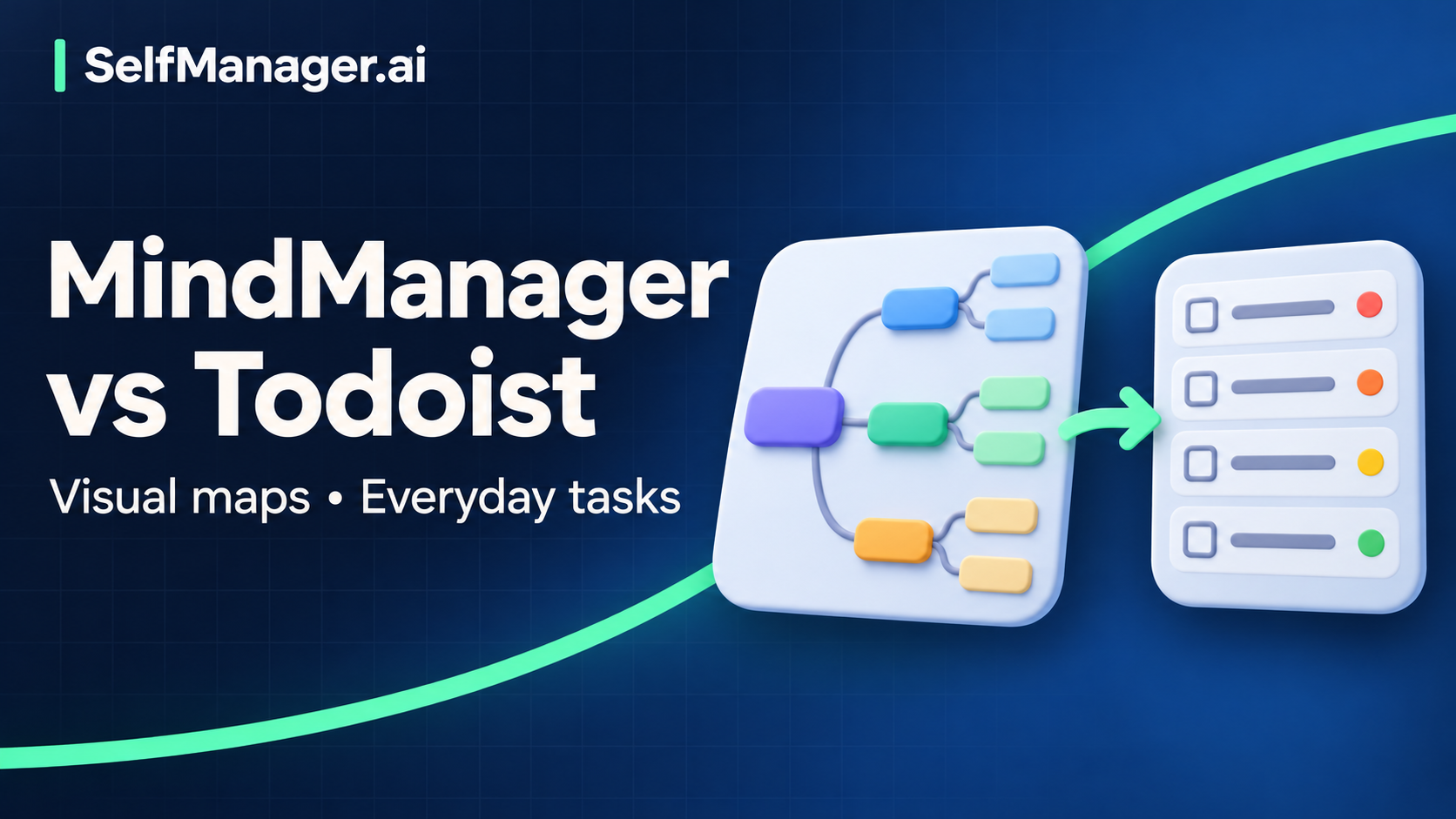
MindManager is the stronger candidate when you need to see how ideas, project parts, and dependencies fit together. Todoist is the more direct starting point when the problem is capturing commitments and choosing the next action.
MindManager also has task and project features, and Todoist offers more than a plain list. The useful distinction is where you want to start thinking: with the project's structure or with the work you need to do.
This comparison is based on official documentation checked November 8, 2026. No hands-on testing or performance benchmark is claimed. Published by SelfManager.ai.
Compare the job you need the tool to do
| Question | MindManager | Todoist |
|---|---|---|
| Where does work begin? | Visual maps and diagrams | Captured tasks and projects |
| How do you make structure visible? | Branches, relationships, diagram layouts | Projects, sections, subtasks, labels, and views |
| Can it help with execution? | Task/project capabilities depend on edition and platform | Dates, priorities, reminders, recurring tasks; paid planning extras |
| Main setup decision | Diagram structure, edition, and desired project features | Project structure and how you choose daily work |
| Best reason to evaluate it | Understanding and communicating a complex whole | Maintaining an actionable everyday system |
Sources: MindManager overview, edition comparison, and Todoist features.
One project, two useful representations
Consider a fictional local photography exhibition. Its organizer needs a venue, image selection, printing, invitations, accessibility arrangements, and installation. The important relationship is that the final image selection determines printing, and the venue determines installation constraints.
In a visual project map
A proposed MindManager map could begin with these branches:
Photography exhibition
├── Venue: booking, access, wall space
├── Images: selection, permissions, captions
├── Production: print format, proof, final order
├── Visitors: invitations, access information
└── Installation: equipment, helpers, sequence

Key relationship:
Final selection → print proof → approved order → installation
This layout helps reveal a missing part. For example, printing appears ready until the map shows that image permissions are still unresolved. It also gives another person a way to discuss the project without reading every task.
MindManager's Professional product page documents visual planning and project-management capabilities. Check the actual edition for the advanced features you need rather than assuming the web and desktop experiences are identical.
In an action system
A proposed Todoist project could use sections for Venue, Images, Production, Visitors, and Installation. Under them, write actions that can be carried out:
| Area | Next action | Condition |
|---|---|---|
| Venue | Ask venue contact for wall dimensions | Can do now |
| Images | Shortlist twelve candidate photographs | Can do now |
| Permissions | Ask photographer to confirm permitted use | Before final selection |
| Production | Request print quote for selected dimensions | After size is known |
| Visitors | Draft invitation copy | Send only after venue/date confirmation |
The benefit is a clear working queue. The risk is that a well-organized list can still hide relationships if you never write down what depends on what.
These are fictional suggested setups. They are not screenshots, imported templates, or results from operating the products.
Mapping does not automatically create good next actions
A branch called “Production” is useful for understanding the project, but it is not yet something you can start. Translate it into a concrete action such as “Email two printers with the agreed size and paper specification.”
Likewise, a task list full of “venue,” “images,” and “invitations” can recreate a map's headings without providing execution clarity.
Use a short conversion check:
Project component:
Required result:
Current uncertainty:
Next physical or digital action:
Who will do it:
What must happen first:
Work date and genuine deadline, if different:
Choose the representation that exposes the problem you repeatedly miss. A map may reveal missing scope; a dated action may reveal that an important step has never been allocated time.
Editions, devices, and prices
MindManager Essentials is the browser-based edition for individual use. Professional offers the broader desktop/web product. The pricing comparison explicitly notes platform differences and distinguishes basic from advanced project capabilities. A mobile viewing app should not be assumed to provide desktop editing parity.
The pricing page observed on November 8 displayed localized promotional annual prices of €109.47 for Essentials and €195.57 for Professional, including VAT. It also displayed a €404.67 one-time option and a 30-day trial. These are a dated regional display, not universal US list prices or a promise of an ongoing discount. Check your region and the exact license before deciding.
Todoist lists web and desktop/mobile apps. Its current personal plans include free Beginner with five personal projects and Pro at US$7/month or US$60/year. Pro adds calendar layout, durations, deadlines, and expanded capacity.
A one-time license, a mapping subscription, and a task subscription solve different needs. Compare the required features and total bill in the same currency at checkout; do not compare a promotional annual figure with another product's single month.
Should you use both?
Sometimes. Keep MindManager as the place for project structure and Todoist as the place for selected actions if each has a clear role.
Decide where a fact is authoritative. If the exhibition date changes, which record is updated first? If an action is completed in the task system, does the map need a manual update? Do not assume an automatic connection without verifying the exact integration and its behavior.
Using both is less appealing when it creates two competing lists of unfinished work. Start with one tool and add another only when a recurring gap justifies the maintenance.
SelfManager.ai offers dated work tables and records. It can complement a project map with daily actions and history. It is not a replacement for the visual mapping capabilities being assessed here.
Make the choice with a small project slice
Take one component of a real project and ask:
- Can I see its result, important parts, and dependencies?
- Can I identify the next action without redesigning the system?
- Can I find the supporting information on my usual device?
- Can I update progress without maintaining duplicate records?
- Does the required edition fit my budget?
Choose MindManager when visual structure repeatedly changes your understanding of the project. Choose Todoist when the structure is understood and reliable action management is the missing piece. A simpler document and task list may be enough for a small, predictable project.
Common questions
Is MindManager only for brainstorming?
No. Official product materials include project and task management. The edition and platform matter, so inspect the features that support your actual execution process.
Is Todoist only a list?
No. It supports multiple ways to organize and view work. That does not make it a dedicated mind-map editor; choose based on the representation you need.
Can a map prove the schedule is feasible?
A map can expose relationships, but feasibility also depends on effort, availability, and external commitments. Check those explicitly rather than judging the plan by how complete the diagram looks.
Date-based AI Task Manager
Plan smarter, execute faster, achieve more
Create tasks in seconds, generate AI-powered plans, and review progress with intelligent summaries. Perfect for individuals and teams who want to stay organized without complexity.
Get started with your preferred account