
Decision Fatigue Is Worse in 2026 Because Your Phone Turned Life Into 500 Micro-Choices a Day
Why digital life makes you mentally tired (even when you "did nothing")
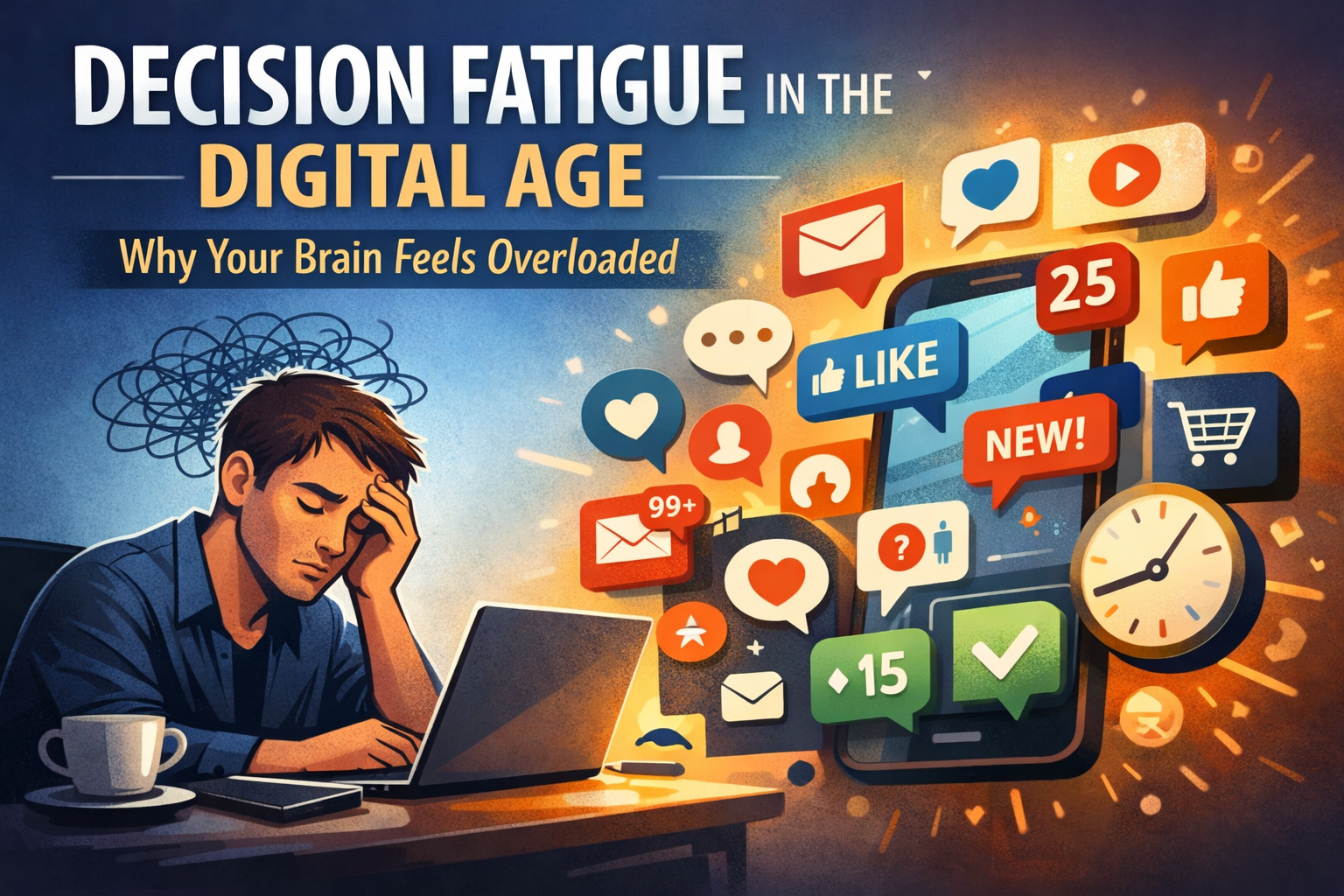
Decision fatigue is more common now because modern digital life constantly forces tiny decisions—tap, reply, scroll, compare, save, like, ignore.
Over time, your decision quality drops and you default to "easy" choices: doomscrolling, impulsive purchases, procrastination. This is consistent with how decision fatigue is described in research literature showing that mental energy depletion leads to poorer self-control and judgment.
This article breaks down why decision fatigue has exploded in recent years and, more importantly, gives you practical, research-backed strategies to avoid it.
1. Infinite micro-decisions (always-on + interruptions)
Notifications and app "pings" repeatedly pull your attention away from whatever you were doing, creating constant task-switching.
Studies on notifications show measurable effects on attention, cognitive control, and distraction. Every ping is a micro-decision:
- Do I check this now?
- Is it important?
- Should I respond?
- Should I archive it?
- Should I mark it as unread?
Most people handle 50–100+ notifications per day. Each one requires a split-second judgment call, and those add up.
The result: you're making hundreds of decisions before you even start your "real work."
2. Choice overload everywhere (content, tools, opinions, products)
We're surrounded by massive option sets:
- Videos to watch (YouTube, TikTok, Instagram Reels)
- Creators to follow
- Software to try
- Products to buy (Amazon alone has millions)
- Opinions to consider (every platform is a debate)
More options can slow decisions and increase overload. Classic choice-reaction research (Hick's Law) shows that decision time increases logarithmically with the number of alternatives.
In 2026, you're not choosing between 3 options—you're choosing between 300. And most of those choices don't even matter, but your brain still has to process them.
3. Social media "fatigue" is real—and it's driven by overload
Research links social media fatigue to:
- Information overload (too much content)
- Communication overload (too many messages)
- Fear of missing out (FOMO)
- Social comparison (everyone else's highlight reel)
- Compulsive use patterns (you can't stop checking)
That fatigue spills into your offline life. After scrolling for 30 minutes, you feel drained—not because you did hard work, but because you made hundreds of micro-decisions about what to consume, what to skip, and what to think about it.
This is decision fatigue in disguise.
4. Your working memory is limited, but feeds are not
Cognitive load theory: working memory has limited capacity.
Digital environments constantly exceed it:
- Multiple browser tabs
- Endless social feeds
- 20+ unread messages
- Task-switching between apps
When your working memory is overloaded, decisions feel heavy. Simple questions ("Should I reply now?") become exhausting.
This is why a day of "nothing productive" can leave you more tired than a day of deep, focused work.
5. The "willpower battery" debate aside, the pattern is consistent
Decision fatigue is commonly framed as a self-regulation or "ego depletion" effect. While mechanisms are still debated and refined in research, modern reviews still discuss it as tied to decision-making and self-control limits.
What's clear: the more decisions you make, the worse your later decisions become.
In a world where you're making 500+ micro-decisions per day (notifications, feeds, messages, purchases), it's no wonder people feel mentally drained by lunchtime.
How to avoid decision fatigue: practical, actionable strategies
The good news: decision fatigue is avoidable if you structure your environment correctly.
Here's how:
A. Reduce decisions by designing defaults
Sounds boring, feels like freedom.
Examples:
- Same breakfast (don't think, just eat)
- Same outfit (or a capsule wardrobe with 2–3 allowed combinations)
- Same morning routine (wake → coffee → journal → work)
- Standard responses for common messages (templates for "Can we meet?" or "What do you think?")
The principle: If it's not one of 2–3 allowed options, it's automatically a "no."
This eliminates hundreds of micro-decisions per week.
B. Batch decisions into 1–2 daily "decision blocks"
Instead of making decisions all day, schedule specific times for decision-making:
Examples:
- 11:30–12:00: Admin decisions (emails, small approvals, quick replies)
- 17:30–18:00: Planning decisions (tomorrow's priorities, next week's goals)
Outside these blocks, you don't make decisions—you execute pre-made decisions.
This protects your deep work time and prevents decision-making from leaking into your entire day.
C. Turn off the decision triggers
Notifications are decision triggers. Every ping forces a choice.
How to fix it:
- Disable all non-human notifications (keep only calls or direct messages from real people, if needed)
- Put social apps off your home screen (add friction—if you have to search for it, you'll use it less)
- Log out of apps when you're done
- Use grayscale mode (makes your phone visually boring)
- Set time limits (iOS Screen Time, Android Digital Wellbeing)
This directly targets the interruption and focus problems shown in notification research.
D. Replace "choose from scratch" with templates
Templates remove decisions.
Examples:
- Checklists for repeating work (client onboarding, weekly review, content publishing)
- If/then rules:
- If it takes less than 2 minutes → do it now
- If it's important but not urgent → schedule it
- If it's neither important nor urgent → delete or ignore
When you have a clear rule for common scenarios, you stop re-deciding every time.
E. Use reviews to prevent "open loops" that drain attention
Open loops are unfinished thoughts that live in your head:
- "I need to email Sarah"
- "Should I buy that course?"
- "What's the plan for next week?"
Every open loop consumes working memory and forces repeated micro-decisions ("Should I do this now? Later? Never?").
How to close them:
- Weekly review: Close loops, decide next actions once, stop re-deciding all week
- Monthly review: Prune goals, remove maybes, simplify priorities
Decision fatigue drops when your system holds the decisions, not your brain.
Why this matters (especially in 2026)
In 2026, your phone is designed to maximize engagement—which means maximizing decisions.
- Every notification is a decision
- Every feed refresh is a decision
- Every "compare products" moment is a decision
- Every "should I respond?" is a decision
If you don't actively design your environment to reduce decisions, you'll spend your entire day in decision-making mode—and you'll have no energy left for the work that actually matters.
The solution isn't willpower. It's structure.
How Self-Manager helps you avoid decision fatigue
Self-Manager is built around the principles in this article:
- Date-centric task management: Tasks are tied to dates, so you don't re-decide "when should I do this?" every day
- Weekly planning and reviews: You make decisions once per week (not 50 times per day)
- AI-powered reviews: Get structured insights without spending mental energy analyzing your own work
- Templates and repeating tasks: Automate recurring decisions
- Focus on execution, not endless planning: You decide once, then execute
The system holds your decisions so your brain doesn't have to.
Final thoughts
Decision fatigue isn't a personal failure—it's a predictable response to an environment that forces hundreds of micro-choices every day.
The fix isn't "try harder" or "be more disciplined."
The fix is environmental design:
- Reduce decisions with defaults
- Batch decisions into scheduled blocks
- Turn off decision triggers (notifications)
- Use templates and if/then rules
- Close open loops with weekly and monthly reviews
When you structure your day correctly, you don't run out of decision-making energy—because you're not wasting it on things that don't matter.
References
- Decision fatigue and self-regulation: PMC Research
- Effects of notifications on attention and distraction: PMC Notification Studies
- Hick's Law and choice-reaction time: Psychological and Brain Sciences
- Social media fatigue research: Frontiers in Psychology
- Cognitive load theory: Cognitive Load Overview
Date-based AI Task Manager
Plan smarter, execute faster, achieve more
Create tasks in seconds, generate AI-powered plans, and review progress with intelligent summaries. Perfect for individuals and teams who want to stay organized without complexity.
Get started with your preferred account