
Best Sprint Planning Tools for Small Software Teams That Also Track Releases
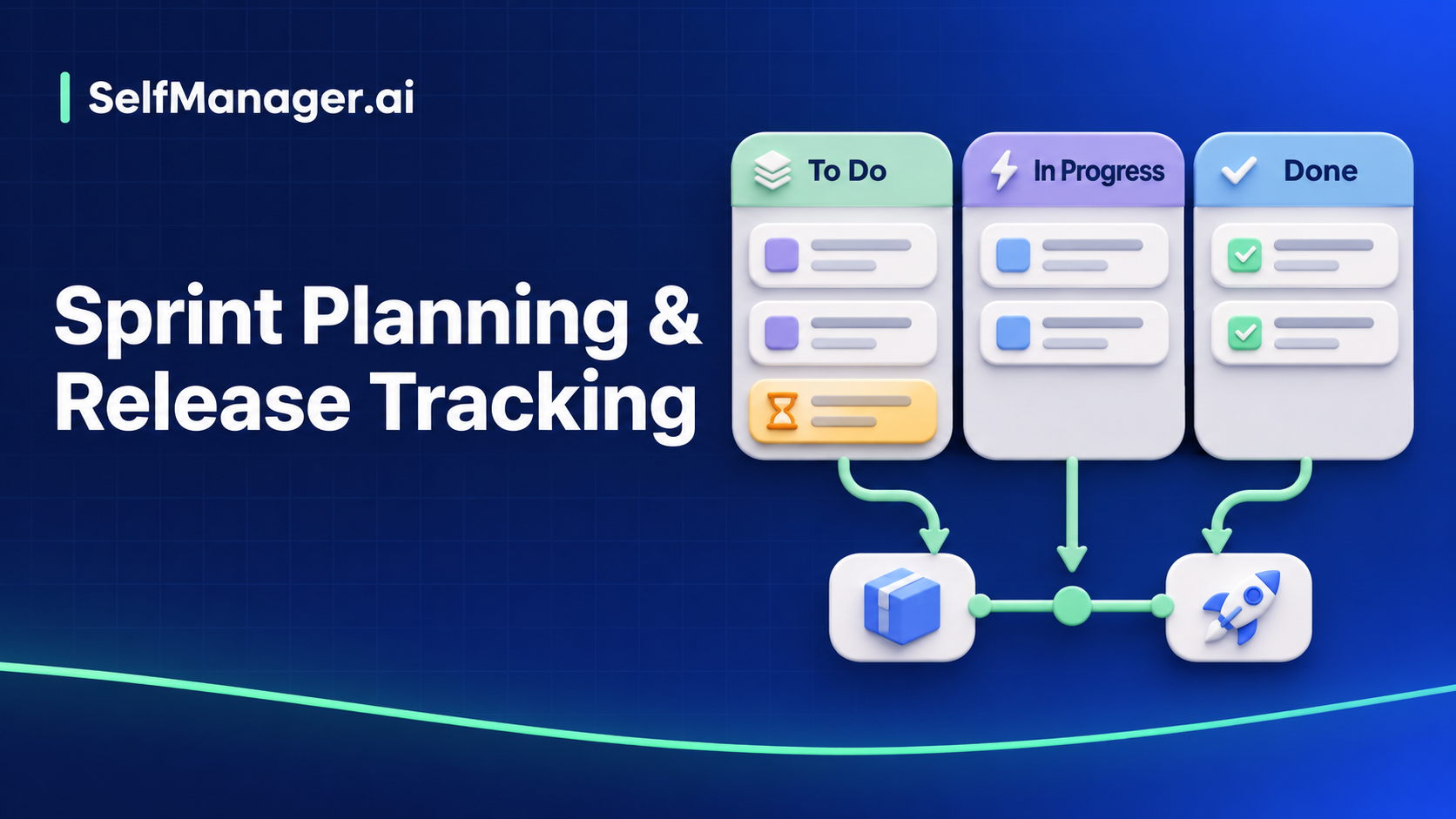
An eight-person team finishes Sprint 24 on Friday. The CSV export is ready for staging. Its accessibility fix is still in review, and the production release is next Thursday. The sprint tool must answer what the team finished this fortnight, which issues the release still needs, and which build customers are actually using.
| Tool | Sprint planning | Release tracking | Best fit |
|---|---|---|---|
| Jira Cloud | Scrum backlog and sprints | Assign work to Fix versions and review progress on the Releases page | Teams that want a planned version with a named owner and scope across several sprints |
| YouTrack Cloud | Agile boards with independently configured sprints | Use Fix versions and their release dates, with optional sprint-to-version linking | Teams that need control over how board membership and version fields interact |
| Linear | Cycles for timeboxed work | Business and Enterprise Releases connect to CI/CD and group issues into deployment pipelines | Teams that want to see what shipped to each environment from their build workflow |
Jira releases · YouTrack board behavior · Linear Cycles · Linear Releases
Jira Cloud for planned version scope
Enable Releases in a Scrum space and create versions 2.4 and 2.4.1. Give 2.4 a release date and a driver. Assign issues through Fix versions and use the backlog version filter to check what is still in scope. A version can span several sprints. The Releases page can show linked development information when the relevant development tools are connected. Jira Scrum version setup · Jira Releases
At sprint close, move the unresolved accessibility issue to the next sprint. Keep it in Fix versions 2.4 until the release owner decides whether it can ship on Thursday. If the release owner defers it, remove 2.4 and assign 2.4.1. Check that the issue disappears from the 2.4 scope view. Attach the production rollout evidence once it exists.
YouTrack Cloud for configurable boards and versions
Set up an agile board with sprints and use Fix versions to track what belongs in 2.4. YouTrack version values can store a release date and released status. Keep sprints independent when the team wants to move a sprint issue without changing its release target. YouTrack also offers a mode that links sprints to version values. In that mode, moving unresolved issues to a new sprint can overwrite the linked field value. Decide which behavior your team wants before enabling the link. YouTrack board behavior · YouTrack version field settings
In the independent setup, move the issue to Sprint 25 and verify that Fix versions still contains 2.4. Then change the version separately if the release owner defers it. Have QA filter for the remaining 2.4 items and confirm they can find the release decision.
Linear for cycle planning and deployment visibility
Plan the work in Cycles. Give the upcoming release a planning reference the team can update, such as a project milestone and a short scope list in the release issue. For deployment visibility, configure the Releases integration on Business or Enterprise and set up pipelines for the environments you need to distinguish. Linear supports continuous and scheduled pipelines. Review the setup requirements for your CI/CD stack before relying on deployment data. Linear Cycles · Linear Projects · Linear Releases
Move the outstanding issue to the next cycle. Update the planned release scope if the release owner defers it. After the build ships, check whether the production pipeline associates the right issues with the release. Use the production record and QA result to close the release review.
Compare the tools with the same three issues
| Issue | At the end of Sprint 24 | Release decision | Evidence |
|---|---|---|---|
| CSV export | Done | Include in 2.4 | Staging build passed, production pending |
| Export keyboard focus | Move to Sprint 25 | Keep in 2.4 until QA cutoff, then defer to 2.4.1 if needed | Reviewer assigned, production pending |
| Export help article | Done | Publish with 2.4 | Draft approved, publication pending |
Ask the release owner to identify the open gate without opening each ticket. Then ask them to distinguish the planned list from what reached production. A team that needs version scope can begin with Jira or YouTrack. A team that already uses Linear and wants build-level visibility can test Releases against a staging pipeline. For the stakeholder update, copy the software release progress report template.
Date-based AI Task Manager
Plan smarter, execute faster, achieve more
Create tasks in seconds, generate AI-powered plans, and review progress with intelligent summaries. Perfect for individuals and teams who want to stay organized without complexity.
Get started with your preferred account