
Any.do Pricing in 2026: Personal, Premium, Family and Teams Explained
Article 9 of 10
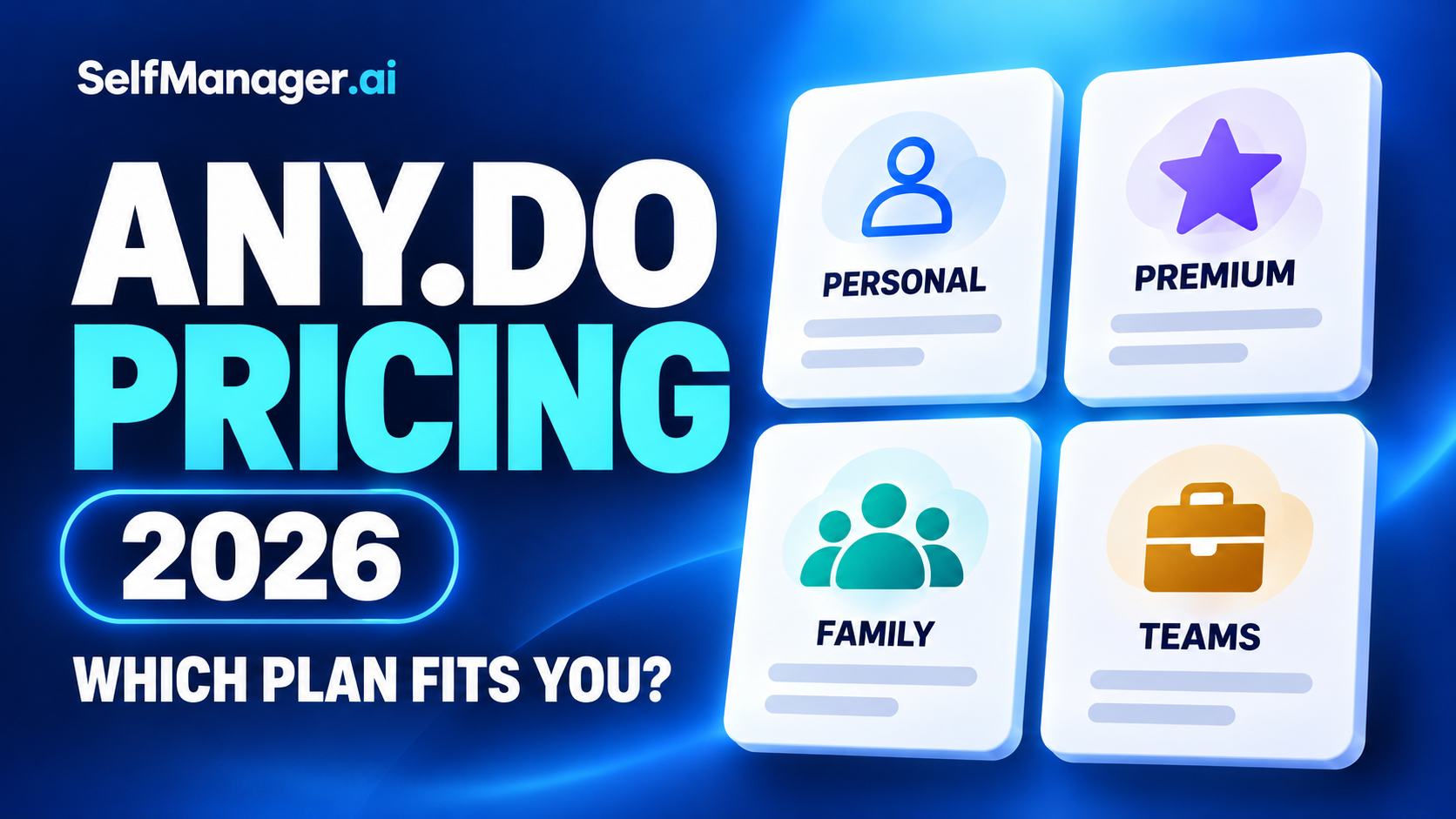
Any.do has four main plans: free Personal, paid Premium for one person, Family for up to four people, and Teams, also called Workspace, billed per member.
The most important distinction is what you are buying: a personal upgrade, a shared household space or a professional Workspace.
Prices and plan details checked October 19, 2026. USD website rates, excluding applicable taxes and promotions. Annual calculations below use the displayed monthly equivalents, which may be rounded; checkout determines the actual annual charge.
This guide is published by SelfManager.ai and uses official Any.do pricing and help documentation.
Any.do Pricing at a Glance
| Plan | Monthly billing | Monthly equivalent with annual billing | Who it covers |
|---|---|---|---|
| Personal / Free | Free | Free | One person’s core personal task management |
| Premium | $7.99 | $4.99 | One person |
| Family | $9.99 total | $8.33 total | Up to four members |
| Teams / Workspace | $7.99 per member | $4.99 per member | Paid members in one Workspace |
Family’s displayed rate is for the plan, not for each person.
Teams works differently: the rate is multiplied by the number of paid members. “Unlimited members” describes how many you can add, not how many are included for one payment.
1. Any.do Personal: What You Get for Free
The free Personal plan includes core task and list features, reminders, calendar access, My Day daily planning and synchronization across devices.
It is a reasonable starting point if you want to organize your own responsibilities without purchasing advanced personal features or a shared space.
Stay free if you mainly need:
- A place to capture tasks.
- Personal lists.
- Basic reminders.
- A daily shortlist.
- Calendar visibility.
Do not upgrade simply because your list is long. First identify the specific feature you need.
The current plan documentation distinguishes personal use from shared Family and Workspace spaces. A personal subscription should not be treated as a shared-team license.
2. Any.do Premium: A Personal Upgrade
Premium adds advanced personal tools.
Its help documentation lists features including advanced recurring reminders, location reminders, WhatsApp task creation and notifications, Focus Mode, color tags and AI task suggestions.
The useful question is which of those solves a repeated problem.
Example: a consultant managing personal commitments
A consultant who already uses Any.do may want more flexible recurring reminders and WhatsApp capture.
Premium can be the relevant upgrade if the work remains personal. They do not automatically need Teams merely because they use the app for professional responsibilities.
If they need shared boards and collaboration with a client or colleague, the plan decision changes.
What Premium does not buy
Premium is for individual use. It does not provide the shared Family or Workspace environment.
Buying separate Premium subscriptions for several people does not turn them into one collaborative Workspace.
For a deeper assessment of the personal upgrade, see Is Any.do Premium Worth It in 2026?
3. Any.do Family: One Flat Plan for Up to Four People
Family is designed for shared household planning.
Its documentation specifies:
- Up to four members, including the owner.
- Up to four shared boards.
- A shared Family Space.
- Each member’s separate Personal Space with Premium access.
Only the subscription owner pays for the Family plan. Other included members do not need to purchase that same Family subscription separately.
What it costs for two or four people
The monthly Family price remains $9.99 whether the space contains two people or four.
For comparison, two separately purchased Premium subscriptions at the listed monthly rate would total $15.98. Family also provides the shared environment that those personal subscriptions do not.
That comparison is relevant when the Family workflow fits your actual needs.
The limits matter
You cannot treat Family as an unlimited-member team plan.
If you need a fifth member, more shared boards or professional workflow features, evaluate Workspace.
A small team should also compare the required features before choosing Family on price alone. Any.do positions Workspace for professional collaboration and more advanced workflows.
4. Any.do Teams and Workspace: The Same Paid Collaboration Category
Any.do’s pricing page uses Teams, while its help documentation frequently uses Workspace.
Workspace includes shared boards and professional collaboration features. Its getting-started guide describes additional views, automations, manual time tracking, reporting and administrative capabilities.
Members also retain their own personal space with Premium features.
Is there a minimum team size?
Any.do’s Workspace guide says you can start with one member.
That can matter if you want professional board features before involving anyone else. You do not have to purchase several seats simply because the plan is marketed to teams.
How paid members affect the bill
Workspace is billed per member.
For a stable team, estimate the base subscription by multiplying the selected rate by the number of paid members.
If people join during a billing cycle, additional charges can arise. Check membership and the current billing rules before treating a budget estimate as the final invoice.
What a Three-, Five- or Ten-Person Team Pays
The following examples assume one Workspace, a constant paid-member count and the standard website rates.
| Paid members | Monthly bill at $7.99/member | Monthly equivalent at annual rate of $4.99/member | Annualized calculation |
|---|---|---|---|
| 3 | $23.97 | $14.97 | $179.64 |
| 5 | $39.95 | $24.95 | $299.40 |
| 10 | $79.90 | $49.90 | $598.80 |
These are calculations from Any.do’s displayed rates. The annual column is arithmetic, not a verified checkout quote. Display rounding, taxes and subscription changes can affect the actual charge.
Annual billing also requires paying for the annual term. It is not the option to pay the lower equivalent rate one month at a time.
Can Multiple Workspaces Increase the Cost?
Yes. Each Workspace is billed separately.
Any.do’s shared-space documentation recommends generally using one Workspace per team, with multiple boards inside it, unless the groups are genuinely separate.
Example: a small agency
An agency with five people may want separate boards for different clients.
That does not automatically mean it needs a separately billed Workspace for each client.
First evaluate whether boards and access controls within one Workspace provide the separation required.
If the same people need paid membership in multiple Workspaces, budget for those subscriptions separately. A paid seat in one Workspace should not be assumed to cover every other Workspace.
Do Family or Teams Members Also Need Premium?
The documented Family and Workspace plans include Premium features in members’ personal spaces.
That means you should not automatically budget for a separate personal Premium subscription on top of the shared plan.
However, existing subscriptions may remain active until you change or cancel them.
Any.do’s help material explicitly discusses users with multiple active plans and says each subscription is handled separately.
If you are moving from Premium or Family into Workspace, ask support about the appropriate transfer process and remaining subscription credit. Do not assume that starting the new plan automatically closes every previous subscription.
Free Trials: What to Check Before Starting
Any.do’s trial guide currently lists:
| Paid plan | Documented trial length |
|---|---|
| Premium | 7 days |
| Family | 7 days |
| Workspace | 14 days |
Eligibility can depend on your account, platform and previous trial use.
The guide says the selected paid plan begins automatically unless the trial is cancelled before renewal. Confirm the plan, billing cycle, renewal date and applicable charge in your own signup flow.
Use the trial to test the feature that caused you to consider paying:
- Premium: a particular reminder, capture or personal planning tool.
- Family: sharing with the actual people who will use it.
- Workspace: board access, assignments and the collaboration process.
A successful setup is useful, but a normal week of repeated use is better evidence.
Where You Buy Affects Where You Manage Billing
Any.do subscriptions can be managed through different payment providers.
Its billing documentation distinguishes purchases through Apple, Google Play, Huawei and direct Any.do checkout. The original billing provider generally controls subscription management.
That can affect where you:
- Change payment details.
- Find billing receipts.
- Cancel renewal.
- Request help with a charge.
Use the provider and subscription identified in your own account. Avoid assuming the same cancellation route applies to every plan and platform.
Does Cancelling Mean You Get a Refund?
No. Cancellation and a refund are separate actions.
Any.do’s cancellation guide says cancelling generally stops future renewals, while paid access usually continues until the billing period ends.
It also says uninstalling the app or deleting a profile does not count as cancellation.
If you have multiple active subscriptions, check each one separately. Cancelling one does not automatically cancel the others.
For refunds, use the current policy and the provider that processed the payment rather than assuming cancellation reverses the last charge.
How Any.do Pricing Compares With SelfManager.ai
SelfManager uses a different pricing and planning structure.
| Product | Pricing model | Monthly price | Annual price |
|---|---|---|---|
| Any.do Premium | One personal subscription | $7.99 | About $59.88 calculated from displayed rate |
| Any.do Teams | Per paid Workspace member | $7.99/member | About $59.88/member calculated |
| SelfManager Individual | One individual subscription | $8 | $72 |
| SelfManager Team | Flat plan with unlimited free collaborators | $30 | $300 |
Any.do annual figures are calculations from the displayed monthly equivalents. SelfManager’s annual figures are its published annual charges.
The individual monthly prices are almost identical. Workflow is a more useful deciding factor than that one-cent difference.
The team comparison depends on billing and headcount.
At five paid members, Any.do’s displayed annual rate calculates to $299.40, close to SelfManager Team’s $300. At ten members, it calculates to $598.80 while SelfManager Team remains $300.
Those totals do not establish equivalent access or features. A paid Any.do member and a SelfManager collaborator are different arrangements.
Compare the workflow as well as the bill
Any.do provides personal lists and calendar-oriented daily planning, with shared boards in the relevant plans.
SelfManager organizes work into dated tables, keeping tasks with notes, comments, files and tracked time. Its AI Plan creates proposed dated work, and AI Review examines recorded activity over a selected period.
SelfManager does not provide external calendar sync or automatic calendar scheduling.
Choose it if the dated planning-and-review workflow fits your needs. Choose Any.do if its calendar features, personal reminders or shared-board environment are what you require.
SelfManager offers a seven-day trial without a card.
Which Any.do Plan Should You Choose?
| Need | Starting plan to evaluate |
|---|---|
| Personal lists, reminders and basic daily planning | Personal / Free |
| Advanced personal reminders and productivity tools | Premium |
| Household coordination for up to four people | Family |
| Professional boards, team workflows and administration | Teams / Workspace |
Start with the required access and workflow, then compare billing cycles.
For related comparisons, see Any.do vs TickTick and Any.do vs Todoist. If you mainly need to assess the personal upgrade, read Is Any.do Premium Worth It in 2026?
Frequently Asked Questions
How much does Any.do Premium cost?
The website lists $7.99 monthly or $4.99 per month billed annually. Confirm the actual annual total and local price at checkout.
Is Any.do free forever?
The Personal plan is advertised as free forever. Paid subscriptions are required for advanced personal features or the relevant shared spaces.
Is Any.do Family charged per person?
No. The advertised Family price covers up to four members, including the owner. The plan also has a four-shared-board limit.
Are Any.do Teams and Workspace different subscriptions?
Teams is the pricing-page name for the Workspace collaboration offering. The help documentation commonly calls it Workspace.
Do all Workspace members cost money?
Workspace is billed per member. Check the exact role and access you intend to provide; do not interpret unlimited membership capacity as unlimited included seats.
Does one Workspace subscription cover multiple Workspaces?
No. Any.do says each Workspace is billed separately.
Do I need Premium as well as Family or Workspace?
The documented shared plans include Premium features for members’ personal spaces. Check and manage any older subscriptions rather than assuming they are cancelled automatically.
Does Any.do have a lifetime plan?
Its current plan documentation says paid plans are subscription-based and lifetime payments are not available.
Date-based AI Task Manager
Plan smarter, execute faster, achieve more
Create tasks in seconds, generate AI-powered plans, and review progress with intelligent summaries. Perfect for individuals and teams who want to stay organized without complexity.
Get started with your preferred account