
What Is a Task Manager, a Project Manager, and a Combination of Both?
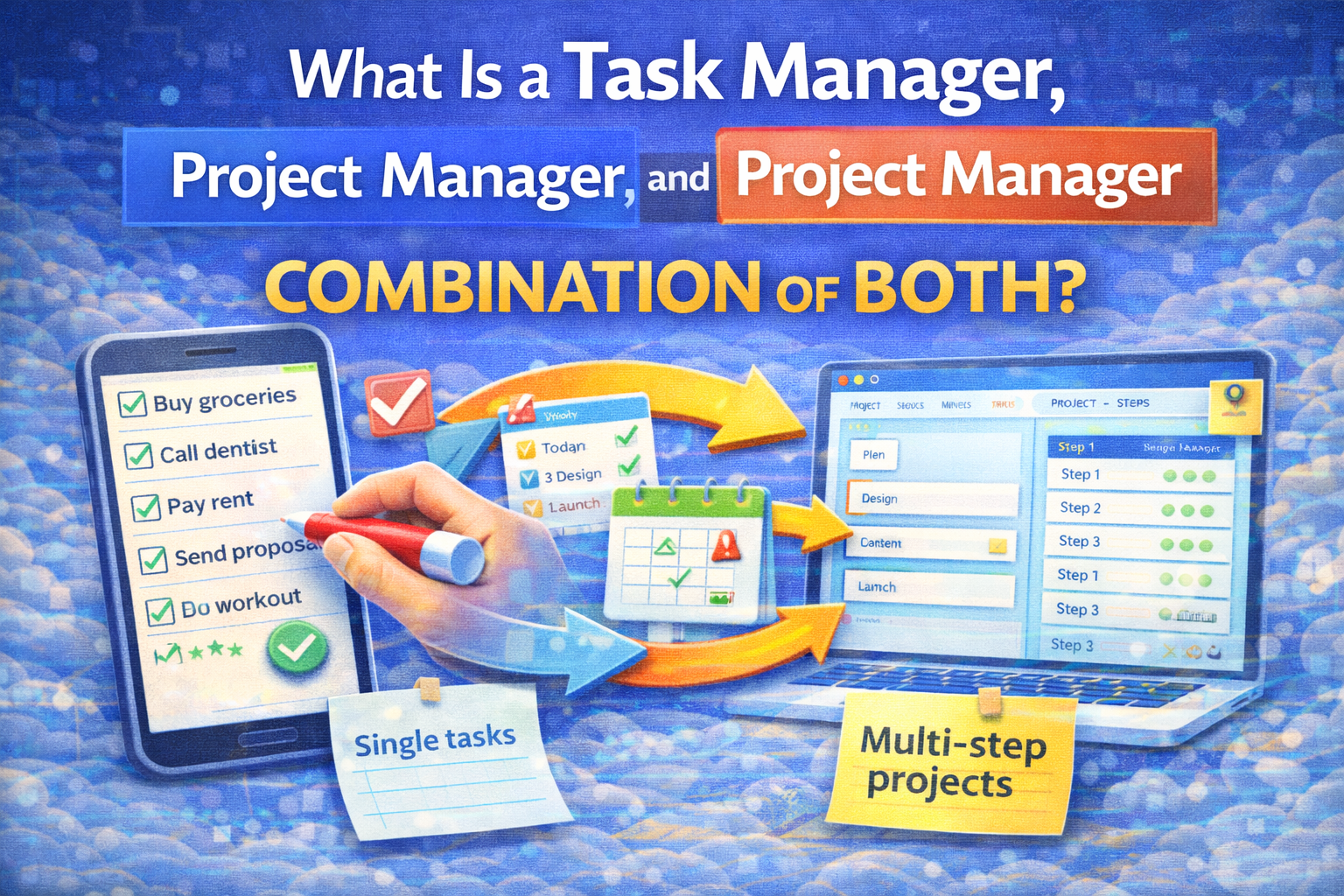
A simple guide for personal use (with examples + a quick decision rule)
Most people don't actually need "the best productivity app." They need clarity on what kind of system they're trying to run:
- Tasks = small, actionable items you want to complete
- Projects = multi-step outcomes that unfold over time
- Hybrid = both layers together, so daily execution doesn't drift away from long-term progress
This article explains each one in plain language and helps you choose the right setup.
1) What is a Task Manager?
A task manager is a system for capturing and completing individual actions.
Think: groceries, reminders, errands, quick work items, recurring chores.
A task manager is usually optimized for:
- fast capture (add a task in seconds)
- due dates and reminders
- recurring tasks
- simple lists (Today / Upcoming / Someday)
A classic example is a to-do list, whose purpose is to help you see priorities, avoid forgetting, and finish tasks on time.
When a task manager is enough for personal use
A task manager is enough if most of your life looks like:
- "do the thing"
- check it off
- move on
Examples:
- Pay rent
- Book dentist
- Reply to a client
- Buy groceries
- Do workout
2) What is a Project Manager?
A project manager is a system for planning and delivering a temporary, structured effort that creates a result.
The Project Management Institute (PMI) describes project management as applying knowledge, skills, tools, and techniques to meet project requirements, and it defines a project as a temporary endeavor to create a unique product, service, or result.
A project manager is usually optimized for:
- breaking an outcome into steps
- phases (plan → execute → review)
- milestones and progress tracking
- organizing multiple moving parts
- keeping context: notes, decisions, files, dependencies
When you need a project manager for personal use
You need a project manager when you're not just "doing tasks," you're trying to finish something.
Examples:
- Redesign my website
- Launch a side project
- Prepare a trip
- Study for an exam
- Move apartments
3) The key difference (in one line)
- Task management is about managing actions
- Project management is about managing outcomes over time
Task management is often described as the most granular level—tracking individual tasks until completion—while project management coordinates many tasks toward a larger objective.
4) The common failure mode: using a task manager to run projects
If you try to manage a real project inside a flat task list, you'll often get:
- a massive backlog
- tasks out of order
- no milestones
- no "current focus"
- lots of starting, little finishing
It's not a discipline problem. It's a structure problem.
5) What is a "combination of both" (hybrid system)?
A hybrid system means:
- Task layer = what you do today/this week
- Project layer = what you're building over weeks/months
This is also how many "task management software" descriptions frame it: managing tasks within a project workflow (create, prioritize, sequence, link docs, adjust deadlines).
Why hybrid works best for personal use
Because personal life has both:
- small chores (tasks)
- long goals (projects)
Hybrid prevents the most common problem: your day fills up with tasks and your projects stall.
A simple decision rule (fast)
Use this rule of thumb:
You mainly need a task manager if:
- most items are one-step
- you just need capture + reminders
- your "projects" are rare
You need a project manager if:
- you have multi-step outcomes that last weeks/months
- you need milestones and progress tracking
- you keep restarting the same goal
You want a hybrid if:
- you have both daily tasks and ongoing goals
- you want today's execution to connect to longer plans
Practical examples (personal life)
Example A: "Get healthier" (hybrid)
- Project layer: milestone = "3 workouts/week for 6 weeks"
- Task layer: today = "Workout A, 30 mins"
- Weekly review decides adjustments
Example B: "Redesign my website" (project-first)
- Project layer: plan → build → test → launch
- Task layer: next 3 actions only (don't list 80 tasks)
Example C: "Pay bills" (task-only)
- recurring tasks + reminders
- done
A lightweight hybrid template you can copy/paste
Projects (1–3 active)
- Project 1: Outcome + next 3 actions + milestone
- Project 2: Outcome + next 3 actions + milestone
- Maintenance bucket: admin/life
Weekly plan
- Weekly Win (one sentence)
- 3–5 commitments (scoreboard)
Daily plan
- Today's "one meaningful output"
- 3–7 tasks maximum
How SelfManager.ai fits the "combination" approach (quick, non-salesy)
A simple way to run hybrid planning in a date-based system:
- Use a daily table for "today's execution" (task layer)
- Use a weekly table for commitments + your weekly win (bridge)
- Use monthly/quarterly tables for milestones (project layer)
- Pin the Week/Month/Quarter tables so they stay visible while you work
That structure makes it hard to drift: daily tasks stay connected to the bigger timeline.
FAQ
Is a task manager the same as project management?
No. Task management is typically the granular layer (actions), while project management coordinates tasks toward a defined outcome with planning and tracking.
Can one tool do both?
Yes—many tools support tasks inside projects/workflows, but the key is how you structure it (projects + weekly plan + daily execution).
What's the best setup for personal use?
Usually a lightweight hybrid: 1–3 active projects + a weekly plan + a small daily execution list.
Date-based AI Task Manager
Plan smarter, execute faster, achieve more
Create tasks in seconds, generate AI-powered plans, and review progress with intelligent summaries. Perfect for individuals and teams who want to stay organized without complexity.
Get started with your preferred account