
Task Manager vs Project Manager: Which One Do You Need for Personal Use?
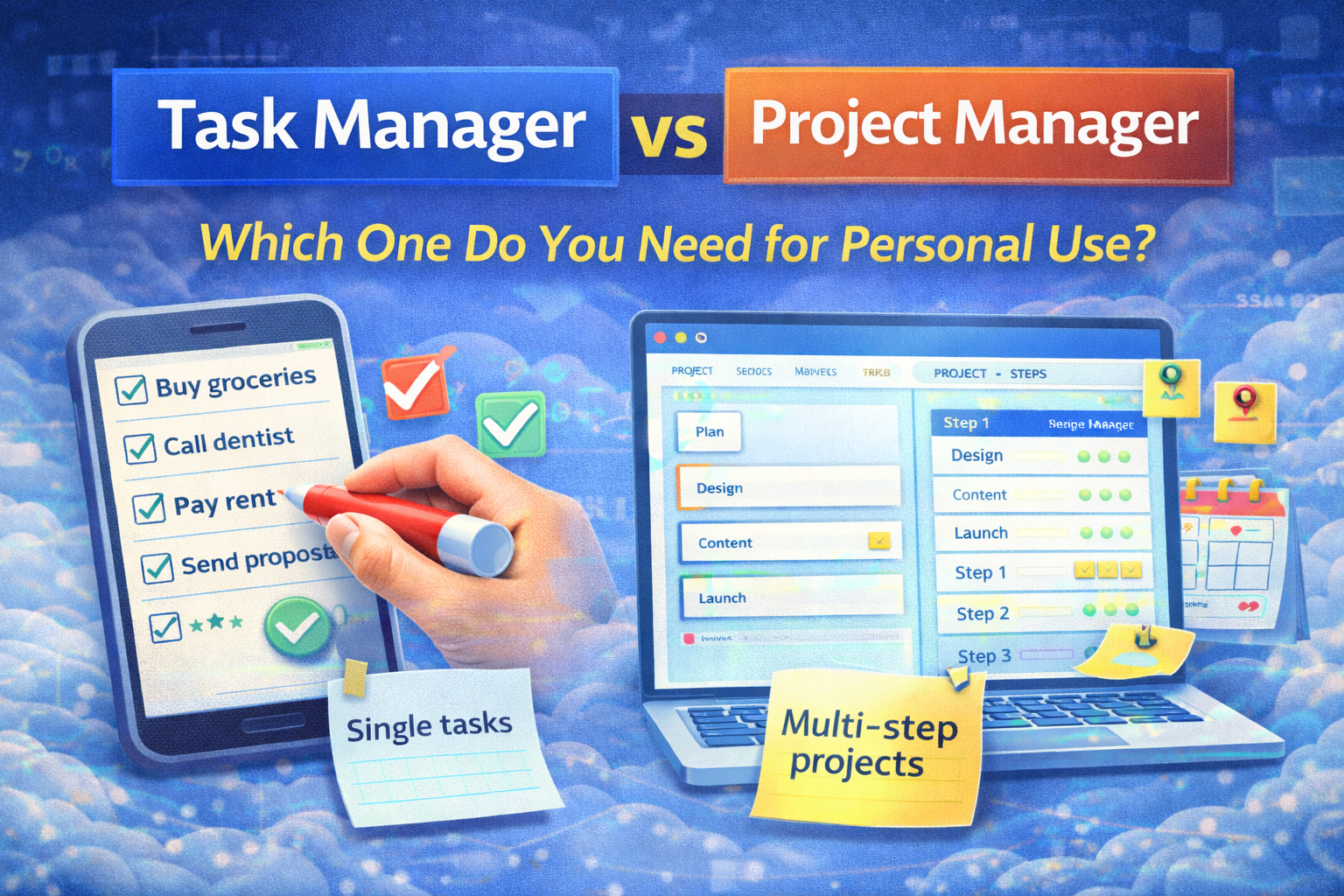
A simple decision guide (with examples) so you don't overcomplicate your system
Most people don't need "more productivity apps." They need the right type of tool for the job.
If you've ever felt like:
- a task app becomes a messy dumping ground, or
- a project tool feels like corporate overhead for your personal life…
…it's usually because you're using a task manager to do project management, or the other way around.
This guide will help you pick the right tool (or combination) for personal use.
First: the simplest definition
A task manager is for what to do
Think:
- groceries
- reminders
- "send invoice"
- "book dentist"
- "reply to client"
A task manager is optimized for:
- quick capture
- deadlines and reminders
- daily to-dos
- recurring tasks
- checklists you can finish and forget
A project manager is for how the work gets done over time
Think:
- building a website
- launching a SaaS feature
- preparing a trip
- studying for an exam
- moving to a new apartment
A project manager is optimized for:
- multiple steps and dependencies
- phases ("plan → execute → review")
- organizing work by project, milestones, or timeline
- tracking progress over weeks/months
- having context: notes, files, discussions, decisions
The fast decision (30 seconds)
You probably need a task manager if:
- most things you do are single-step ("do the thing")
- you want fast capture + reminders
- you mainly live day-to-day
- you don't need project phases or milestones
Examples:
- "Pay rent"
- "Buy a cable"
- "Call mom"
- "Send the proposal"
- "Do workout"
You probably need a project manager if:
- your work is multi-step and spans weeks/months
- you keep starting… but not finishing
- you need a plan (milestones, next steps, progress)
- you often ask "What's the status of this?"
Examples:
- "Launch the new website"
- "Get in shape for summer"
- "Publish 20 YouTube videos"
- "Move apartments"
- "Build a portfolio + get clients"
The most common trap: treating projects as a pile of tasks
Here's what happens if you manage a real project in a pure task manager:
- tasks lose order
- you forget the "why" and the context
- you keep adding tasks instead of progressing
- you can't see phases or milestones
- the list grows until you avoid it
If you've ever had a 200-item personal to-do list, you've experienced this.
A more useful way to think about it: "Scopes"
Scope 1: One-step items → Task manager
Stuff you do once, quickly, and don't need a plan for.
Scope 2: Multi-step outcomes → Project manager
Anything that requires:
- planning
- sequencing
- tracking
- review
- adjustments
A good personal system often uses both.
The hybrid approach (what most successful personal systems look like)
Use a task manager for:
- quick capture (inbox)
- one-step errands
- reminders and recurring habits
- "today" execution list
Use a project manager for:
- 3+ step outcomes
- work that spans weeks/months
- any goal that needs milestones
- anything you want to finish (not just start)
Rule of thumb:
If it takes more than 3 tasks and more than 1 week, it's a project.
A simple personal decision tree
Answer these questions:
1. Will this take more than one session to complete?
- No → task manager
- Yes → go to 2
2. Will it take more than a week or require multiple steps?
- No → task manager (with a small checklist)
- Yes → project manager
3. Does it have milestones, a deadline, or multiple moving parts?
- Yes → project manager
- No → you can still do it in a task manager, but structure helps
Real examples (so it's obvious)
Example A: "Get healthier"
This is not a task. It's a project (or a long-running program).
Project view:
- milestone: "work out 3x/week for 6 weeks"
- lead actions: workouts + meal prep + daily steps
- review: weekly check-in
- adjustments: based on results
You can store workouts as tasks, but without a project layer you'll drift.
Example B: "Redesign my website"
Definitely a project manager situation.
Project phases:
- plan: sitemap, content, design reference
- build: pages, integrations, SEO basics
- test: mobile, speed, forms
- launch: DNS, redirects, analytics
If you try to do this in a flat to-do list, you'll keep revisiting the same decisions.
Example C: "Pay bills"
Task manager, simple.
- recurring tasks
- reminders
- done
The "personal overhead" problem (and how to avoid it)
A lot of project tools feel heavy because people overdo it:
- too many boards
- too many labels
- too many templates
- too much tracking
For personal use, a project system should be lightweight:
- one page / one table per project
- next 3 actions
- one milestone
- a weekly check-in
If it takes longer to manage than to execute, it's the wrong level of complexity.
What to track for personal projects (keep it minimal)
For each project, you only need:
- Outcome (what "done" means)
- Next 3 actions (not 30)
- Milestone (what progress looks like this week/month)
- Review date (weekly)
That's it.
How SelfManager.ai fits this (quick, non-salesy)
Self-Manager works well when your personal life is more like a set of ongoing projects than isolated tasks—because it's date-based.
A practical setup:
- Use a daily table for "today's execution" (your task-manager moment)
- Use a weekly table for commitments and a scoreboard
- Use a monthly / quarterly table for milestones and big outcomes
- Pin the important tables (weekly/monthly/quarterly) so they stay visible while you work day-to-day
That gives you both layers:
- task execution (today)
- project progress (week/month/quarter)
If you only do one thing
Don't ask "Which app is best?"
Ask:
"Am I managing tasks… or am I managing a project?"
Pick the tool (or layout) that matches the scope, and your system instantly feels easier.
Date-based AI Task Manager
Plan smarter, execute faster, achieve more
Create tasks in seconds, generate AI-powered plans, and review progress with intelligent summaries. Perfect for individuals and teams who want to stay organized without complexity.
Get started with your preferred account