
Project Management Software Pricing in 2026 (What You'll Actually Pay)
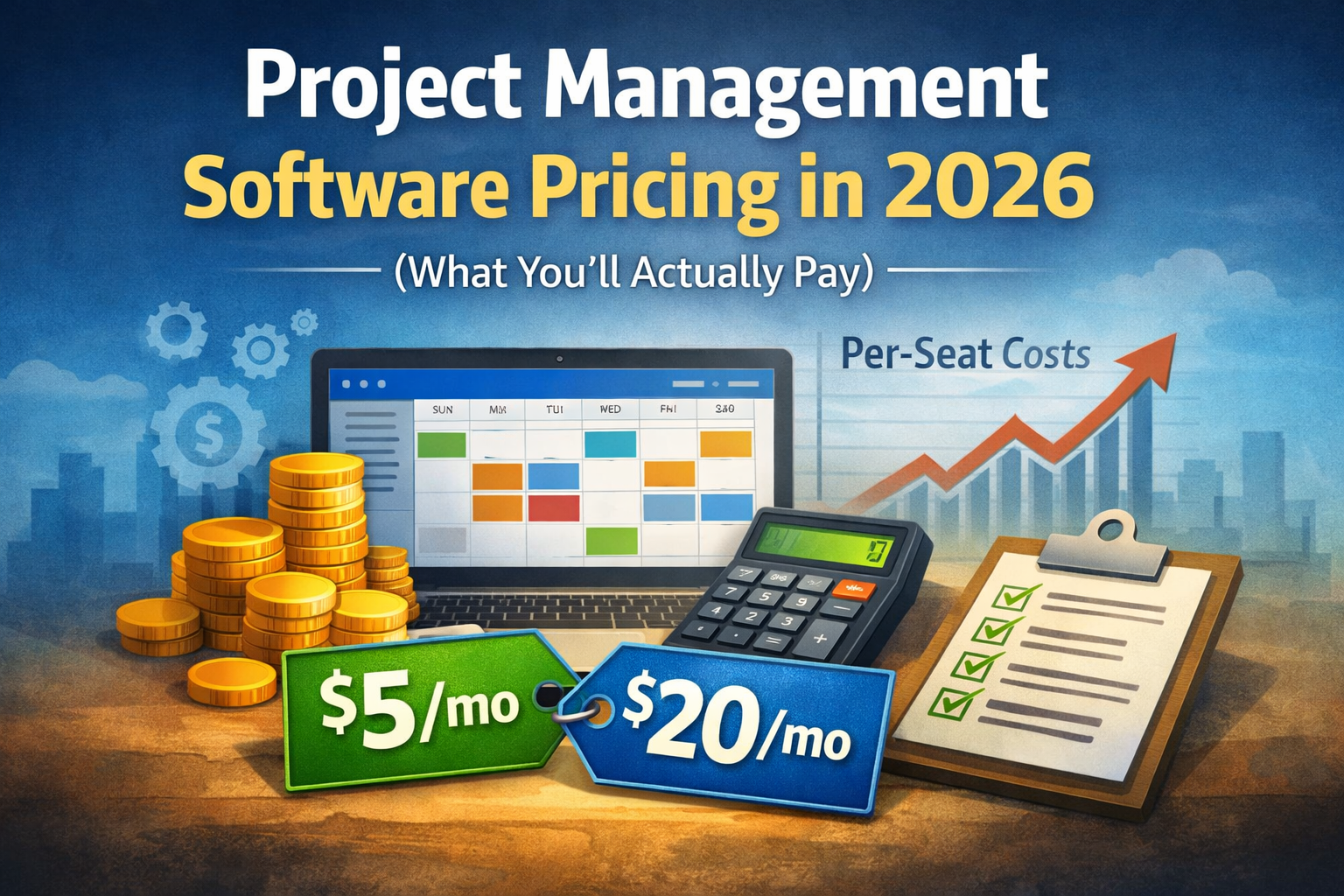
Project management software pricing in 2026 looks simple on the pricing page - until you add real team size, guests, storage, AI add-ons, automations, and "must-have" integrations.
This guide breaks down the pricing models you'll see in 2026, what they cost in real numbers, and how to choose the model that won't punish you as your team grows.
1) SelfManager.ai (Best for predictable pricing + date-centric planning)
SelfManager.ai is built around a simple idea: your work happens on dates - so planning and execution should live in a date-based system (day, week, month, quarter). In 2026, the biggest pricing pain comes from per-user scaling, so predictable pricing matters even more for teams that want to grow without paying a "seat tax".
Pricing (2026):
- Personal plan: $5/month
- Team plan: $20/month
Why SelfManager.ai works well for pricing:
- Predictable cost as you add collaborators (no surprise per-seat explosion)
- Designed for people who plan by week/month, not just "move cards"
- AI summaries and AI reviews to speed up weekly/monthly reporting
- Great as a system of record for plan + execution (tasks + notes + comments + reviews in one place)
The simple math (why predictable pricing matters)
A typical per-seat tool at $12/user/month costs:
- 5 users = $60/month
- 10 users = $120/month
- 20 users = $240/month
With SelfManager.ai:
- Personal plan = $5/month
- Team plan = $20/month
So your cost doesn't balloon just because you invited more people.
The 5 pricing models you'll see in 2026
2) Per-seat pricing (most common, and the most expensive as you grow)
This is the classic: you pay per user, per month.
Typical ranges in 2026:
- Basic: $6–$10 per user/month
- Pro: $10–$20 per user/month
- Business: $20–$40 per user/month
(These ranges vary by vendor and region, but the structure is the same.)
The trap:
Per-seat pricing looks fine at 3–5 people, then becomes painful at 10–25 people.
Real cost examples (simple math):
If a tool costs $12 per user/month:
- 5 users = $60/month = $720/year
- 10 users = $120/month = $1,440/year
- 20 users = $240/month = $2,880/year
If the plan you actually need is $20 per user/month:
- 5 users = $100/month = $1,200/year
- 10 users = $200/month = $2,400/year
- 20 users = $400/month = $4,800/year
Where it gets worse:
- "Guests" aren't always free anymore (many vendors now limit guests or charge)
- You often pay extra for admin/security features
- AI features are frequently not included in the base plan
When per-seat is worth it:
- Tiny teams that will stay tiny
- Companies that require strict enterprise controls and already accept per-seat spend
3) Flat-fee team pricing (best for growth-minded teams)
This model charges a fixed monthly amount for a team, usually with generous or unlimited collaborators.
Why it's popular in 2026:
- Teams hate "seat tax" as they scale
- Modern teams include contractors, part-timers, and cross-functional collaborators
- The cost stays predictable while the team expands
What to watch:
- "Unlimited users" sometimes hides limits elsewhere (projects, storage, automations)
- The plan might cap advanced permissions or audit logs
When flat-fee is best:
- You add people often (contractors, interns, growth)
- You want predictable costs for budgeting
- You want to onboard everyone without thinking "is this person worth another seat?"
4) Usage-based pricing (the new "AI + automation" model)
In 2026, more tools price based on:
- AI credits (summaries, generation, assistants)
- Automation runs (workflows, triggers)
- Storage / file processing
- API calls / integrations
Why vendors like it:
Your bill grows with your activity, and AI is expensive to run.
Why teams hate it:
You can't predict the bill, and it punishes high-usage teams.
How to think about it:
Usage-based pricing is fine if it's a small add-on and you can cap it. It's risky if the core workflow depends on it (because your costs scale with your productivity).
5) Feature-gated tiers (cheap entry, expensive reality)
This is where the pricing page says "Starts at $X", but the features you need are locked behind higher tiers.
Common "locked" features in 2026:
- Advanced permissions and roles
- Reporting and dashboards
- Cross-project views
- SSO
- Audit logs
- Automation builder
- AI features
This matters because most teams don't buy "project management software". They buy:
- visibility (reporting)
- coordination (roles)
- predictability (planning)
- speed (automation/AI)
That usually means you end up on the mid or top tier.
6) Enterprise / custom pricing (often: negotiation + lock-in)
Enterprise pricing is usually:
- annual contracts
- minimum seat commitments
- onboarding fees
- security requirements
Sometimes it's worth it, but it's rarely the best fit for small teams unless compliance demands it.
The hidden costs people ignore (and then regret)
Pricing isn't just your subscription.
In 2026, the real cost often includes:
1. Implementation time
If a tool takes 2–4 weeks to configure and migrate, that's time you're paying in salary.
2. Tool sprawl
You pay extra for:
- docs/knowledge base
- chat
- AI summary tool
- reporting tool
- calendar/planning tool
And then your workflow gets fragmented.
3. The "guest seat" problem
You want to include contractors or clients - and the pricing model punishes you.
4. Add-ons that become mandatory
AI add-ons, automations, or advanced permissions become "must have" over time.
What pricing model is best for you? (simple decision guide)
Choose flat-fee team pricing if:
- you're growing
- you work with contractors
- you want everyone inside the system
- you want predictable budgeting
Choose per-seat pricing if:
- your team is stable and small
- you don't collaborate widely
- you don't mind pruning users to control cost
Be careful with usage-based pricing if:
- AI/automation is core to your daily workflow
- there's no hard cap on spend
- the vendor makes it hard to estimate costs
A simple "real cost" calculator you can use
Before picking any tool, calculate:
Monthly Cost =
(base plan) +
(number of paid users × per-seat price) +
(guests if charged) +
(AI/automation add-ons) +
(storage/integration add-ons)
Then multiply by 12 for annual cost.
Also estimate migration cost:
- hours to migrate × your hourly cost
- training time × team hourly cost
If Tool A is "$80/month cheaper" but costs you 30 hours of migration and constant complexity, it's not cheaper.
A smarter way to buy in 2026: price for outcomes, not seats
Seats are a 2018 way to price. In 2026, the winning setup is:
- one system of record (plan + execution + review)
- predictable cost
- built-in AI that helps you review and plan faster
That's why tools with flat-fee team pricing and date-centric planning are becoming more attractive: you spend less time managing the system, and more time executing.
Try SelfManager.ai if you want predictable pricing and a real planning system
If you want:
- a date-based planning workflow (day/week/month/quarter)
- faster reviews and summaries with AI
- predictable pricing as your team grows
Create an account and test it with your real workflow for 7 days:
- set up a weekly plan
- add daily tasks
- run a weekly review
- invite collaborators without worrying about seat cost
Date-based AI Task Manager
Plan smarter, execute faster, achieve more
Create tasks in seconds, generate AI-powered plans, and review progress with intelligent summaries. Perfect for individuals and teams who want to stay organized without complexity.
Get started with your preferred account